Microbit
Beginner
10 mins
Teacher/Student led
+45 XP
 Chromebooks, laptops, and PCs are crucial tools for coding and digital skills education. Chromebooks are ideal for web-based applications and collaborative projects, while laptops and PCs support a wider range of programming environments and software for more intensive tasks like software development and data analysis.
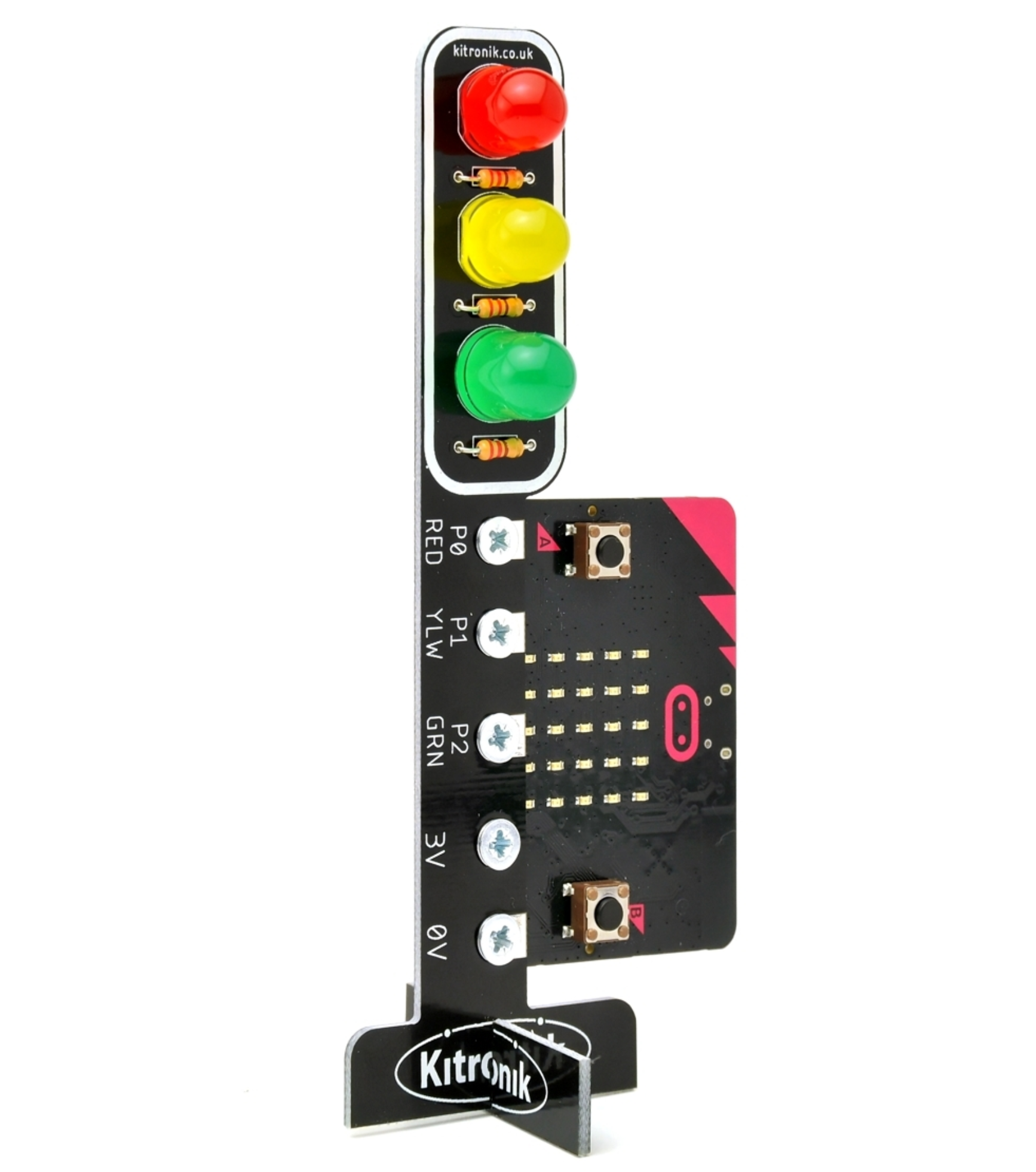
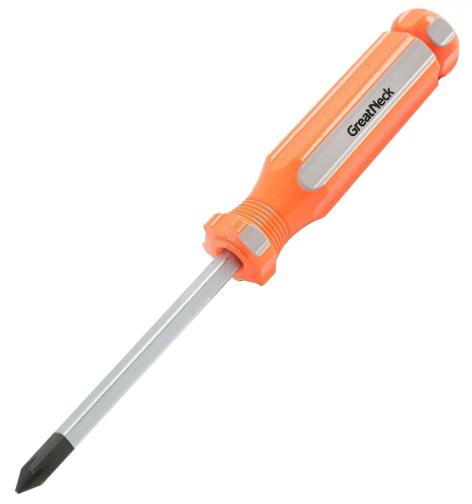
Build your Traffic Lights
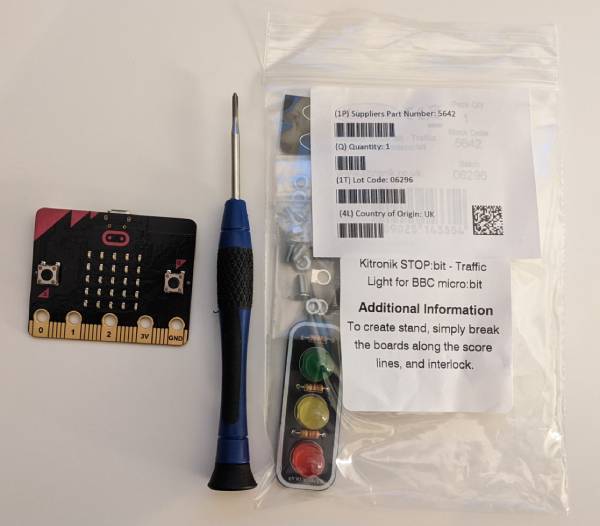
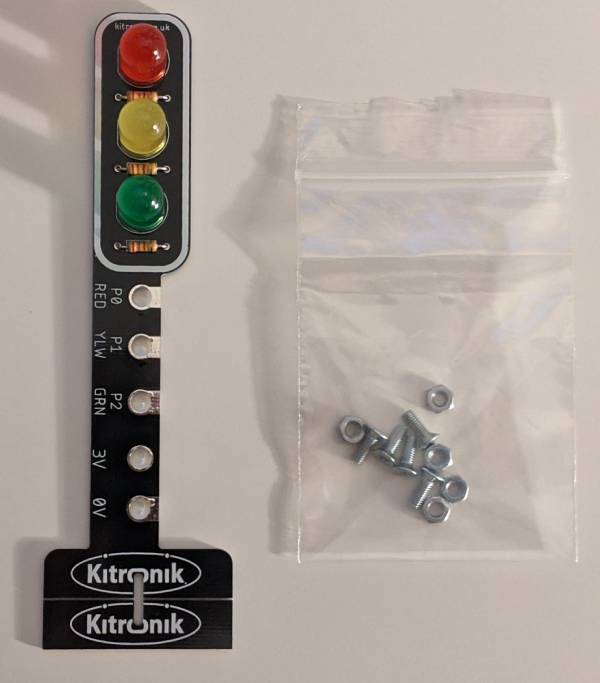
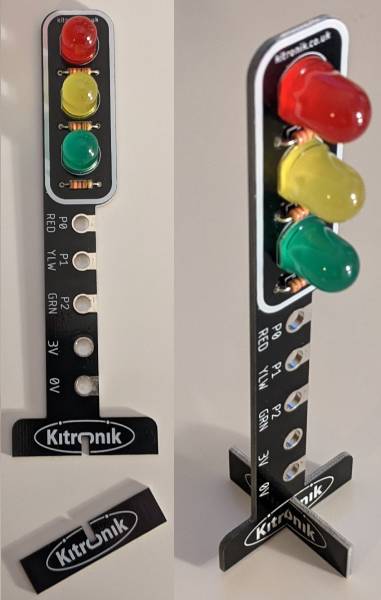
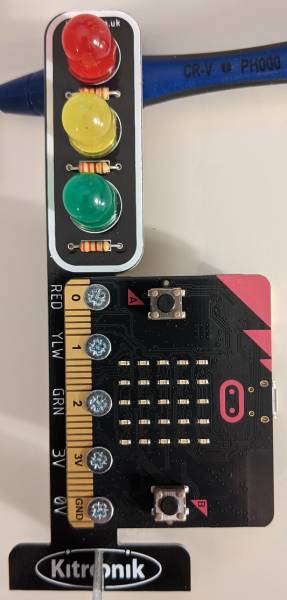
In this lesson, you'll assemble your own traffic lights using a Microbit Traffic Lights Kit. You'll start by gathering your materials, then open the package and construct the stand. Finally, you'll attach the Microbit to the traffic lights, ensuring the correct alignment.