Makecode Arcade
Intermediate
50 mins
Teacher/Student led
+55 XP

Build, Debug and Share a Fuller Game

Pupils build a fuller Arcade game with a player sprite and enemies that move, finding and fixing bugs as they go, then demo it and explain what the code does.

Teacher Class Feed

Load previous activity

    1 - What We're Building ~5 mins

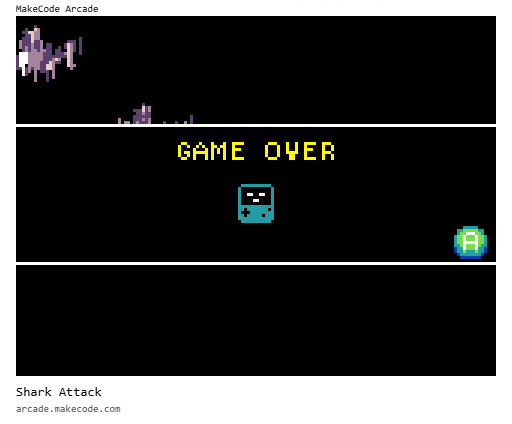
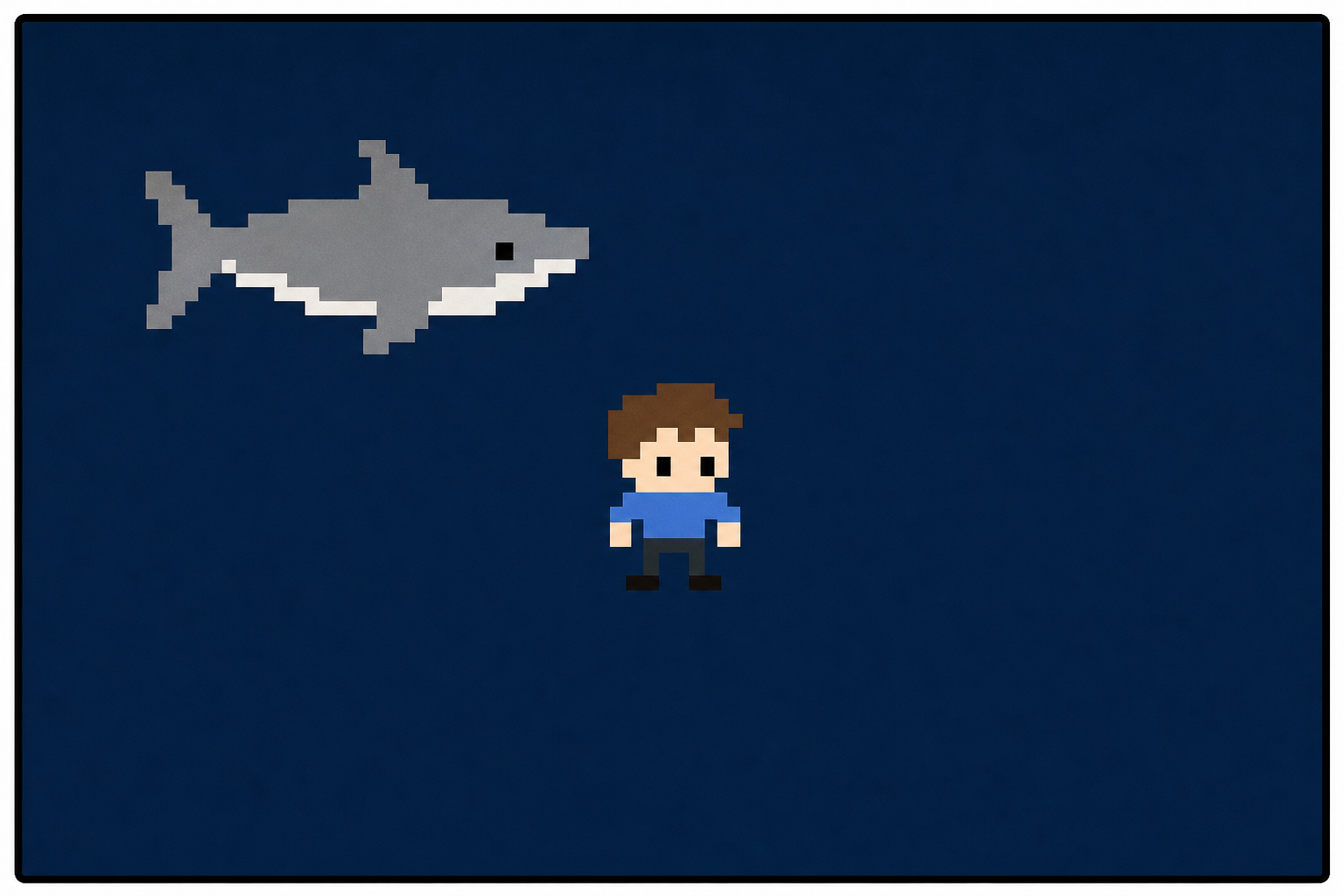
    Illustration for What we're buildingReal programmers rarely finish a program in one go — they build a first version, test it, then improve it. Today you are the technologist returning to your own project. You'll take your saved Shark Attack game, make it better with a loop or an event, hunt down anything that doesn't behave as expected, and tidy up. Watch the board as we reopen a project and make one change, then get your own game running.

    2 - Introduction ~2 mins

    Welcome to our exciting coding adventure! Today, we are going to create a fun game called 'Shark Attack'. In this game, you will control a character who needs to avoid the enemies that are chasing them. We will be using a platform called MakeCode Arcade to build our game. Don't worry if you haven't coded before, we will guide you through each step. Let's get started!


    3 - Create a New Arcade Project ~2 mins

    Open the MakeCode Arcade website using the link below and create a new project. You can call the project whatever you want.

    https://arcade.makecode.com

    4 - Create Your Player Sprite ~4 mins

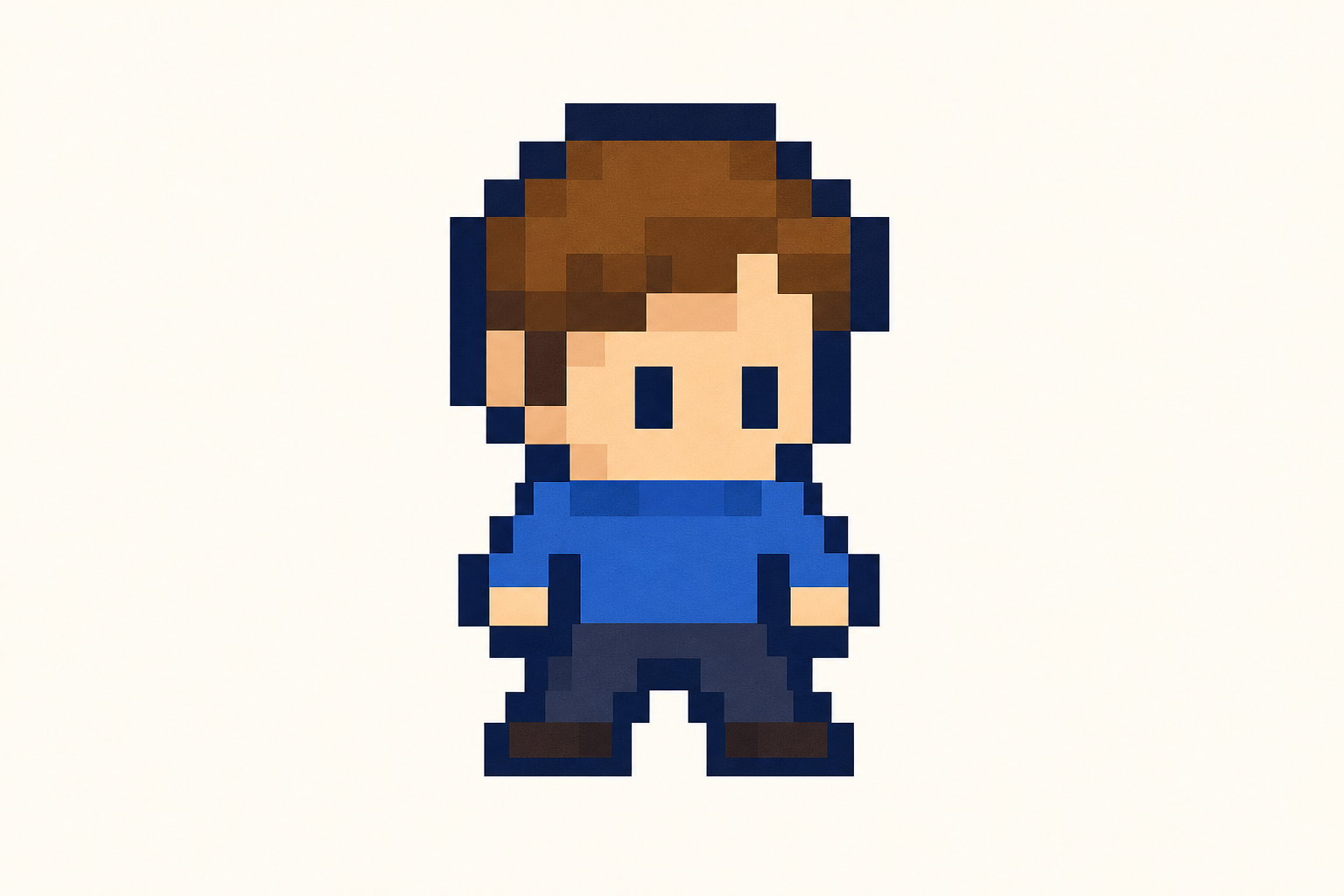
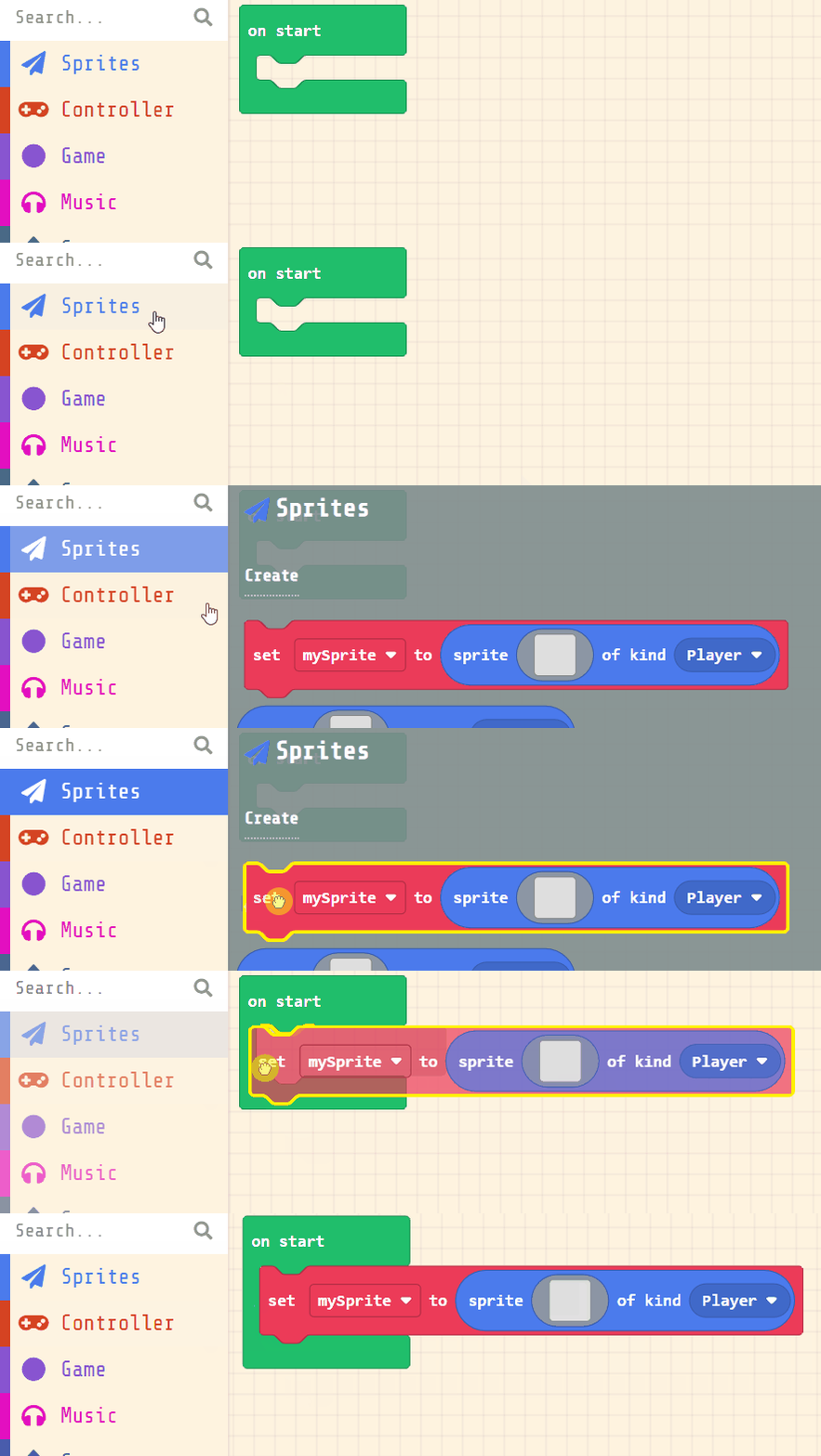
    Next, you will create your player sprite. This is the character that you will control in the game. Add the following code:

    let mySprite = sprites.create(img`...`, SpriteKind.Player)

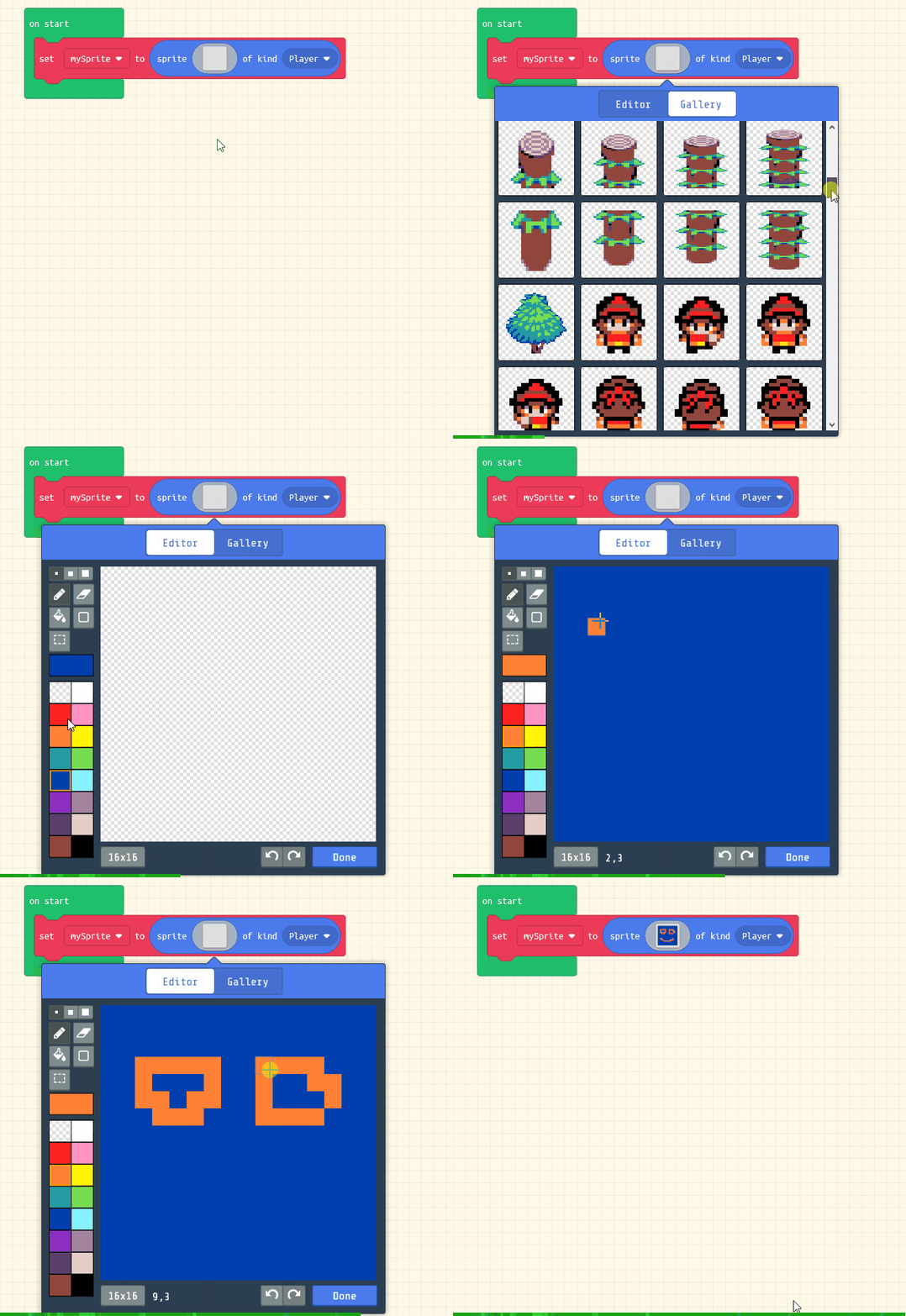
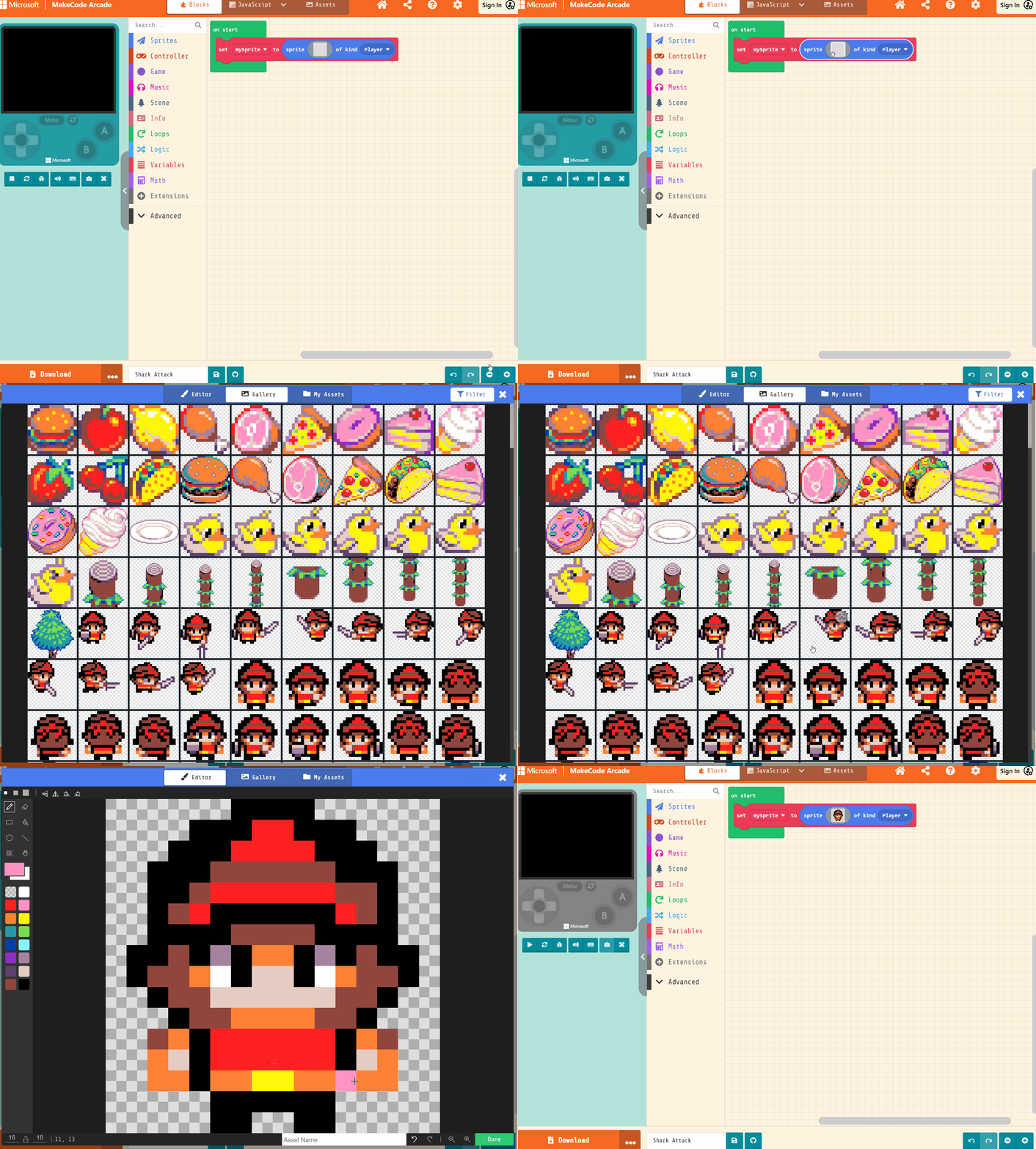
    Then click on the grey box and choose a sprite character from the gallery. 

    let mySprite = sprites.create(img`
        . . . . . . f f f f . . . . . . 
        . . . . f f f 2 2 f f f . . . . 
        . . . f f f 2 2 2 2 f f f . . . 
        . . f f f e e e e e e f f f . . 
        . . f f e 2 2 2 2 2 2 e e f . . 
        . . f e 2 f f f f f f 2 e f . . 
        . . f f f f e e e e f f f f . . 
        . f f e f b f 4 4 f b f e f f . 
        . f e e 4 1 f d d f 1 4 e e f . 
        . . f e e d d d d d d e e f . . 
        . . . f e e 4 4 4 4 e e f . . . 
        . . e 4 f 2 2 2 2 2 2 f 4 e . . 
        . . 4 d f 2 2 2 2 2 2 f d 4 . . 
        . . 4 4 f 4 4 5 5 4 4 f 4 4 . . 
        . . . . . f f f f f f . . . . . 
        . . . . . f f . . f f . . . . . 
        `, SpriteKind.Player)


    5 - Move the Sprite ~4 mins

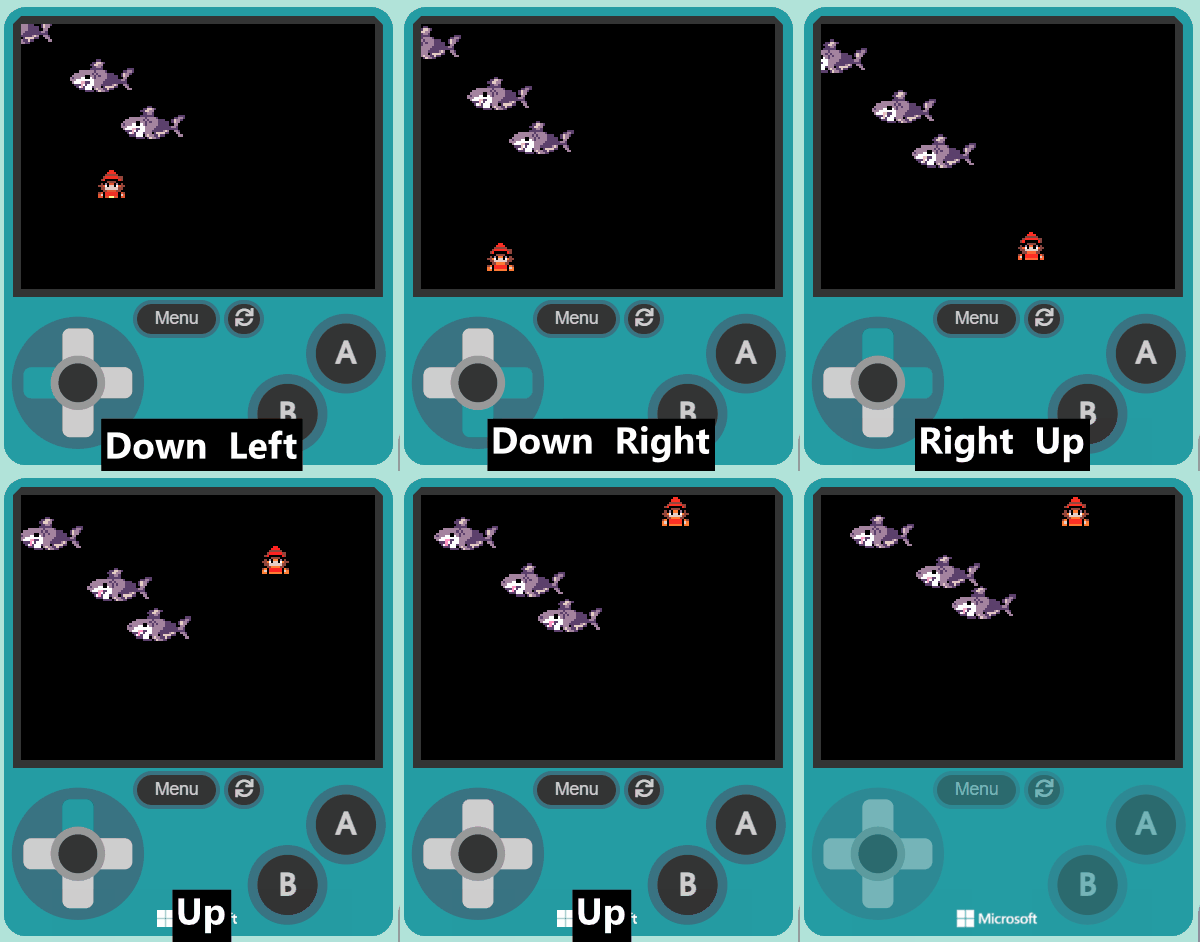
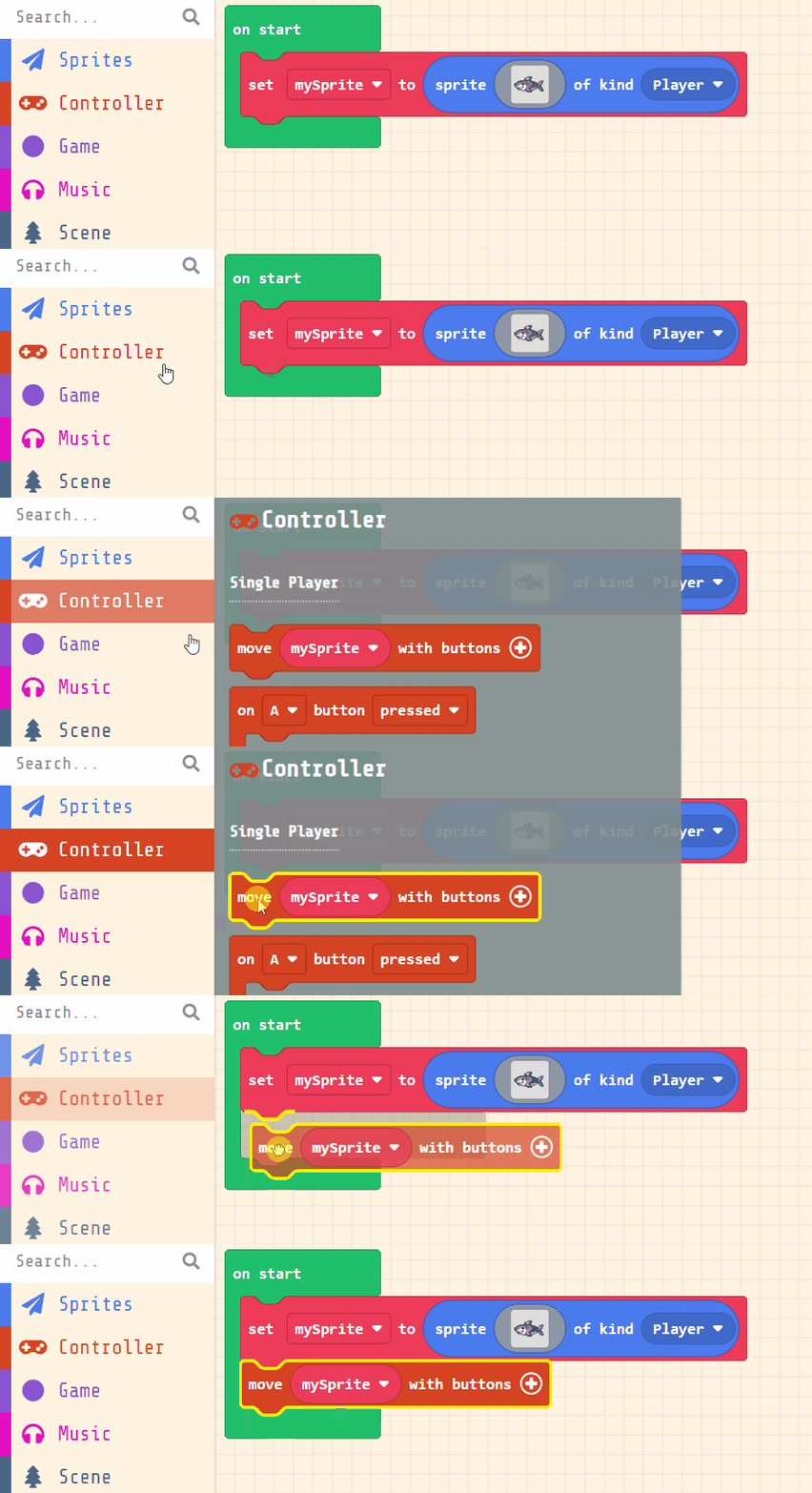
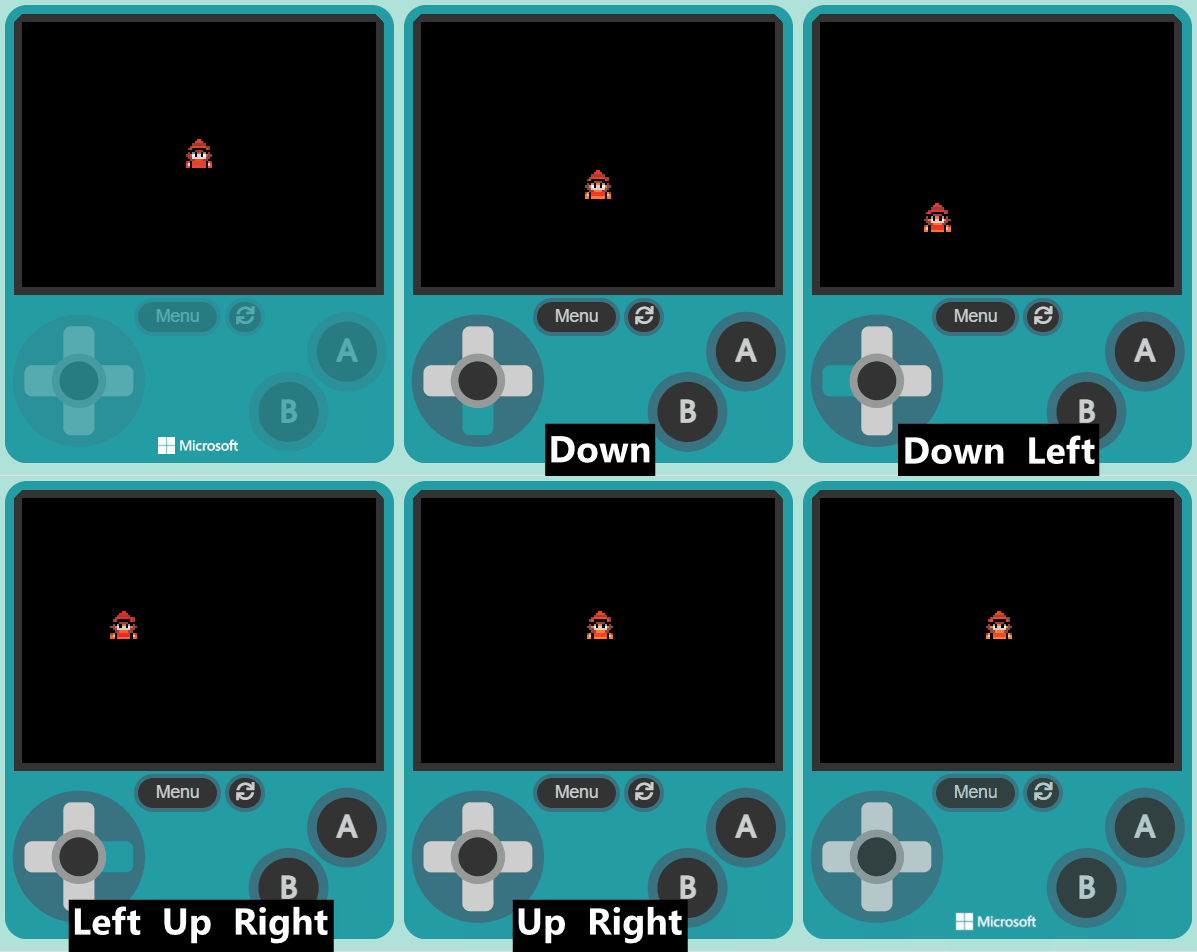
    Now, let's make your sprite move using the joystick (or the arrow keys on your keyboard).

    Add the following new code:

    let mySprite = sprites.create(img`
        . . . . . . f f f f . . . . . . 
        . . . . f f f 2 2 f f f . . . . 
        . . . f f f 2 2 2 2 f f f . . . 
        . . f f f e e e e e e f f f . . 
        . . f f e 2 2 2 2 2 2 e e f . . 
        . . f e 2 f f f f f f 2 e f . . 
        . . f f f f e e e e f f f f . . 
        . f f e f b f 4 4 f b f e f f . 
        . f e e 4 1 f d d f 1 4 e e f . 
        . . f e e d d d d d d e e f . . 
        . . . f e e 4 4 4 4 e e f . . . 
        . . e 4 f 2 2 2 2 2 2 f 4 e . . 
        . . 4 d f 2 2 2 2 2 2 f d 4 . . 
        . . 4 4 f 4 4 5 5 4 4 f 4 4 . . 
        . . . . . f f f f f f . . . . . 
        . . . . . f f . . f f . . . . . 
        `, SpriteKind.Player)
    controller.moveSprite(mySprite)
    
    
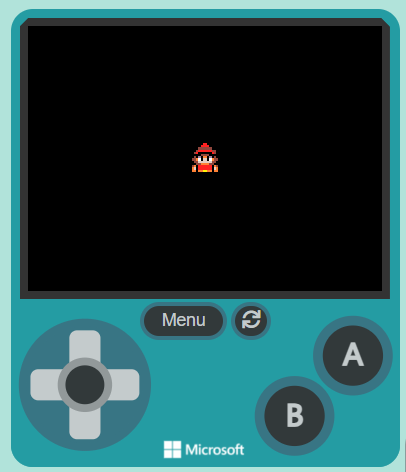
    Once you've added the new code, test that you can move your player sprite with the joystick or your keyboard arrow keys.


    Pupil practice · Investigation Journal
    Module 4 · Technology: IPO, Algorithms, Makecode Arcade and Micro:bit
    Lesson 26 · Build, Debug and Share a Fuller Game
    123learn · Online learning platform

    Unlock the full learning experience

    You're previewing this lesson. Get full access to this lesson and hundreds more — each one ready to teach, with interactive activities, printable resources and pupil progress tracking built in.

    Hundreds of curriculum-aligned lessons
    Interactive activities in every lesson
    Printable resources & progress tracking
    Copyright Notice
    This lesson is copyright of Coding Ireland 2017 - 2025. Unauthorised use, copying or distribution is not allowed.
    🍪 Our website uses cookies to make your browsing experience better. By using our website you agree to our use of cookies. Learn more