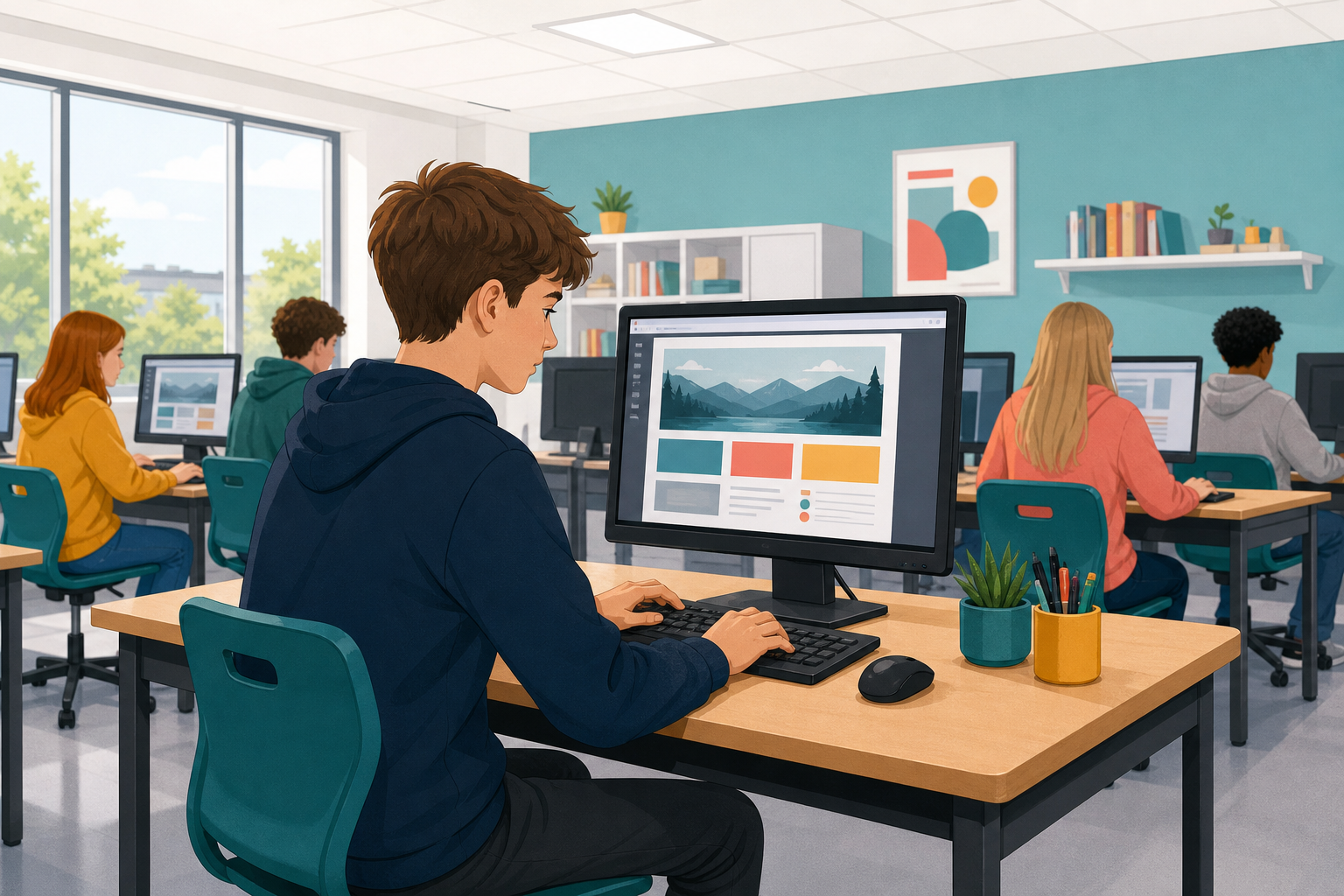
 Everything from the last three lessons, on one site of your own: the problem you investigated and pitched, explained well enough that someone who knows nothing about it would understand why it matters.
You will build it in the Web Page Builder, which opens on a Home page that already has a heading and one sentence on it for you to make your own. Blocks and code both count, so use whichever gets you there.
Aim for this shape:
- A home page that names the problem in plain language and says why it matters to people near you.
- At least one more page going deeper: your data, who is affected, or an idea for how a program or website could help.
- A menu so a reader can move between the pages.
- Styling that makes it readable.
Keep the writing short and use real details from your investigation. Two well-written pages beat four thin ones.
The builder below opens on a Home page with a heading and one sentence already on it. Make them yours.
- Click the heading block and type the name of your problem, in plain words.
- Click the text block under it and say what the problem is.
- From Content in the palette, drag a second text block underneath and say why it matters to people near you.
- If it helps a reader, add a list from the List category with two or three facts from your investigation.
Use the Your web page tab to see it as a reader would.
Interactive activity
A site is more than one page.
- Click Page in the palette and drag a page block onto an empty part of the workspace.
- In its name box, type a clear name, for example Data or Who it affects. You will need that exact name in a moment.
- From Content, drag a heading and a text block into the new page’s content mouth, and fill them in.
Here is what a second page looks like before you fill it in:
{"blocks": {"languageVersion": 0, "blocks": [{"type": "web_page", "fields": {"NAME": "Data", "BG": "lightblue", "FG": "navy", "FONT": "sans-serif"}, "x": 10, "y": 10}]}}
Interactive activity
A reader needs to get between your pages.
- First, click Links & buttons in the palette and drag a menu block to the top of your Home page, just under the heading. It makes a link to every page in your site automatically.
- Then drag a second menu block onto your other page too, because otherwise a reader lands there and cannot get back.
- Now test it: open the Your web page tab, and before you click a link, say which page you expect. Click it, then click back.
Checkpoint: stay on this step until you have two pages with links that go both ways, and leave the styling until they do, because it is much easier to fix a broken link now than after you have changed how everything looks.
Interactive activity
Unlock the full learning experience
You're previewing this lesson. Get full access to this lesson and hundreds more — each one ready to teach, with interactive activities, printable resources and pupil progress tracking built in.
This lesson is copyright of Coding Ireland 2017 - 2025. Unauthorised use, copying or distribution is not allowed.