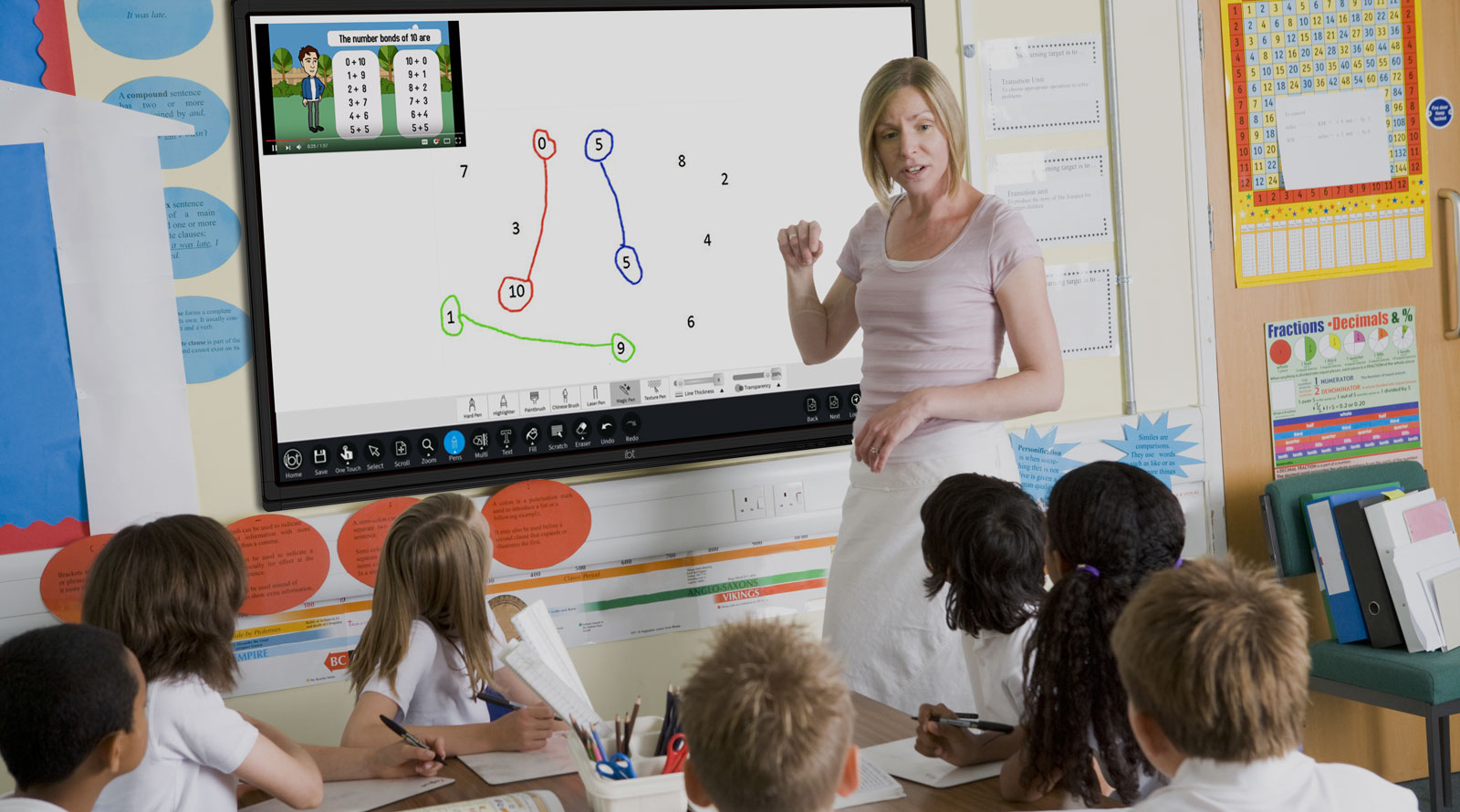
This lesson is designed to introduce programming concepts through body percussion activities.
You will guide the students in exploring commands, algorithms, debugging, and loops using simple actions like clapping, snapping, stomping, and patting.
Prepare by reviewing the steps, ensuring a safe space for movement, and adapting for any students who may need alternatives (e.g., for snapping).
Materials Needed:
Cut and stick worksheet: Attached to this step!
Scissors and Glue: For the Cutting and Sticking!
Gather the students and explain they are becoming Music Robots for this lesson.
Emphasise that robots can only follow clear instructions; they cannot guess what the programmer means.
Demonstrate this need for precision by asking the class to "do something with their hands".
Point out that each student in the class has done something different. Ask students why they didn't all do the same thing and tease out that the instruction wasn't very clear.
Now give a clear instruction, i.e. "Clap your Hands Once".
Have a short conversation about why the vague instructions caused confusion while the specific ones resulted in everyone performing the exact same action.
This demonstrates why every instruction must be simple, specific, and unambiguous for the program to run.
Begin the lesson by defining commands (our "Bossy Words"). Introduce and practice four clear body percussion actions that will serve as the character's instructions (code blocks):
Clap: Hands hitting together.
Snap: Fingers snapping (if students can't snap, use a finger click).
Stomp: Feet stomping the ground.
Pat: Hands patting the thighs or knees. Make sure students can perform each command clearly and separately.
Now, open this interactive sequence generator and work with the class to collaboratively build a simple four-step rhythm, using only the four approved Commands (Clap, Snap, Stomp, Pat).
Explain that when we are coding, we call a list of instructions an Algorithm. Tell students that it is important to follow the exact order of the Algorithm established by the generator.
Lead the class in performing this algorithm together, saying the commands aloud as they move.
Divide the students into pairs.
Explain that the each student's job is to write a programme for their partner.
The students can then create their own 4-step sequence for their partner, using the cut and stick worksheet attached to this step!
Students can then perform the set actions written by their partner.
The 'Programmer' must watch closely and actively become the monitor, looking for any sequencing errors or unapproved movements.
If the performing student makes a mistake—either doing the commands in the wrong order, or failing to execute a loop correctly—the 'Programmer' must immediately stop the action and provide feedback, correcting the error before the sequence can continue.
Gather the entire class back together to celebrate their progress as master programmers. Start a quick brainstorming session by asking the students to suggest brand-new commands and movements that could expand their robot language. Encourage them to think beyond the basics and suggest actions like a jump, a wiggle, or a hop.
Collaboratively build one final, new, whole-class algorithm on the whiteboard using these fresh ideas. As you sequence the six steps together, explain that they are creating a specific piece of code called a function. Once the sequence is set, announce that this algorithm can be repeated many times using one final, gigantic Loop instruction.
Play some high-energy, fun music and lead the class in executing the final, looped algorithm together. Focus on the transition from the last step back to the first to demonstrate how the Loop creates a seamless flow of action.
Every lesson in the course is ready to teach like this one. See what else comes with it, and how to order it.