Today you will
- add one quiet transition between your slides
- add one animation that helps your pitch
- cut any effect that gets in the way
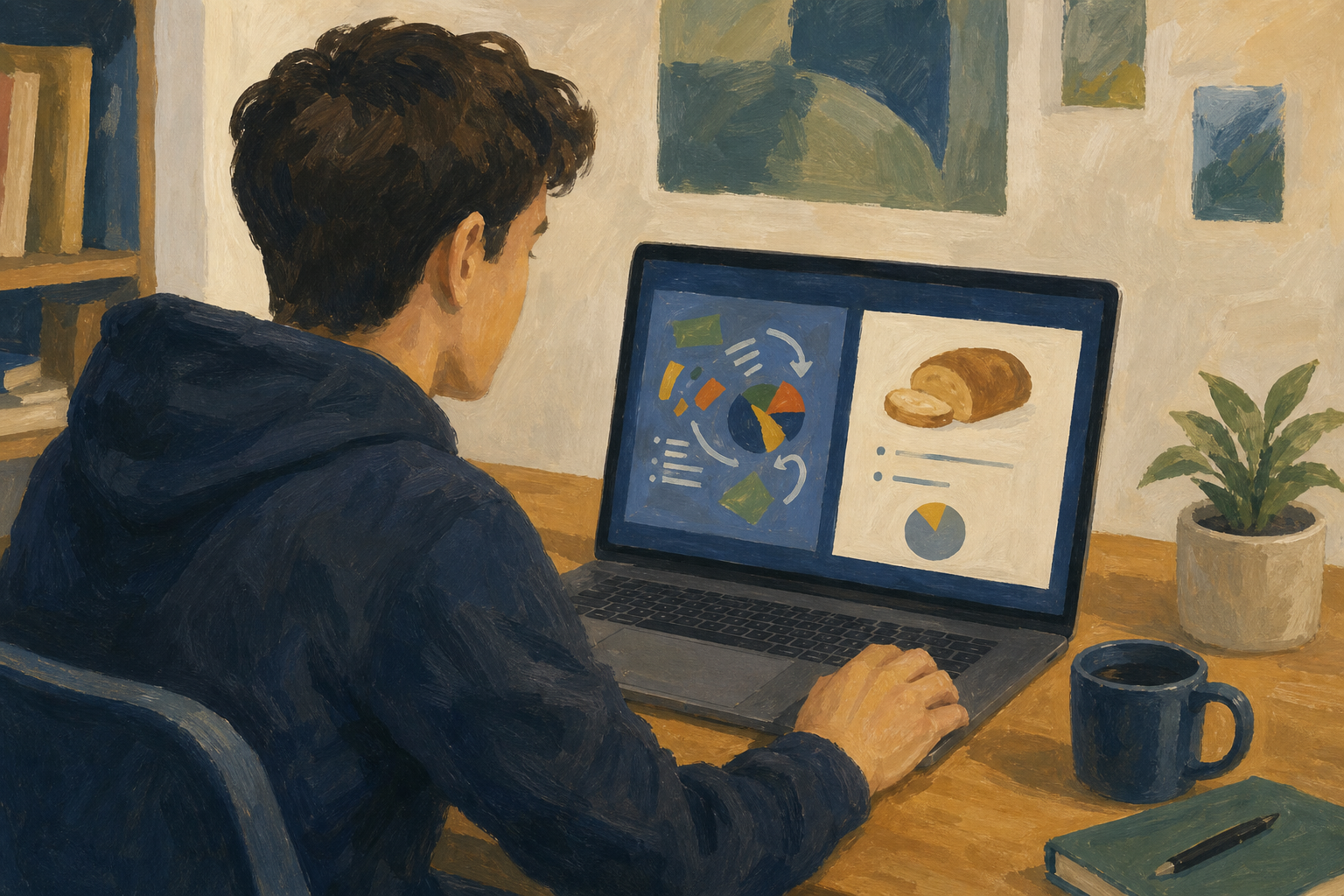 Too much motion hides your Something Real project. A little motion, used well, helps people follow you.
Warm-up
Think of a video or post you scrolled past because too much was flashing. What would you have kept, and what would you have cut?
Key words
- A slide transition is the motion when one slide changes to the next.
- An object animation is motion on one thing on a slide, like a picture.
- An effect serves the message if it makes your story clearer, even with the sound off.
- Your cut list is the effects you delete after you watch the preview.
Slides change with a short Fade, and only the €180 total fades in on the costs slide. Nothing else moves.
Keep or cut?
Read these with a partner. For each one, say why the calm choice helps the listener.
- To move between slides, use one short Fade on every slide.
- To show the € total after you say it, use one Appear animation, On Click.
- If a slide already has a clear chart, leave it still.
- If every bullet flies in with sound, cut those effects.
- If you are not sure motion helps, leave the slide still and just talk.
You will make a practice deck called {{code:07_motion_practice}} for a cookie side-hustle pitch. It gets one Fade between slides and one animation on the €180 total. Do not change {{code:07_project_pitch}} in this step. Follow the steps in the box below.
If you use Canva, make this practice deck in PowerPoint or Google Slides.
Slide 1 title: Cookie side-hustle
Slide 2 title: What it is (add one short line about your cookies)
Slide 3 title: What it costs
Text box on slide 3: €180 first-month total
Common snags
- If you can't find {{btn:Transitions}} or {{btn:Animations}}, click a slide or object first, then look at the top toolbar.
- If every bullet moves, you animated the whole text box. Put the one figure in its own text box and animate only that.
- If the animation plays too early, change its start setting to {{btn:On Click}}.
Unlock the full learning experience
You're previewing this lesson. Get full access to this lesson and hundreds more — each one ready to teach, with interactive activities, printable resources and pupil progress tracking built in.
This lesson is copyright of Coding Ireland 2017 - 2025. Unauthorised use, copying or distribution is not allowed.