Artificial Intelligence (AI) audio tools enable you to generate voices, compose music, eliminate background noise, and enhance sound quality with ease. These tools are widely employed in creative sectors such as film production, music creation, and podcasting, allowing for the rapid production of professional-grade audio. For instance, filmmakers can utilise AI to produce voiceovers without engaging professional actors, while musicians can generate background tracks in a matter of minutes. This technology is particularly advantageous as it empowers individuals to express their creativity without requiring expensive equipment or specialised training. In this lesson, we shall concentrate on safe and enjoyable methods of using these tools, ensuring that all activities are appropriate for educational purposes. Upon completion of this lesson, you will have developed essential skills in creativity, communicating ideas through sound, and understanding the principles of AI operation.
To provide a more comprehensive overview, consider how AI audio tools function: they analyse patterns in existing audio data to create new content based on user inputs. This process involves machine learning algorithms that 'learn' from vast datasets, enabling them to mimic human-like voices or musical compositions. Such capabilities open up opportunities for storytelling, educational presentations, and personal projects, all while promoting digital literacy and responsible technology use.
Numerous free or accessible AI tools exist that are suitable for school use. In this step, we shall focus on those that do not require accounts or offer free tiers, ensuring they are safe and appropriate for educational purposes. Below is a selection of such tools, each accompanied by a brief description of its functionality and potential applications.
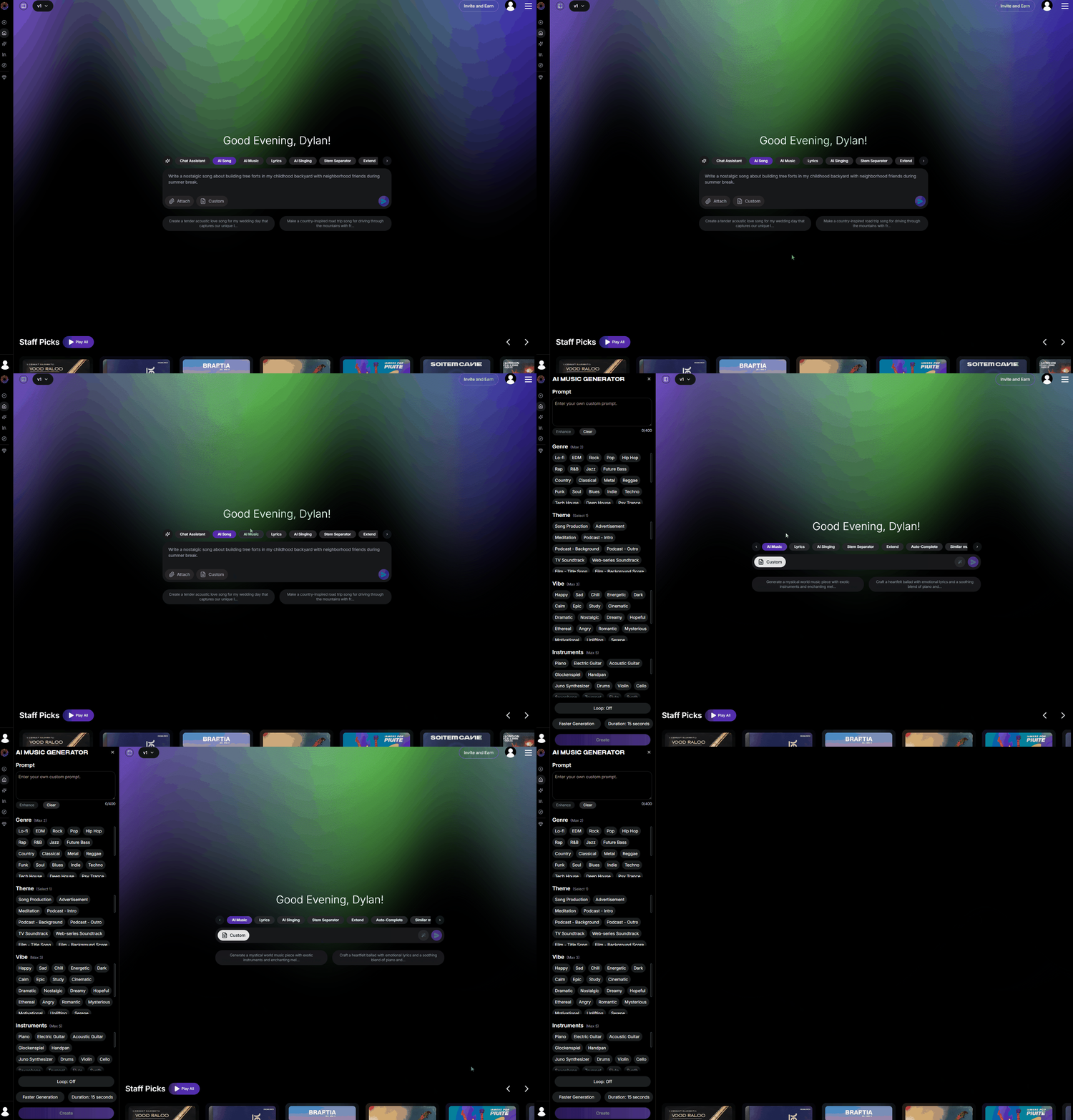
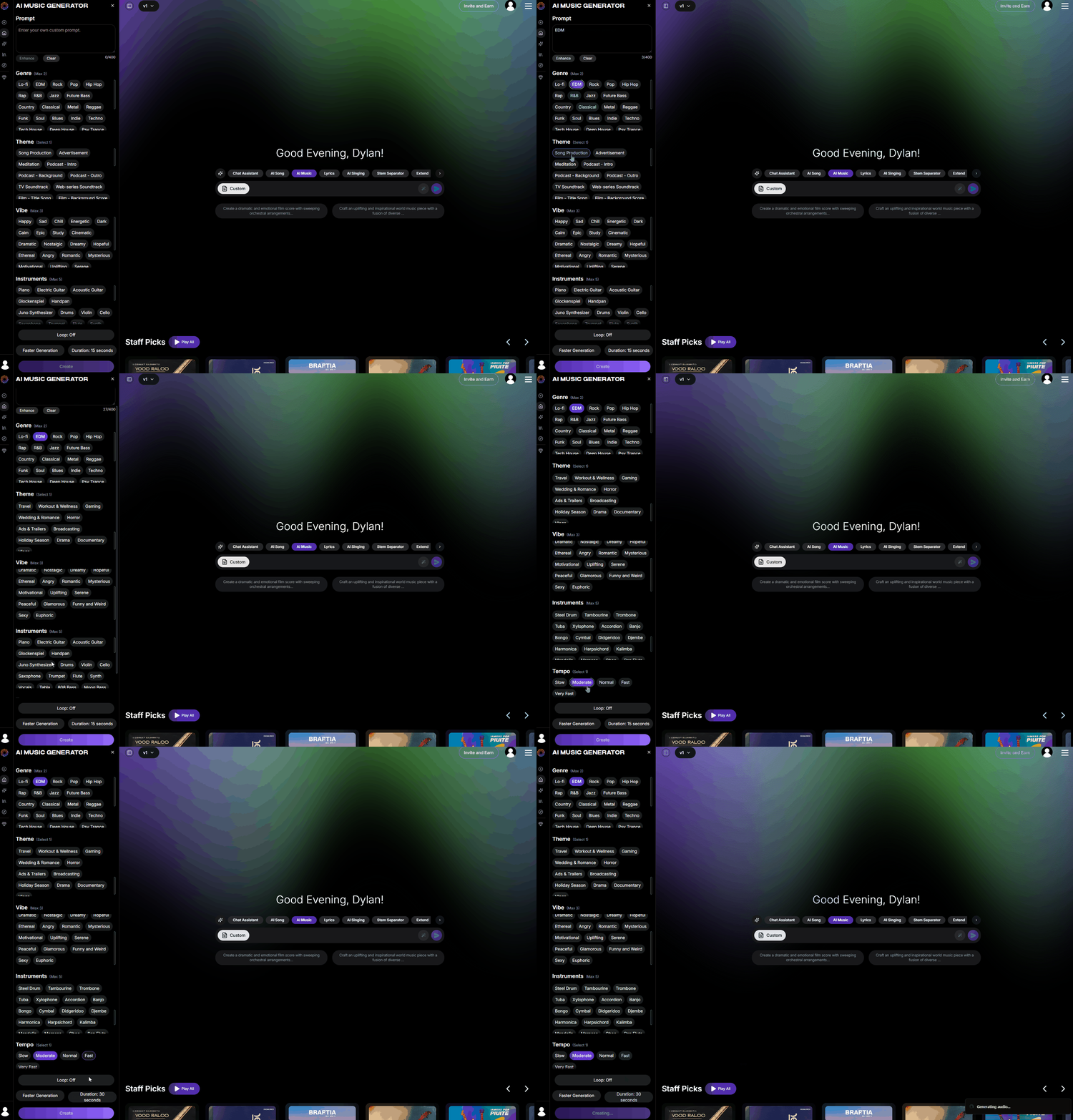
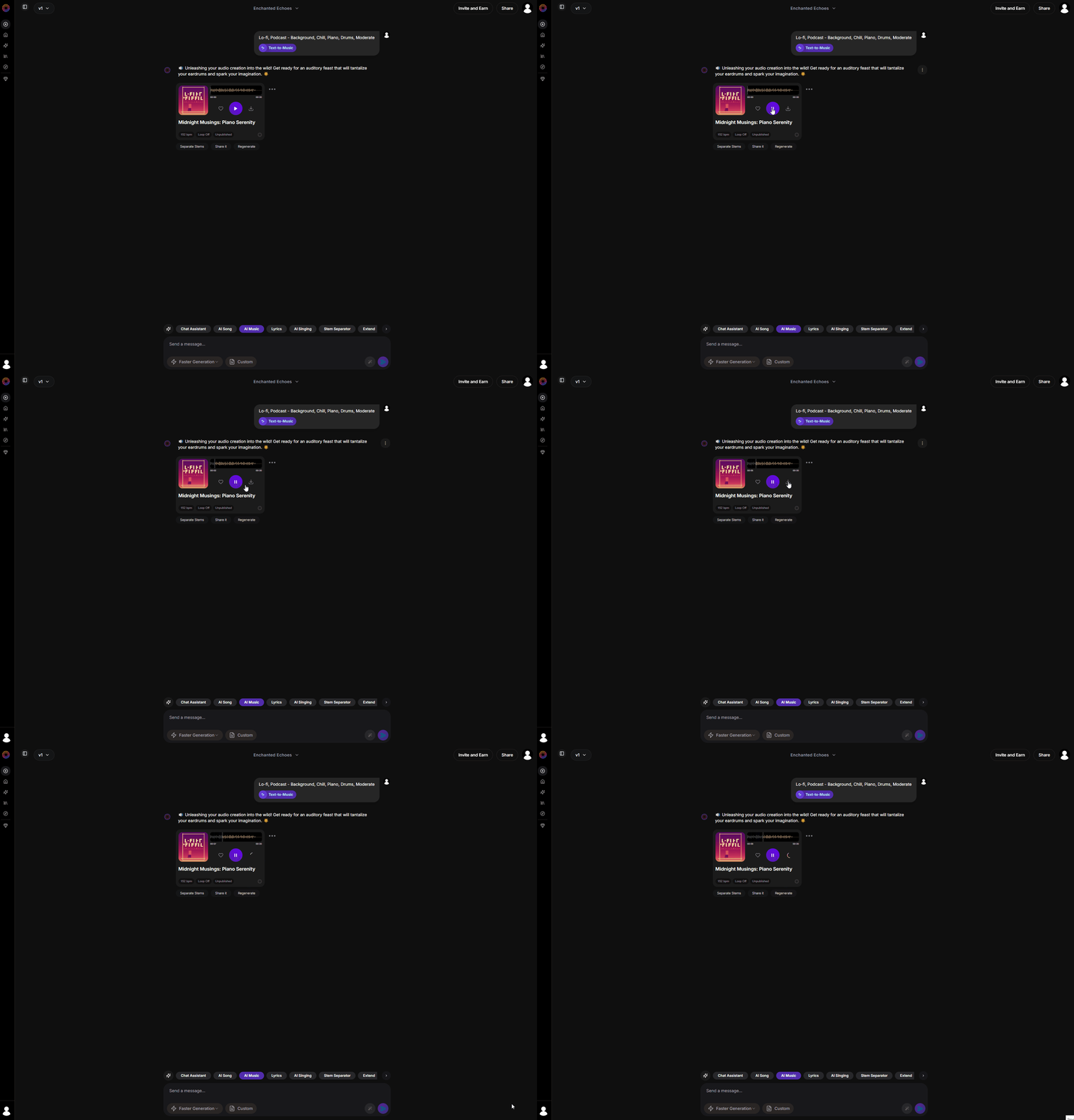
In this step, you will explore two AI tools for generating background music — Soundverse and Soundraw. Both allow you to create music without advanced technical skills, but they differ in how you can use the results. Soundverse lets you generate and download songs for free (requires sign-up), making it ideal if you want to use your track outside the platform. Soundraw is quick and easy to use with no sign-up required, but it does not allow free downloads.
Sign Up and entering your details.Enter your own custom prompt or select some of the key words from the genre, Theme, Vibe, Instruments and tempo. Choose the duration and set it to 30 seconds.Click create and wait for your song to generate (This can take a few minutes). Download to save it to your device.Soundraw is a great choice if you want to generate music quickly and easily without signing up. You can listen to the generated tracks for free, though downloading requires a paid plan.
clicking on this link: Soundraw. Try it for free' button or a similar option on the homepage. Note that basic functionality is available without creating an account. Choose the length of the song (for example, 30 seconds for a short clip) and choose the tempo (speed of the music) to suit your style. Select a genre, mood or theme that suits your intended purpose, such as 'Hip Hop' for an exciting track or 'laid back' for a more relaxed composition. This choice helps the AI understand the style of music you desire.click on the play button on each track and listen to the track carefully to evaluate its suitability.In this practical activity, you will create an AI-generated voiceover based on a short script. This exercise will enhance your communication skills by transforming written text into spoken audio, allowing you to explore how AI can bring words to life in a natural and engaging manner.
Voiceovers are commonly used in presentations, videos, and storytelling to convey information clearly and effectively. By utilising AI tools, you can produce high-quality audio without the need for professional recording equipment or voice acting expertise. Follow the steps below to complete this activity.
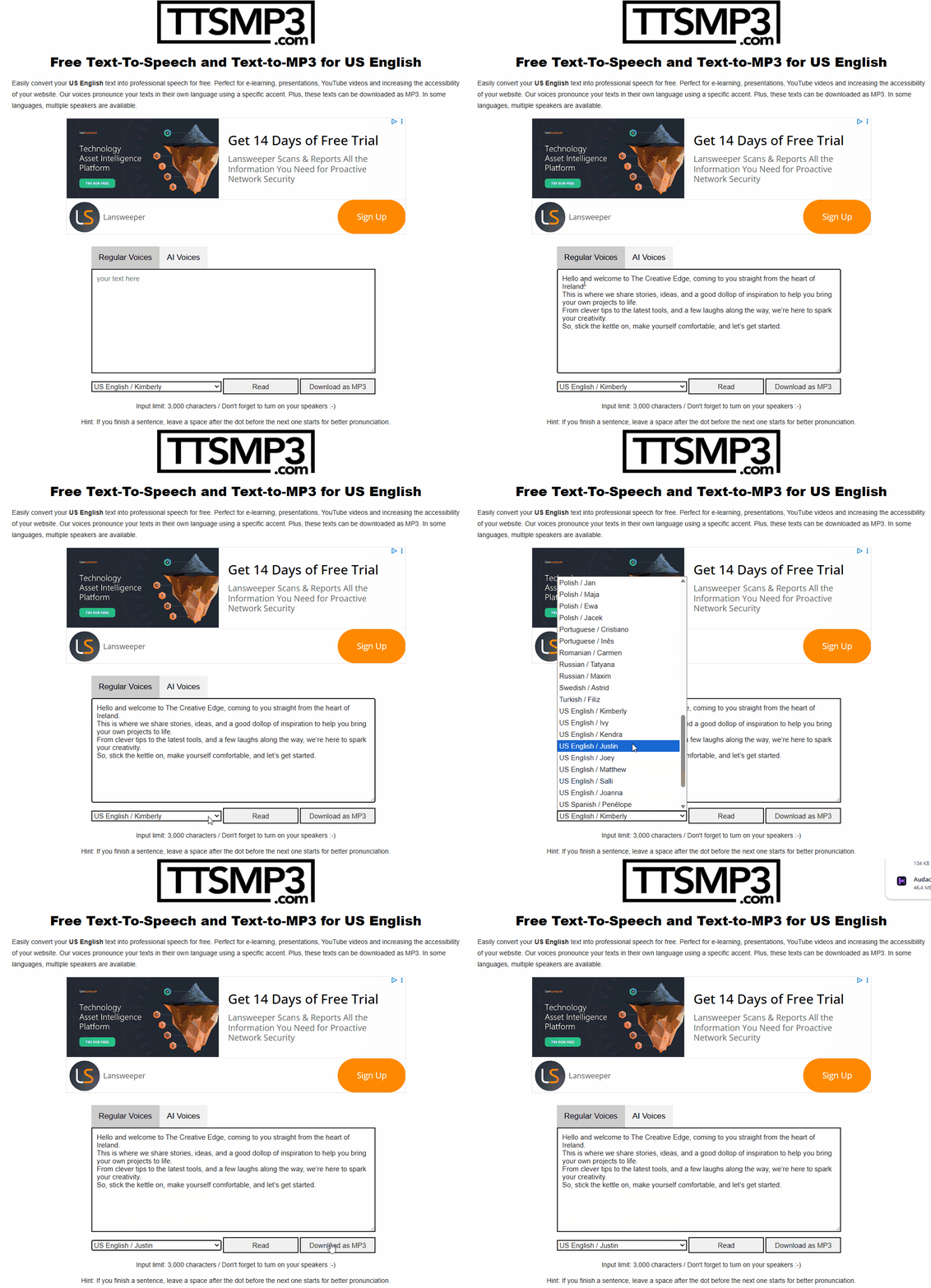
writing a short script that would take approximately 20-30 seconds to read aloud. For example, you could compose a fun fact about animals, such as: "Did you know that elephants are the only mammals that cannot jump? Their massive size and bone structure make it impossible for them." Ensure your script is clear, concise, and engaging.Navigate to the TTSMP3 website by clicking on this link: TTSMP3. This is a user-friendly text-to-speech tool that employs AI to generate realistic voices.Locate the text input box on the website and paste or type your prepared script into it. Double-check for any spelling or grammatical errors to ensure the best possible output.Choose an appropriate voice and language from the available options. For instance, select English (US) as the language and select one of the names in the list. Click the 'Read' button to listen back to the text and keep experimenting with different voices to find one that suits your content.download the audio file to your device. Play it back and make notes on aspects you appreciate. You're previewing this lesson. Get full access to this lesson and hundreds more — each one ready to teach, with interactive activities, printable resources and pupil progress tracking built in.