Mathematics Scratch
Advanced
60 mins
Teacher/Student led
+130 XP

What you need:
Chromebook/Laptop/PC or iPad/Tablet

Adding Game

How many addition sums can you get right in 30 seconds!?
Teacher Class Feed

Load previous activity

    1 - Create a new Scratch project

    In this game players will try and answer correctly as many addition sums as they can in 30 seconds.

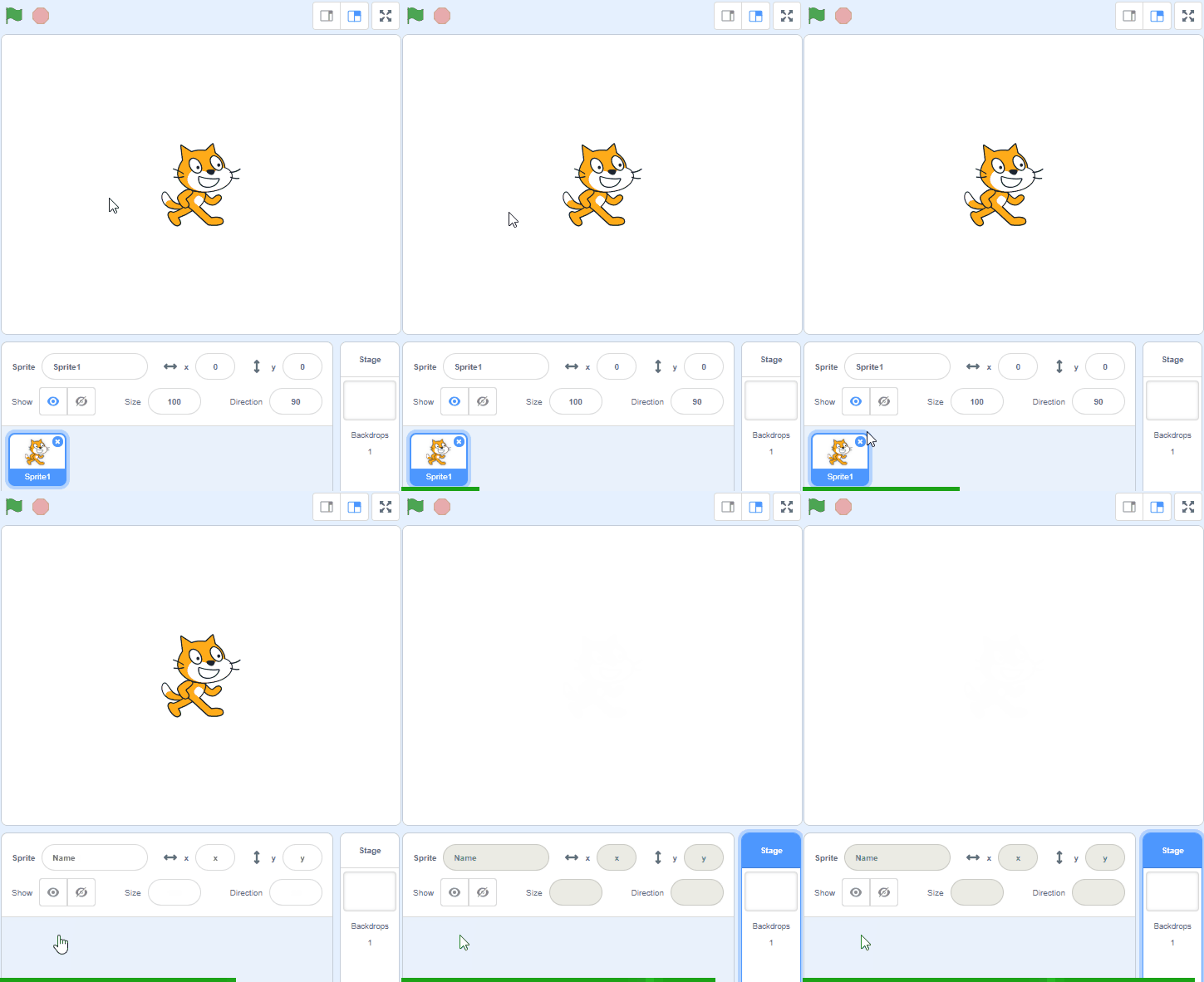
    Go to the Scratch website at scratch.mit.edu and create a new Scratch project. You can delete the cat sprite.

    2 - Add the Giga sprite

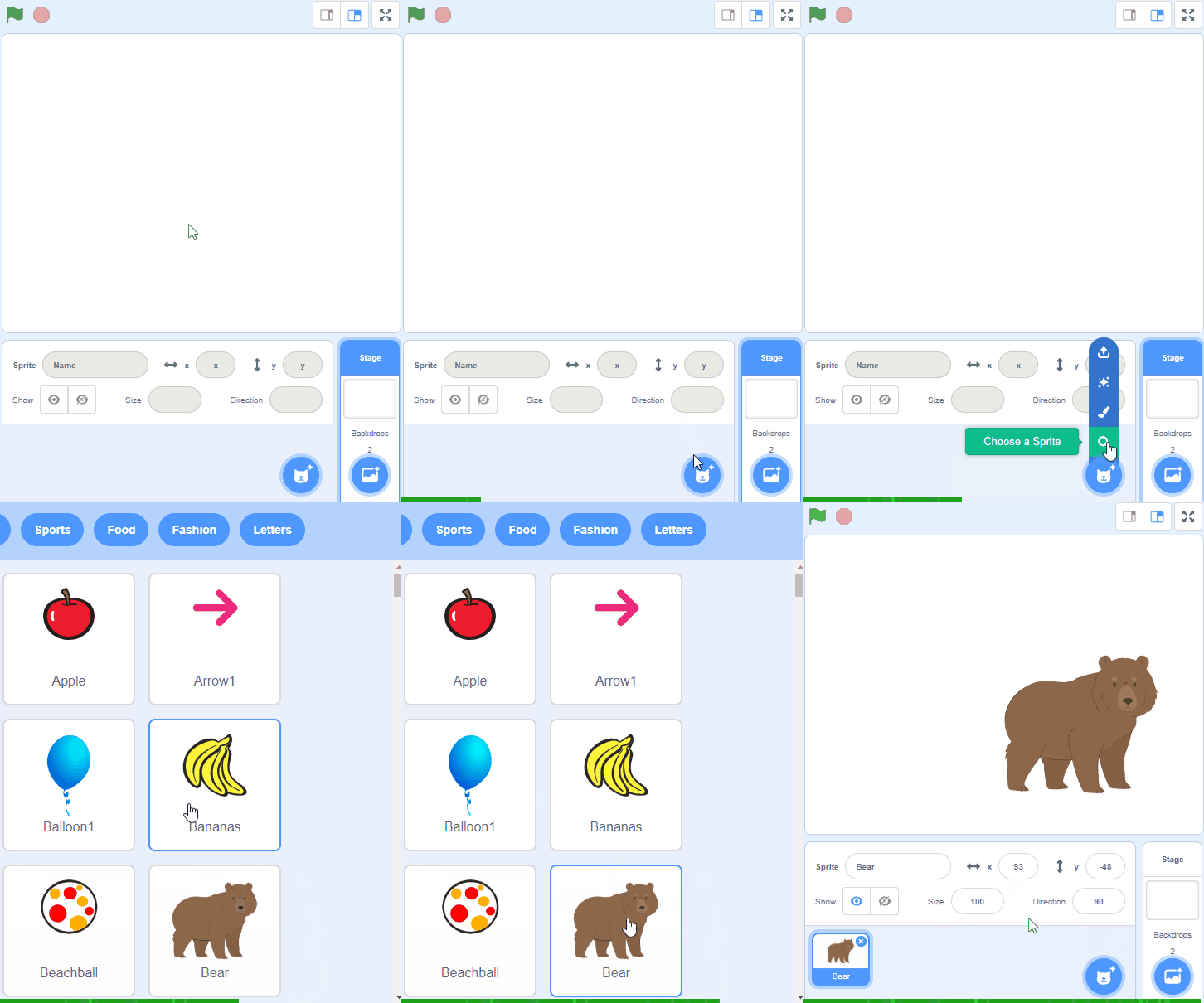
    Add the Giga sprite from the sprite library.

    This sprite will ask the questions.


    3 - Create some variables

    We will need 4 different variables to store some numbers that we need in the game.

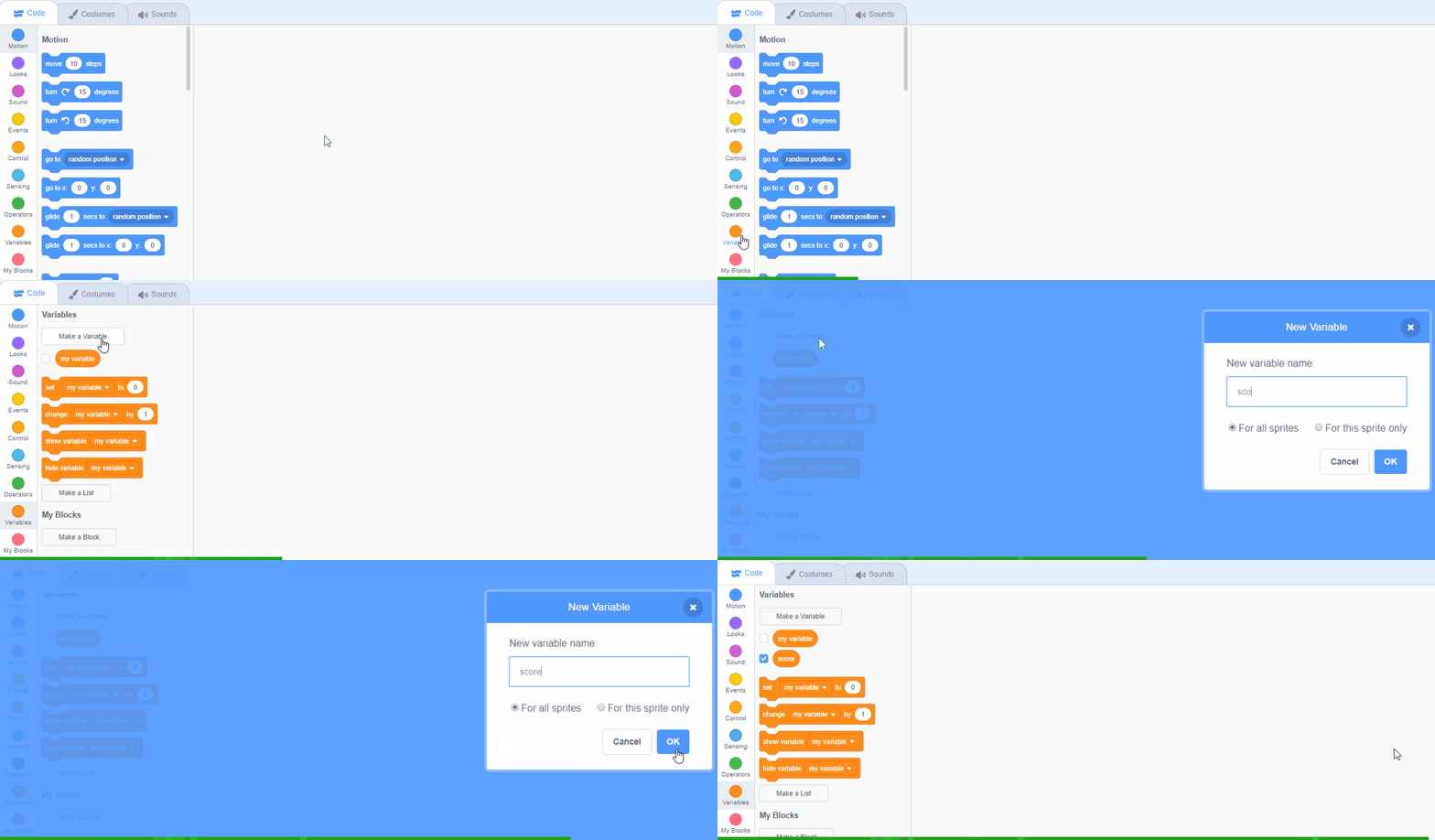
    Create the following 4 variables:

    • number1 - this will store the first number in the sum
    • number2 - this will store the second number in the sum
    • max number - this will store the maximum number that can be used in the sums
    • points - this will store how many sums the player gets right

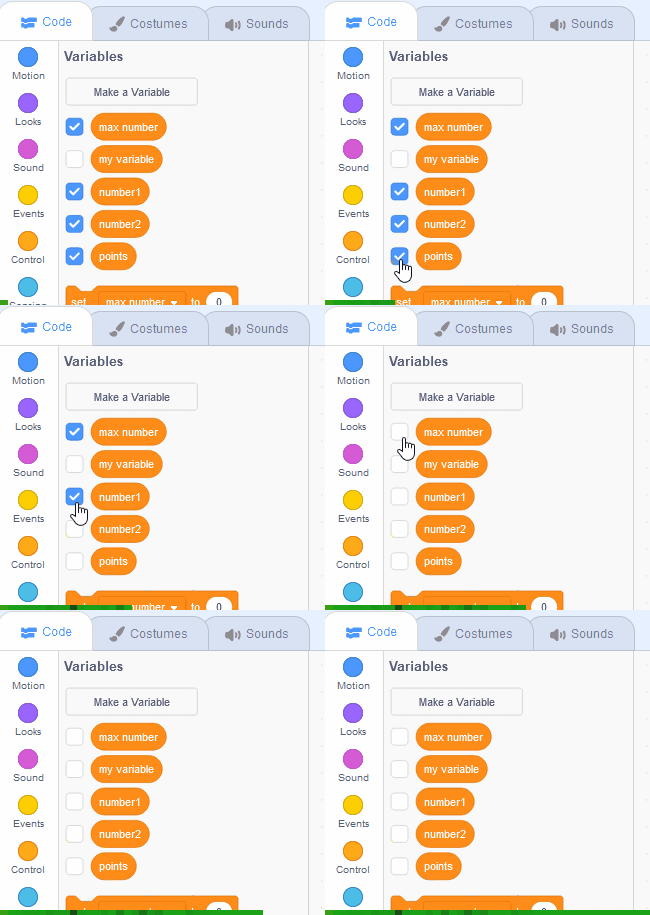
    After you have created the variables, uncheck their checkboxes so that they do not appear in the stage area.


    4 - Start the game

    Let's set up some things for the start of the game. We will set the 'points' variable to 0, set the 'max number' variable to 10 and start the timer.

    Add the following code to the Giga sprite.

    when green flag clicked set [points v] to (0) set [max number v] to (10) reset timer

    The reset timer block is a Sensing block. The block sets the timer's value back to 0.0 seconds. When this block is used, the project typically also uses the timer block which stores the current value of the timer in seconds. Usually the timer must be reset at the beginning of a project for the timer block to hold the right value.
    123learn · Online learning platform

    Unlock the full learning experience

    You're previewing this lesson. Get full access to this lesson and hundreds more — each one ready to teach, with interactive activities, printable resources and pupil progress tracking built in.

    Hundreds of curriculum-aligned lessons
    Interactive activities in every lesson
    Printable resources & progress tracking
    Copyright Notice
    This lesson is copyright of Coding Ireland 2017 - 2026. Unauthorised use, copying or distribution is not allowed.

    Scratch is developed by the Lifelong Kindergarten Group at the MIT Media Lab. It is available for free at https://scratch.mit.edu
    🍪 Our website uses cookies to make your browsing experience better. By using our website you agree to our use of cookies. Learn more