1 - Introduction ~5 mins
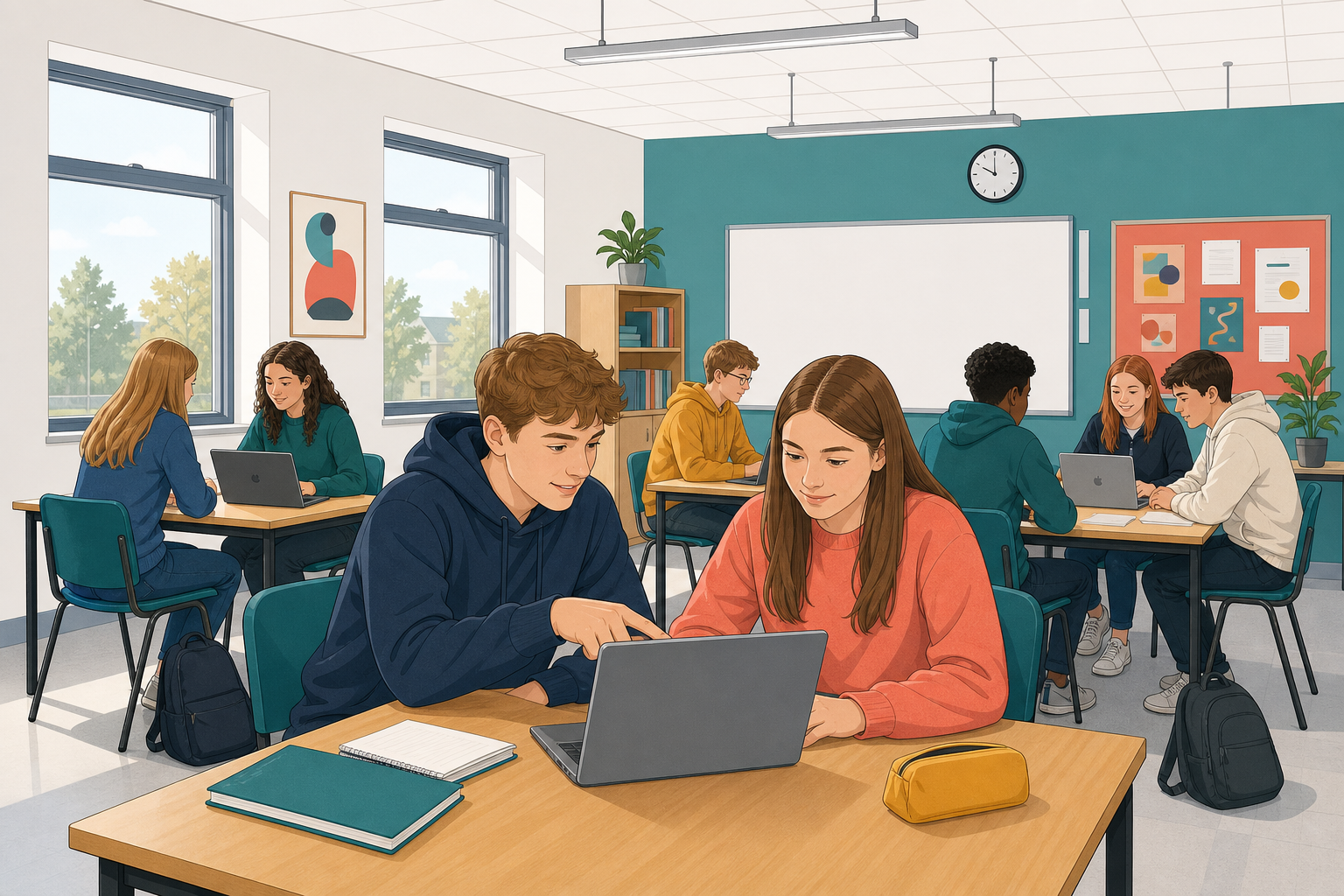 Share your cover letter, decide changes with reasons, and try version history.
- Your teacher sets pairs now; odd numbers make one group of three.
- No partner today? Work on the sample on your own, then join a free pair.
- No {{code:04_cover_letter}}? Save the next activity's sample under that name in {{code:Digital_Documents}}.
Share as editor, review with reasons, use version history safely.
Warm-up
Does a specific change beat vague feedback? Why? Be ready to say it in one sentence.
2 - Key Concepts ~5 mins
| Concept | Why it matters | Example |
|---|---|---|
| Tracked changes / Suggesting: edits as suggestions | Original stays until you decide | Partner rewrites a weak line; old words stay |
| Accept or reject: keep or discard | You own the letter | Reject "Dear Sir or Madam"; you named Ms Byrne |
| Comment: note without rewriting | Questions stay off the text | "Which tasks do you want to try?" |
| Version history: restore earlier copies | Bad edits are reversible | Restore an older version by mistake, then bring the newest back |
Strong Why: "Reject, already named Ms Byrne." Weak Why: "Didn't like it."
3 - Step-by-step Task: Review Tools on a Sample Letter ~14 mins
Create a new blank document, then copy the sample letter box below. Do not type on this lesson page. Practise share, review mode, partner edits, one accept, one reject with a reason, a tiny log, and opening version history. Red markup can look loud at first; that is normal.
Sample letter to paste:
Dear Ms Byrne,
I am writing to apply for work experience at Greenfield Veterinary Clinic. I am a Transition Year student and I love animals. I am free any time in March.
Yours sincerely,
Alex Murphy
As editor on your partner's sample, make two changes and one comment:
- Replace "I love animals" with a line that gives evidence (for example helping at a local animal shelter).
- Change "any time in March" to a clearer window (for example the two weeks beginning 9 March).
- Comment on the opening: ask what daily tasks they most want to try.
Worked log rows (aim for this quality):
- Change: replace "I love animals" with evidenced line. Decision: Accepted. Why: sounds more professional to an employer.
- Change: "Dear Sir or Madam". Decision: Rejected. Why: letter already names Ms Byrne.
- Comment: tasks question. Decision: Resolved. Why: owner will add one clinic task.
No partner yet? Make two self-suggestions on the sample, decide both, and still build the mini log.
4 - Common Issues ~3 mins
Common Issues
| Issue | Solution |
|---|---|
| Partner can only view, not edit | Open sharing again; set Can edit or Editor, not viewer |
| Edits appear as normal typing | Word for the web: Reviewing at the top; Docs: pencil menu to Suggesting |
| Restored an old version and lost work | Open version history again; restore the newest dated version |
5 - Portfolio Build: 05_review_log ~23 mins
Independent Practice
- Open {{code:04_cover_letter}} in {{code:Digital_Documents}} and share it with your partner as Editor, both ways. Check you can both type before you start (Common Issues helps if not).
- Review your partner's letter: four suggestions and one comment.
- Swap: your partner does the same on yours.
- On your own letter, accept or reject every suggestion and resolve the comment.
- Create {{code:05_review_log}} with the columns Change or comment, Decision and Why, one row per item.
- Restore an older version once, then the latest. In Docs, name it After review; in Word, note the newest date under the log.
- Four suggestions plus one comment on your letter
- {{code:05_review_log}} has a Why for every suggestion and the comment
- {{code:04_cover_letter}} keeps only accepted changes; comments resolved
- Version test done (Docs named After review; Word date noted)
Unlock the full learning experience
You're previewing this lesson. Get full access to this lesson and hundreds more — each one ready to teach, with interactive activities, printable resources and pupil progress tracking built in.
This lesson is copyright of Coding Ireland 2017 - 2025. Unauthorised use, copying or distribution is not allowed.