Warning: Your screen size is quite small for viewing this. Rotate your device into landscape mode if you can.
1 - Introduction ~5 mins
One look for the whole talk
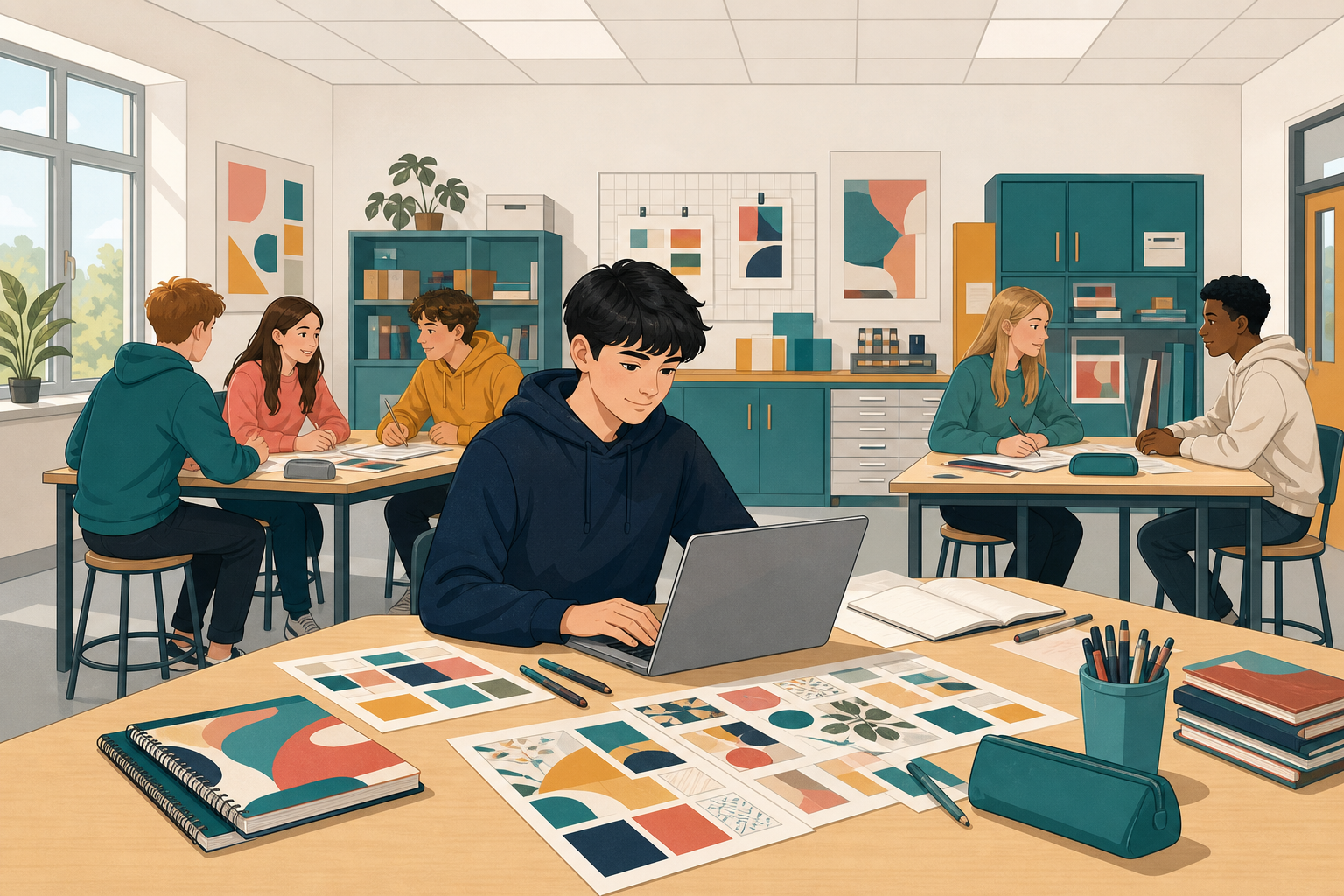 You lock a theme, build a style guide, and restyle your deck so slides match.
You will:
- Choose a theme (and a variant if offered)
- Write fonts, sizes and three colours
- Copy formatting across titles
Warm-up
Open {{code:02_talk_deck}} in {{code:Digital_Portfolio}} / {{code:Digital_Presentations}}. Do the titles look like one talk? If missing: new file {{code:02_talk_deck}}, three slides, title plus one body line each.
2 - Key Concepts ~5 mins
| Concept | Why it matters | Example |
|---|---|---|
| Theme: ready-made look for the whole deck | Keeps every slide in one family | Blue theme for coastal walks |
| Style guide: fonts, sizes, three colours | One deliberate look beats mixed slides | Titles 40, body 24, navy/white/teal |
| Format Painter: copies look to other objects | Style once; match titles fast | Paint one title across eight slides |
| Duplicate slide: copy a finished slide as a shell | Keep layout; change only words | Duplicate title slide; edit words for slide 3 |
3 - Step-by-step Task: Theme, Mini Guide, Then Restyle Bridge ~24 mins
Build a two-slide rehearsal for Rain on the Wild Atlantic Way, then practise the transfer path.
- File: {{code:practice_style_demo}} (rehearsal only, not your real guide)
- Slide 2 mini guide: fonts, sizes, three labelled colour swatches, sample lines
- Do not reuse this rain theme on {{code:02_talk_deck}}
- Double-click Format Painter / Paint format to paint several titles; {{key:Escape}} stops it
4 - Common Issues ~2 mins
Common Issues
| Issue | Solution |
|---|---|
| I cannot change the theme's colours or fonts | Normal in browser apps. Pick a different theme or variant instead. |
| Format Painter or Paint format only works once | Double-click the tool to lock it, paint several objects, then press {{key:Escape}}. |
| Text still looks small from the back of the room | Titles 36 or more; body 24 or more; nothing under 18. |
5 - Portfolio Build: Style Guide and Restyle the Deck ~14 mins
Independent Practice
Your goal: Lock a clear look for your own talk. Start with titles if time is tight, matched titles already unify the deck.
Time: ~15 minutes
Task: Work on your talk, not the rain demo. Missing {{code:02_talk_deck}}? Use the warm-up stub first.
- Open {{code:02_talk_deck}}. Apply a theme (PowerPoint: theme + one variant; Google Slides: built-in theme only).
- Open or finish one-slide {{code:03_style_guide}} (new blank file, not the demo): two fonts; Titles 36+ / Body 24+ / Minimum 18; three labelled colour swatches; sample title and body.
- Must: polish one title, then Format Painter / Paint format across remaining titles (36+).
- Stretch: body text to 24+ if time remains.
Success criteria:
- {{code:03_style_guide}} is one slide with fonts, size scale, three labelled swatches, and samples
- Titles across {{code:02_talk_deck}} match at 36 point or larger
- Theme on {{code:02_talk_deck}} matches the guide; body at 24+ is stretch
123learn · Online learning platform
Unlock the full learning experience
You're previewing this lesson. Get full access to this lesson and hundreds more — each one ready to teach, with interactive activities, printable resources and pupil progress tracking built in.
Hundreds of curriculum-aligned lessons
Interactive activities in every lesson
Printable resources & progress tracking
Copyright Notice
This lesson is copyright of Coding Ireland 2017 - 2025. Unauthorised use, copying or distribution is not allowed.
This lesson is copyright of Coding Ireland 2017 - 2025. Unauthorised use, copying or distribution is not allowed.