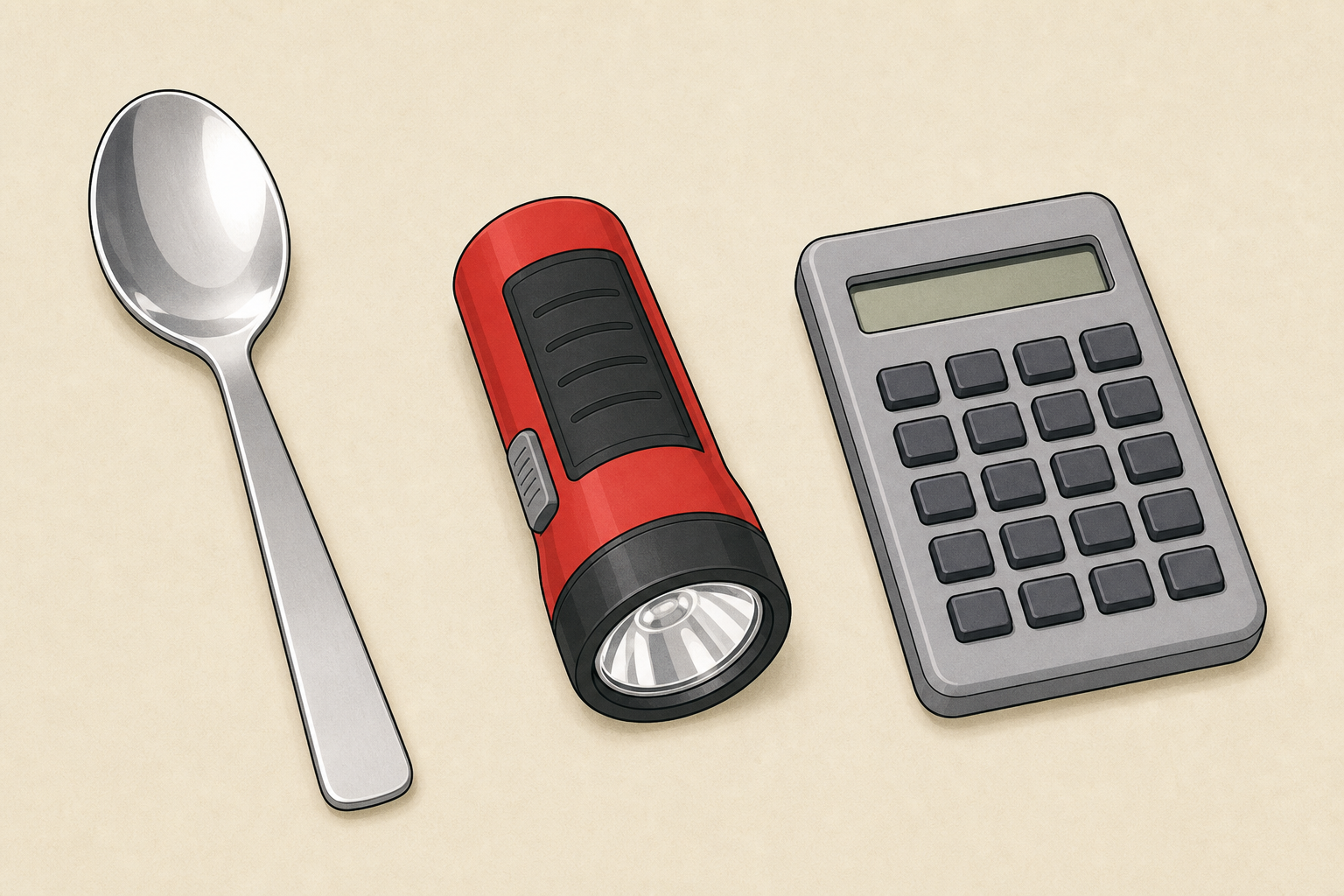
Watch as I hold up three everyday things: a spoon, a torch, and a calculator. What job does each one do for us? Can you imagine life before someone invented it?
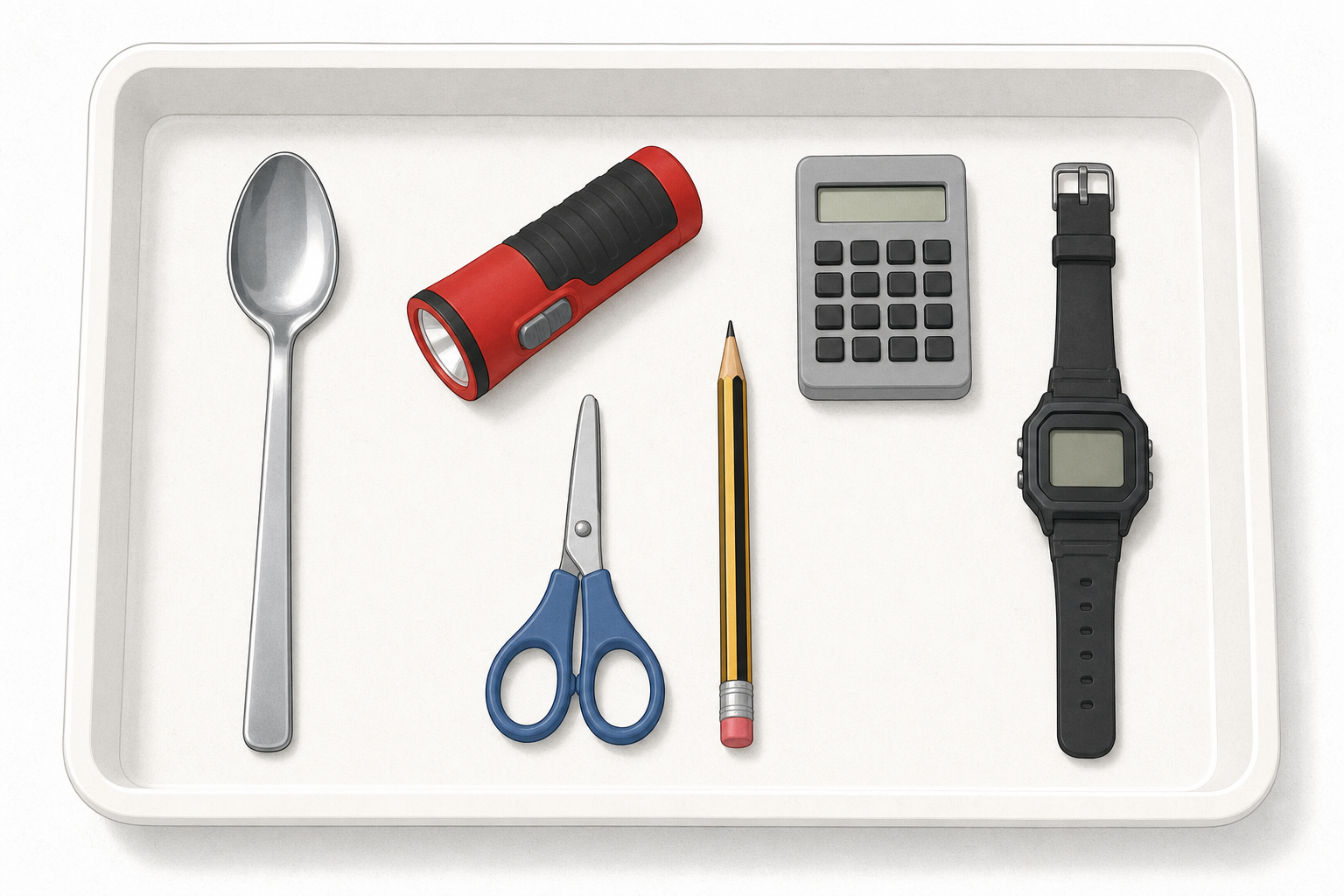
Hold up three objects from the tray (for example a spoon, a torch and a classroom calculator) one at a time so the whole class can see them. Ask the class what job each does. Keep the beat light: curiosity only, not the full sort yet.
Key question: Is a spoon technology, or is technology only things with screens? Expect some pupils to say only gadgets count. Hold that idea gently; the next step will teach the wider meaning.
Have the tray ready nearby but do not hand it out yet.
Today's big word is technology. Technology is something people make to do a job or solve a problem.
Look at this spoon. People made it so we can lift food without burning our fingers. So is a spoon technology? What about a calculator? Why might both count?
Teach the idea of technology first, before the digital split. Project only the short board text. Use the full table below yourself for reference; digital and non-digital labels arrive with the tray sort.
| Concept | Why it matters | Example |
|---|---|---|
| Technology — something people make or invent to do a job or solve a problem | Once you know technology means any tool people invent, you stop thinking it is only phones and computers | A spoon was invented so people could lift food without burning their fingers |
| Digital technology — a technology that needs a computer chip (a tiny computer inside) or a screen to do its job, and usually needs power | Digital tools can store, send and change information quickly, which changes how we learn and talk | A classroom calculator that works out sums on a small screen |
| Non-digital technology — a technology that does its job without a computer chip or screen, even if it uses batteries | Most tools around school are still non-digital, and they often keep working when the power is off | A manual pencil sharpener that works when you turn the handle |
Worked example (model aloud with one object before groups handle the tray):
Hold up the bell from the tray (bicycle bell or small hand bell — same script either way). Say something like: I wonder what job this bell does. Did people make it? Does it do a job? Yes — it rings so someone can give a clear warning or get attention. So it counts as technology, even with no screen.
Misconception to head off: technology is only new or only digital. A quill, a pencil and a keyboard are all technologies for writing — they just belong to different times. Hold the digital / non-digital labels for the sort step.
Nature of STE cue: people have always invented tools. The job stayed; the tool changed.
LO language note: Learning objective 3 uses the same child-friendly pair you hear in class — good thing / not-so-good thing (not advantage / drawback).
In your group, carefully handle each object on the tray. For every object, say out loud: what job does this do? Who might use it?
Groups explore freely for a few minutes. Circulate and ask: What job does that do? Could you do the job without it? What did people use before this existed?
Safety: torch beams stay off faces; no taking devices apart; pencil sharpener used only to look at, not to sharpen unless you choose to allow it under watch.
Sort each object into two groups: digital or non-digital.
Use this quick test: does it need a tiny computer inside (a chip) or a screen to do its main job? If yes, it is digital. If no, it is non-digital — even if it uses batteries.
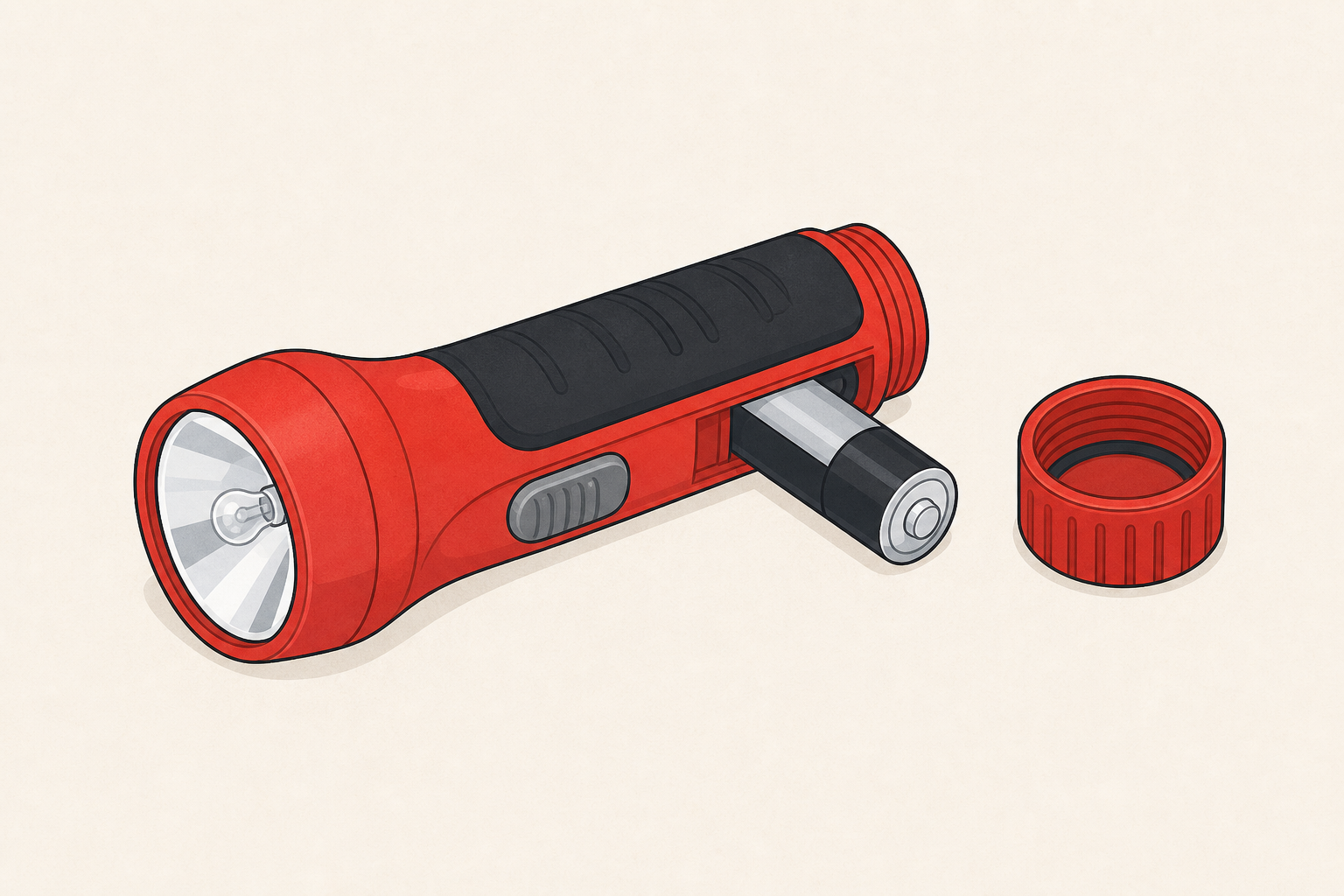
Try the torch first: a plain torch uses a battery and a bulb, not a chip or screen, so it sits with non-digital. Then sort the rest. Name one job each object does, and be ready to say why you put it there.
Give each group the two sorting labels. Keep the board short: the action line plus the chip-or-screen test and the torch worked example. Say the fuller dual definitions aloud only if a group needs them — do not project a wall of text.
Model once, then protect the minutes for the hands-on sort: Hold up one object and ask: Does it need a chip or a screen to do its main job? Then pupils physically place objects into the two groups on the desk. Spend most of the 12 minutes on group sorting and short justifications. If time is tight, keep the whole-class share to one or two objects rather than every tray.
Full definitions for you to say if needed:
Expected sort for the core set:
If debate starts about the torch, praise the thinking. The decisive test is: does it use a computer chip or screen to do its main job? A plain torch uses a battery and a bulb, so for this lesson it sits in non-digital.
Look-fors: every object has a named job; groups can justify the digital / non-digital choice in a short sentence.
Fold the whole class in while one group shares: Do you agree with their sort? What job did they miss?
On your Investigation Journal page, record each object under digital or non-digital and write the job it does. Add one extra technology from the classroom if you have time.
Pupils record on the paper Investigation Journal page. They do not type into the platform.
Prompt them to include: object name, digital or non-digital, and a short job phrase (for example: spoon — lifts food; calculator — works out sums).
Support: sentence starter on the board — The ___ is digital/non-digital because ___. Its job is ___.
Extension: add one more classroom technology not on the tray (clock, scissors, interactive board) and place it on the page.
You're previewing this lesson. Get full access to this lesson and hundreds more — each one ready to teach, with interactive activities, printable resources and pupil progress tracking built in.