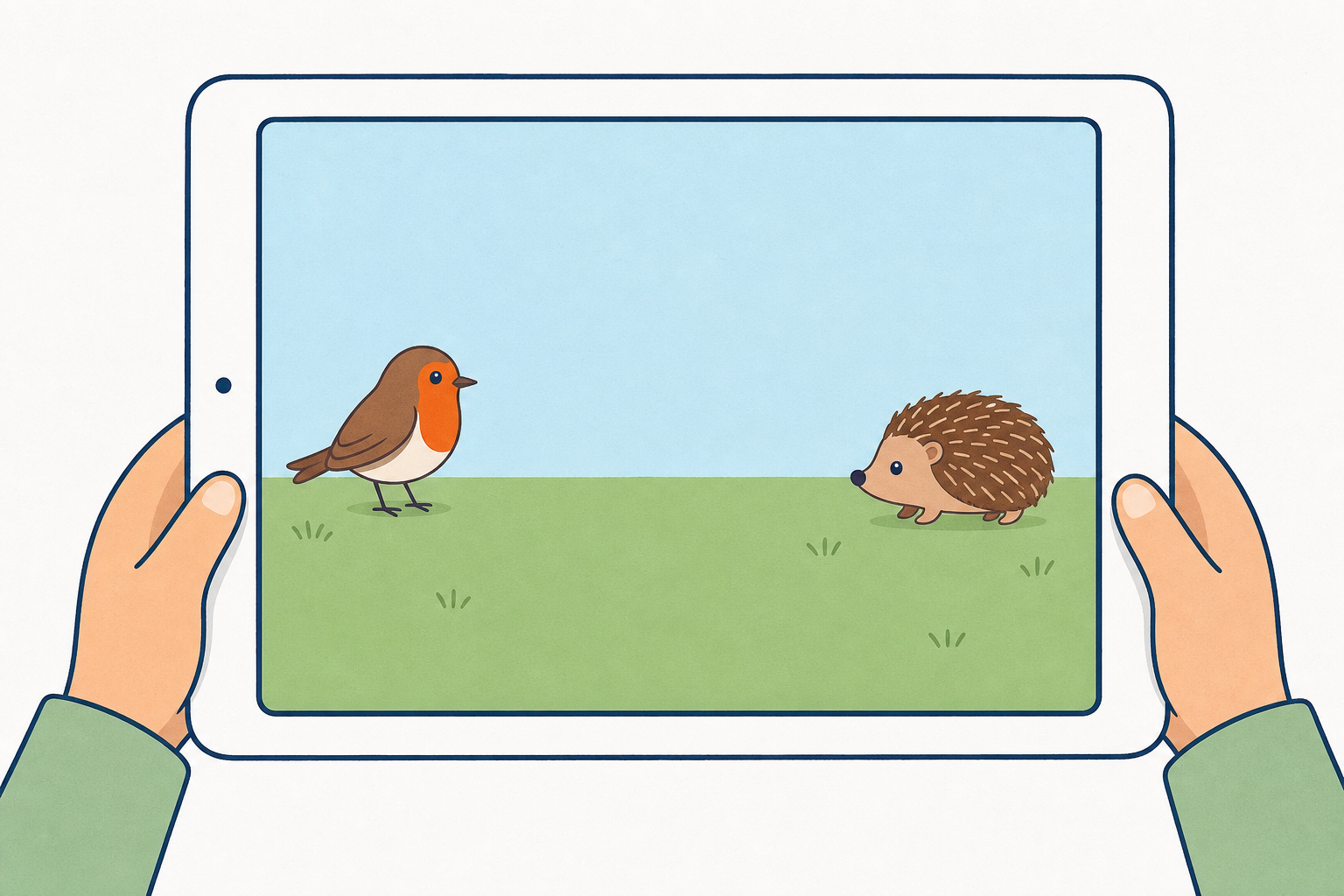
A robin chirps hello. A hedgehog hears it and toddles over to meet the robin. How could we make that tiny two-friend story happen on the tablet, one step after the other?

Keep this light. No tablets out yet. Plant the robin and hedgehog beat, then invite one other pair of characters if you like (a cat and a dog, two children in the yard). Write the two names on the board. Ask: Who goes first? What does the second character wait for? Link gently to apps and games they know: characters often take turns because of signals behind the scenes.
Flex note: this hook can shrink to 2 minutes if you need minutes later for the build or the journal.
Two blocks for today.
One start block begins only that character when you touch it on the screen, not when you press the green flag.
Message blocks are a same-colour signal: one character sends it, and the other starts when it gets that colour.
The clever bit is the waiting. How will the second character know it is their turn?
Project only the short board text. Use the table below yourself. Keep load to these two must-learn terms; talk about fixing the order in plain words during the demo and build, not as a third named concept here.
Match words to blocks: while you say each idea, hold up or project the real ScratchJr block so pupils can see it. Name the yellow Start on Tap block when you talk about starting one character by touch, and hold up a matching pair of Send Message / Start on Message blocks (same colour) when you talk about the signal. Stage-2 pupils need the icon next to the words before the demo.
| Concept | Why it matters | Example |
|---|---|---|
| Start on tap — a start block that runs only when you touch that character (not the green flag) | It gives the class a clear way to begin the story without everything firing at once | Touch the robin; only the robin's first blocks run |
| Message blocks — work in pairs: one character sends a coloured message; another starts when it gets that same colour | This is how two programs stay in order on one screen | Robin sends a blue message at the end of its speech; hedgehog starts on blue message and moves |
Plain-language order (not a third board term yet): if the second character moves too soon or too late, change when the message is sent or check the colours match. Children will meet this after they have seen order go wrong.
Misconception to head off: children often put Start on Green Flag on both characters, so both run at once. For this lesson, model Start on Tap on the first character and Start on Message on the second. Keep green flag and Start on Tap clearly distinct.
STEM eyes: the apps and games we use are built from sequences like these, with characters waiting for signals.
Watch the board. One character will speak. Then a same-colour message will tell the second character to move and meet them. Predict: will both start at the same time, or one after the other?
Before the lesson: open ScratchJr on the IWB device. Pre-place two characters (e.g. robin and hedgehog, or cat and dog) on a simple background. Save a shared class starter project with those two characters already on stage for every pair to open in the build (required, not optional).
Narrow modelled cycle (one clear contrast only):
One fold-in question: Are they starting together or one after the other? What should we change?
Keep speech to one short bubble. Do not demo colour-mismatch in this slot; use that as a circulate prompt in the pair build if a pair's second character never starts. Stay inside five minutes so build time is protected.
With your partner, build a tiny two-character story on the tablet.
Agree who speaks first and how the second character moves to meet them. Open the class starter so both characters are already on the stage with a gap between them.
Build in this order:
Success looks like this in plain words: the first character speaks, then the message goes, then the friend moves. Keep pencils away for now; we write on the journal page next.
Setup (required): one tablet with ScratchJr per pair (or rotate turns on fewer devices / teacher-driven IWB if needed). Every pair opens the shared starter project with two characters already on a simple background — do not leave pairs on an empty stage. Pairs sit so both can see and take turns adding blocks. This step is tablet-only: plan aloud (or on the three-step support story beats), no journal writing yet.
Support story beats (say them aloud, or write them on the board; three beats only): 1. Touch first character → it speaks → it sends the colour message. 2. Second character gets that same colour. 3. Second character moves to meet the first.
Minimum success line (lesson aim met): first character Start on Tap → short say → send message; second character start on matching message → move toward the first; story runs in order when the first is touched. Pairs who only just get that order working still meet the aim.
Success stretch: pair can say one order bug they fixed (plain words: too soon, wrong colour, message in the wrong place), or say how they checked the order was already right.
Constraints keep it doable: one short speech bubble; one send and one receive of the same colour; a few move steps only. No need for fancy scenes.
Common bugs (circulate prompts): both on green flag; message colours differ (second never starts); second character faces the wrong way; characters too far apart so they never look like they meet. Prompt: Who starts? What same-colour signal tells the other to go? Run it once without changing anything — what did you see?
Differentiation: support — hand the three-step story strip. Stretch — add a short reply from the second character after it arrives (still one message chain).
If devices fail: pairs act the story on the carpet with two pupils as characters and a coloured card as the "message", then one pair builds on the IWB.
Time guard: protect this build. The starter project is what makes 17 minutes realistic. If devices are slow to start, cut the hook or share later rather than this block.
Tablets to the side for a moment. On your pair's Investigation Journal page, record what you found about your two-character story.
Note the question you were answering, what you predicted, what happened when you ran the story, whether the second character waited for its turn, and one change you made to the order (or how you checked the order was already right).
This is the only paper-recording beat. Tablets down or to the side so both partners can see one shared Investigation Journal page. The page follows the investigation record (question, prediction, what you found, and the two conclusion prompts) — do not invent extra headings or ask pairs to hunt for stems that are not on the page.
Circulate and prompt full sentences said aloud if writing is slow: Our question was… We thought… When we ran it… The second character… We changed… / We checked by… Pairs share one journal page (optional second copy for support).
If a pair's story ran correctly first time, they still complete the page: they write that the second character waited, and under the fix/check prompt they write how they checked (for example ran it twice, or watched who moved first). A compressed 3–4 minutes still evidences the outcomes if answers stay short. Fast finishers sketch one tiny improvement (e.g. face the friend) rather than opening a new project on another app.
If the build overran: keep this record to at least 3–4 minutes on the journal page; trim Share the fix rather than skip the journal.
You're previewing this lesson. Get full access to this lesson and hundreds more — each one ready to teach, with interactive activities, printable resources and pupil progress tracking built in.