1 - Introduction
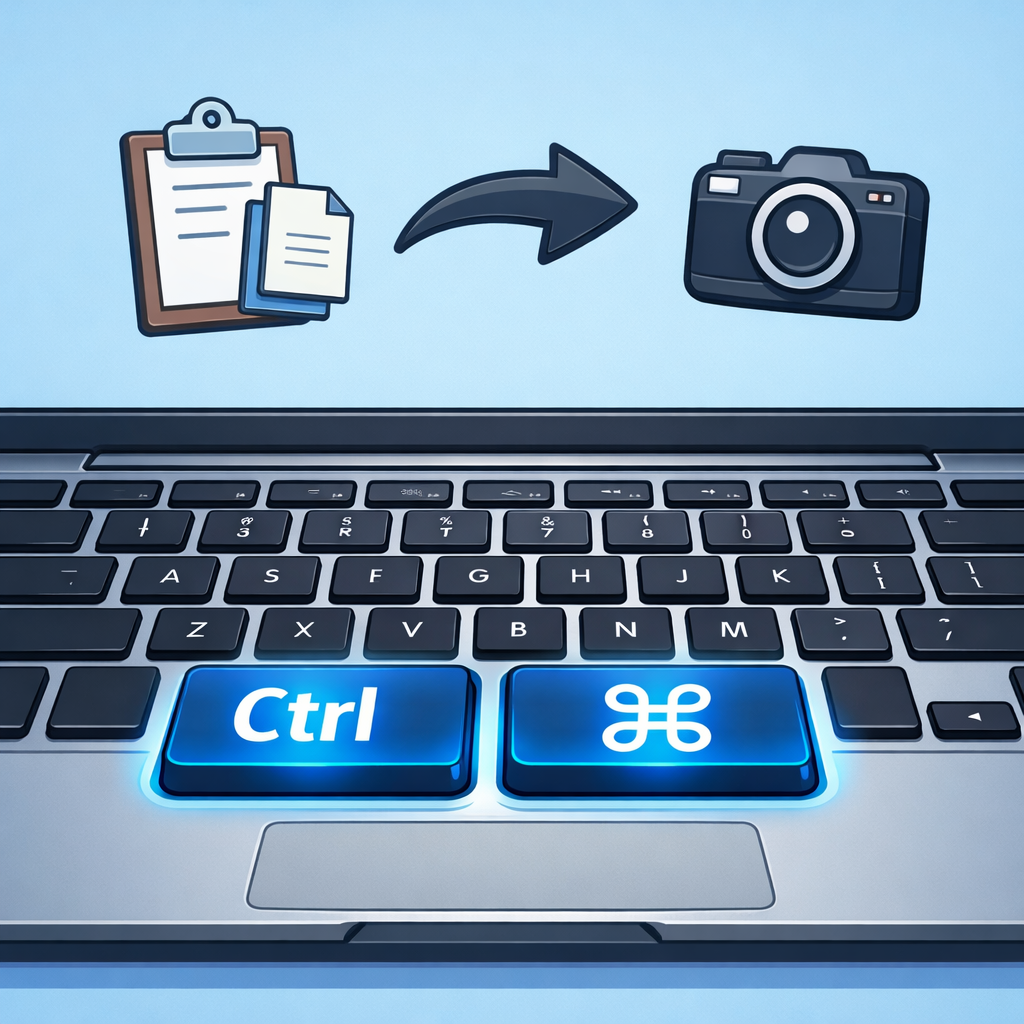 Ever notice how much time you spend clicking menus to copy text or switch between apps? Keyboard shortcuts let you do these tasks in seconds, making you more efficient on emails, documents, and calls.
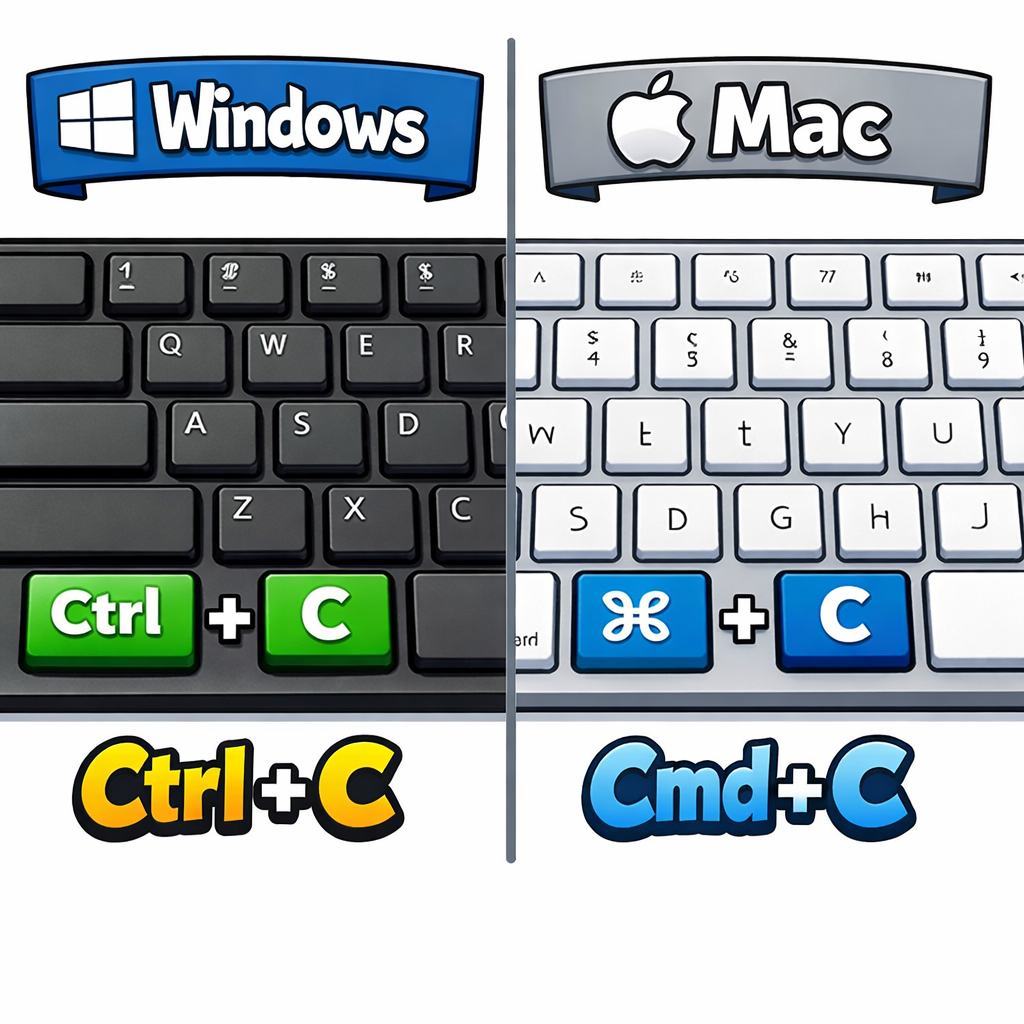
This lesson covers essential keyboard shortcuts for Windows (using Ctrl) and Mac (using Cmd). Windows keyboards have a Ctrl key; Mac keyboards have a Cmd (⌘) key. Use the version that matches your computer.
- Copy, cut, and paste text or images
- Undo and redo changes
- Select all content and find specific words
- Switch between apps and take screenshots
- Practice in real tasks like emails and documents
2 - Copy, Cut, and Paste
 Copy, cut, and paste are essential for moving text or images quickly without retyping. This is useful for emails, reports, or forms – for example, copying an address or reference number into a message to your local library or school.
To use these shortcuts, first select the text or image: click and drag over it, or double-click a word to select it, or triple-click a paragraph. Selected content will be highlighted.
Key combinations (hold the first key down, then press the second, then release both):
| Action | Description | Windows | Mac |
|---|---|---|---|
| Copy | Duplicate the selected text or image to the clipboard (original stays) | Ctrl + C | Cmd + C |
| Cut | Remove the selected text or image to the clipboard | Ctrl + X | Cmd + X |
| Paste | Insert the clipboard content where your cursor is | Ctrl + V | Cmd + V |
The clipboard holds only one item at a time – copying or cutting replaces the previous content.
Open Notepad (Windows: search in Start menu) or TextEdit (Mac: Applications folder).
- Type: 'Dear Library, my reference number is 12345.'
- Select '12345' by dragging over it.
- Press Ctrl/Cmd + C to copy.
- Click at the end of the sentence and press Ctrl/Cmd + V to paste.
- Now select the pasted '12345', press Ctrl/Cmd + X to cut it, move the cursor elsewhere, and Ctrl/Cmd + V to paste it back.
3 - Mini Practice: Copy/Paste in Email
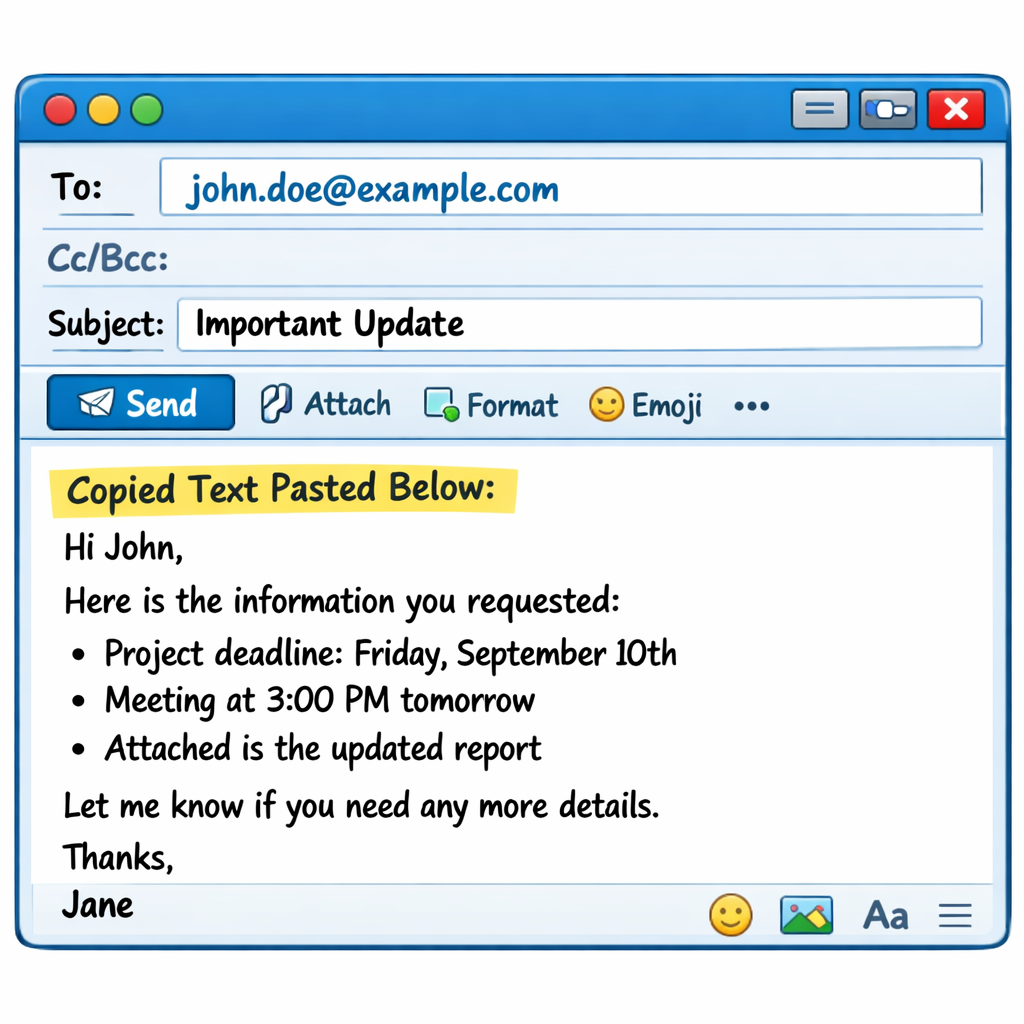 Apply copy/paste to a real task: sending a message to a school or workplace.
Open your email app (e.g., Outlook, Gmail in browser). Start a new email to a test address like your own.
- Type: 'Subject: Appointment query. Body: Please confirm my appointment on 15th.'
- Select '15th', Ctrl/Cmd + C to copy.
- Paste below with Ctrl/Cmd + V: '15th (copied date)'.
- Try cut: Select 'query', Ctrl/Cmd + X, paste elsewhere.
Don't send. Close the email.
4 - Undo and Redo
Undo reverses your last action, like deleting text by mistake. Redo brings it back after undoing. These are vital when editing documents, emails, or invoices – for example, if you accidentally delete a date or amount, undo fixes it instantly without retyping.
Undo works in most apps: Notepad, Word, email composers, browsers. You can undo multiple steps by pressing the shortcut repeatedly. Redo reverses the most recent undo.
Key combinations (hold the first key(s), then press the letter, release all):
| Action | Description | Windows | Mac |
|---|---|---|---|
| Undo | Reverse the last action (delete, type, paste, etc.) | Ctrl + Z | Cmd + Z |
| Redo | Reverse an undo (restore the change) | Ctrl + Y | Cmd + Shift + Z |
- Undo multiple times: Ctrl/Cmd + Z repeatedly goes back several steps.
- After redo, further undos start a new history – redo is cleared.
- Not all actions undo (e.g., closing a file). Check the app's Edit menu for arrows showing steps available.
- On some keyboards, Ctrl + Shift + Z also works for redo on Windows.
These shortcuts save time in real tasks, like correcting a report before sending to school admin or fixing a typo in an email to your library.
5 - Mini Practice: Undo/Redo
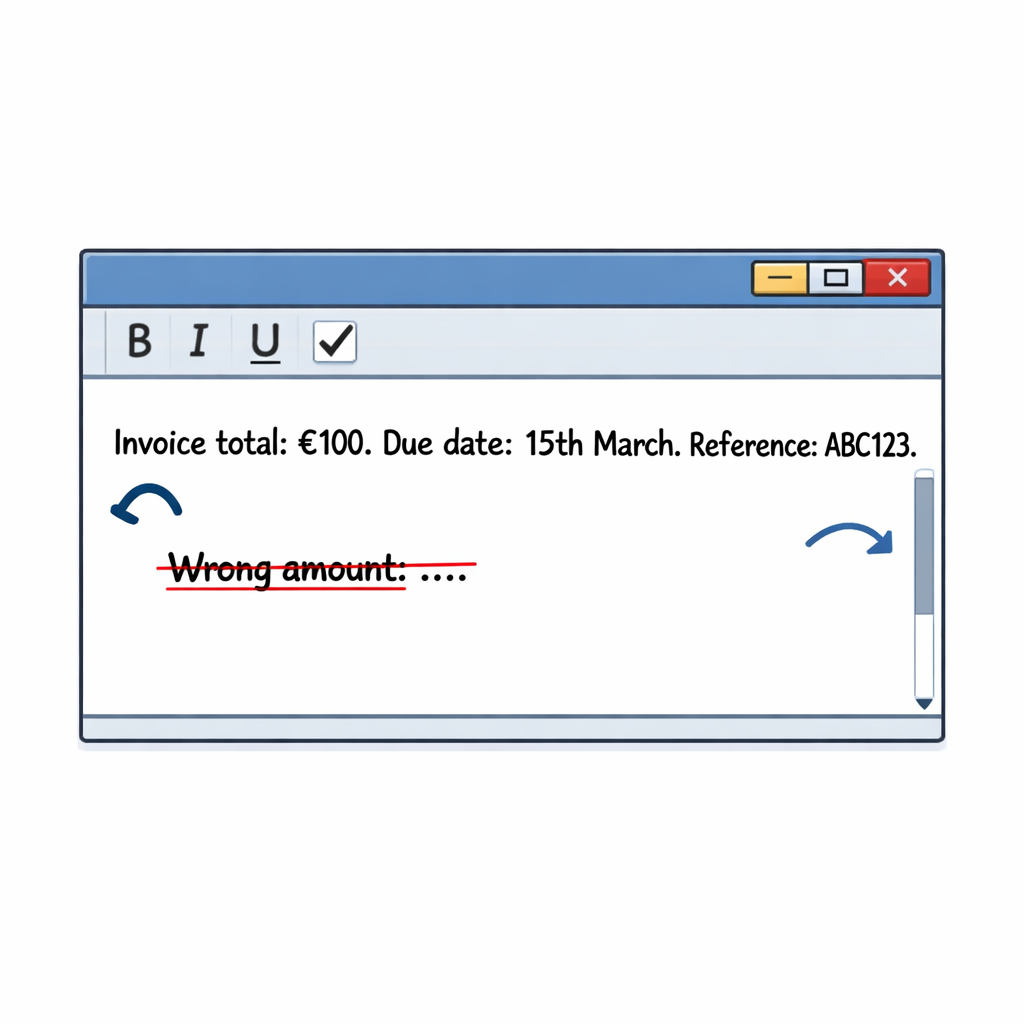 Practise undo and redo now in a text editor. This helps you fix mistakes quickly in documents, emails, or invoices without losing work.
To open the text editor:
- Windows: Press the Windows key (bottom left), type "Notepad", and press Enter.
- Mac: Press Cmd + Space to open Spotlight, type "TextEdit", and press Enter. Or go to Finder > Applications > TextEdit.
Once open, create a new document if needed (File > New or Ctrl/Cmd + N).
Practice Sequence 1
- Type exactly:
Invoice total: €100. Due date: 15th March. Reference: ABC123.
- Move the cursor immediately after "€100". Press Backspace 4-5 times to delete "€100".
- Press Ctrl + Z (Windows) or Cmd + Z (Mac) once. "€100" should reappear.
- Press Ctrl + Z / Cmd + Z two more times to undo typing up to the start of "Due date". The text before it should disappear.
- Press Ctrl + Y (Windows) or Cmd + Shift + Z (Mac) once or twice to redo and restore the text.
Practice Sequence 2
Stay in the same document.
- Press Enter for a new line. Type:
Wrong amount: €200.
- Drag to select just "€200". Press Delete to remove it.
- Press Ctrl + Z / Cmd + Z once to undo the deletion ("€200" reappears).
- Press Ctrl + Z / Cmd + Z once more to undo typing the whole line (line disappears).
- Press Ctrl + Y (Windows) or Cmd + Shift + Z (Mac) twice to redo both steps.
Practice Sequence 3
- Press Enter for a new line. Type:
Appointment time: 10am.
- Place cursor at the start of "10am". Type 11am to overwrite it.
- Press Ctrl + Z / Cmd + Z once to undo the typing (back to "10am").
- Press it once more to undo the whole line if needed.
- Press Ctrl + Y / Cmd + Shift + Z to redo and see the history in action.
Unlock the full learning experience
You're previewing this lesson. Get full access to this lesson and hundreds more — each one ready to teach, with interactive activities, printable resources and pupil progress tracking built in.
This lesson is copyright of Coding Ireland 2017 - 2026. Unauthorised use, copying or distribution is not allowed.