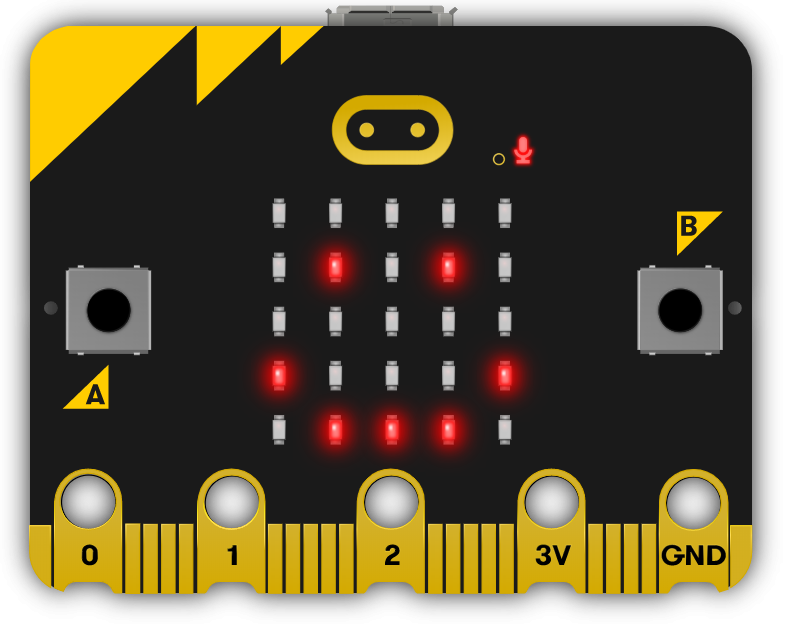
This module introduces students to the fascinating world of microbits, pocket-sized computers that can be programmed for various projects. Teachers should guide students through creating new projects, exploring the project editor, and writing code. The module includes designing games, creating an alarm system, a microbit finder, a weather station, a compass and thermometer, a pet, and a voting system. Teachers should ensure students understand the coding concepts and encourage them to think critically about the security of their system.
Read more

Explore the Course

Click any lesson with to preview it

Reaction Timer Quiz Challenge

Microbit Pet Quiz Challenge

What Students Will Learn

Learning Goals

  1. Master the basics of microbits, including creating projects, writing and deleting code, and programming microbits to perform various tasks.
  2. Develop a reaction timer game using microbits, enhancing skills in creating variables, adding random delays, and recording reaction times.
  3. Design a microbits alarm system, applying knowledge of functions, variables, and if-else conditions.
  4. Create a 'Microbit Finder' using radio signals, learning to set up a radio group, send and receive messages, and display signal strength.
  5. Design a microbits weather station, demonstrating understanding of sensor readings, button inputs, and basic microbit functions.

Learning Outcomes

  1. Program a microbit to display messages, react to button presses, show icons, play melodies, and respond to movement.
  2. Design and code a reaction timer game using a microbit, incorporating elements such as random delays and variables to record reaction times.
  3. Create a microbit-based alarm system, utilising sensors to detect movement and sound, and programming the system to activate when thresholds are crossed.
  4. Develop a 'Microbit Finder' using radio signals to detect proximity between two microbits, including setting up a radio group, creating variables, and sending/receiving messages.
  5. Design a microbit weather station that displays sensor readings based on button presses, including temperature, light level, sound level, and acceleration.
  6. Transform a microbit into a compass and thermometer, programming the buttons to use the built-in sensors.
  7. Program a microbit to act as a pet with varying emotions, responding to different interactions.
  8. Develop a microbit voting system, programming microbits to cast votes, tally the votes, and reset the voting system, with an added security feature.

What You'll Need

Student Devices

Students will need one of these devices. Students can share in groups of 2-3 if necessary.

Chromebook/Laptop/PC
Required Equipment

Equipment used in some of the lessons in this course. Items can be shared among students.

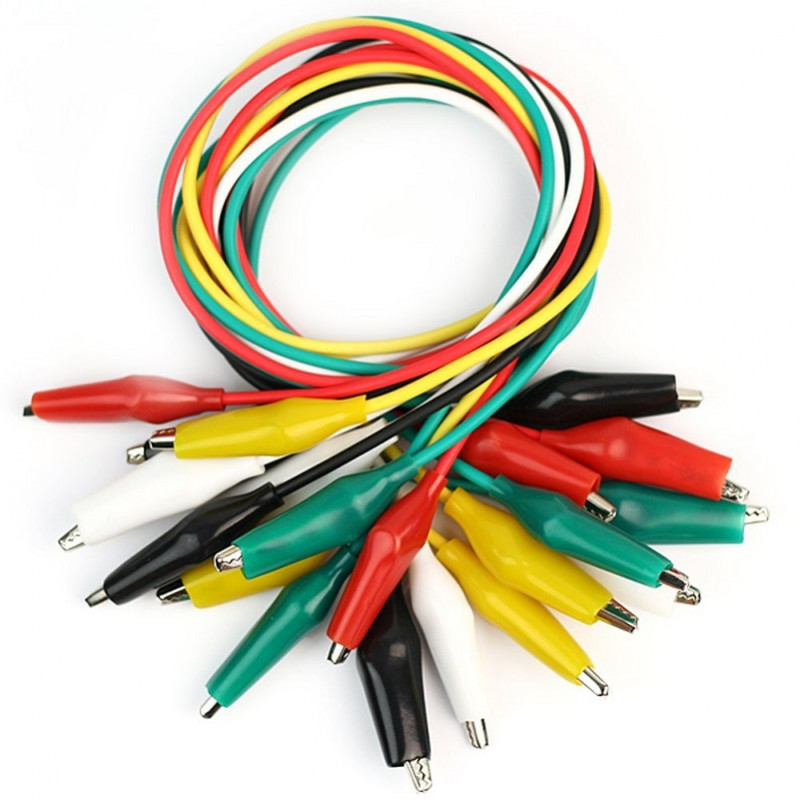
Crocodile clips
Crocodile clips
Microbit
Microbit
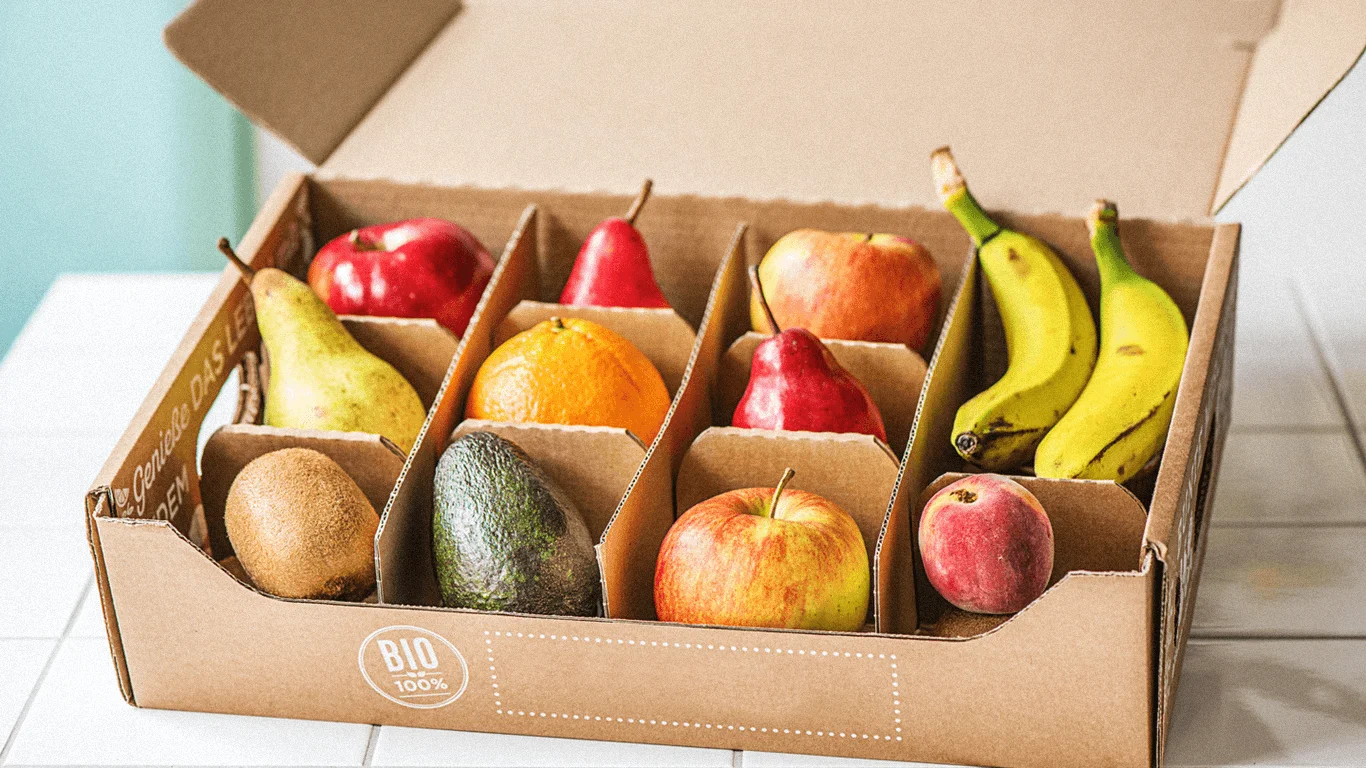
Some fruit & vegetables

Ready to bring this course to your school?

Get in touch to discuss pricing and ordering for your school.

Ready to get started?
Pricing & Ordering Contact Us
🍪 Our website uses cookies to make your browsing experience better. By using our website you agree to our use of cookies. Learn more