This module guides students through the process of designing and building future technologies, starting with assembling and programming traffic lights using a Microbit Traffic Lights Kit. Students will then create a traffic light reaction game, a pedestrian crossing simulation, and a Move Motor Sensor Car. They will learn to program the car to follow a line track, use ultrasonic sensors, and be controlled by a Microbit remote. The module concludes with a lesson on coding a set of traffic lights and a robot car to communicate. Teachers should ensure they are familiar with the MakeCode editor, Microbit, and the various extensions used throughout The module.
Read more

Explore the Course

Click any lesson to preview it

This module introduces students to practical coding and electronics through hands-on projects with Microbit technology. Learners will assemble and program traffic lights, create reaction games, simulate pedestrian crossings, and build and control motor sensor cars. The lessons focus on developing skills in sequencing, sensor use, and remote control programming.

Build your Traffic Lights Quiz Beginner
Microbit Traffic Lights Quiz Challenge Beginner
Traffic Light Reaction Game Quiz Challenge Beginner
Pedestrian Crossing Quiz Challenge Beginner
Build your Move Motor Sensor Car Quiz Challenge Intermediate
Line Following Car Quiz Challenge Intermediate
Autonomous Car Quiz Challenge Intermediate
Tilt Remote Control Car Quiz Challenge Advanced
Traffic Lights and Car Communication Quiz Challenge Advanced

This module introduces students to practical coding and electronics through hands-on projects with Microbit technology. Learners will assemble and program traffic lights, create reaction games, simulate pedestrian crossings, and build and control motor sensor cars. The lessons focus on developing skills in sequencing, sensor use, and remote control programming.

Build your Traffic Lights Quiz Beginner
Microbit Traffic Lights Quiz Challenge Beginner
Traffic Light Reaction Game Quiz Challenge Beginner
Pedestrian Crossing Quiz Challenge Beginner
Build your Move Motor Sensor Car Quiz Challenge Intermediate
Line Following Car Quiz Challenge Intermediate
Autonomous Car Quiz Challenge Intermediate
Tilt Remote Control Car Quiz Challenge Advanced
Traffic Lights and Car Communication Quiz Challenge Advanced

Curriculum Mapping

See exactly how this course maps to official curriculum specifications

Curriculum Area
Outcomes
Nature of STEM
S1.4.1
Living things
S2.4.1 S2.4.2 S2.4.3
Materials
S3.4.1 S3.4.2 S3.4.3
Energy and forces
S4.4.1 S4.4.2 S4.4.3
Technology
S5.4.1 S5.4.2 S5.4.3
Engineering
S6.4.1

What Students Will Learn

Learning Goals

  1. Master the assembly and programming of Microbit Traffic Lights.
  2. Develop skills in creating interactive games using Microbit and STOP:bit Traffic Lights.
  3. Understand and apply the principles of pedestrian crossing simulations using MakeCode editor and micro:bit.
  4. Gain proficiency in building and programming a Move Motor Sensor Car.
  5. Learn to code a car to follow a line track and use ultrasonic sensors for object detection and avoidance.

Learning Outcomes

  1. Assemble and operate a Microbit Traffic Lights Kit.
  2. Program a sequence of traffic lights using on/off and state methods.
  3. Create a traffic light reaction game, incorporating variables and reaction time measurements.
  4. Construct a pedestrian crossing simulation, incorporating button press detection and traffic light sequencing.
  5. Assemble and code a Move Motor Sensor Car, exploring its various sensors and capabilities.
  6. Program a Move Motor Car to follow a line track, adjusting code for optimal performance.
  7. Utilise ultrasonic sensors to enable a Move Motor Car to follow an object and avoid obstacles.
  8. Control a Move Motor Car using a Microbit as a remote controller, based on tilt detection.
  9. Code a set of traffic lights and a robot car to communicate and respond to each other's states.

What You'll Need

Student Devices

Students will need one of these devices. Students can share in groups of 2-3 if necessary.

Chromebook/Laptop/PC
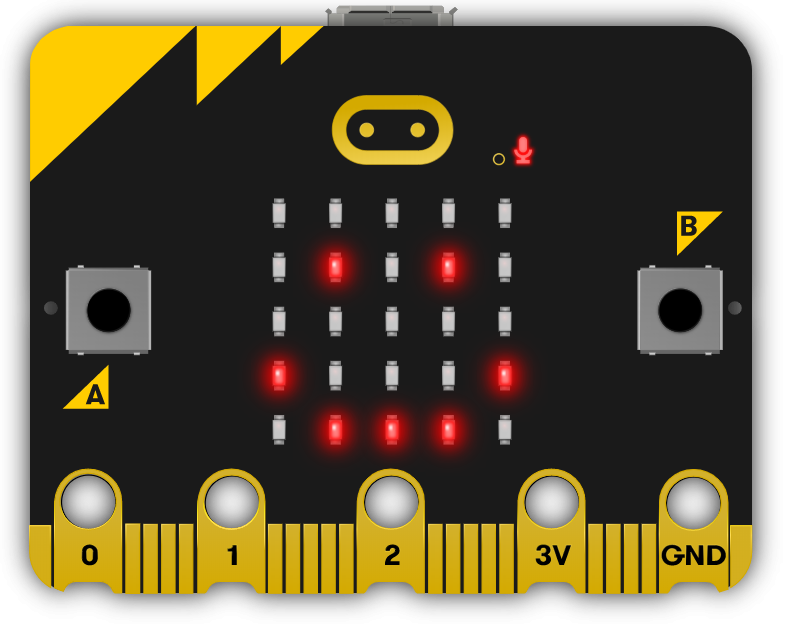
Microbit
Microbit
Required Equipment

Equipment used in some of the lessons in this course. Items can be shared among students.

Microbit
Microbit
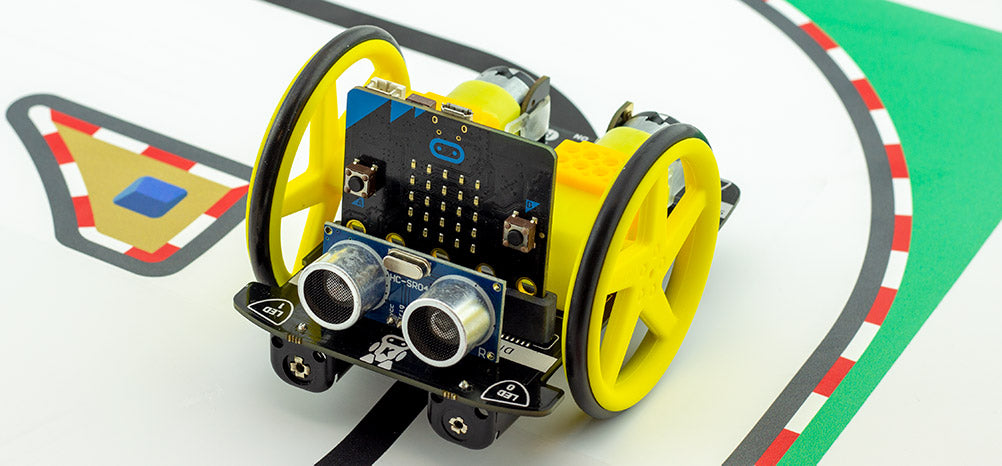
Move Motor Car
Move Motor Car
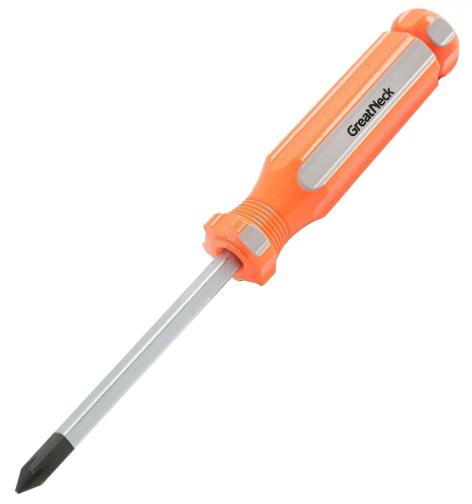
Phillips Screwdriver
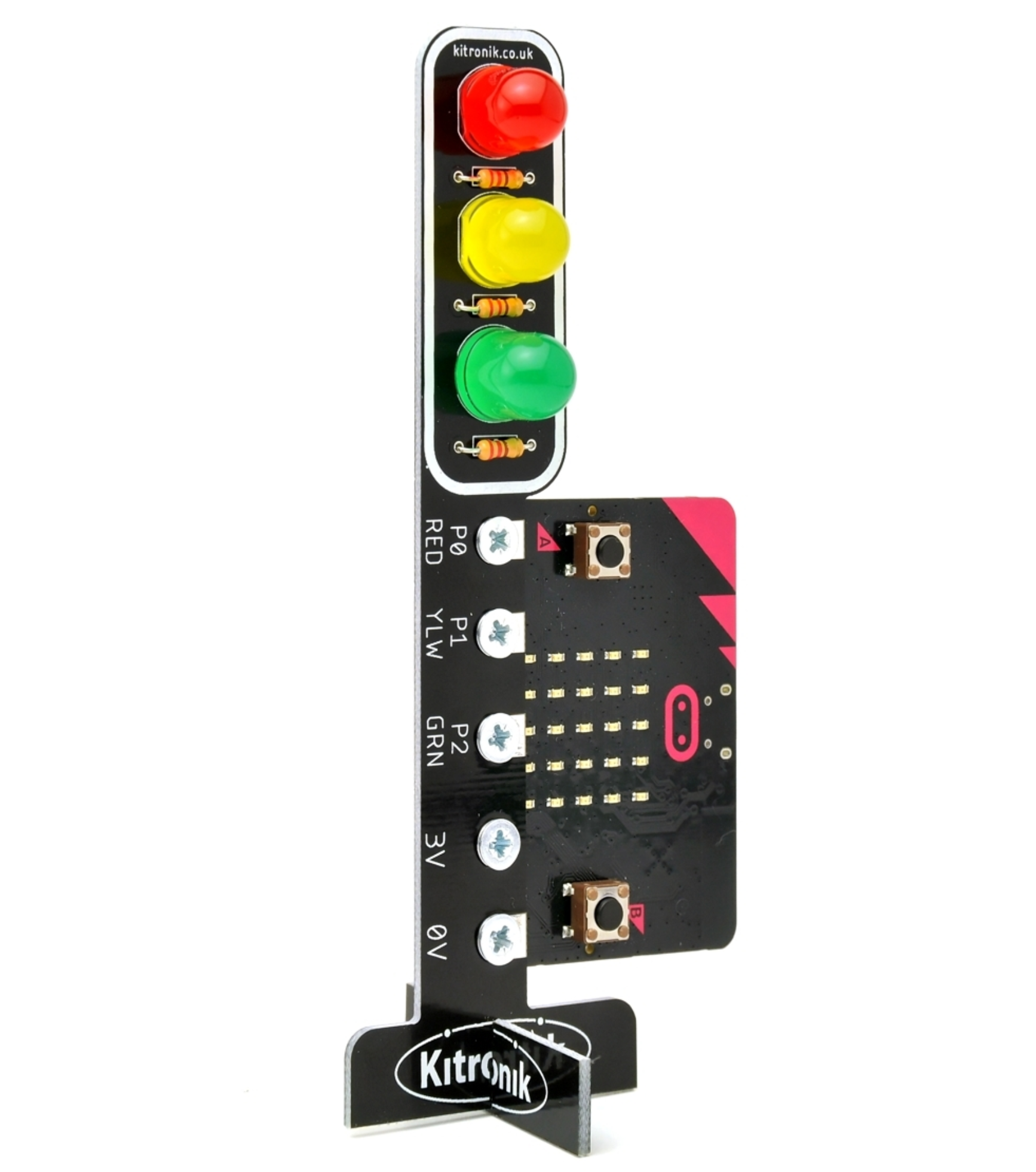
Traffic Lights Kit
Traffic Lights Kit

Ready to bring this course to your school?

Get in touch to discuss pricing and ordering for your school.

Ready to get started?
Pricing & Ordering Contact Us
🍪 Our website uses cookies to make your browsing experience better. By using our website you agree to our use of cookies. Learn more