1 - Getting Started ~5 mins
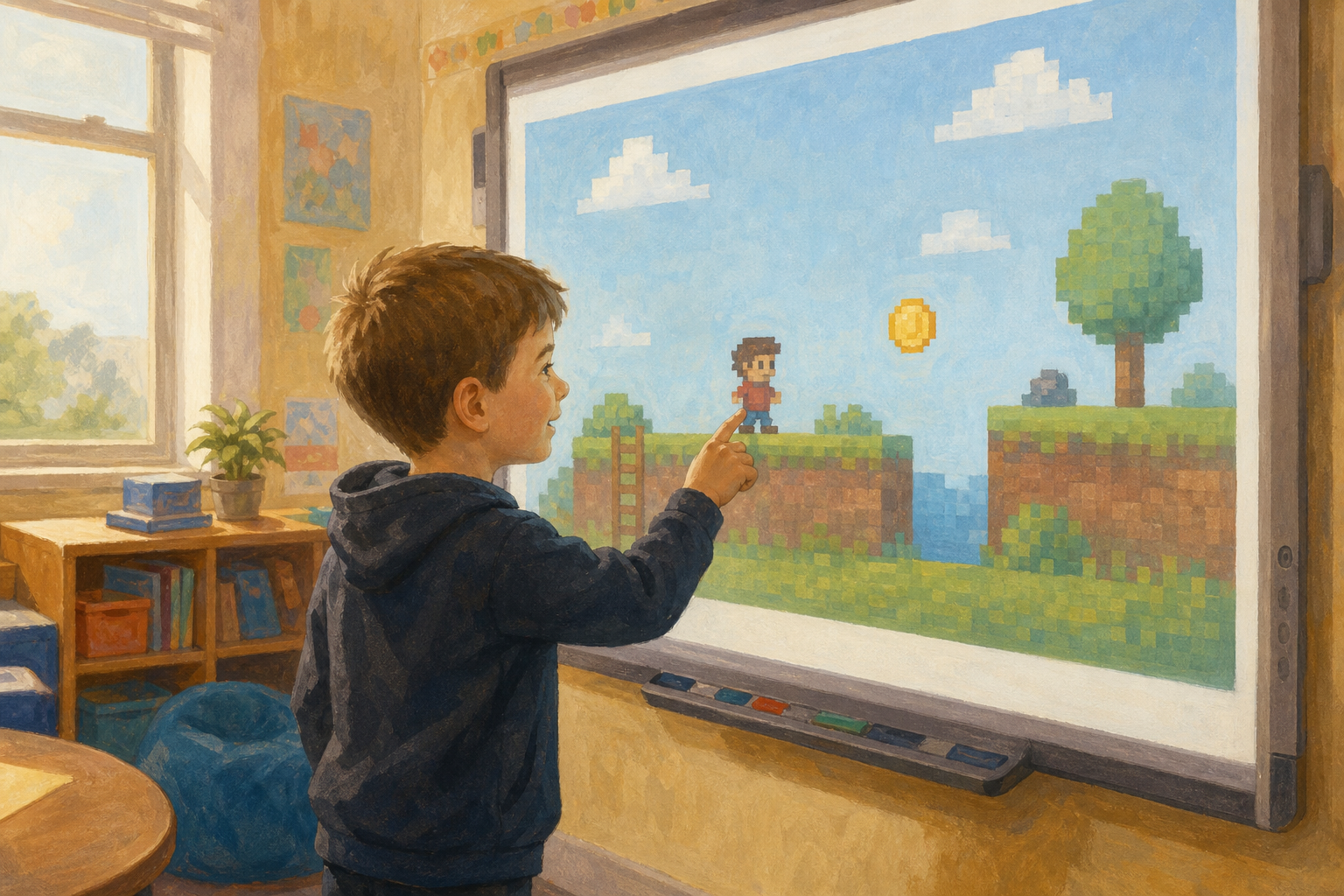 Today we start Coin Catch: a small hero who runs left and right and scores when they touch a coin.
Watch this short demo on the board. Hands up: what is the goal, and what scores a point?
Demo to open: before the class arrives, open MakeCode Arcade in the browser and load this finished sample (or rebuild it in two minutes from the steps in Step 4 if the link is blocked): https://arcade.makecode.com/— search the gallery for a simple “collect the coin” / hero-and-coin starter, or use any short Arcade project where one player sprite moves with the keys and the score rises on coin touch. Preferred concrete build if you need to make the sample yourself: one Player sprite moved with buttons, one Food/coin sprite, on overlap add 1 to score and destroy or respawn the coin. Do not hand out devices yet.
Take hands-up call-outs only for goal and scoring. Keep this as a curiosity beat. The plain-words full job sentence comes in the pair talk next.
STEM link: Irish game studios start from the same plain-words job list before they write a single block. The logic is step-by-step, just like a recipe or a traffic-light sequence.
2 - Name the Game's Job ~5 mins
In pairs, name three things Coin Catch must do: who the player is, how they move, and what scores a point.
Be ready to share one clear sentence with the class, the way you would give precise instructions to a friend.
Think-pair-share for about two minutes, then take three or four pairs. Revoice answers into plain algorithm language: the player moves the hero with the keys; when the hero touches the coin, the score goes up.
Look for: pupils separating the job (what must happen) from the blocks (how the computer does it). If someone jumps straight to button names, pull them back to the plain-words job first.
This is Project Part 1 of 2. Tell the class they will save today's project with a share link and finish it next session.
3 - Plan the Game ~8 mins
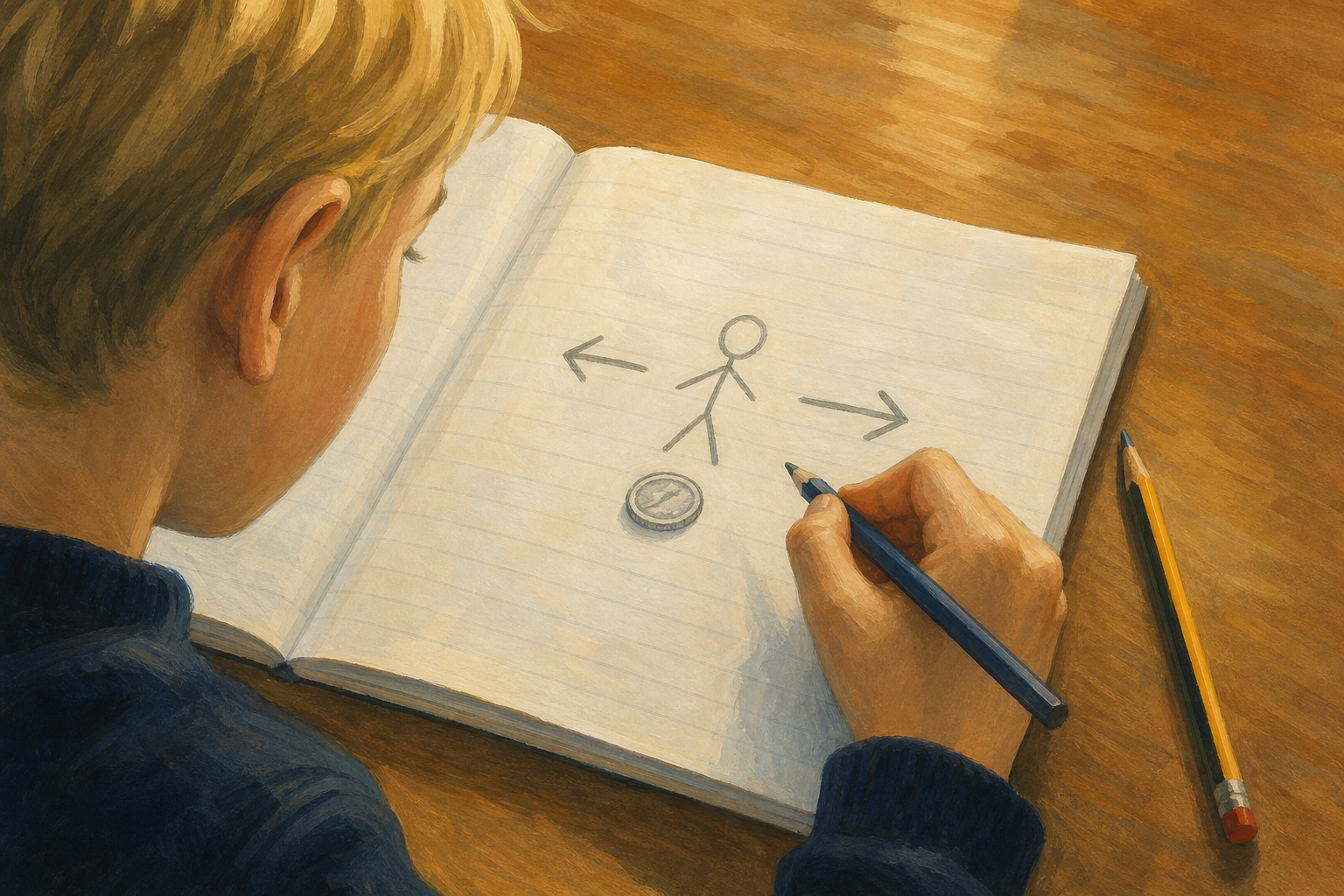
On your Investigation Journal page, sketch your Coin Catch plan: the hero sprite, how it moves left and right, and what scores (touch a coin). Leave a line for one thing you want to add next session.
Two words for today: sprite means the character you control on the screen. Algorithm means the precise steps the computer follows, in order.
| Concept | Why it matters | Example |
|---|---|---|
| Sprite — the character or object on the screen that the player moves or controls | Every Arcade game needs something the player can see and steer; naming it first keeps the plan clear | A small hero figure that walks left and right when you press the arrow keys |
| Algorithm — a precise sequence of instructions that tells the computer exactly what to do, in order | Vague wishes do not run; the computer only does what the steps say | When the left key is pressed, move the sprite a small step left (the screen is made of tiny dots called pixels) |
Run and test is the habit you will model in the next steps (press play often), not a third formal term on this slide.
Worked plan (model aloud before pupils write): Here's how I'd plan Coin Catch on my page: sprite — little hero; move — left and right keys; score — touch a coin. That's enough to get something running today. Next session we can make it juicier with a loop or a new event.
Pupils complete the plan on paper only. No devices yet. Circulate and check every pair has named sprite, movement and scoring before you open the editor.
Misconception to head off: some pupils treat the plan as decoration and skip straight to dragging blocks. The plan is the algorithm in plain words; the blocks are how that algorithm is written for the computer.
Journal prompts to show on the board (these match the InvestigationLog page; if pages are short, write the same three lines on the IWB): (1) My plan: sprite, movement, scoring. (2) What my sprite does so far / main blocks I used. (3) One thing to add next session. Also leave space for the project share link.
4 - Model the First Step ~8 mins
Watch Coin Catch begin on the board. Notice where we set up the hero sprite, how we add left and right movement, and how we make a coin that scores a point.
We will run it together after each chunk, then you will see exactly how we save the project with a share link before you try on your devices.
Before the lesson: open https://arcade.makecode.com on the IWB (new project). Drive the demonstration yourself using the exact block sequence below. Follow these steps in order. Do not freestyle different blocks.
Think aloud as a spoken list: First we place the hero sprite. Then we tell it how to move. Then we add a coin and scoring. Then we press run to check. Then we save a share link.
Exact first build (model chunk by chunk; run after each chunk):
- Hero sprite: From the Sprites drawer, drag set mySprite to sprite of kind Player into on start. Click the grey box to draw or pick a simple hero. Run once: the hero should appear on the screen.
- Movement: From Controller, drag move mySprite with buttons into on start (under the set-sprite block). Run again. Ask: before we press run, what do you think the sprite will do? Arrow keys or the on-screen d-pad should move the hero left, right, up and down. For a left-right feel only, you can set vx speed and leave vy at 0 if you prefer.
- Coin and score (in scope today): In on start, add set coin to sprite of kind Food (or Projectile), draw a coin, and place it with set position somewhere away from the hero. From Sprites, add on overlap of kind Player with kind Food. Inside it: change score by 1 and destroy otherSprite (or move the coin to a new random position so play can continue). Run and drive the hero into the coin so the class sees the score rise.
- Save path to model once (use this routine for the whole class): Click the purple Share button at the bottom (or top) of MakeCode Arcade. Publish or create the share link. Copy the link. Show pupils where they will write that link on the Investigation Journal page so next session they can paste it into the browser and reopen the same project. If your school already uses signed-in MakeCode saves, you may use Save to account instead, but pick one routine and model only that.
What success looks like by the end of this model: a named Player sprite on screen; controller movement runs; overlapping the coin adds 1 to the score; project share link created. Likely stuck-point when pairs build: sprite created but no move with buttons block, so the hero sits still — send them back to chunk 2 and run again.
If something fails, model calm fixing: read the blocks in order, change one thing, run again.
Fold the watchers in: when one pair later builds at the front, ask the rest are they right? what would you try next? Watching is real participation.
5 - Build the First Working Version ~24 mins
With your partner, bring your Coin Catch plan to life in MakeCode Arcade. Follow the same chunks we modelled on the board: hero sprite, left and right movement, then a coin that scores when you touch it.
Run it often — each play is a check, not a test you can fail. Stick to today's plan. Before you finish, create a Share link and write it on your Investigation Journal page.
Before the Lesson
- Book tablets or laptops (one per pair) that can open https://arcade.makecode.com.
- Keep the modelled chunk list visible on the IWB so pairs follow one action at a time.
- If devices are short, run the whole build on the IWB with pairs taking turns while the class predicts and checks.
- Remind pupils: one save routine only — Share link written on the journal (unless you modelled school account Save).
During the build
Pupils follow the same four chunks from Step 4. Keep pairs on the plan, prompt a run after each chunk, and help them read errors calmly. Scoring is part of today's first working version, not optional.
Keep the enquiry cycle visible:
- Question: can we get a first working Coin Catch that matches our plan?
- Predict: what should happen when we press this key or touch the coin?
- Test: run after each small change.
- Observe: does the hero move and score as planned?
- Conclude: what works so far, and what will we add next session?
What done looks like: hero on screen, moves with buttons, coin touch raises score by 1, Share link on the journal.
Differentiation: pairs who finish early refine movement feel or tidy labels, still within today's plan. Pairs who stall go back to the plain-words plan and rebuild one chunk at a time with you. Never send fast finishers to a separate on-device task away from the class arc.
Low-cost substitute in action: one shared IWB build with rotating drivers still counts if every pair has spoken the plan and called the next block.
Unlock the full learning experience
You're previewing this lesson. Get full access to this lesson and hundreds more — each one ready to teach, with interactive activities, printable resources and pupil progress tracking built in.
This lesson is copyright of Coding Ireland 2017 - 2025. Unauthorised use, copying or distribution is not allowed.