1 - Getting Started ~5 mins
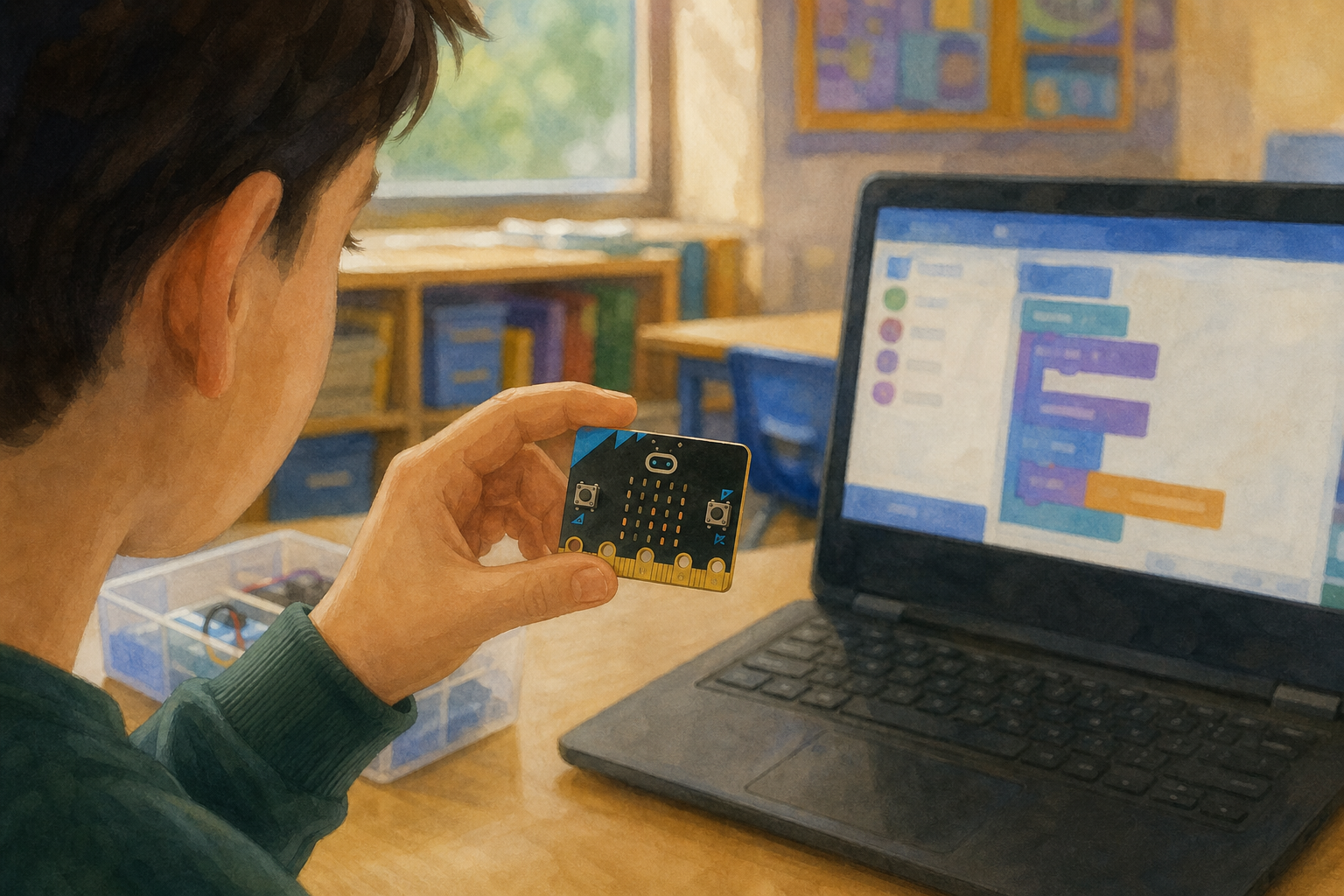 You already know how a button press can make a micro:bit show something on its lights. Today the board will notice something for itself, with no button.
Hands up: if the micro:bit could react without a button, what should set it off, a shake, a tilt, or a sound?
Keep this light. Do not open MakeCode yet and do not hand out devices. Collect three or four pupil ideas and leave the choice open; pairs will follow the shake model later and may choose a small output detail.
Link to prior work: frame button-press work as a durable skill: pupils can already write an input → process → output program. Today the input comes from a sensor instead of a button. Do not name a day or a specific previous lesson title.
Nature of STEM hook (one line only): sensors let everyday devices notice the world, from a phone that rotates its screen to a washing machine that stops when the door opens.
2 - From Button to Sensor ~7 mins
A sensor input means the board notices something on its own, a shake, a tilt, or a sound, without anyone pressing a button.
Every short program on the board has three parts: input (what comes in), process (what the program does with it), and output (what the lights do next).
If we shake the micro:bit, what should it do, and what are those three parts?
| Concept | Why it matters | Example |
|---|---|---|
| Sensor input — something the micro:bit can notice on its own (shake, tilt or sound) without a button press | Lots of real devices react to the world around them, not only to taps and clicks | A phone turns its screen when you tilt it; shop automatic doors open when you walk up |
| Input → process → output — the three parts of a device program: what comes in, what the program does with it, and what the device does next | Naming the three parts helps you plan a program and spot which part is broken when it fails | Shake (input) → choose a face icon (process) → LEDs show the face (output) |
| Debug — find what is wrong in a program and change it so the device does what you meant | Almost no program works first time; debugging is how coders improve their work | Shaking does nothing until you notice the input block was set to button A instead of shake |
Board talk (teach two ideas live, not three up front): sketch three boxes labelled Input, Process, Output. Fill a button example together (button A → show letter → letter on LEDs). Rub out the input and ask what could replace it today. Say the two pupil-facing words as you fill the boxes: sensor input, then input → process → output. Leave debug for the live model in the next step so the class meets it when something goes wrong.
Misconception to head off: pupils may think the micro:bit "knows" what they want. Stress that it only does the steps in the program. If the input block is wrong, nothing will happen no matter how hard they shake.
Irish everyday link: sensors sit inside phones, fitness bands, shop automatic doors, outdoor lights that come on at dusk, and weather stations used around Ireland. The same idea: notice something → run a short program → do something useful.
Hardware note (teacher only): sound input needs micro:bit V2 (on-board microphone). If the class has V1 boards or mixed kits, steer pairs to shake or tilt only so a missing microphone is not mistaken for a pupil bug.
3 - Watch the Model ~8 mins
Watch the board. We will write one short program so the micro:bit reacts when it is shaken and shows a happy face. Before we run it, predict: what will you see on the LEDs when it is shaken?
Default model (use this exact path)
On shake → show icon: happy face. Say the icon aloud before you build so predictions have a clear target. Run on a teacher micro:bit if you have one; otherwise use the MakeCode micro:bit simulator on the IWB.
Block-building steps (drive these live on the IWB)
- Open MakeCode for micro:bit (makecode.microbit.org) and start a new project.
- Delete any default forever or unused blocks so the workspace is clear.
- Open the Input drawer. Drag on shake onto the workspace.
- Open the Basic drawer. Drag show icon inside the on shake block.
- Click the icon and choose the happy face (or heart if you prefer; name it before pupils predict).
- Download to the teacher micro:bit, or press play on the simulator and click the shake control.
- Shake the board (or trigger shake on the simulator) and say clearly what the LEDs did.
Modelled investigation cycle (you perform this; do not print the answers on the board)
- I wonder: can the micro:bit notice a shake and show something, with no button?
- I predict: when I shake it, the LEDs will show a happy face.
- I test: follow the block steps above. Download or run on the simulator if hardware is short.
- I observed: say clearly what the LEDs did (or did not do) on the first run.
- I think / debug: introduce the word debug here: find what is wrong and fix it. Deliberately break the demo once: change on shake to on button A, run again, and show that shaking does nothing. Name the bug: the bug was in the input. Put shake back, run again, and model: I fixed it by….
Fold the class in: after each beat, ask the room: Was that the input or the output? What would you try if nothing happened? Watching is real participation; do not set a separate desk task.
If the kit is short: run the whole model on the MakeCode micro:bit simulator on the IWB. Pupils still call out predictions and debug ideas.
4 - Program, Test and Debug ~25 mins
With your partner, build the shake program on the board steps: when the micro:bit is shaken, it shows your chosen icon. Run it and trigger the shake several times.
Find and fix at least one bug. If it works first time, change one block on purpose, swap boards with another pair, and find that bug.
Be ready to say out loud: the input was…, the output was…, the bug was…
Setup
Pairs share one micro:bit and one laptop or tablet where possible. Keep the block steps below on the IWB for the whole build.
Pupil-facing block steps (leave these visible)
- Open MakeCode for micro:bit and start a new project (or clear the workspace).
- From Input, drag on shake onto the workspace.
- From Basic, drag show icon inside on shake.
- Choose an icon your pair likes (happy face, heart, duck, or similar).
- Download to the micro:bit, or use the simulator shake control if you are on a shared device.
- Shake the board several times. Does the icon appear each time?
- If it fails or surprises you, name which part looks wrong (input, process or output), change one thing, and test again.
- If it worked first time: change one block on purpose (for example swap shake for button A), swap boards with another pair, and find their bug. Put it right before you finish.
Sensor choice
The whole-class model and the default pair build use shake. If a pair is secure and you have time, they may try on tilt (logo up / logo down) with the same show-icon output. Sound input needs micro:bit V2 only; if boards are V1 or mixed, do not offer sound.
Short-kit rotation (when devices are fewer than pairs)
- Run stations of one laptop (or the IWB simulator) plus one micro:bit where you have them.
- Groups of three take an 8-minute turn at a live station while other groups sketch their plan on scrap paper: three boxes labelled Input, Process, Output, plus the icon they will choose.
- When a group finishes its turn, it returns to the scrap-paper plan, notes what happened orally, and the next group steps up. Aim for every group to build and test at least once.
- Waiting groups do not need a separate worksheet; scrap paper and pencils are enough for the IPO sketch.
How to run the 25 minutes
- Minutes 1–3: pairs restate their aim in one sentence (when we shake, the micro:bit will show this icon).
- Minutes 4–15: build and first run, following the on-screen steps.
- Minutes 16–22: deliberate debug. If it worked first time, they break one block, swap, and find the bug.
- Minutes 23–25: freeze; each pair must be able to say input, output, and one bug they fixed (or would fix next). Full journal writing comes in the next step.
Look-fors: pairs who change only one thing when debugging; pairs who test after every change; language that names input and output rather than "it just went weird".
Common bugs: wrong input event; output forever so later inputs never show; program not downloaded to the board; tilt threshold awkward on tilt tasks. Prompt: Which box is broken, input, process or output?
Differentiation: support pairs with a printed three-box IPO sketch and the first block already placed on the IWB. Stretch pairs add one clear improvement idea ready for the next talk (a clearer icon, a short pause) without racing into extra features that break the build.
Safety: cables behind the desk edge; no swinging micro:bits by the lead; simulator is the fallback if a board fails.
5 - Record in Your Journal ~8 mins
On your Investigation Journal page, record what you built. Use these starters if you need them:
Input was… Output was… Bug was… We fixed it by… (or: We broke… on purpose and our partners found…)
Next we would…
This is the paper recording beat for the whole class. Pupils write and draw on the Investigation Journal page (InvestigationLog). They do not type into the platform. Step 4 was oral readiness only; the full write happens here.
What to record (say this; do not invent page boxes): the sensor input they used (shake, or tilt if allowed); the output the micro:bit gave; one bug and the fix; one improvement idea. A deliberate-break story counts as a valid bug note.
Board sentence starters (leave visible): Input was… Output was… Bug was… We fixed it by… / We broke… on purpose and our partners found… Next we would…
If a pair used the simulator only: they still record the same four ideas. The program is what matters, not whether a physical board was free.
Pace: about eight minutes. Circulate and push for a real bug note even when the program worked first time.
Unlock the full learning experience
You're previewing this lesson. Get full access to this lesson and hundreds more — each one ready to teach, with interactive activities, printable resources and pupil progress tracking built in.
This lesson is copyright of Coding Ireland 2017 - 2025. Unauthorised use, copying or distribution is not allowed.