Intermediate
40 mins
Teacher/Student led
+70 XP

What you need:
Chromebook/Laptop/PC
Clipchamp account (Microsoft or Google)

Editing Video with Clipchamp, Part 2: Transitions, Sound and Export

Students finish last lesson's sequence with a transition, colour matching and layered sound, export it, then re-cut the same clips to see how order carries meaning.
Teacher Class Feed

Load previous activity

    1 - Start ~3 mins

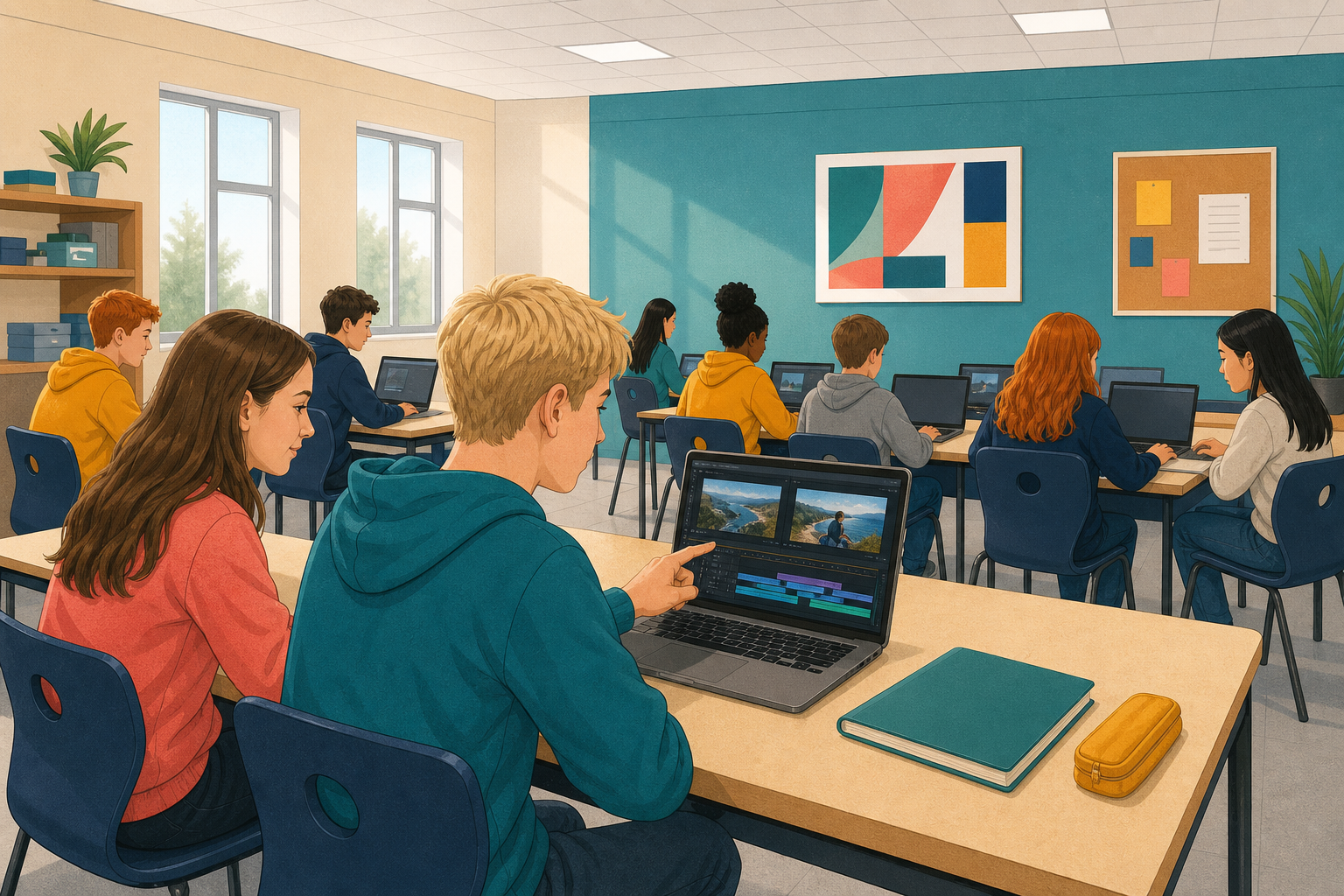
    Illustration for StartOpen the project you saved last lesson: the globe over the fire, everything trimmed.

    It plays, but it cuts hard and the sound sits flat behind it. Today you finish it, export it, and then re-cut it to see how much the order was doing.

    If your project is not there

    Tell your teacher now rather than working through it alone. You can rebuild it in about four minutes from last lesson's clips.

    2 - What a Transition Actually Does ~5 mins

    A cut is an instant change. A transition spends time getting from one clip to the next, and that time changes how the change feels.

    ChoiceWhat the viewer reads
    Hard cutUrgency. Things are moving.
    Short transition, about 0.5sDeliberate. Somebody chose this.
    Long transition, 2s or moreTime passing, or a dream. Easy to overdo.
    Fade to blackThat is the end. Stop watching.
    Key point

    A transition is a choice about pace, not decoration. If you cannot say what it is doing, use a cut.

    3 - Hands-on: Transition and Colour ~12 mins

    Put one transition on the junction where the globe ends, then match the two clips for colour so they look like one piece.

    4 - Hands-on: Layer the Sound ~10 mins

    One soundtrack is flat. Two layers, timed against the picture, are what make an edit feel finished.

    5 - Hands-on: Title, Export, Then Re-cut ~8 mins

    Add a title, export a file that plays anywhere, then change the order and watch the story change.

    123learn · Online learning platform

    Unlock the full learning experience

    You're previewing this lesson. Get full access to this lesson and hundreds more — each one ready to teach, with interactive activities, printable resources and pupil progress tracking built in.

    Hundreds of curriculum-aligned lessons
    Interactive activities in every lesson
    Printable resources & progress tracking
    Copyright Notice
    This lesson is copyright of Coding Ireland 2017 - 2025. Unauthorised use, copying or distribution is not allowed.
    🍪 Our website uses cookies to make your browsing experience better. By using our website you agree to our use of cookies. Learn more