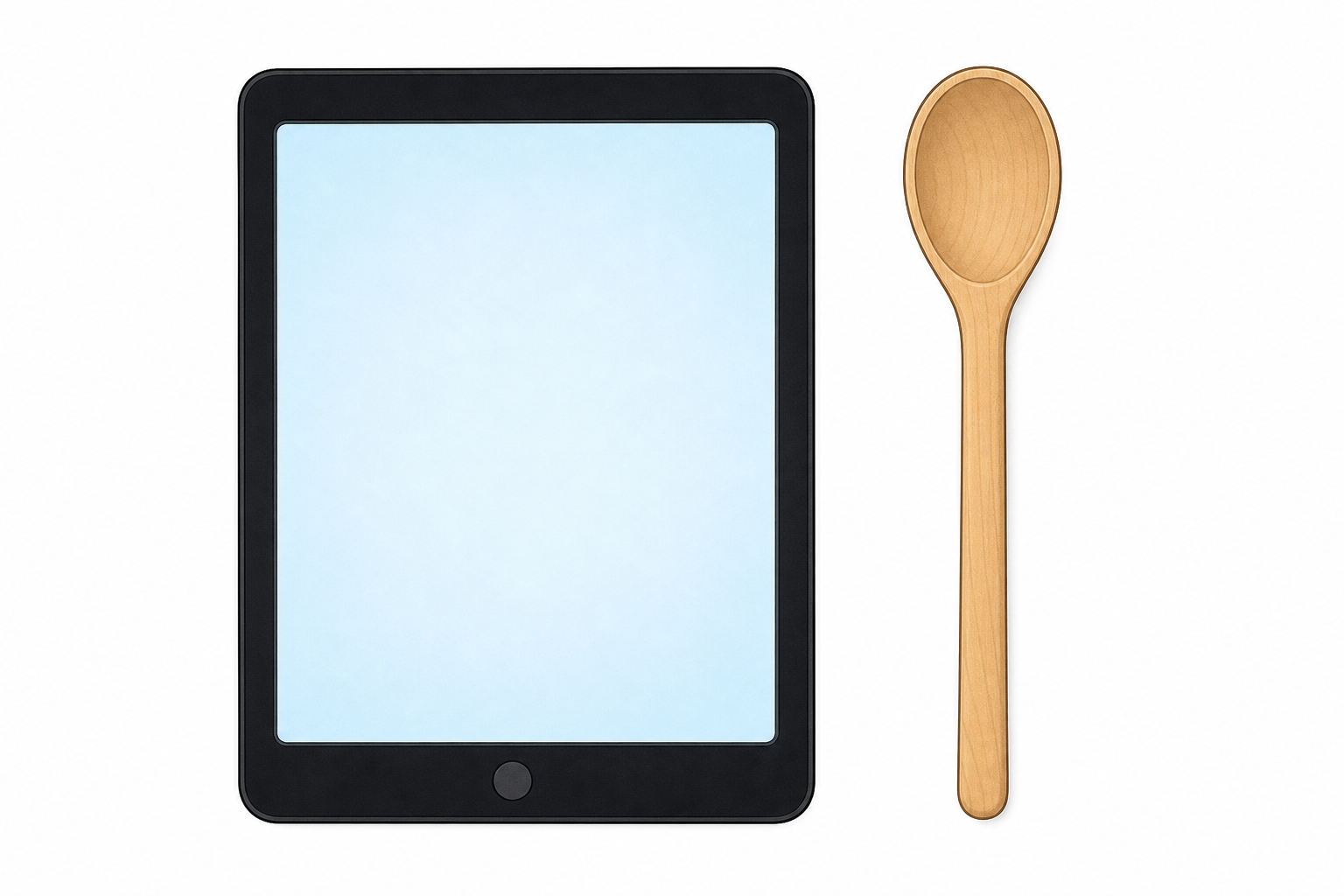
Look at these two helpers: a tablet and a wooden spoon. Both help people do a job. What is different about how they work?
Hands up: which one needs power? Which one does not?
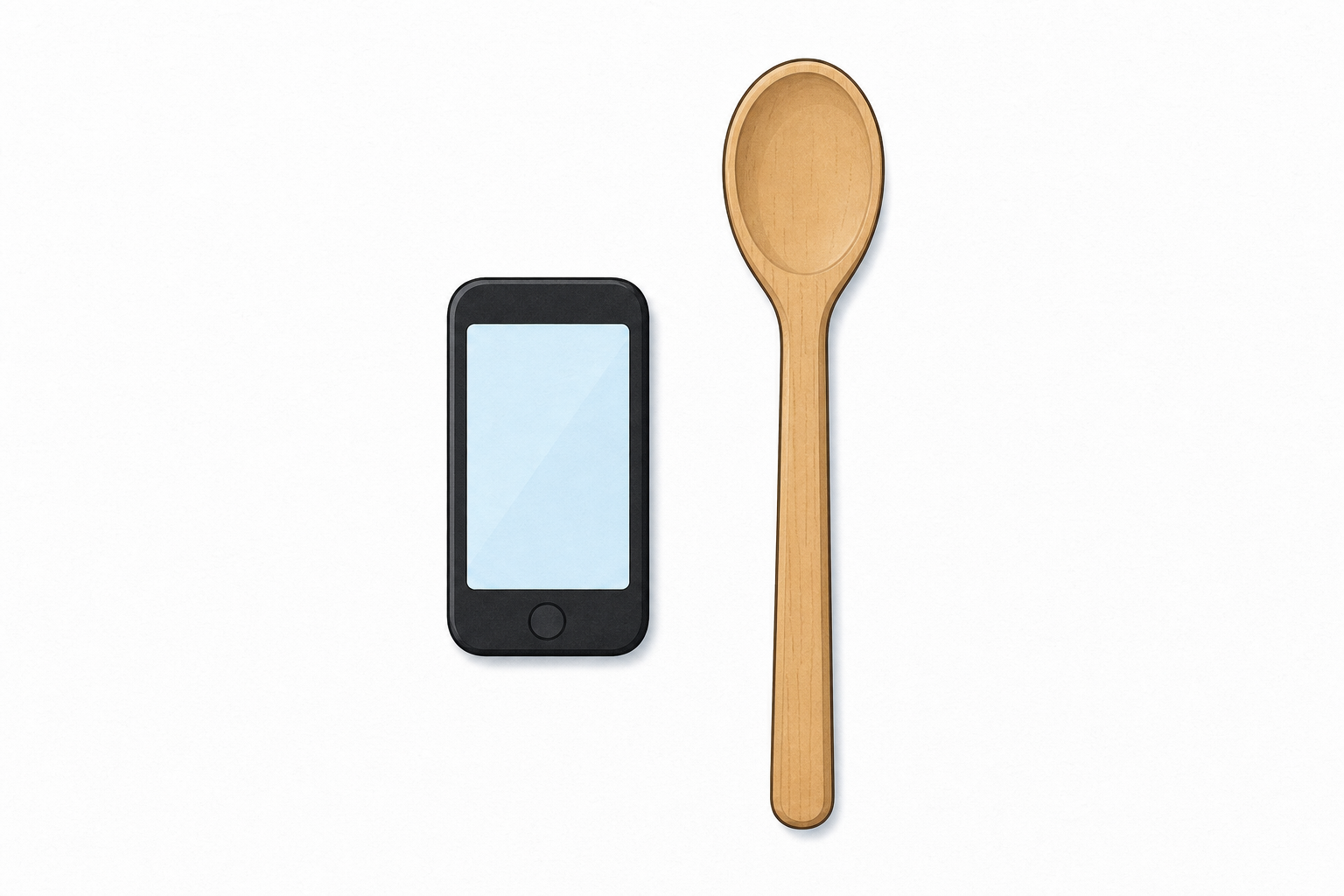
Hold up a tablet (or a clear picture of one) and a wooden spoon side by side. Keep the hook light: one contrast, two quick hands-up guesses. Do not name digital and non-digital yet.
STEM eyes: link to what pupils already know — technology is anything people make to help do a job. Today we sort those helpers into two groups.
Have the two objects ready to show; leave the full tray for the observation step.
Is a spoon digital or non-digital? Is a phone digital or non-digital?
Look at the spoon: it is non-digital. Look at the phone: it is digital.
Digital technology needs power and has a screen, or buttons and lights that only work when it is on.
Non-digital technology works without a screen and without those buttons or lights.
You already know technology is anything people make to help do a job. Today we sort that technology into two groups. Lead with the spoon and phone questions first, then hang each label on the object just sorted: hold the spoon and say non-digital; hold the phone or tablet and say digital.
Before the rule lands, point at something concrete on the tablet or phone: the screen, then any buttons, lights or number panel that only work when it has power. That visible anchor is what we mean by electronic controls. Pupil-facing language stays concrete: a screen, or buttons and lights that only work when it is on. Keep the precise phrase electronic controls for your talk and the table below.
Today's working meaning: digital means it needs power and has a screen or electronic controls that help it show information or run the job, like the numbers and buttons on a modern microwave.
| Concept | Why it matters | Example |
|---|---|---|
| Digital technology — technology that needs electricity or batteries and has a screen or electronic controls that help it show information or do a job | It helps us know which tools need charging, plugging in or batteries, and which ones show information or run a job for us | A tablet, a phone, a classroom computer, a modern microwave with an electronic panel, or a television |
| Non-digital technology — a tool people made that works without a screen or electronic controls | Lots of everyday helpers still work with no power and no electronic controls at all | A spoon, scissors, a zip or a school bell |
Model one sort aloud (point as you speak): pick up the spoon. I look for a screen. There is none. I look for buttons or lights that only work when it has power. There are none. So the spoon is non-digital. Then pick up the phone or tablet picture. I see a screen. It needs power. These buttons and lights only work when it is on. So it is digital.
Misconception to head off: children may say anything with a button is digital (a coat zip pull can look like a "button"). The test is a screen, or buttons, lights or panels that only work when the device has power, not every small part you press or pull. A simple metal bell does not count as digital. A basic kettle or fan that only heats or blows with no screen or electronic controls is powered, but we would not call it digital with this rule. For the microwave and television on our tray, we mean modern ones with a screen or electronic controls.
Ask: can you point to one digital thing you can see in our room right now?
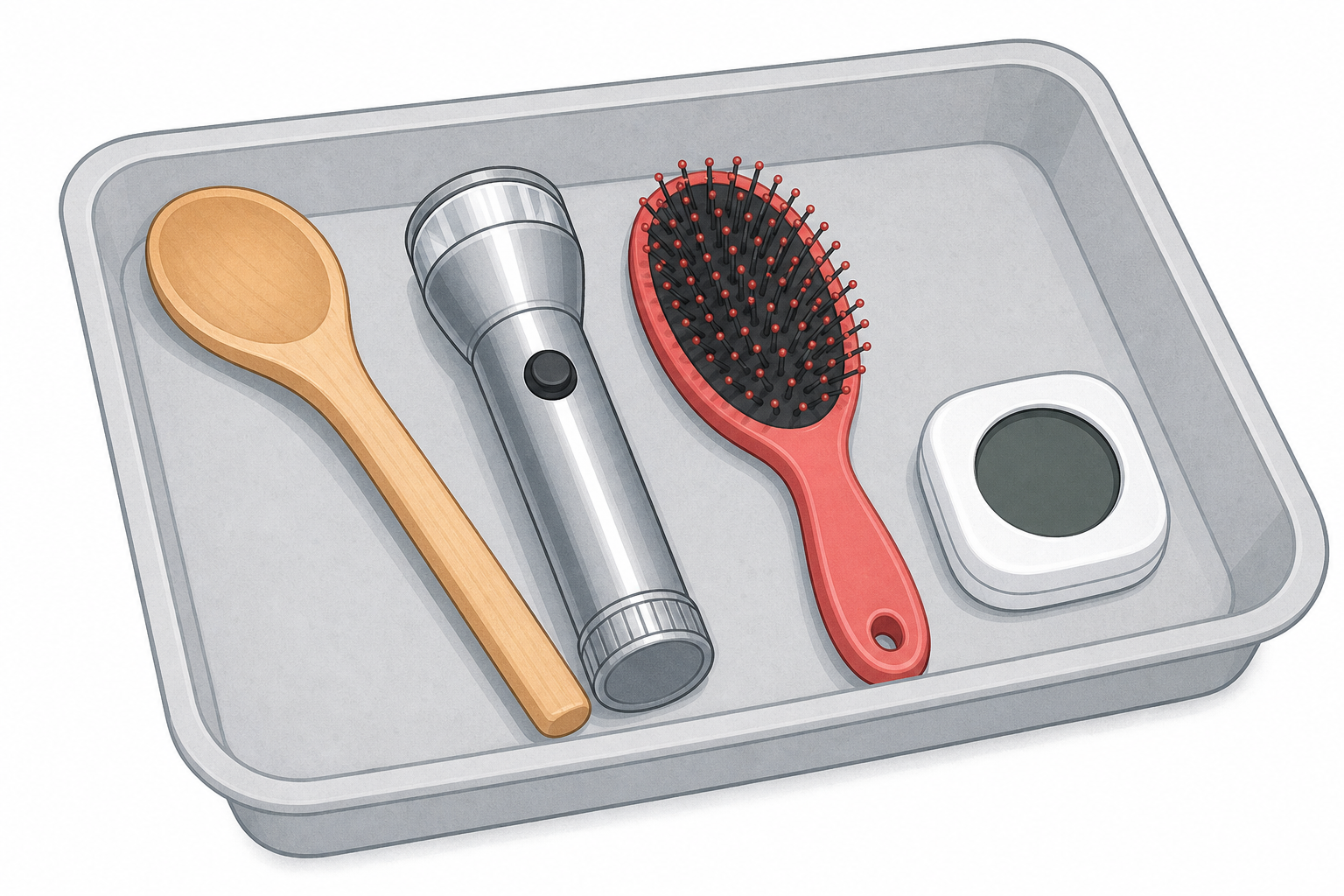
Helpers are on our tray. When each one is held up, look carefully and call out: does it have a screen? Does it need power for its buttons or lights? What job does it help with?
Teacher-led show-and-name. Set out the class tray of safe real objects and picture cards so every child can see. Hold each item or card up high so the whole class can answer together. Watching and calling out is real participation — no separate desk task for waiters.
Keep it brisk for five minutes: do a short core set held up for all to see rather than a long pass-around of eight items. Suggested core set: tablet (or picture), phone (or picture), spoon, scissors (round-tip), bell, and one of microwave or television (picture). Zip can wait for the hoop sort if time is tight. Keep touch to one or two safe items only (for example the spoon and the bell). Adult holds scissors if shown; no plugging anything into the mains.
Model pointing first: on the first digital item, point to the screen, then to any buttons or lights. On the first non-digital item, show there is no screen and no buttons or lights that need power. Pupils match what they see, not a hard phrase.
Two clear looks plus the job: Does it have a screen? Does it need power for its buttons or lights? What job does it help with?
No formal recording in this step — the Investigation Journal comes later.
Two hoops are on the floor: one for digital and one for non-digital. We will place each helper in the hoop that fits. Say why before it goes in.
Whole-class sort only with the one tray and one card set. Hold up one item, ask the class which hoop, take a quick hands-up, then place it. Fold watchers in with questions: Do you agree? Why? Do not split into small-group re-sorts unless you have prepared duplicate card packs in advance; the standard kit supports one class set only.
Watching the group at the front is real participation; keep questioning the class rather than inventing a separate desk task.
If children disagree: go back to the test: needs power and has a screen, or buttons and lights that only work when it is on? Yes → digital. No → non-digital. Celebrate careful looking more than speed.
Differentiation: less confident pupils hold the object and point to the hoop; more confident pupils give the reason in a full sentence: It is digital because it has a screen and needs power.
We check our rule on the board. We will sort a few helpers that were tricky, or a mystery card. Call out digital or non-digital and say why.
Open the sorting-tree interactive in explore mode on the IWB. Drive it yourself; pupils call out the group. This is a short confirmatory moment after the hoop sort, not a full replay of all eight items. Pick two or three that caused disagreement in the hoop, or one clear digital and one clear non-digital plus a quick mystery classroom example (for example a wall clock with no screen, or the interactive whiteboard).
Read the child-facing question aloud each time: Does it need power and have a screen, or buttons and lights that only work when it is on?
If a card lands in the wrong group, ask the class to check the rule again rather than correcting at once.
Your-turn prompts to use: Which group has more classroom helpers? Can you name one more digital thing that is not on the board?
You're previewing this lesson. Get full access to this lesson and hundreds more — each one ready to teach, with interactive activities, printable resources and pupil progress tracking built in.