This module delves into the fascinating world of robotics, starting with the basics of what a robot is, its history, and its future. It then transitions into practical, hands-on lessons where students build and program their own robotic cars using Microbits. Teachers should ensure students understand the theoretical aspects before moving onto the practical components. Encourage creativity and problem-solving as students navigate through building traffic lights, programming sensors, and even creating a robot car claw. The module culminates in a Robot Showcase, where students can display their creations.
Read more

Explore the Course

Click any lesson with to preview it

This module introduces the core concepts of robotics, exploring the definition and functionality of robots, their historical development from ancient mechanisms to modern innovations, and future possibilities including AI integration and ethical considerations. Gain a comprehensive understanding of how robots shape industries, society, and daily life through practical applications.

What is a Robot? Quiz Challenge
History of robotics Quiz Challenge
Future of robotics Quiz Challenge

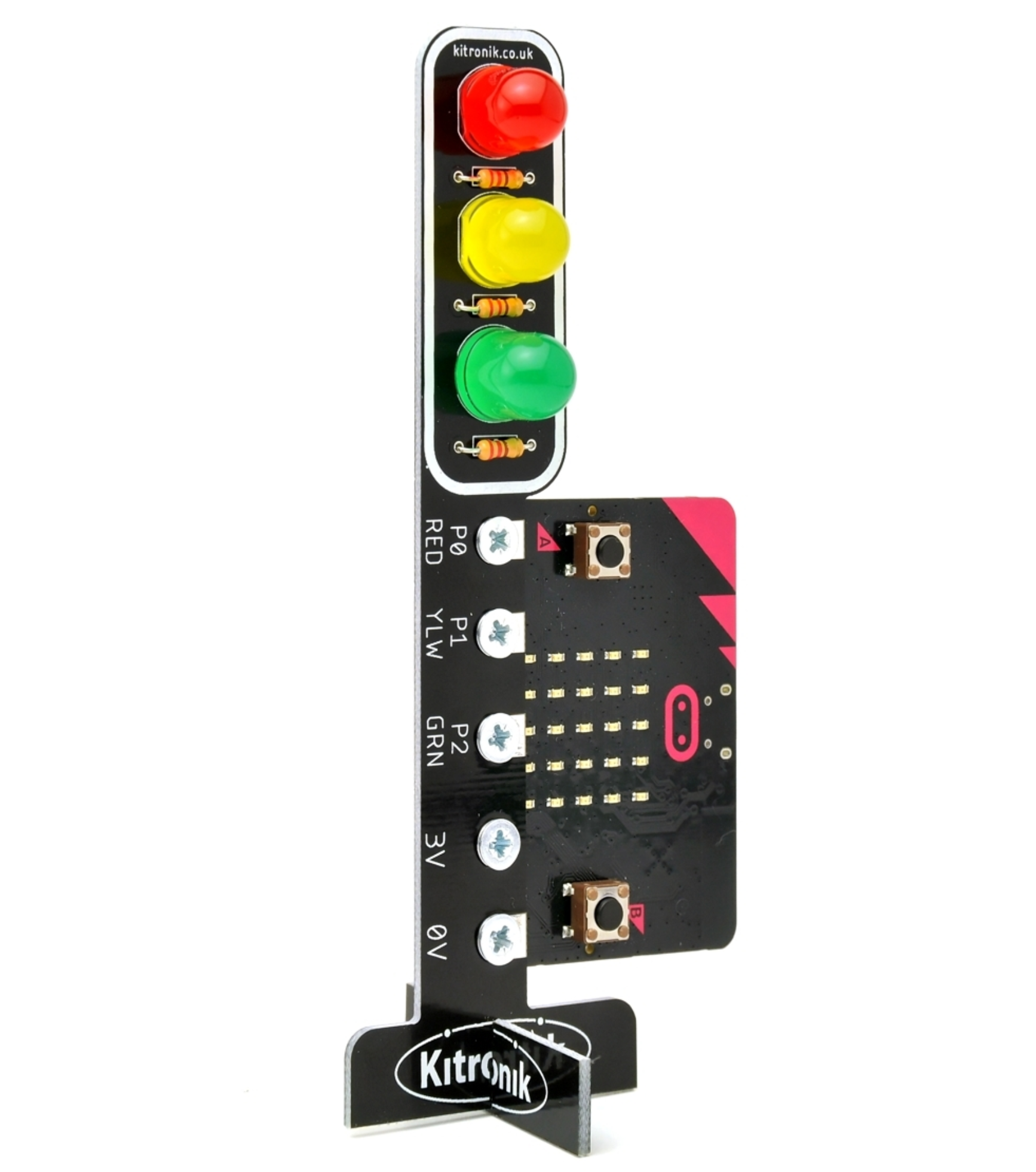
This module introduces the fundamentals of constructing simple robotic systems. Students will assemble a traffic light using a Microbit kit, program sequences for its operation, and build a motor sensor car with various functionalities. Through hands-on activities, learners will explore basic coding and hardware integration for robotics.

Traffic Lights Project
Build your Traffic Lights Quiz
Microbit Traffic Lights Quiz Challenge
Assembling the Motor Car
Build your Move Motor Sensor Car Quiz Challenge

This module introduces students to programming vehicle behaviours using Microbit technology. Through hands-on lessons, learners will explore line-following techniques, distance measurement with sonar sensors, autonomous navigation with obstacle avoidance, and remote control via tilt commands. Each lesson combines coding, testing, and optimisation for practical application on Move Motor cars.

Line Following and Measurement
Line Following Car Quiz Challenge
Move Motor Measure Quiz Challenge
Autonomous and Remote Control
Autonomous Car Quiz Challenge
Tilt Remote Control Car Quiz Challenge

This module focuses on practical coding and engineering projects using Microbits and robotic components. Students will program traffic lights and robot cars to communicate, assemble a Move Motor Sensor Car with a claw attachment, and code the claw's functionality. The lessons include step-by-step guidance and challenges to enhance problem-solving skills.

Communication Systems
Traffic Lights and Car Communication Quiz Challenge
Robotic Claw Extension
Attach the Move Motor Klaw Quiz
Robot Car Claw Quiz Challenge

This module introduces the core concepts of robotics, exploring the definition and functionality of robots, their historical development from ancient mechanisms to modern innovations, and future possibilities including AI integration and ethical considerations. Gain a comprehensive understanding of how robots shape industries, society, and daily life through practical applications.

What is a Robot? Quiz Challenge
History of robotics Quiz Challenge
Future of robotics Quiz Challenge

This module introduces the fundamentals of constructing simple robotic systems. Students will assemble a traffic light using a Microbit kit, program sequences for its operation, and build a motor sensor car with various functionalities. Through hands-on activities, learners will explore basic coding and hardware integration for robotics.

Traffic Lights Project
Build your Traffic Lights Quiz
Microbit Traffic Lights Quiz Challenge
Assembling the Motor Car
Build your Move Motor Sensor Car Quiz Challenge

This module introduces students to programming vehicle behaviours using Microbit technology. Through hands-on lessons, learners will explore line-following techniques, distance measurement with sonar sensors, autonomous navigation with obstacle avoidance, and remote control via tilt commands. Each lesson combines coding, testing, and optimisation for practical application on Move Motor cars.

Line Following and Measurement
Line Following Car Quiz Challenge
Move Motor Measure Quiz Challenge
Autonomous and Remote Control
Autonomous Car Quiz Challenge
Tilt Remote Control Car Quiz Challenge

This module focuses on practical coding and engineering projects using Microbits and robotic components. Students will program traffic lights and robot cars to communicate, assemble a Move Motor Sensor Car with a claw attachment, and code the claw's functionality. The lessons include step-by-step guidance and challenges to enhance problem-solving skills.

Communication Systems
Traffic Lights and Car Communication Quiz Challenge
Robotic Claw Extension
Attach the Move Motor Klaw Quiz
Robot Car Claw Quiz Challenge

Curriculum Mapping

See exactly how this course maps to official curriculum specifications

Curriculum Area
Outcomes
Personal Growth
P.1 P.2 P.3 P.4 P.5 P.6 P.7 P.8 P.9 P.10 P.11
Being a Learner
B.1 B.2 B.3 B.4 B.5 B.6 B.7 B.8 B.9 B.10 B.11 B.12
Civic and Community Engagement
C.1 C.2 C.3 C.4 C.5 C.6 C.7 C.8 C.9 C.10 C.11
Career Exploration
C.1 C.2 C.3 C.4 C.5 C.6 C.7 C.8
Components
C.1 C.2 C.3 C.4 C.5

The curriculum does not include official reference codes for individual learning outcomes, so we have assigned a code scheme to make it easier to identify and track coverage.

What Students Will Learn

Learning Goals

  1. Understand the concept, history, and future of robotics and its impact on society.
  2. Develop practical skills in building and programming Microbit Traffic Lights.
  3. Acquire knowledge in constructing and programming a Move Motor Sensor Car.
  4. Learn to use sensors for line following, distance measurement, and object navigation in robotic cars.
  5. Gain proficiency in using a Microbit for remote control and communication between traffic lights and an autonomous car.

Learning Outcomes

  1. Understand and explain the concept, history, and future of robotics.
  2. Construct and program traffic lights using a Microbit.
  3. Build and program a Move Motor Sensor Car to follow lines and navigate around objects.
  4. Utilise the accelerometer and radio in a Microbit to remotely control the Move Motor Car.
  5. Assemble, attach, and program the Move Motor Klaw to a Move Motor Car.

What You'll Need

Student Devices

Students will need one of these devices. Students can share in groups of 2-3 if necessary.

Chromebook/Laptop/PC
Required Equipment

Equipment used in some of the lessons in this course. Items can be shared among students.

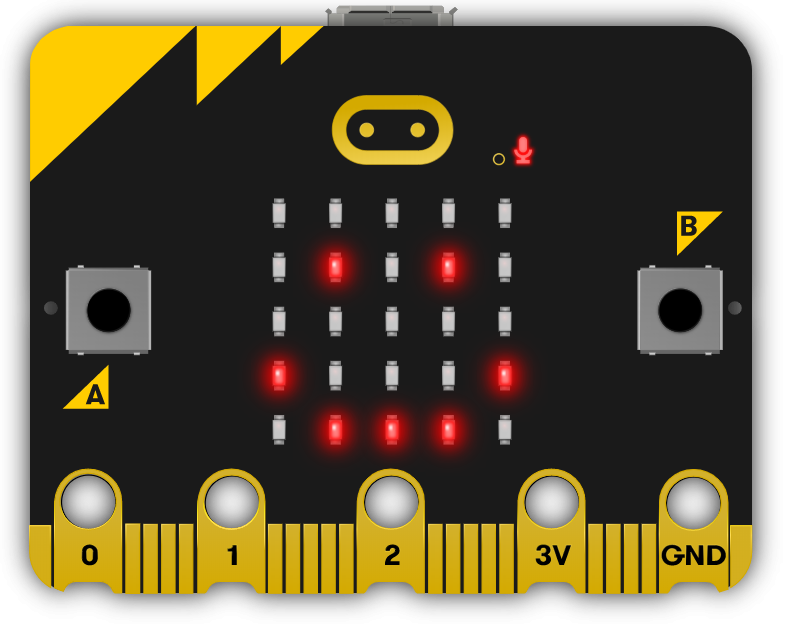
Microbit
Microbit
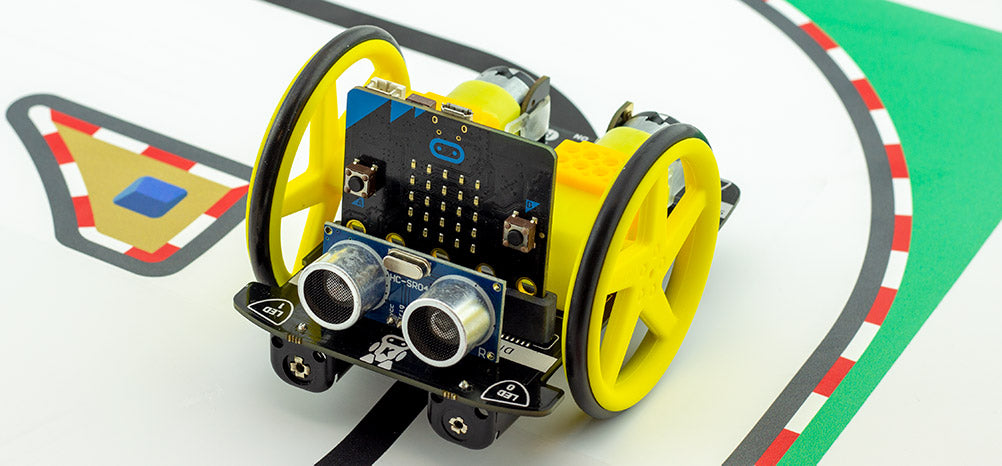
Move Motor Car
Move Motor Car
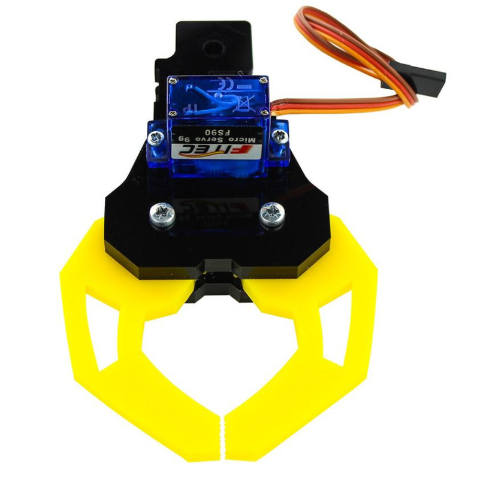
Move Motor Klaw
Move Motor Klaw
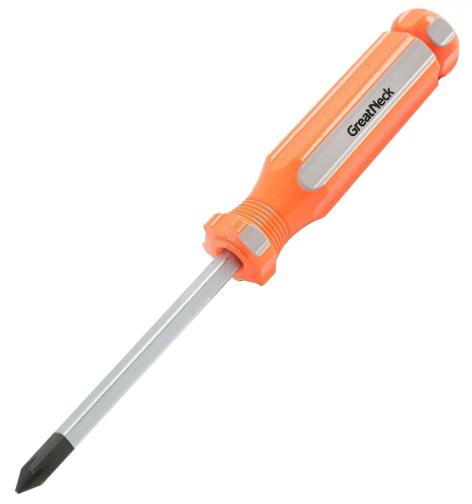
Phillips Screwdriver
Traffic Lights Kit
Traffic Lights Kit

Build a full TY year around Robotic Cars and Automation

This module is one of 7 Transition Year modules you can combine into a complete Year-Long TY Digital Skills Programme, shaped around your timetable and the students in front of you.

Run the same pathway for every student, or set different pathways for different groups. Students also get access to the modules they're not doing in class, which is ideal for the keen ones who finish early or want to explore further on their own time.

Prefer a deeper tech focus? Swap in Advanced Coding or Robotics and Automation. Each module is 10 lessons of 40-60 minutes, leaving room for school events, mid-terms and everything else TY throws at you.

Why TY coordinators choose it
One decision, a year's content
No more stitching resources together every term.
Flexible per class, per student
Run different pathways side by side.
Certificates after each module
Great for TY portfolios, open days and reports home.
Sets students up for Senior Cycle
Broad exposure so they choose subjects with confidence.
Sample Year Plan
ICT + Coding focus
  • Computer Skills
    Gets everyone on a level footing
  • Introduction to Coding
    Real, working projects from week one
  • Exploring Digital Media
    Video, design and storytelling
  • Exploring Artificial Intelligence
    The topic your students keep asking about
  • Enterprise and Business Basics
    A pitch-and-launch project to close out the year

Ready to bring this course to your school?

Get in touch to discuss pricing and ordering for your school.

Ready to get started?
Pricing & Ordering Contact Us
🍪 Our website uses cookies to make your browsing experience better. By using our website you agree to our use of cookies. Learn more