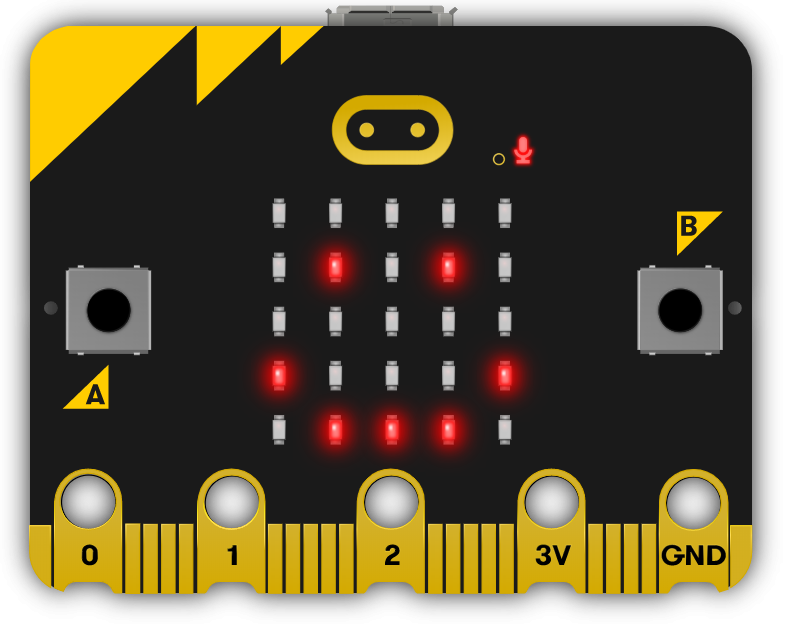
Introduce your students to the world of microbits, pocket-sized programmable computers. Guide them through creating a new project, navigating the project editor, and writing their first piece of code. Encourage hands-on learning as they experiment with displaying messages, reacting to button presses, and showing a happy face. In subsequent lessons, they will create emojis, program a dice, measure temperature, learn about compass sensors, create animations, make music, and finally, brainstorm and execute their own microbit project.
Read more

Explore the Course

Click any lesson with to preview it

This module introduces students to the versatile world of pocket-sized programmable computers through hands-on coding projects. Learners will explore creating projects, programming displays, and interacting with sensors to build animations, games, and responsive narratives. The content encourages experimentation and creativity while developing foundational coding skills.

Meet the Microbit Quiz Challenge
Emojis Quiz Challenge
Microbit Dice Quiz Challenge
Temperature Tales Quiz Challenge
Compass Quiz Challenge
Animation Quiz Challenge
Music Maker Quiz Challenge
Microbit Lab

This module introduces students to the versatile world of pocket-sized programmable computers through hands-on coding projects. Learners will explore creating projects, programming displays, and interacting with sensors to build animations, games, and responsive narratives. The content encourages experimentation and creativity while developing foundational coding skills.

Meet the Microbit Quiz Challenge
Emojis Quiz Challenge
Microbit Dice Quiz Challenge
Temperature Tales Quiz Challenge
Compass Quiz Challenge
Animation Quiz Challenge
Music Maker Quiz Challenge
Microbit Lab

What Students Will Learn

Learning Goals

  1. Understand and utilise the basic functions of a microbit, including programming and displaying messages.
  2. Create and manipulate simple animations and emojis using the microbit.
  3. Program the microbit to perform tasks such as acting as a dice, measuring temperature, and functioning as a compass.
  4. Apply coding skills to create interactive narratives and music using the microbit.
  5. Develop and execute a unique microbit project, demonstrating creativity, problem-solving, and teamwork.

Learning Outcomes

  1. Program a microbit to display messages, react to button presses and show different faces.
  2. Develop a microbit program to function as a dice, displaying numbers between 1 and 6.
  3. Utilise a microbit to measure temperature and create a temperature-responsive narrative.
  4. Calibrate and program a microbit compass sensor to read and display directional data.
  5. Create a simple animation on a microbit device using 'show leds' blocks.
  6. Program a microbit to play a melody using the 'music.play' function in MakeCode.
  7. Brainstorm, develop and present a simple microbit project in a team.

What You'll Need

Student Devices

Students will need one of these devices. Students can share in groups of 2-3 if necessary.

Chromebook/Laptop/PC
Required Equipment

Equipment used in some of the lessons in this course. Items can be shared among students.

Microbit
Microbit

Ready to bring this course to your school?

Get in touch to discuss pricing and ordering for your school.

Ready to get started?
Pricing & Ordering Contact Us
🍪 Our website uses cookies to make your browsing experience better. By using our website you agree to our use of cookies. Learn more