Beginner
60 mins
Teacher/Student led
+85 XP

What you need:
Chromebook/Laptop/PC

Weather and Data

In this lesson, you'll learn about weather data and create your own simple weather chart!
Teacher Class Feed

Load previous activity

    1 - Introduction to Weather Data

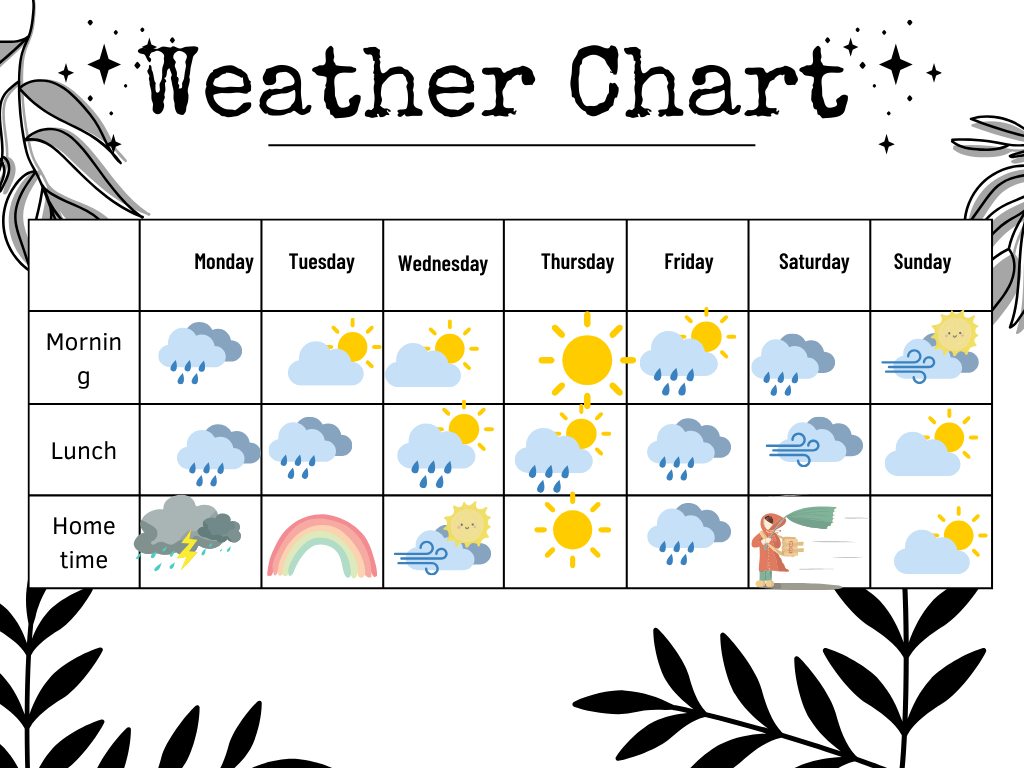
    Weather data helps us understand the world around us. It includes information about temperature, rainfall, and wind. Today, we'll create a simple weather chart to track the weather for one week. Are you ready for your project?


    2 - Gather Materials

    For this activity, you'll need a piece of paper, a ruler, colored pencils or crayons, and a pencil. Gather all your materials before you start creating your weather chart.

    3 - Draw the Weather Chart

    1. Place your paper on a flat surface, like a table or desk.

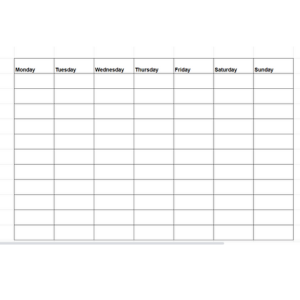
    2. With your pencil and ruler, draw a large rectangle on the paper. This will be the outline of your weather chart.

    3. Now, divide the rectangle into 7 equal columns. To do this, use your ruler to measure the width of the rectangle and divide it by 7. Draw vertical lines to create the columns.

    4. At the top of each column, write the days of the week. Start with Monday in the first column and continue to Sunday in the last column.

    5. Make sure your chart is neat and easy to read. You can ask an adult for help if needed.


    4 - Add Weather Symbols

    Now, let's add some weather symbols to our chart. For each day, draw a symbol that represents the weather on that day. Here's a guide to help you:

    • For sunny days, draw a circle with lines coming out of it, like rays of sunshine.
    • For cloudy days, draw a fluffy cloud shape by making a series of connected curves.
    • For rainy days, draw a cloud and add some straight lines coming down from it to represent raindrops.
    • For snowy days, draw a cloud and add small asterisks (*) or snowflake shapes below it to represent snowflakes.

    Remember to draw the symbols in the correct box for each day on your chart. This will help you track the weather conditions for the entire week.


    123learn · Online learning platform

    Unlock the full learning experience

    You're previewing this lesson. Get full access to this lesson and hundreds more — each one ready to teach, with interactive activities, printable resources and pupil progress tracking built in.

    Hundreds of curriculum-aligned lessons
    Interactive activities in every lesson
    Printable resources & progress tracking
    Copyright Notice
    This lesson is copyright of Coding Ireland 2017 - 2026. Unauthorised use, copying or distribution is not allowed.
    🍪 Our website uses cookies to make your browsing experience better. By using our website you agree to our use of cookies. Learn more