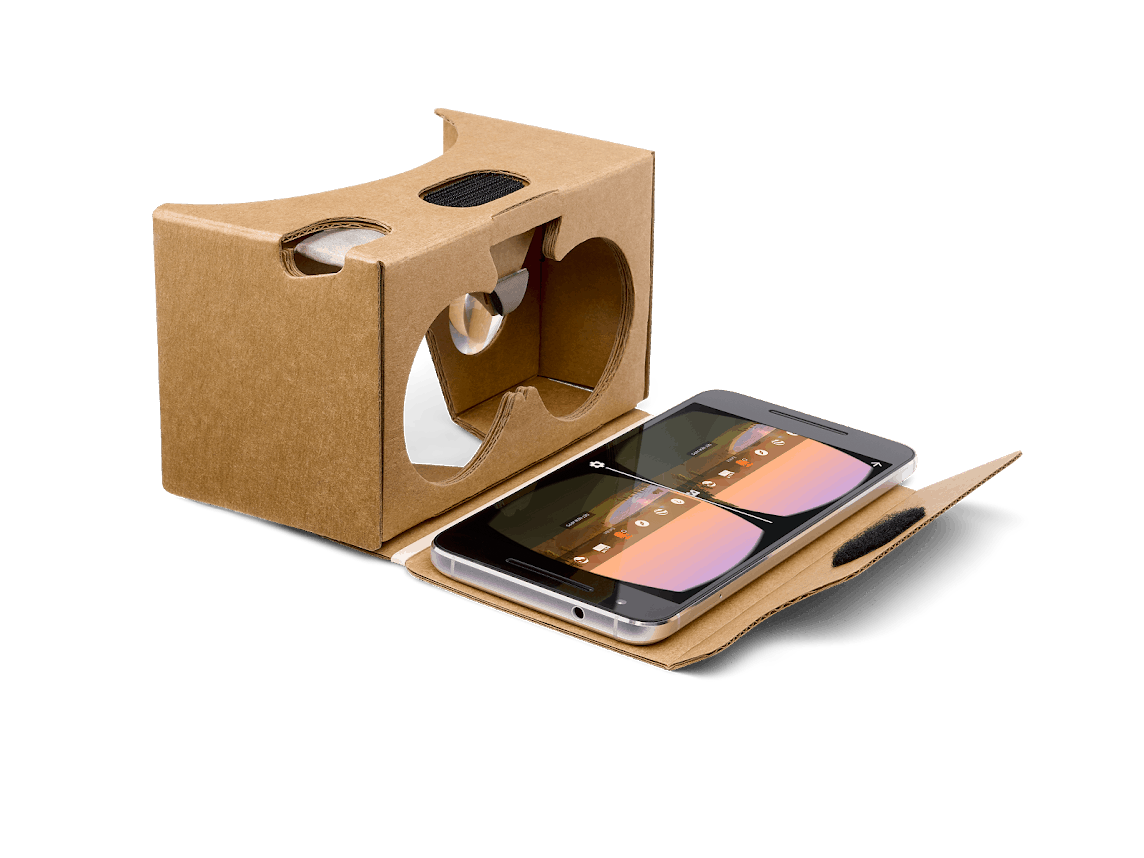
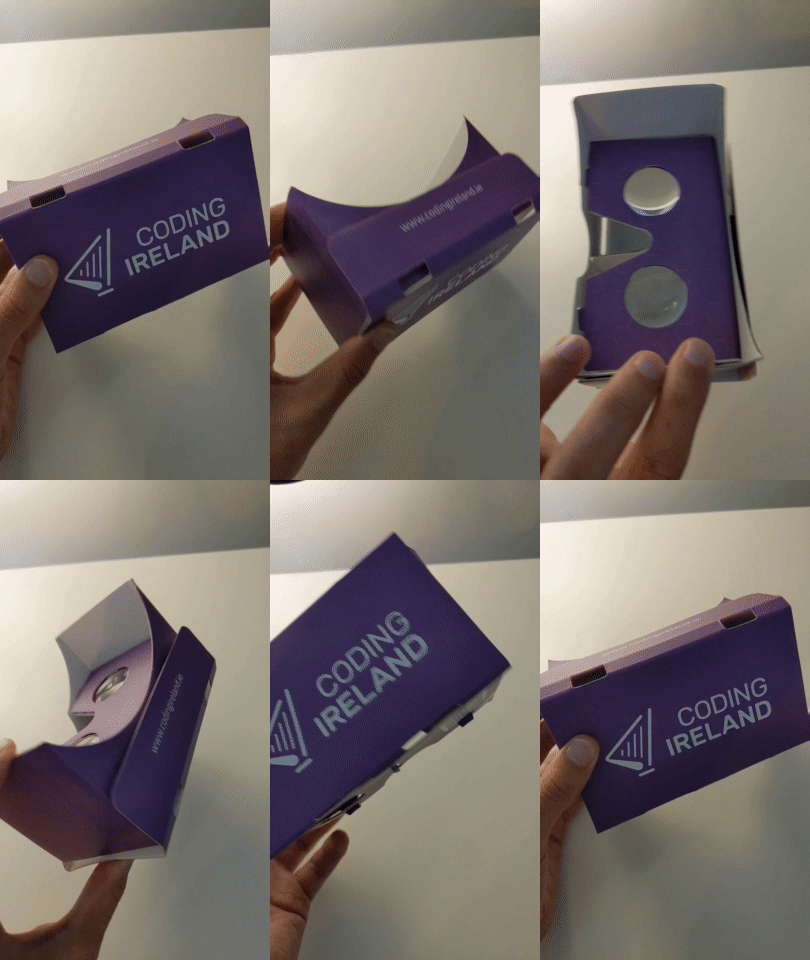
Make sure your Google Cardboard is set up and ready. If you need help setting it up, refer to the previous lesson 'Google Cardboard'.
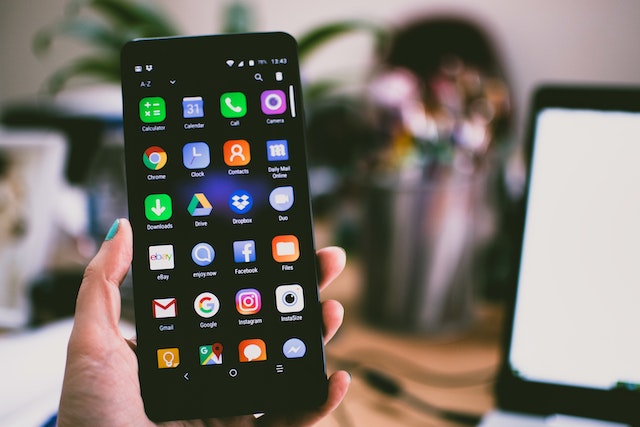
Using your device, download the InMind VR game.
You can find the Android version here (unfortunately there is no Apple version).
Once the game is downloaded, launch it and insert your device into the Google Cardboard. Follow the in-game instructions to navigate through the game.
You're previewing this lesson. Get full access to this lesson and hundreds more — each one ready to teach, with interactive activities, printable resources and pupil progress tracking built in.