1 - Introduction
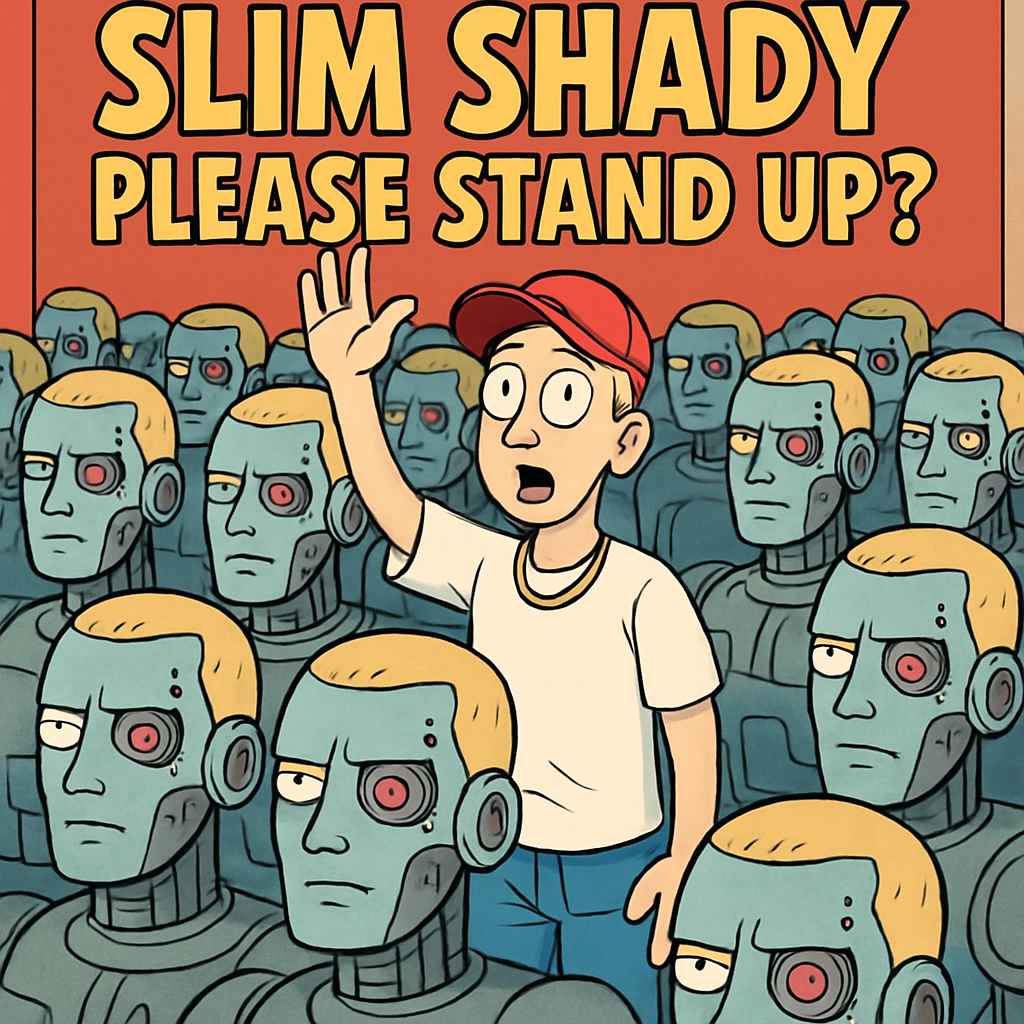 Why Learn to Spot AI Online?
Sometimes things you see online are made with AI. AI can create pictures, videos, voices, and messages that look and sound very real. That can be fun for stories and creativity — but it can also be used to trick people.
Learning to spot AI helps you make smart choices. It helps you avoid sharing something that isn’t true, and it helps you stay safe when someone is trying to get clicks, money, or attention.
In this lesson, you’ll practise quick ways to tell when something might be AI-made or edited, so you can be a confident and careful online user.
Lesson Goals
- Spot simple clues (like weird details, strange wording, or things that don’t match).
- Do quick checks (like looking for the original source, checking who posted it, or searching for the same image/news).
- Build your own “Trust Checklist” so you can pause and think before you believe or share something.
- What was it?
- What clue made you suspicious?
2 - Fast Checks First
 Building a Quick-Check Mindset
Before using any fancy tools, you can do quick “human checks” with your own brain. These checks help you decide: Is this real, or could it be AI-made or edited? If you practise them often, they become a smart habit.
Here are some easy quick checks to try every time you see something surprising online:
- Check who posted it: Does the account look real and normal, or is it brand new with no info? If you don’t know who they are, be extra careful.
- Check the date and the caption: Is it old news being shared like it just happened? Does the caption match what you actually see in the picture/video?
- Check for “too perfect” or too vague: Some AI content looks super polished but doesn’t give real details. If it feels like a big claim with no proof, pause.
- Cross-check: Can you find the same story on a trusted website or from more than one reliable source? If only one random account is saying it, don’t believe it yet.
Example starters: “Who posted this?” • “Is it old?” • “Can I find it anywhere else?”
3 - Spotting AI in Text
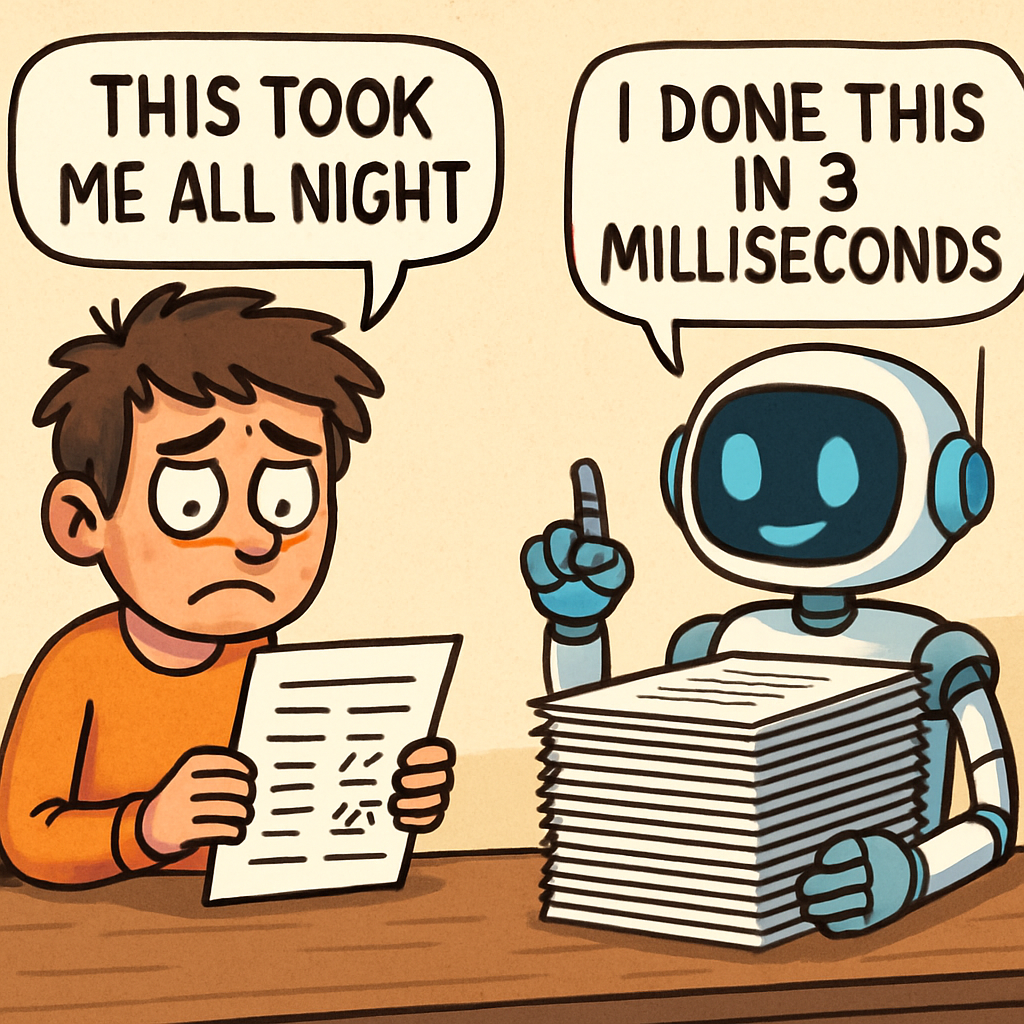 🕵️♀️ Spotting AI-Written Text (Detective Mode!)
Some AI writing can sound super smooth and “smart”… but it can also be tricky. Your mission: spot when text feels real vs robot-made. Think of it like finding clues in a mystery.
🔎 Quick Clue Checklist (look for these):
- 🎩 Fancy but empty: Sounds impressive… but no real facts.
- 🧱 Same pattern: Sentences feel copy-paste (lots of “Additionally…” “Furthermore…”).
- ⚖️ Too careful: “On the one hand… on the other hand…” but never gets to the point.
- 🕳️ “Experts say…” but no expert name, date, or link.
- 🤖 No personality: Feels like a robot report with no real-life details.
🎯 Challenge: Which Paragraph Sounds More AI?
For each pair, pick the one that’s more likely AI-made. Your big clue: AI often sounds smooth but doesn’t give proper details.
Example 1
“On Friday, coach Maeve O’Connor confirmed that striker Ella Byrne will miss two weeks due to an ankle sprain sustained during training. Physio Samir Patel stated that rehabilitation begins on Monday, and the team is scheduled to face Kilkenny on 12 May.”
“Sports injuries represent significant concerns for teams across the globe. Athletes frequently encounter various challenges, and the recovery process encompasses numerous essential steps. Through appropriate care, successful outcomes can nevertheless be attained.”
Example 2
“In 1969, Neil Armstrong became the first person to walk on the moon during the Apollo 11 mission. He famously said, 'That’s one small step for man, one giant leap for mankind.'”
“Space exploration offers numerous benefits and challenges. It pushes the boundaries of human knowledge, yet requires careful planning and resources to ensure success.”
Example 3
“To bake chocolate chip cookies, preheat your oven to 180°C. Mix 200g flour, 100g sugar, 100g butter, and 150g chocolate chips. Bake for 12 minutes until golden.”
“Baking is a wonderful way to create delicious treats. It involves combining ingredients in harmonious ways, leading to enjoyable results for all involved.”
Example 1: B (vague). A has names, an injury, and a date you could check.
Example 2: B (general). A has a year and a specific person/event.
Example 3: B (no steps). A has exact measurements and instructions.
Step 1: Find a short post that feels “robot-ish” (smooth, but vague).
Step 2: Circle any foggy phrases like: experts say, many people believe, in today’s world.
Step 3: Add ONE real detail to make it more human: a name, a place, a date, or a number.
Bonus Power-Up: Add a real-person sentence like: “I noticed…” or “In our class…”
4 - Spotting AI in Images
 Can You Tell What’s Real?
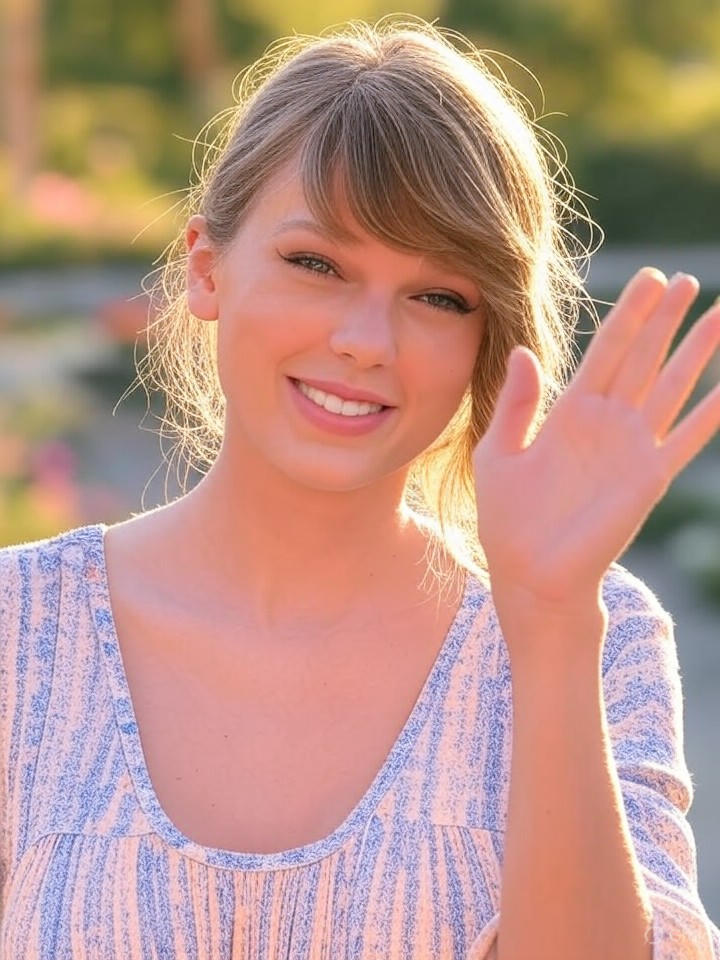
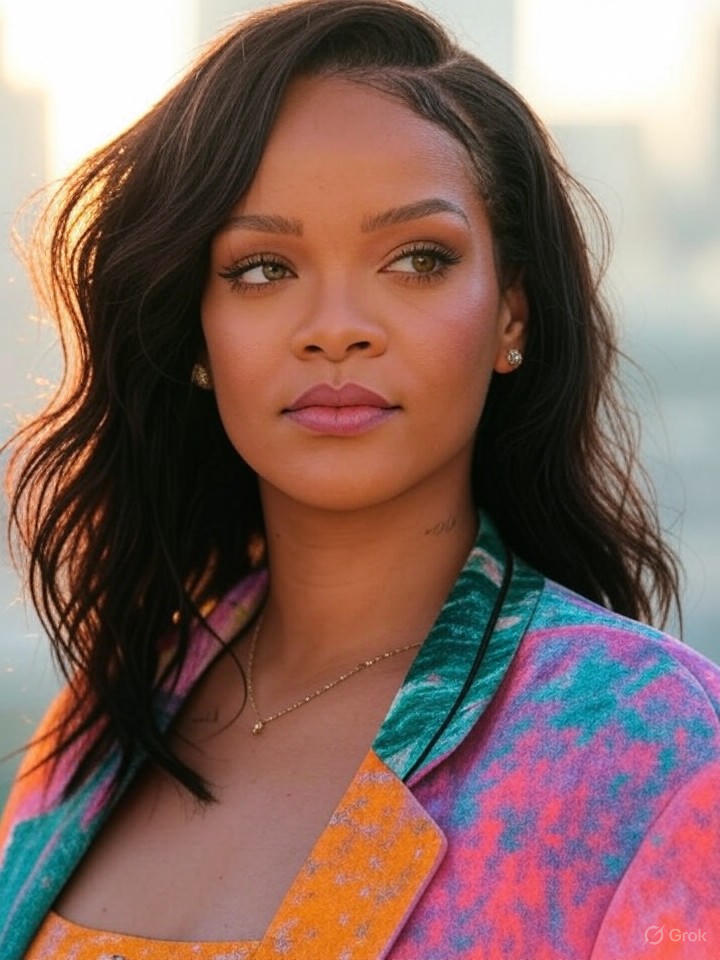
AI can now make pictures that look super real — even of people who aren’t actually there. In this step, you’ll look closely at an AI-made image of Taylor Swift and learn how to spot tiny clues that show it’s not a real photo.
At first, it looks like a normal picture: Taylor smiling and waving in the sunshine. But this one was made by a computer — not taken with a camera, and not from a real moment.
Your job is to be a detective. Zoom in if you can, and look for anything that feels a bit “off”. AI can get the big things right, but it often messes up the small details.
Common Signs of AI Generation (based on this image)
- Thumb/hand looks strange: Look closely at the waving hand. The thumb can look like it’s in an odd place or bending in a way a real hand wouldn’t.
- Shadows don’t match: The sun is bright, but the shadows on her neck/shoulders don’t look quite right. Real sunlight usually makes more natural, uneven shadows.
- Skin looks “too perfect”: Her face can look a bit like a filter — very smooth, with hardly any tiny texture (like pores or little lines) that real photos often show.
- Lighting is too even: In real outdoor photos, sunlight usually creates stronger light and darker areas. Here, everything can look a little too “balanced”.
- Background blends oddly: The background can look extra blurry or “mushy”, and the edge around hair/clothes may blend too smoothly instead of looking like a real camera photo.
5 - Ai Image Quiz
🧠 Can You Guess? Real or AI-Generated Image
Look at each image and decide whether it's real or AI-generated. Click your answer to find out and then move on to the next image.

Unlock the Full Learning Experience
Get ready to embark on an incredible learning journey! Get access to this lesson and hundreds more in our Digital Skills Curriculum.
This lesson is copyright of Coding Ireland 2017 - 2025. Unauthorised use, copying or distribution is not allowed.


