Scratch Game
Advanced
60 mins
Teacher/Student led
+75 XP
What you need:
Chromebook/Laptop/PC or iPad/Tablet

Scratch Cat and Mouse

For this game, you will play as a mouse avoid the cats while trying to get your cheese puffs.
Teacher Class Feed

Load previous activity

    1 - Creating a Scratch project

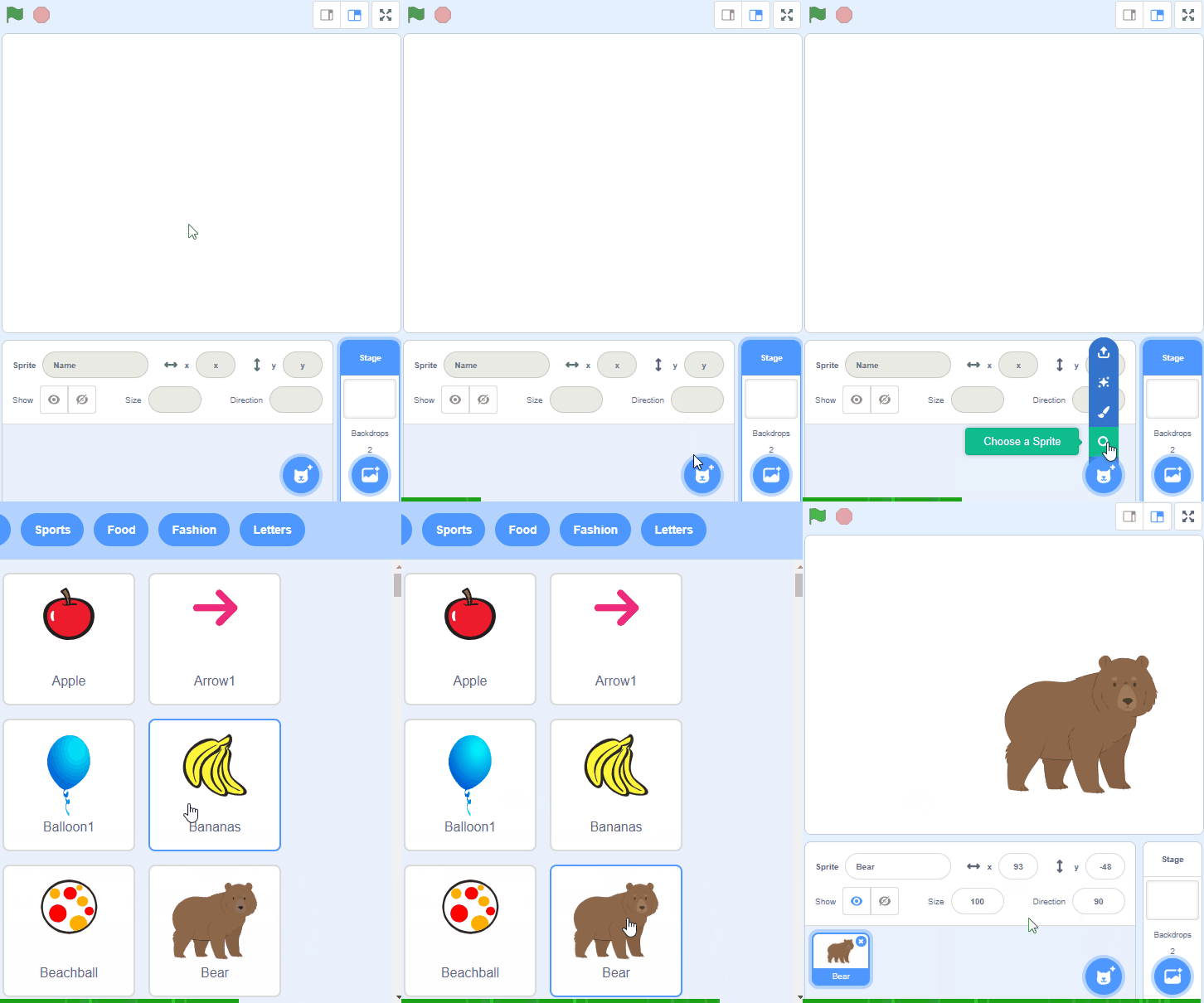
    Go to the Scratch website and create a new project and delete the cat sprite.

    2 - Creating the Mouse

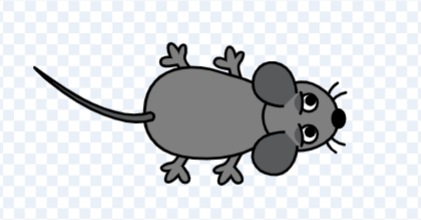
    For this part, we can go to the Scratch sprite library and look for the mouse sprite.


    3 - Making the Mouse move

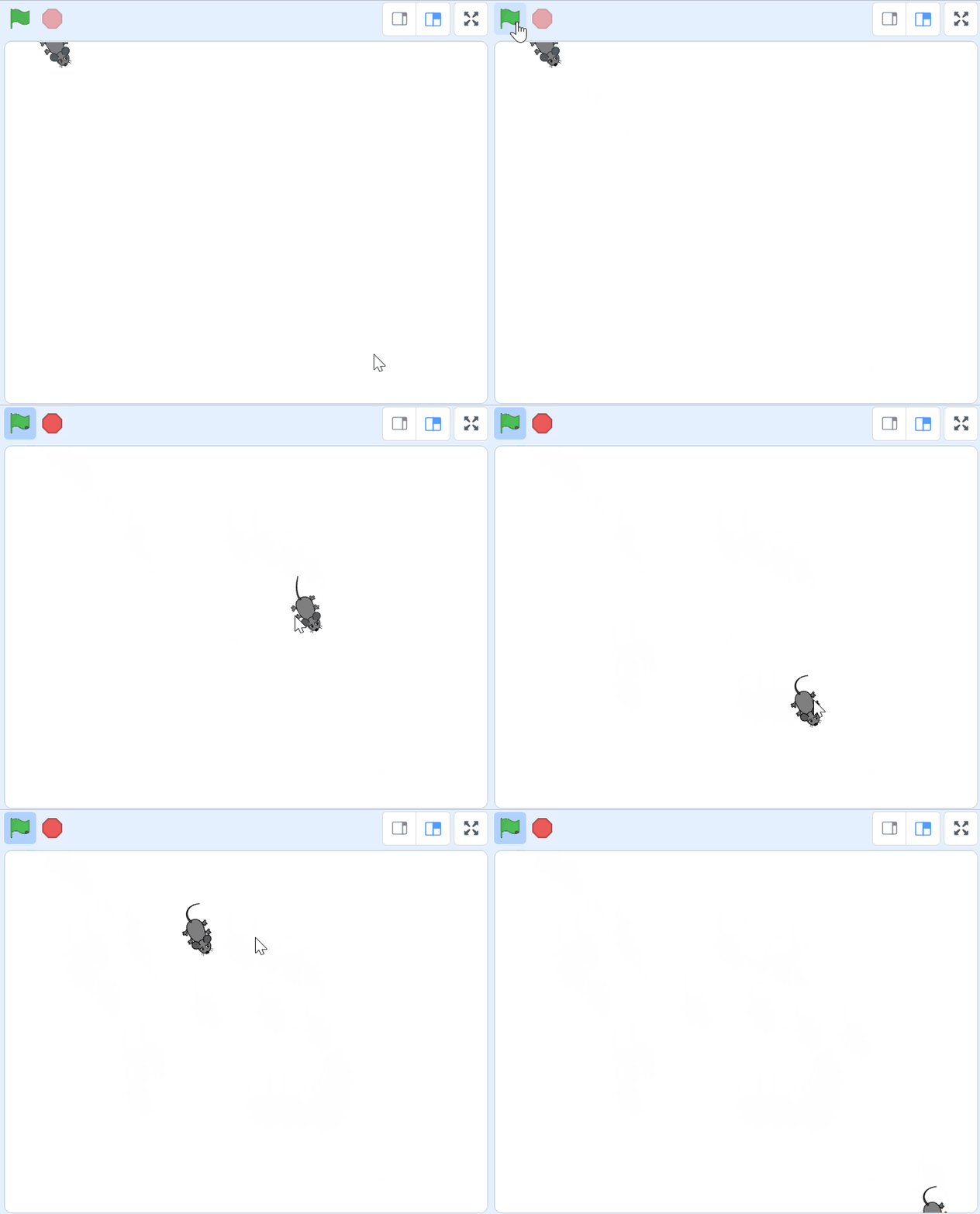
    We want the mouse to move wherever our mouse pointer is. For this to happen, we can use the code below to allow the sprite to follow our mouse pointer forever.

    when green flag clicked show forever go to [mouse-pointer v]


    4 - Animating the Mouse

    We can also use the costumes our mouse has. We can animate our mouse by switching between costumes. This will make it so that our mouse may look like it is walking or running. 

    To do this, we can follow the code:

    when green flag clicked forever wait (0.1) seconds next costume


    5 - Creating the Cat

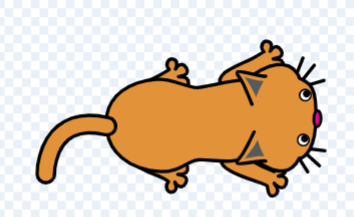
    Since our game needs cats, we can go to the sprite library and look for the cat sprite.

    Later on, we will be making clones of this cat.


    Unlock the Full Learning Experience

    Get ready to embark on an incredible learning journey! Get access to this lesson and hundreds more in our Digital Skills Curriculum.

    Copyright Notice
    This lesson is copyright of Coding Ireland 2017 - 2025. Unauthorised use, copying or distribution is not allowed.

    Scratch is developed by the Lifelong Kindergarten Group at the MIT Media Lab. It is available for free at https://scratch.mit.edu
    🍪 Our website uses cookies to make your browsing experience better. By using our website you agree to our use of cookies. Learn more