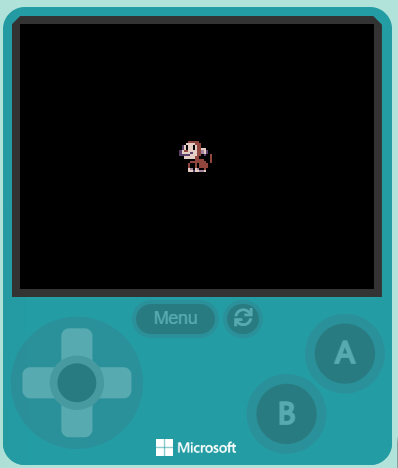
Quick recap: in the game you saved earlier, how did we get the monkey moving with the joystick or arrow keys? Today we'll keep building Monkey Mayhem at our devices — adding points for each donut, a sound when you collect one, and a 30-second countdown to make it a real challenge. Open the project you saved earlier and we'll predict before we build.
Open the lesson by reconnecting to the saved game — ask students to recall how the monkey already moves before they add anything new. Make sure every device has the earlier project open, not a blank one. Differentiation cue: pair a student who can't locate their save with one who can.
Before anyone runs anything, commit to a prediction. When we add the code that lets the monkey collect donuts and earn points, what do you think will happen on screen the moment the monkey touches a donut? Will the donut stay or vanish? Will the score change? Decide now — we'll check who was right later.
Run the PRIMM predict beat properly — don't let anyone run code yet. Collect two or three predictions about what happens when the monkey touches a donut and write them on the board to revisit at the make-sense step. Ask: what will you see first?
Welcome to our exciting coding adventure, Monkey Mayhem! In this lesson, you will create a fun game using MakeCode Arcade. You will control a monkey character who loves to eat donuts. Your task is to help the monkey collect as many donuts as possible within 30 seconds. Are you ready to start coding? Let's go!
This sets the scene for the build. Read it as context only — students don't type here. Key question to ask: what is the goal of the game and what will the player be trying to do in 30 seconds?
Open the MakeCode Arcade website using the link below and create a new project. You can call the project whatever you want.
Create a new Arcade project using the makecode.com website.
If students saved their project earlier they continue in it rather than create a new one — clarify this so no one loses progress. Watch for students who can't find their saved project; help them locate it before moving on.
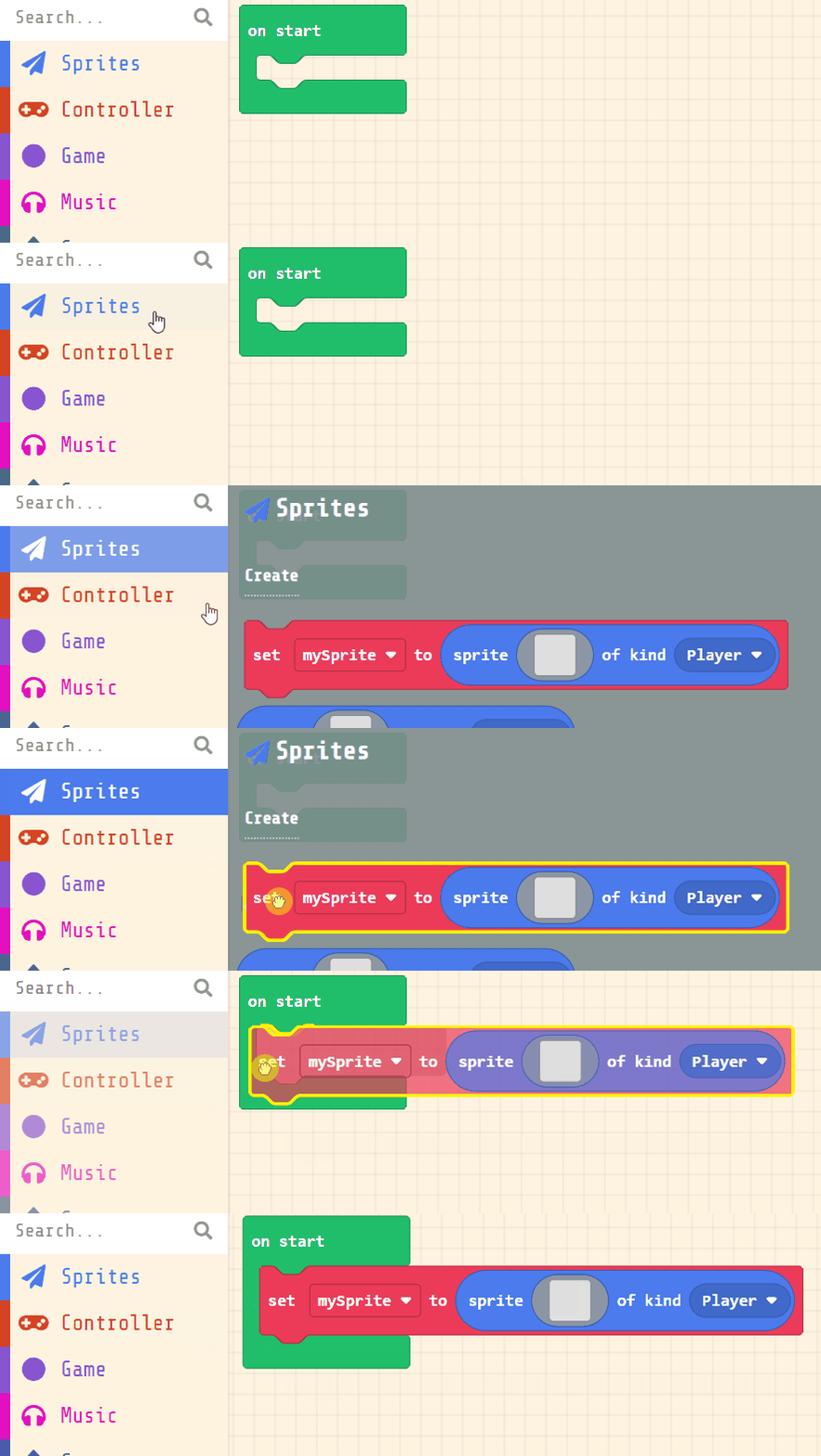
Next, you will create your player sprite. This is the character that you will control in the game. Add the following code:
let mySprite = sprites.create(img`...`, SpriteKind.Player)
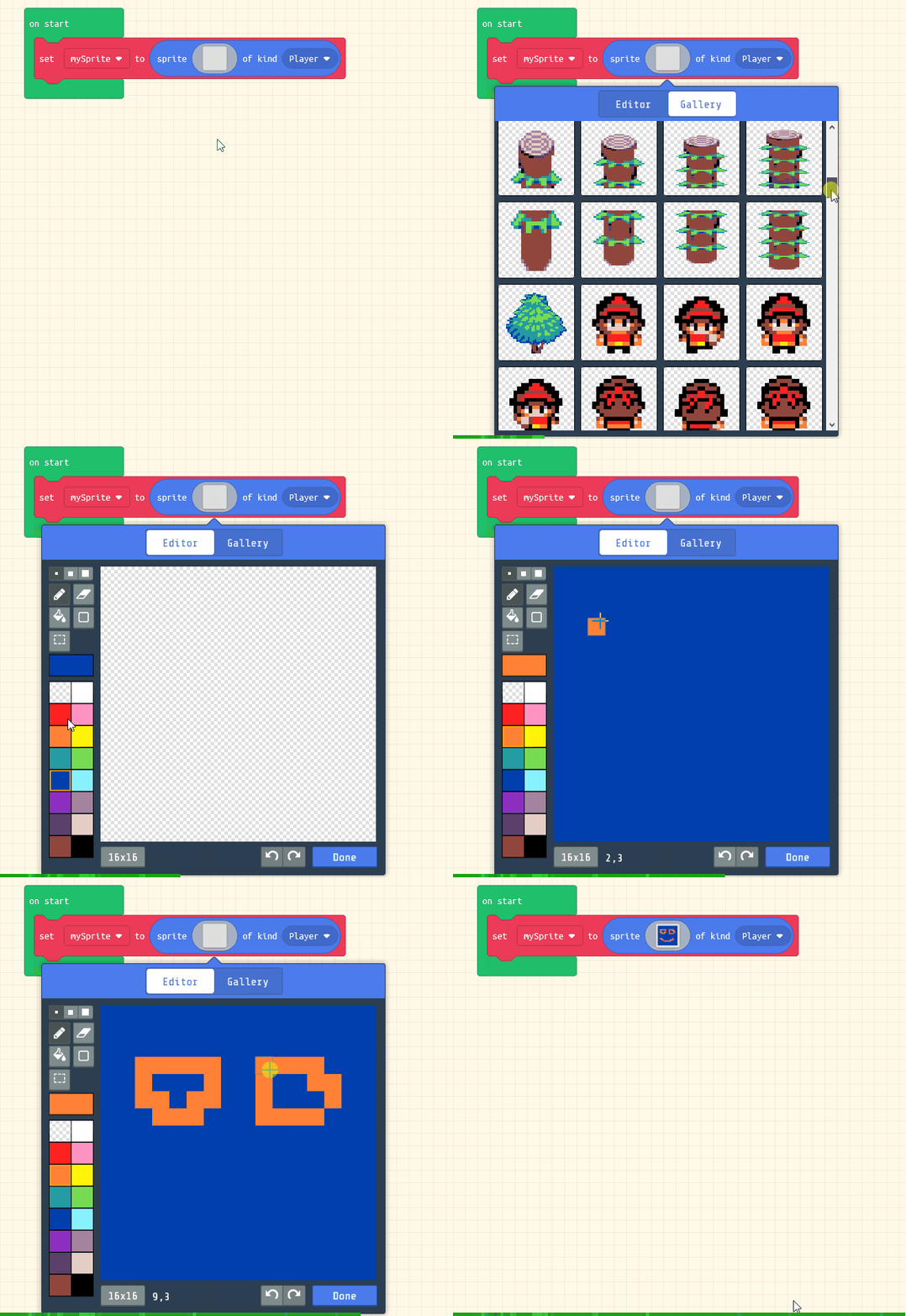
Then click on the grey box and choose a sprite character from the gallery. In our example we will choose the monkey character.
let mySprite = sprites.create(img`
. . . . f f f f f . . . . . . .
. . . f e e e e e f . . . . . .
. . f d d d d e e e f . . . . .
. c d f d d f d e e f f . . . .
. c d f d d f d e e d d f . . .
c d e e d d d d e e b d c . . .
c d d d d c d d e e b d c . f f
c c c c c d d d e e f c . f e f
. f d d d d d e e f f . . f e f
. . f f f f f e e e e f . f e f
. . . . f e e e e e e e f f e f
. . . f e f f e f e e e e f f .
. . . f e f f e f e e e e f . .
. . . f d b f d b f f e f . . .
. . . f d d c d d b b d f . . .
. . . . f f f f f f f f f . . .
`, SpriteKind.Player)
Click on the gray box in the sprite block to open the Editor. You can choose a sprite from the Gallery or you can paint your own sprite using the Editor.
Model on the board how the player sprite is created and how to pick the monkey from the gallery. The common snag is clicking the grey box and not choosing a sprite, leaving it blank. Support: confirm each student has a visible character before continuing.
You're previewing this lesson. Get full access to this lesson and hundreds more — each one ready to teach, with interactive activities, printable resources and pupil progress tracking built in.