1 - Introduction
 Sometimes online you might see pop-ups, ads, or messages that say things like
“FREE stuff!”, “Click now!”, or “You won a prize!”
Some are just annoying adverts — but others are scams designed to trick you.
Sometimes online you might see pop-ups, ads, or messages that say things like
“FREE stuff!”, “Click now!”, or “You won a prize!”
Some are just annoying adverts — but others are scams designed to trick you.
Scammers often try to make you act fast, feel excited, or feel worried. They might promise game money, skins, or “special rewards”, or they might claim there is a problem with your account. The goal is usually the same: to get you to click a link, download something, or give away personal information.
- What scams, pop-ups, and trick messages can look like
- Why scammers target kids in games and apps
- Simple safety moves to protect yourself and your accounts
Have you ever seen a pop-up or message promising “free stuff” online?
If you wrote YES, add one sentence: Where did you see it? (game, app, website, or video).
2 - Pop Ups Explained
 What are pop-ups?
Pop-ups are small boxes or messages that appear on your screen when you’re on a website, watching something, or using an app/game. They are designed to grab your attention — usually to show an ad, ask you to click, or get you to download something.
Some pop-ups are normal (like a shop ad or a message asking about cookies). But some pop-ups are fake and are made to trick you into clicking quickly. Fake pop-ups often promise free game items, free money, or they try to scare you with warnings.
The good news is you usually do not need to click a pop-up to keep playing or keep browsing. The safest move is to close it using the X, or ask a trusted adult if you are unsure.
- “Click for a prize!”
- “FREE game money!”
- “Your device is infected — click to fix it!” (Often a trick!)
- “Your account will be locked — act now!” (Often a scam!)
3 - Sneaky Tricks in Games
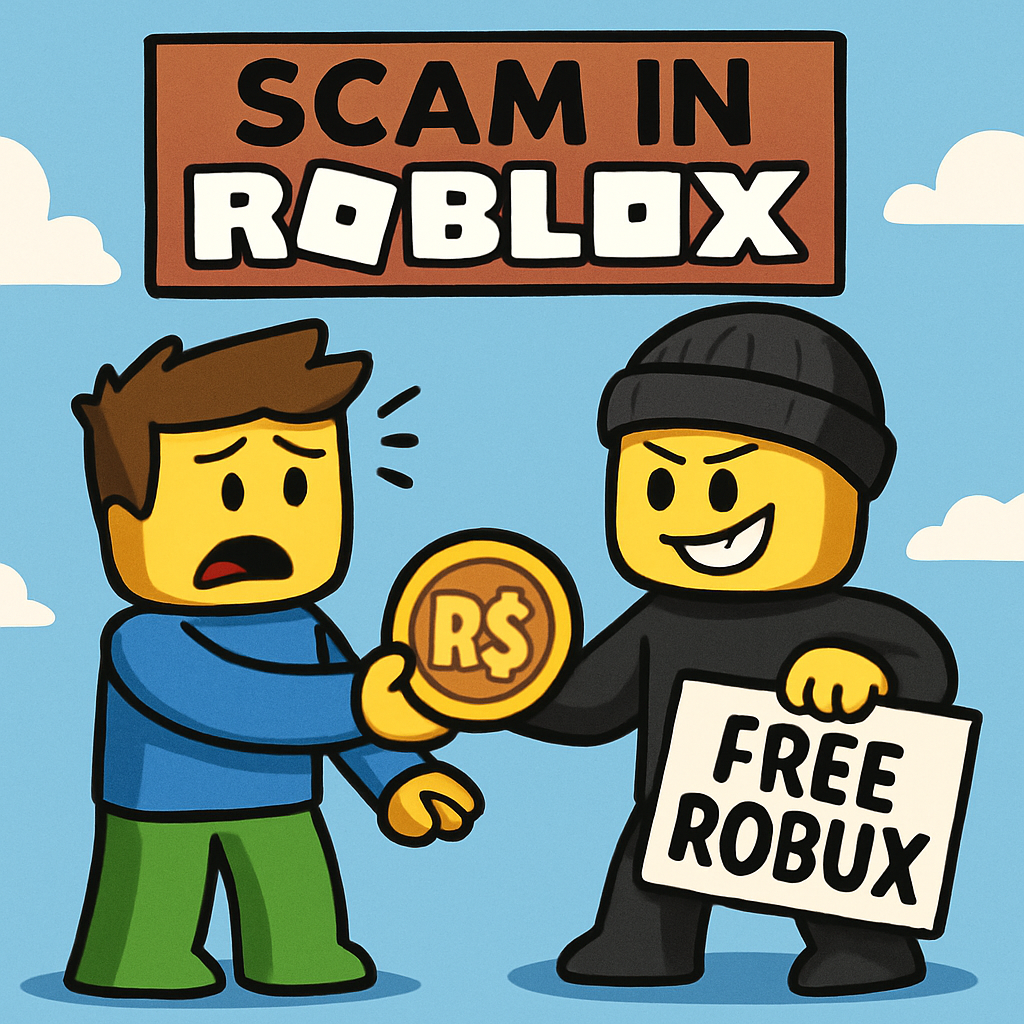 Sneaky Tricks in Your Favourite Games
Scammers often target popular games like Roblox, Minecraft, and Fortnite because lots of kids play them. They might pretend to be a friend, an “admin”, or a helper to get your trust. Their goal is usually to make you click a link, give away items, or share account details.
One of the biggest tricks is making you feel excited (free rewards) or rushed (“hurry!”) so you do not stop to think.
- Fake prizes: “You won 1,000,000 Robux!” or “You were chosen to win a mythic pet!”
- Trading tricks: “Give me your item first and I’ll give you a better one after.”
- Fake admins: “I’m an admin — click this link / tell me your password.”
- Fake login screens: A page that looks real, but is made to steal passwords.
- “Hurry!” tricks: “Only 10 seconds left — click now!” (They want you to rush.)
Pick 3 words from the word bank and write your safety spell in your notebook. Then read it out loud once (like a power-up). Try to choose words that help you pause and get help.
Word bank:
Example spell: “STOP – CHECK – TELL!” (You can make your own that fits your favourite games.)
4 - How Scammers Trick You
 How Scammers Try to Trick You
Scammers try to “win” with tricks, not fair play. They use exciting words, big promises, or scary warnings to make you click fast without thinking. The faster you click, the easier it is for them to get what they want.
What do scammers usually want? Your clicks (to take you to a fake page), your personal information, or your login details. If something makes you feel rushed, worried, or super excited, that is a clue to pause.
- Too good to be true: “Free skins! Free pets! Secret items!”
- Hurry hurry! “Only 10 seconds left!” “Click NOW!” (They want you to rush.)
- Pretending to be important: “I’m a Moderator/Admin. Log in here.”
- Fake giveaways: “Like + click this link to win!”
- Scary warnings: “Your device is broken! Fix it now!”
In your notebook, write 2 words that scammers use to rush you.
Choose from: FREE, HURRY, NOW, ONLY, WINNER, CLICK.
Extra: Write one sentence to help you stay safe, like: “If I see FREE + HURRY, I STOP and CLOSE.”
5 - Pop-Up Simulation Activity
Pop-Up Simulation: Spot the Scam!
Time to practise your scam-spotting skills. Read each pop-up and choose Safe or Scam. You’ll get instant feedback explaining why.

Unlock the Full Learning Experience
Get ready to embark on an incredible learning journey! Get access to this lesson and hundreds more in our Digital Skills Curriculum.
This lesson is copyright of Coding Ireland 2017 - 2025. Unauthorised use, copying or distribution is not allowed.


