Game Makecode Arcade
Advanced
60 mins
Teacher/Student led
+75 XP

What you need:
Chromebook/Laptop/PC or iPad/Tablet

Prison Break

Get ready to create an exciting maze game with MakeCode Arcade! You'll design a character, build a challenging maze, set a goal to reach, and add a timer to ramp up the difficulty. Let's begin!
Teacher Class Feed

Load previous activity

    1 - Introduction to Prison Break Game

    Welcome to the 'Prison Break' game creation lesson! In this lesson, you will learn how to create a fun and exciting maze game using MakeCode Arcade. You will create a character, design a maze for the character to navigate, and set a goal for the character to reach. You will also learn how to add a timer to make the game more challenging. Let's get started and have some fun!


    2 - Create a new Arcade project

    Go to the https://arcade.makecode.com website and create a new project.

    3 - Create a sprite

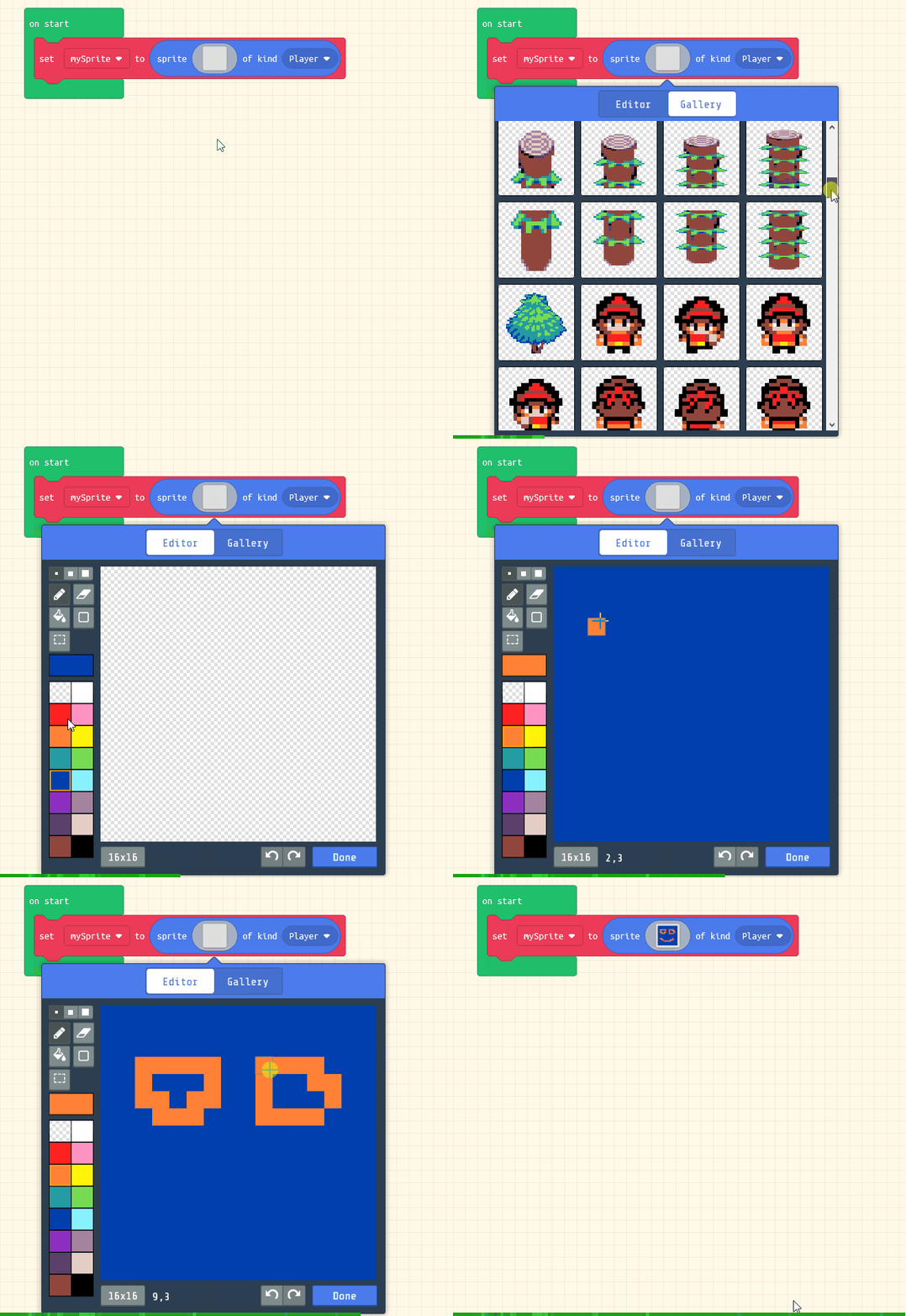
    Next create a sprite for your character that you will control and navigate through the maze.

    Add the following code to your project and then design a character using the sprite editor.

    let mySprite = sprites.create(img`
        . . . . . . . . . . . . . . . . 
        . . . . . . . . . . . . . . . . 
        . . . . . . . . . . . . . . . . 
        . . . . . . 7 7 . . . . . . . . 
        . . . . 7 7 7 7 7 . . . . . . . 
        . . . . 7 7 7 5 7 7 . . . . . . 
        . . . . 7 7 7 7 7 7 . . . . . . 
        . . . . 7 7 7 7 7 7 . . . . . . 
        . . . . . . 7 7 . . . . . . . . 
        . . . . . . 7 7 . . . . . . . . 
        . . . . . 7 7 7 7 7 . . . . . . 
        . . . . . . 7 . . . . . . . . . 
        . . . . . . 7 . . . . . . . . . 
        . . . . . 7 7 7 . . . . . . . . 
        . . . . 7 7 . 7 7 . . . . . . . 
        . . . . . . . . . . . . . . . . 
        `, SpriteKind.Player)

    4 - Move with the buttons

    Now let's control our player with the buttons.

    Add the following new code:

    let mySprite = sprites.create(img`
        . . . . . . . . . . . . . . . . 
        . . . . . . . 7 7 . . . . . . . 
        . . . . . 7 7 7 7 7 7 . . . . . 
        . . . . . 7 7 7 7 7 7 . . . . . 
        . . . . . 7 7 7 . 7 7 . . . . . 
        . . . . . 7 7 7 7 7 7 . . . . . 
        . . . . . 7 7 7 7 7 7 . . . . . 
        . . . . . . 7 7 7 7 . . . . . . 
        . . . . . . . 7 . . . . . . . . 
        . . . . 7 7 7 7 7 7 7 . . . . . 
        . . . . . . . 7 . . . . . . . . 
        . . . . . . . 7 . . . . . . . . 
        . . . . . . 7 7 7 7 7 . . . . . 
        . . . . . 7 7 . . . 7 7 . . . . 
        `, SpriteKind.Player)
    controller.moveSprite(mySprite)
    
    
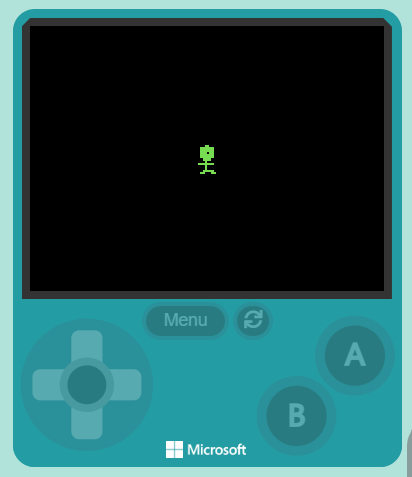
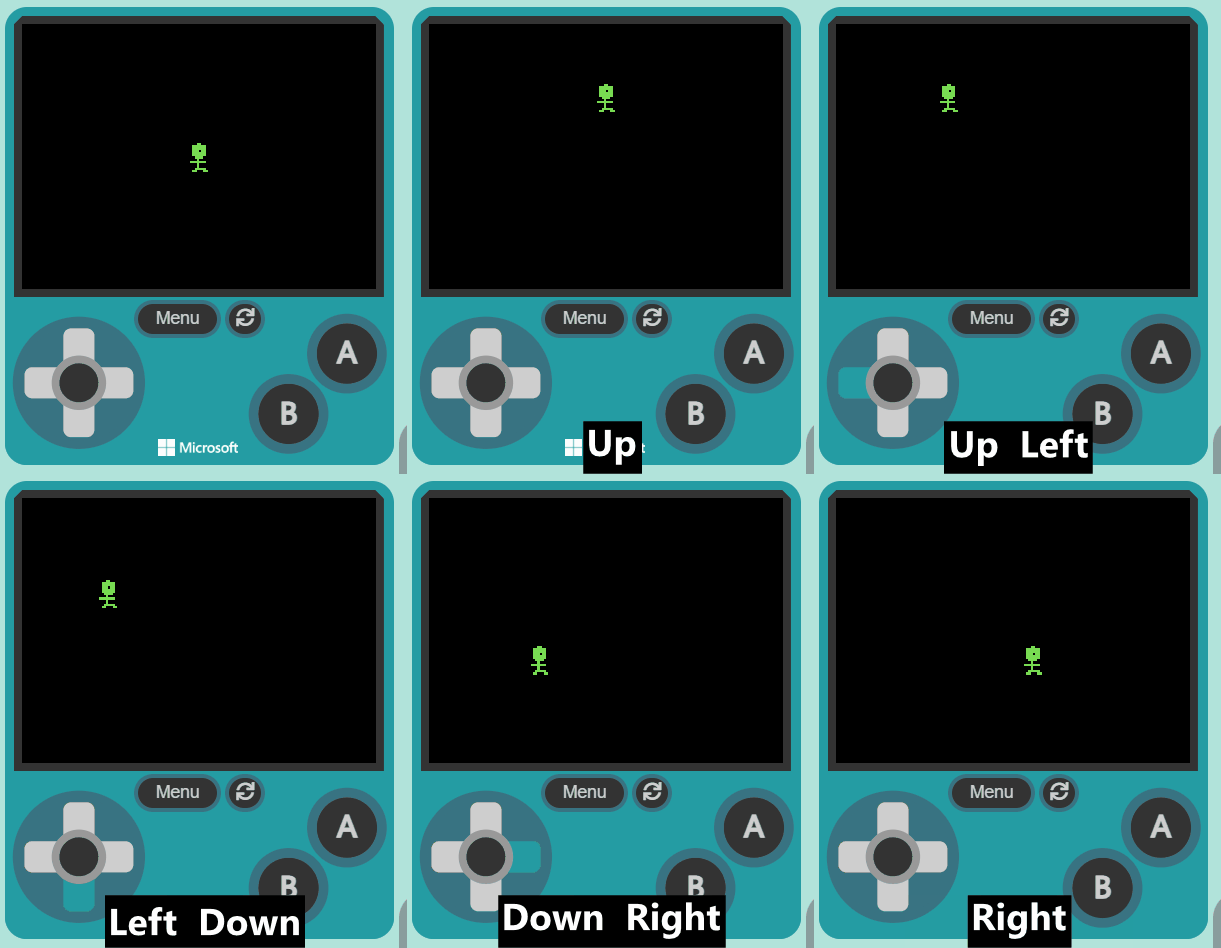
    Once you've added the new code, test that you can move your player sprite with the joystick or your keyboard arrow keys.

    5 - Draw your maze

    Now let's draw the maze that our character will need to go through.

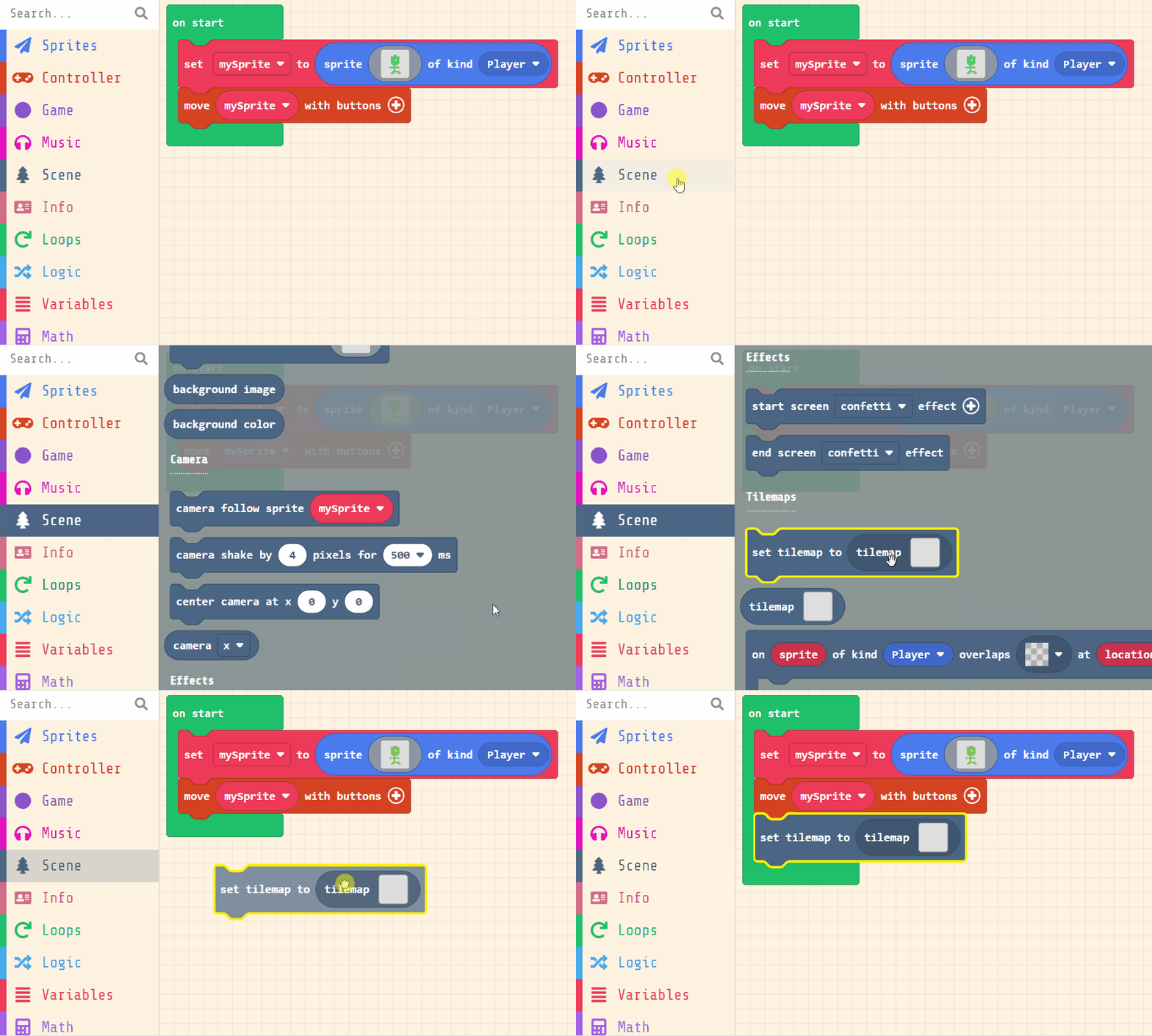
    Add the following new code:

    let mySprite = sprites.create(img`
        . . . . . . . . . . . . . . . . 
        . . . . . . . 7 7 . . . . . . . 
        . . . . . 7 7 7 7 7 7 . . . . . 
        . . . . . 7 7 7 7 7 7 . . . . . 
        . . . . . 7 7 7 . 7 7 . . . . . 
        . . . . . 7 7 7 7 7 7 . . . . . 
        . . . . . 7 7 7 7 7 7 . . . . . 
        . . . . . . 7 7 7 7 . . . . . . 
        . . . . . . . 7 . . . . . . . . 
        . . . . 7 7 7 7 7 7 7 . . . . . 
        . . . . . . . 7 . . . . . . . . 
        . . . . . . . 7 . . . . . . . . 
        . . . . . . 7 7 7 7 7 . . . . . 
        . . . . . 7 7 . . . 7 7 . . . . 
        `, SpriteKind.Player)
    controller.moveSprite(mySprite)
    tiles.setCurrentTilemap(tilemap`level6`)


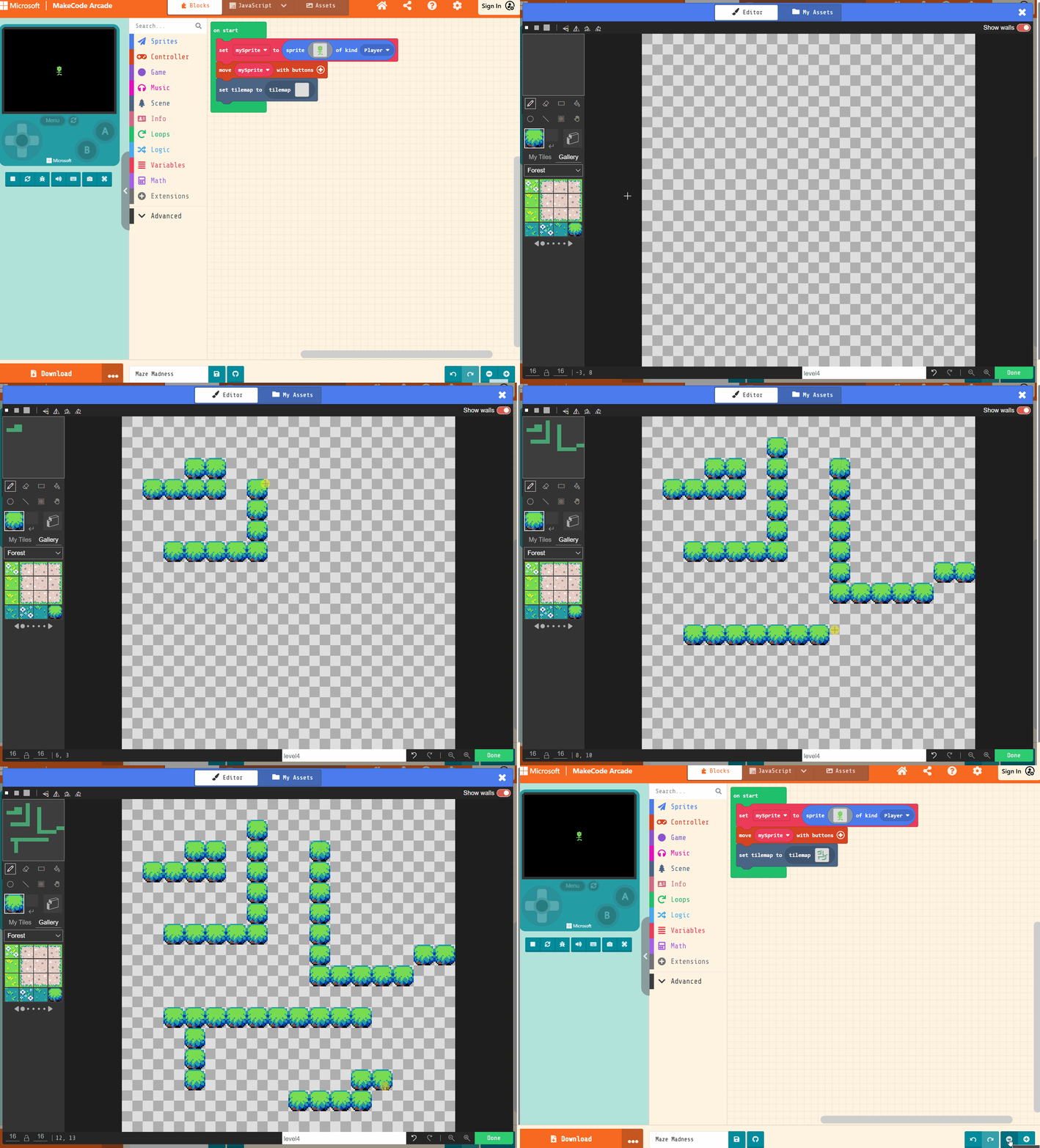
    Then click on the grey box in the set tilemap to block, this will open up the tile map editor which you can use to create a simple maze.

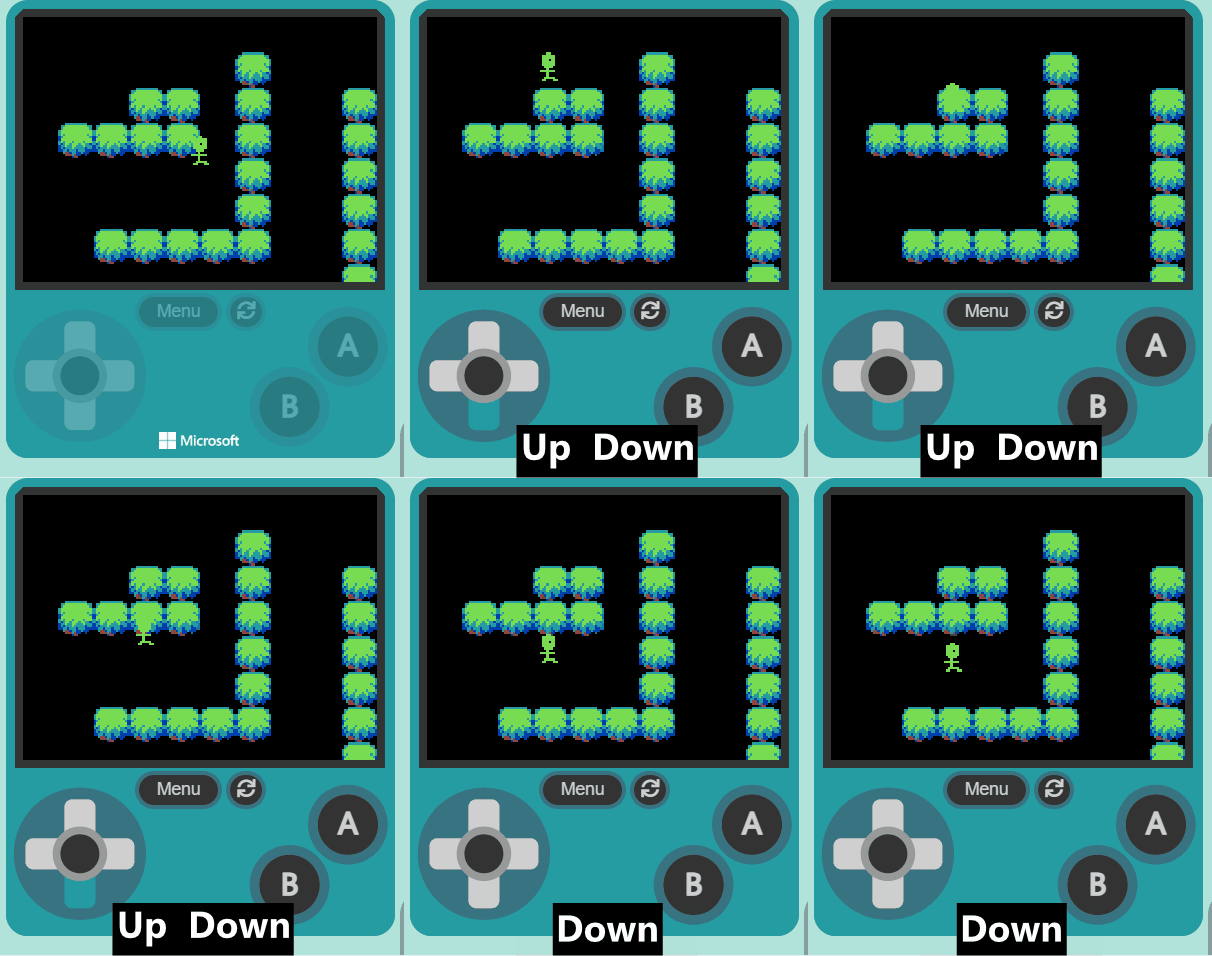
    You should now have a maze in your game. Make your character move around the maze and you will notice that your character can walk through the walls.


    Coding Ireland · Online learning platform

    Unlock the full learning experience

    You're previewing this lesson. Get full access to this lesson and hundreds more — each one ready to teach, with interactive activities, printable resources and pupil progress tracking built in.

    Hundreds of curriculum-aligned lessons
    Interactive activities in every lesson
    Printable resources & progress tracking
    Copyright Notice
    This lesson is copyright of Coding Ireland 2017 - 2025. Unauthorised use, copying or distribution is not allowed.
    🍪 Our website uses cookies to make your browsing experience better. By using our website you agree to our use of cookies. Learn more