Microbit
Robotics & Engineering
Expert
45 mins
Teacher/Student led
+175 XP
 Chromebooks, laptops, and PCs are crucial tools for coding and digital skills education. Chromebooks are ideal for web-based applications and collaborative projects, while laptops and PCs support a wider range of programming environments and software for more intensive tasks like software development and data analysis.
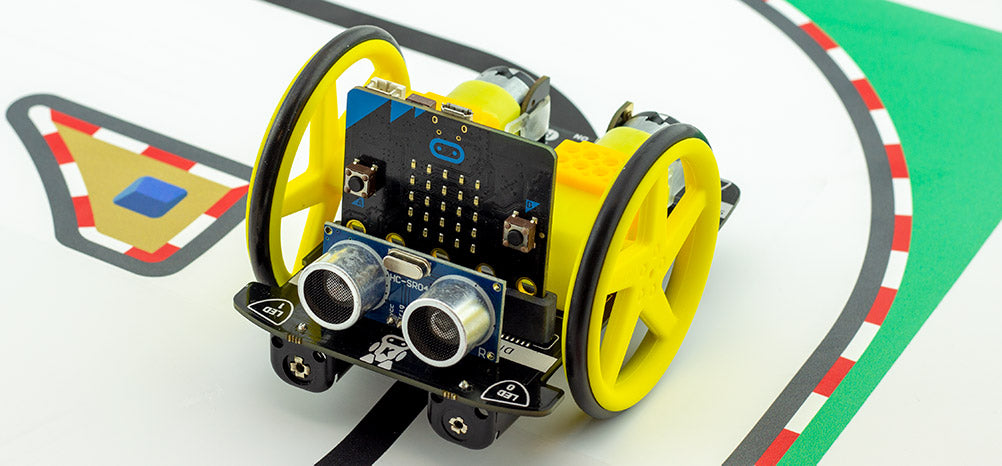
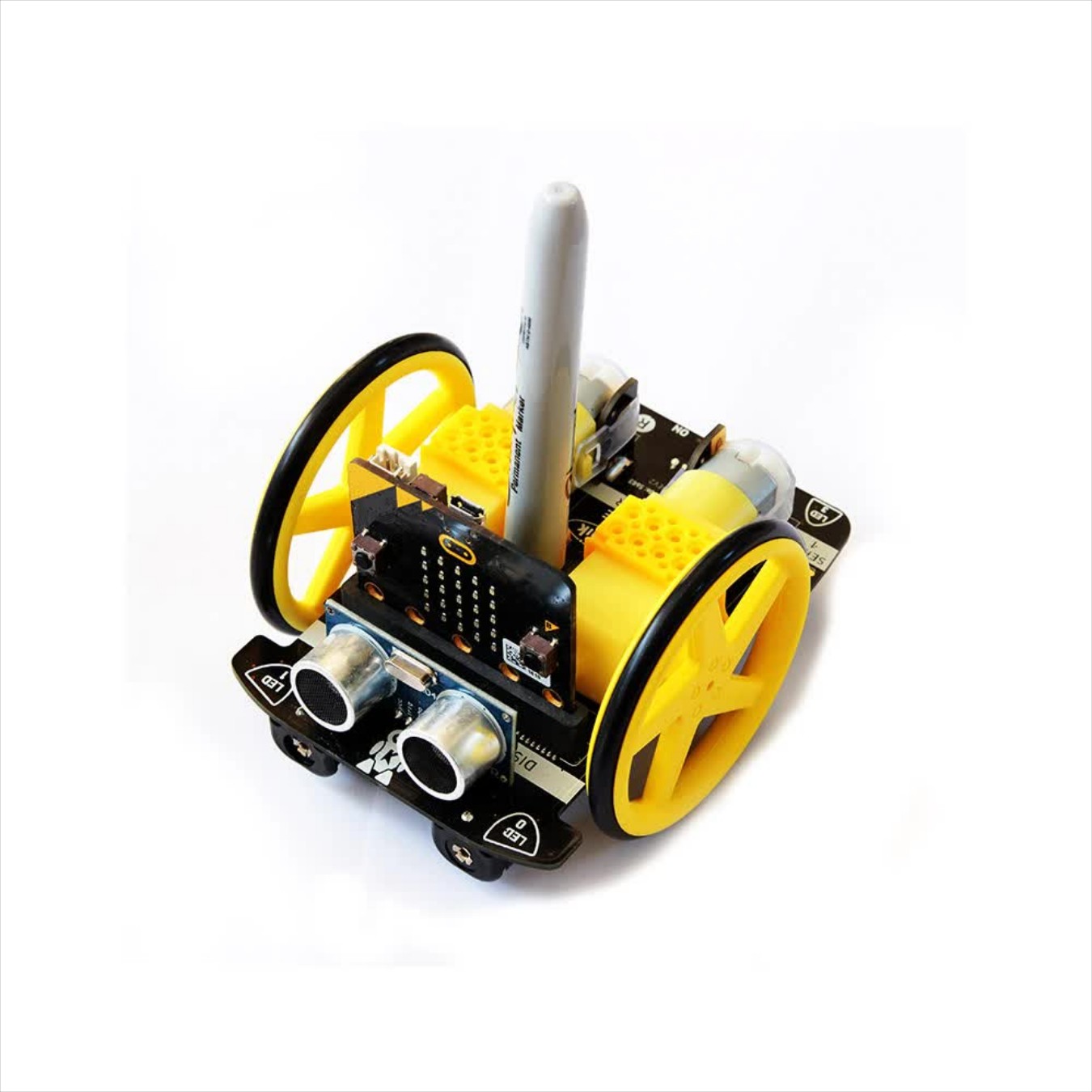
Move Motor Pen Challenges
Using the pen slot in your Move Motor Car, can you program it to draw different shapes.