Microbit Arts
Beginner
60 mins
Teacher/Student led
+100 XP

What you need:
Chromebook/Laptop/PC
Microbit
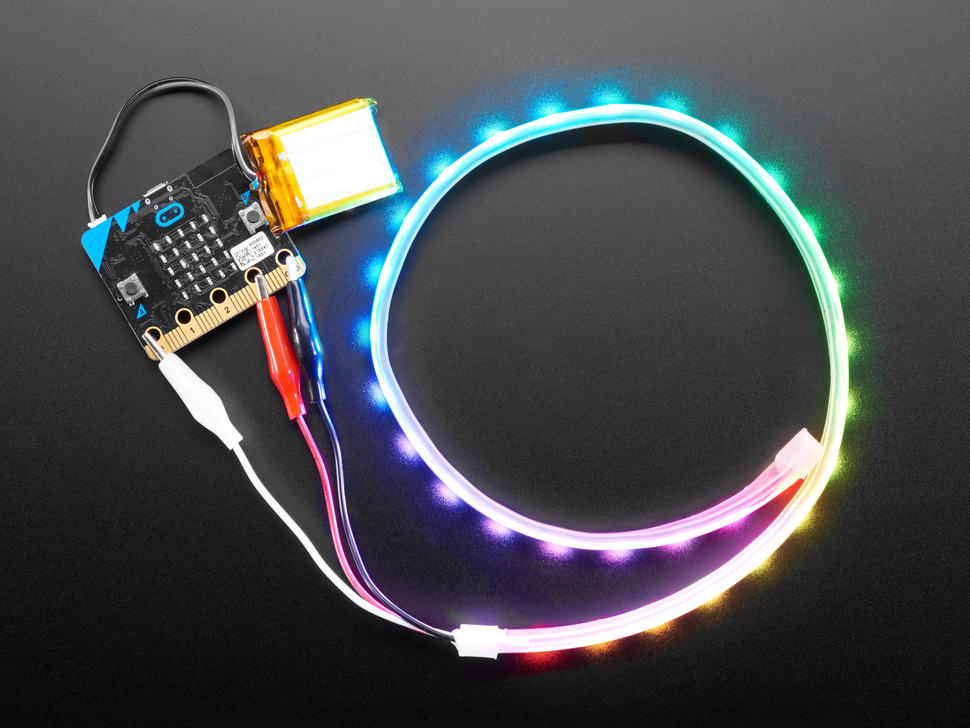
LED Strip with crocodile clips

Microbit LED Strip

In this step-by-step lesson, you'll learn to program a 30-LED strip using Microbits. You'll create a new Microbit project, add the neopixel extension, and set up the LED strip. You'll then program the LEDs to light up in different colours and patterns, including a rotating rainbow effect. Explore the Neopixel toolbox and experiment with your own lighting designs.

Teacher Class Feed

Load previous activity

    1 - Introduction

    In this project we are going to program a strip of 30 LEDs to light up different ways. We will connect our Microbits to them and use the microbits to send the instructions to the LED strip!


    2 - Create a new Microbit project

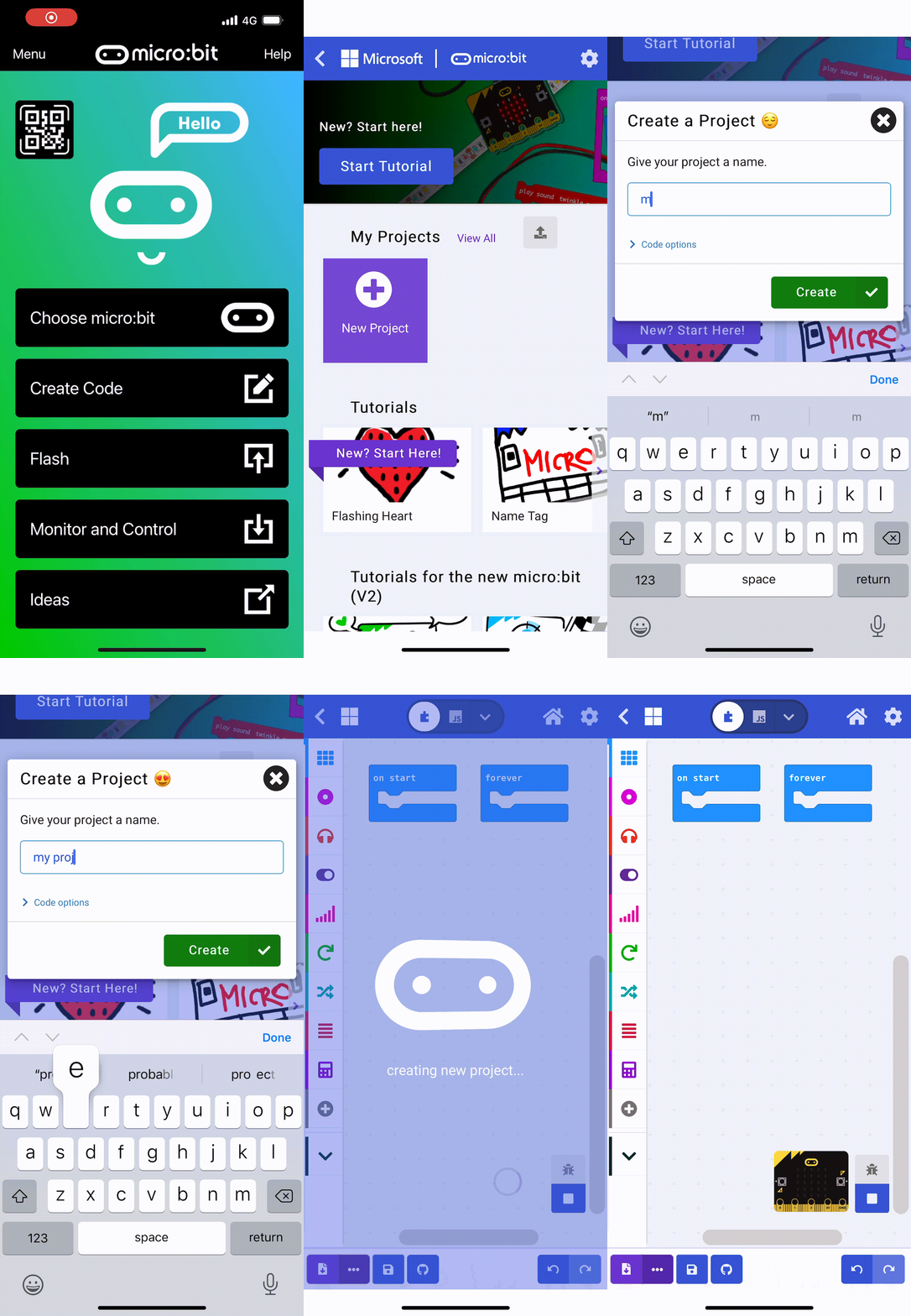
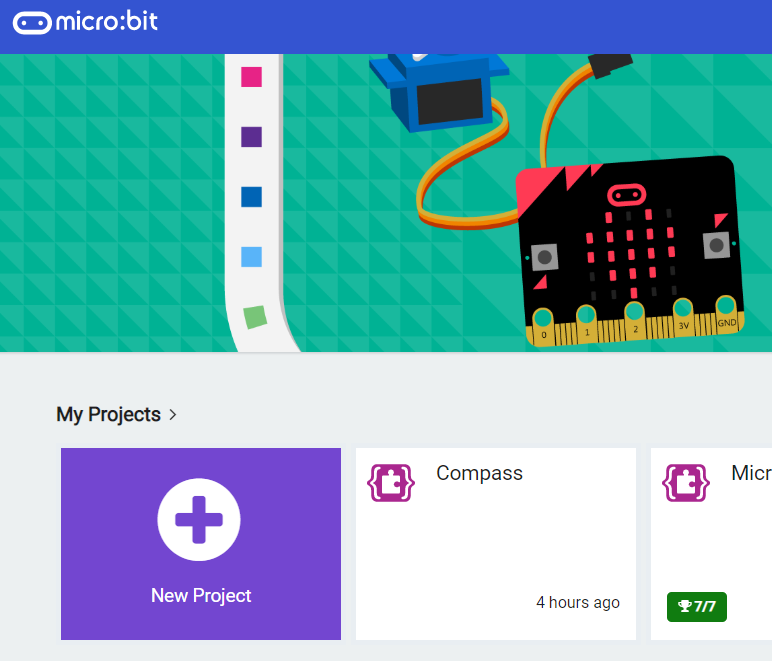
    To get started create a new Microbit project.

    makecode.microbit.org

    3 - Add the neopixel extension

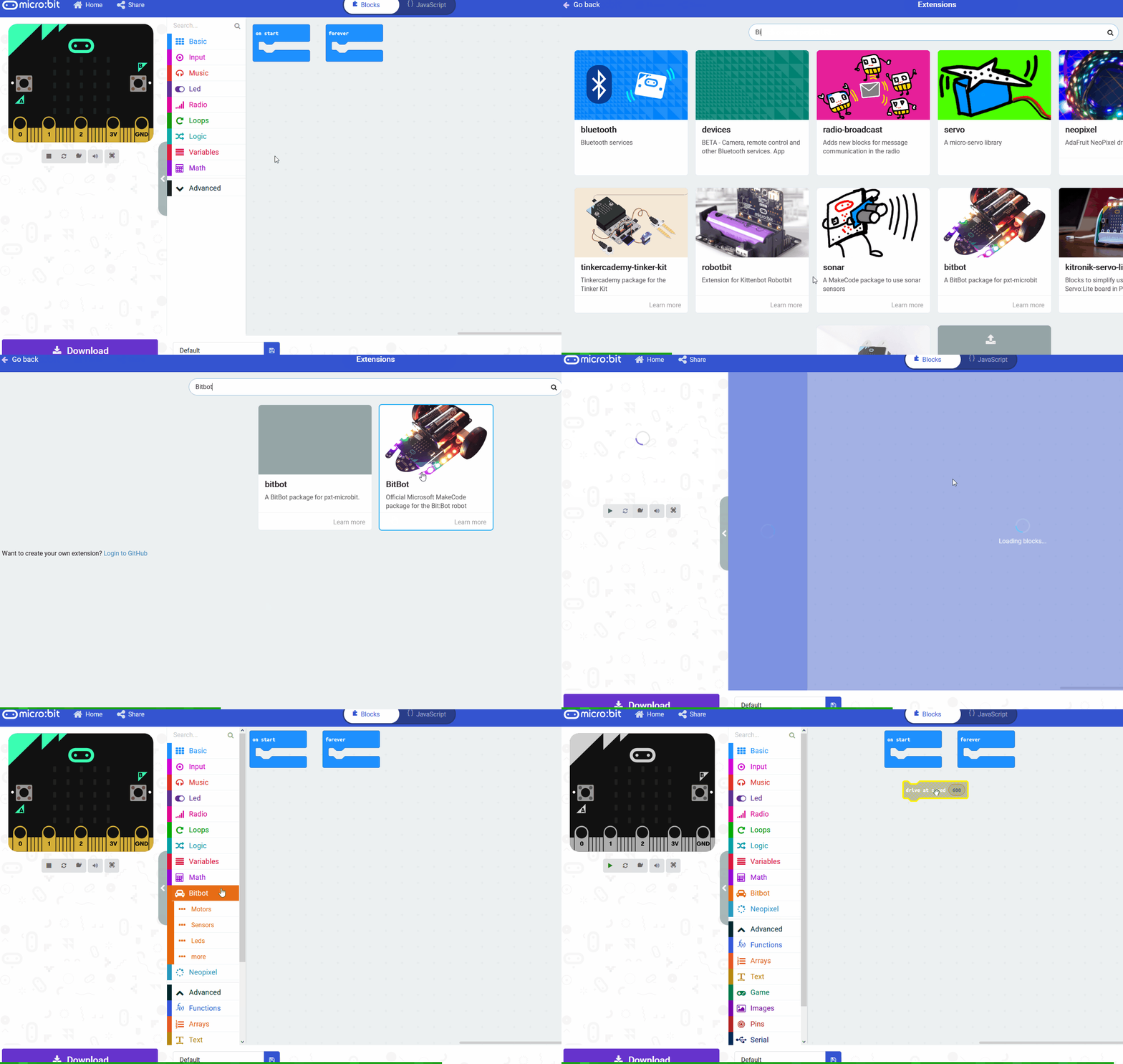
    To access the blocks we need to program the LED strip, you need to add the neopixel extension to your project.


    4 - Setup the LED Strip

    To be able to interact and program the LED strip we will need a variable that stores the strip.

    Add the following code to your project. We set the value to be 30 as there are 30 LEDs on the strip.

    5 - Make it red

    Now let's program the A button on your microbit to turn all the LEDs red.

    Add the following new code to your project.

    Download your updated code to your microbit and press the A button, the LED strip should light up all red!


    Coding Ireland · Online learning platform

    Unlock the full learning experience

    You're previewing this lesson. Get full access to this lesson and hundreds more — each one ready to teach, with interactive activities, printable resources and pupil progress tracking built in.

    Hundreds of curriculum-aligned lessons
    Interactive activities in every lesson
    Printable resources & progress tracking
    Copyright Notice
    This lesson is copyright of Coding Ireland 2017 - 2025. Unauthorised use, copying or distribution is not allowed.
    🍪 Our website uses cookies to make your browsing experience better. By using our website you agree to our use of cookies. Learn more