1 - Start: What We're Building ~5 mins
Quick recap: last time we stored single values in variables. Today's question — what if you want one variable to hold a whole set of values, like five numbers or a row of images?
That's a list (also called an array). We'll build a micro:bit project in Python that creates a list, reads and changes items in it, adds and removes items, and finally uses lists of images to make LED light patterns. We'll predict first, then build, run and fix as we go.
Open the cold lesson with the recap question: how do we hold many values in one place? Set the scene that everyone builds at their own device in pairs. Model opening a new project on the board but don't show the code yet. Keep this brisk.
2 - Predict Before You Run ~10 mins
Before anyone runs anything, look at what we're about to build and commit to a prediction. When a list holds five numbers and we ask the micro:bit to show the item at position 0, which number do you think appears first? What do you expect to see after we change or remove an item?
Say your prediction to your partner so we can check it later.
Run the PRIMM predict beat. Ask: which item shows first when we read position 0? Collect two or three predictions and park them on the board to revisit at the make-sense step. Resist letting anyone run yet — the value is in committing first.
3 - Introduction ~3 mins
In this lesson, you'll learn the basics of working with arrays in MicroPython. You'll create a simple list, retrieve elements from the list, change elements, add new elements, and remove elements from the list. By the end of this lesson, you'll have a solid understanding of how to work with arrays in MicroPython.
To get started, open the micro:bit Python editor at https://python.microbit.org and create a new project.
To create a new Python project for a Microbit, open the website python.microbit.org.
This will open the code editor with a new project. It might have some example code already added such as:
# Imports go at the top
from microbit import *

# Code in a 'while True:' loop repeats forever
while True:
    display.show(Image.HEART)
    sleep(1000)
    display.scroll('Hello')
You should delete this code except for the import line that you will need. This imports the necessary libraries you will need to code a microbit.
# Imports go at the top
from microbit import *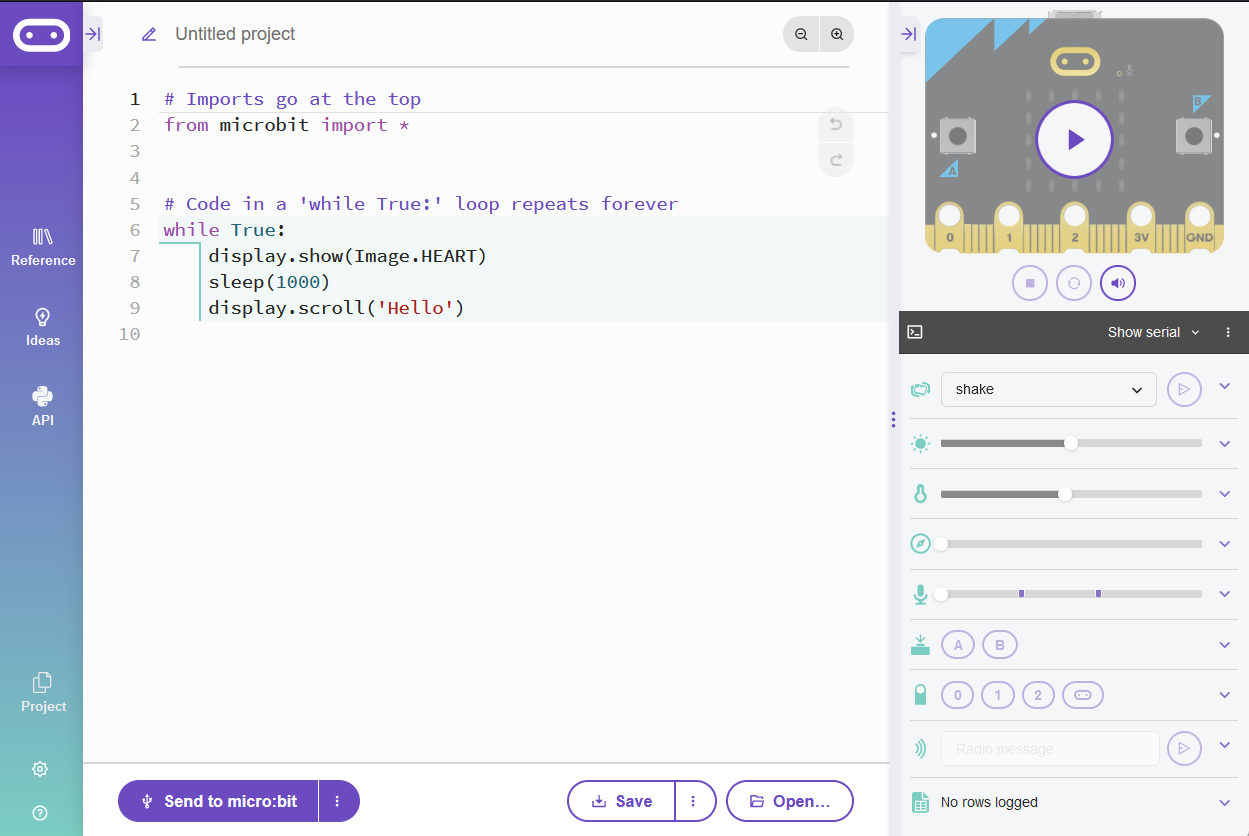
Setup step: make sure every pair has a new project open in the micro:bit Python editor. Key question: what's the difference between a single variable and a list? Watch for students who skip creating the project and try to type into an old one. Support: pair confident editor-users with those less sure.
4 - What Is an Array? ~2 mins
An array is a collection of items, like numbers or strings, stored in a single variable. In MicroPython, arrays are often called lists. They are useful when you want to store and manipulate multiple values using a single variable.
In this lesson, we'll use the terms 'array' and 'list' interchangeably.
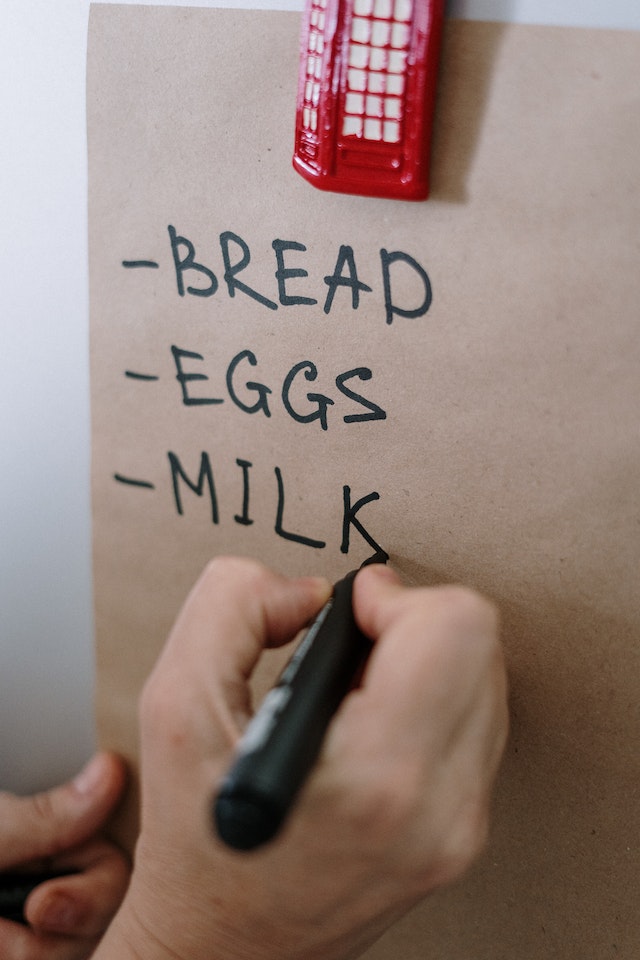
Reinforce vocabulary: 'array' and 'list' mean the same thing here. Ask students for everyday examples of lists (a class roll, a shopping list). No code to model — this is the concept anchor for the rest of the lesson.
5 - Create a List ~2 mins
Lists can store different types of data, such as integers, strings, or even other lists. For example:
- Integer List:
[1, 2, 3, 4, 5] - String List:
['apple', 'banana', 'cherry'] - Mixed List:
[1, 'apple', 3.14]
Now, let's create a list called 'numbers' with five elements. The elements are the integers from 1 to 5. Add the following code to your editor:
from microbit import *

numbers = [1, 2, 3, 4, 5]
numbers with five elements. The elements are the integers from 1 to 5.Model creating the numbers list on the board and say each element aloud with its position. Key question: which item is at index 0? Common misconception: students expect index 1 to be first. Extension: invite a pair to predict the index of the last item.
Unlock the full learning experience
You're previewing this lesson. Get full access to this lesson and hundreds more — each one ready to teach, with interactive activities, printable resources and pupil progress tracking built in.
This lesson is copyright of Coding Ireland 2017 - 2025. Unauthorised use, copying or distribution is not allowed.