Microbit Arts
Intermediate
60 mins
Teacher/Student led
+150 XP

What you need:
Chromebook/Laptop/PC
Microbit
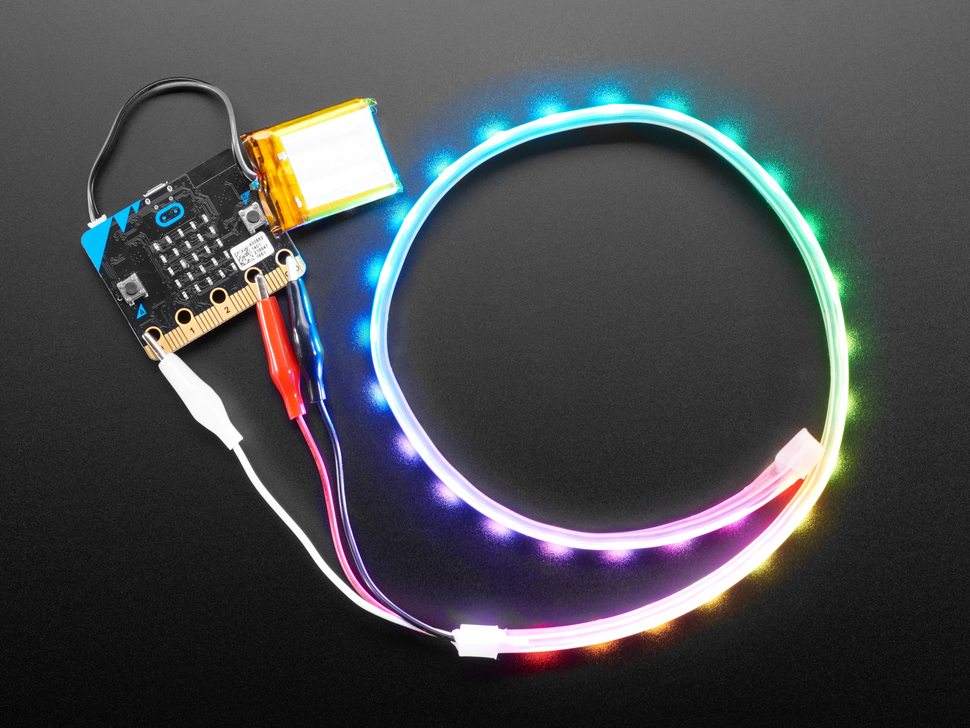
LED Strip with crocodile clips

LED Flags

In this step-by-step lesson, you'll learn how to create LED flags using a Microbit project. You'll start by making simple bicolor and tricolor flags, then progress to a more challenging task of coding the LED to represent the American flag. This lesson combines creativity with coding skills.
Teacher Class Feed

Load previous activity

    1 - Introduction

    Let's try make some flags using our LED strip. The easiest flags to make will be bicolor (2 colour) flags or tricolor (3 color) flags but we can get creative and make other ones as well.

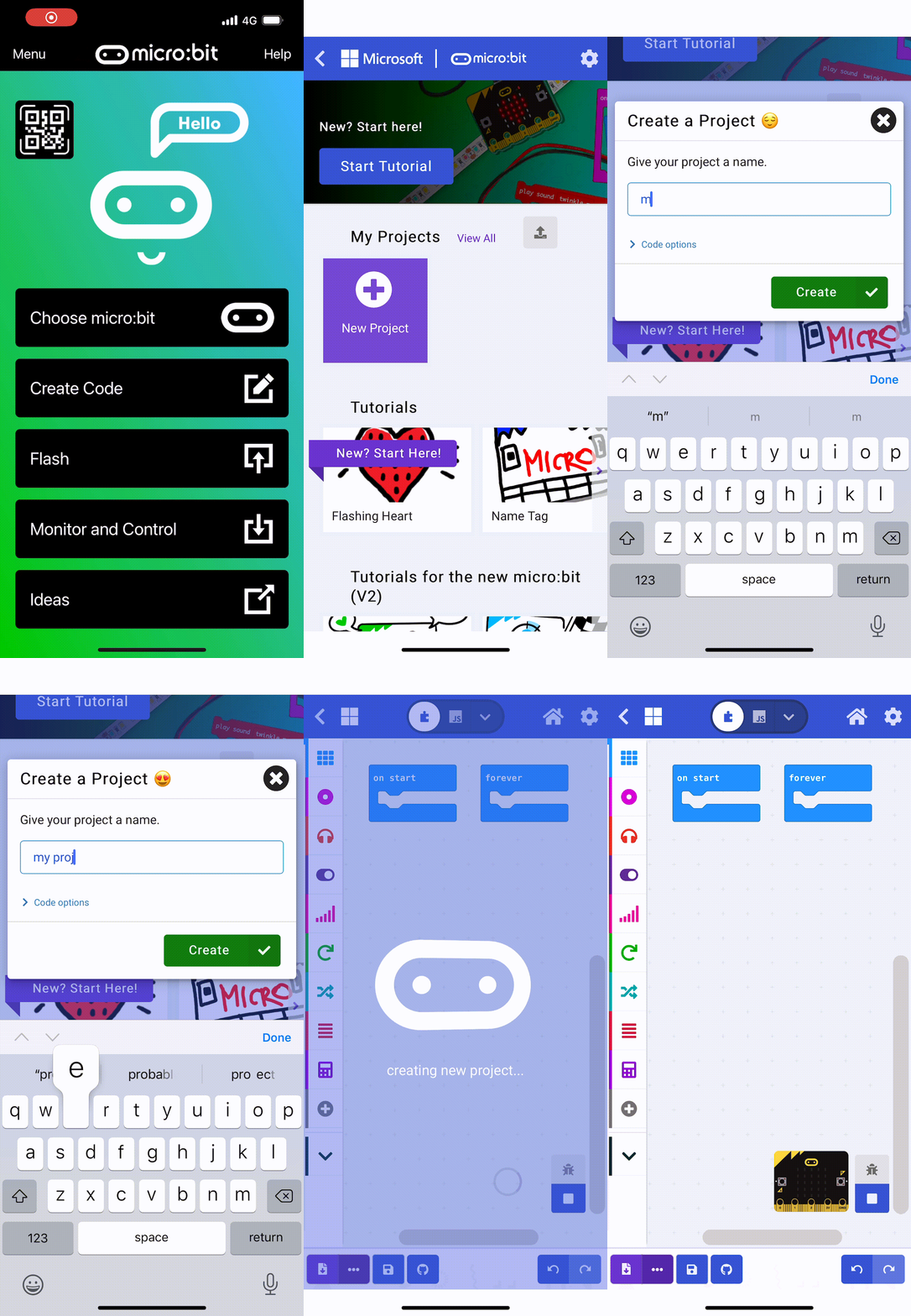
    2 - Create a new Microbit project

    To get started create a new Microbit project.

    makecode.microbit.org

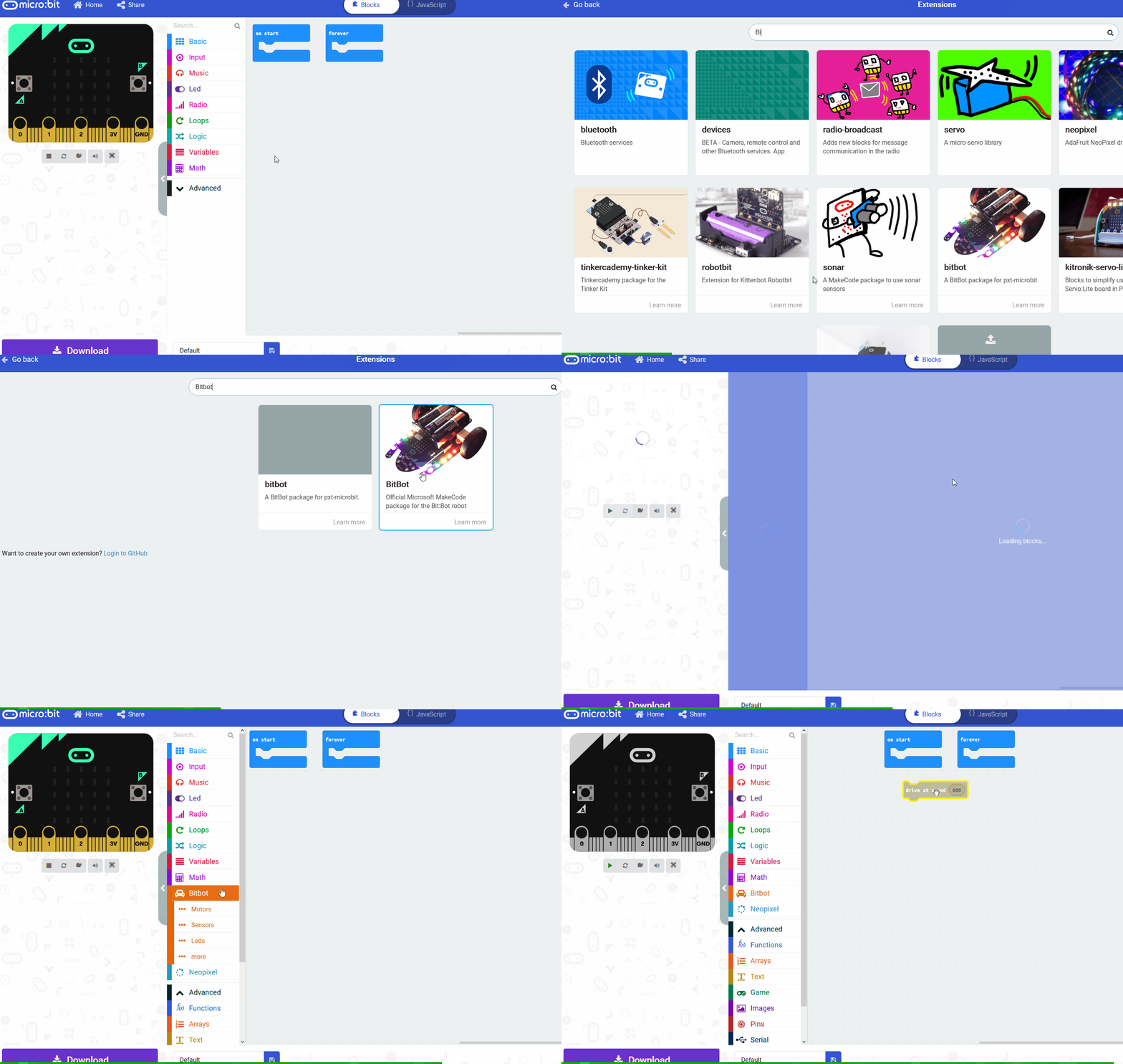
    3 - Add the neopixel extension

    To access the blocks we need to program the LED strip, you need to add the neopixel extension to your project.


    4 - Setup the LED Strip

    To be able to interact and program the LED strip we will need a variable that stores the strip.

    Add the following code to your project. We set the value to be 30 as there are 30 LEDs on the strip.

    123learn · Online learning platform

    Unlock the full learning experience

    You're previewing this lesson. Get full access to this lesson and hundreds more — each one ready to teach, with interactive activities, printable resources and pupil progress tracking built in.

    Hundreds of curriculum-aligned lessons
    Interactive activities in every lesson
    Printable resources & progress tracking
    Copyright Notice
    This lesson is copyright of Coding Ireland 2017 - 2026. Unauthorised use, copying or distribution is not allowed.
    🍪 Our website uses cookies to make your browsing experience better. By using our website you agree to our use of cookies. Learn more