The Internet
Beginner
40 mins
Teacher/Student led
+85 XP

What you need:
Chromebook/Laptop/PC or iPad/Tablet

Keep Your Passwords Private

In this lesson, you'll explore why passwords are crucial for protecting your online accounts. Learn the risks of sharing passwords, who to avoid sharing with, and practical tips to keep your passwords safe and secure.
Learning Goals Learning Outcomes

Teacher Class Feed

Load previous activity

    1 - Introduction

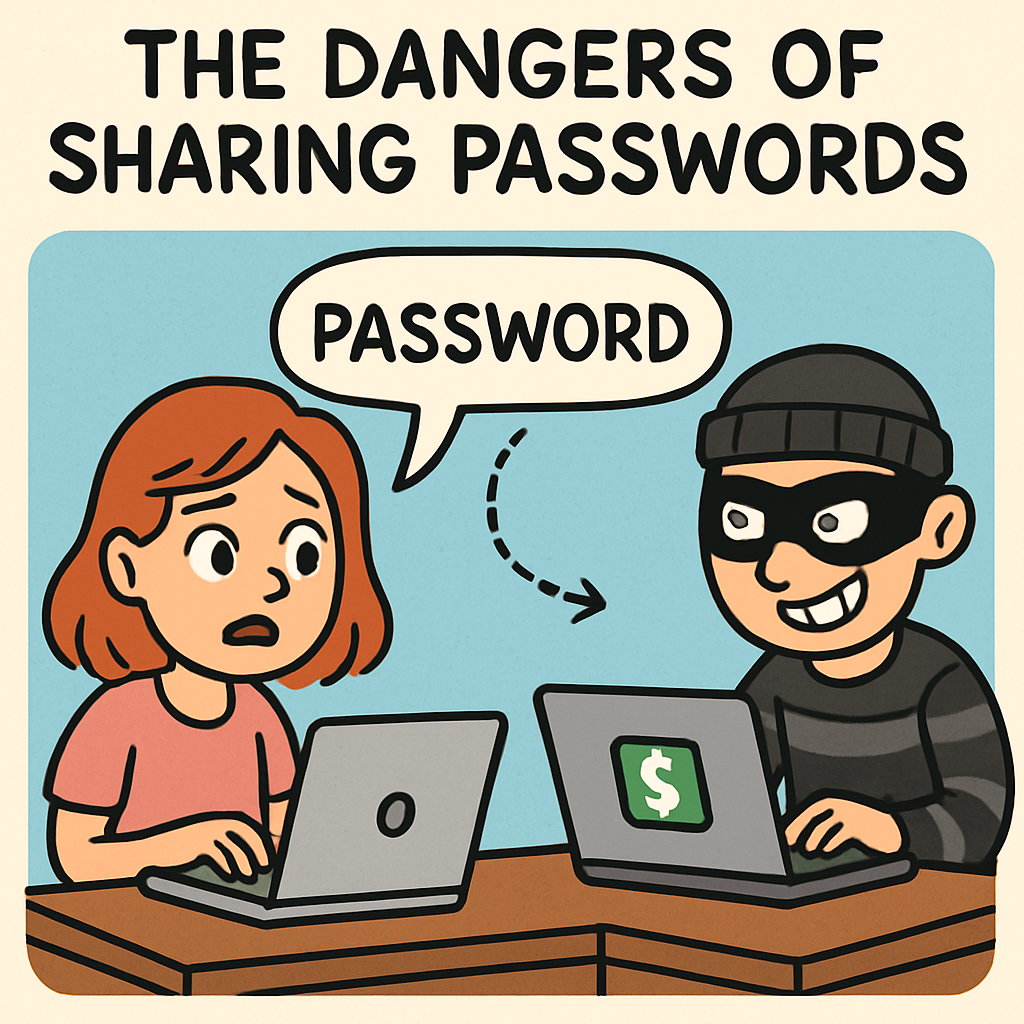
    Passwords lesson illustration Welcome to the Lesson: The Dangers of Sharing Passwords

    In this lesson, you will explore why passwords matter when it comes to protecting your online accounts. You will learn the risks of sharing passwords, who you should never share them with, and practical strategies to keep your passwords safe and secure.

    Think of passwords as keys to your online world. Just like you would not hand over the key to your home to a stranger, you should not share your passwords with anyone. If someone gets your password, they may be able to log in as you, change your settings, read your messages, or even lock you out of your own account.

    A strong password also helps protect your personal information. It is one of the easiest and most important ways to stay safe online.

    By the end of this lesson, you will understand why keeping passwords private is a crucial habit for staying safe in the digital environment.
    Remember: Your password is for you (and trusted adults if needed). If anyone asks for it — even a “friend” — do not share it. Use Block – Report – Tell if someone pressures you.

    2 - Why do we have passwords?

    Password protection illustration

    Why Do We Have Passwords?

    Passwords are important because they help stop unauthorised access to your online accounts. They work like a lock on a door — only people who have the right “key” (the password) should be able to get in.

    Passwords protect your personal information, such as your full name, home address, date of birth, and other details you would not want strangers to see. When a website asks for your password, it is checking that you are really you.

    Without passwords, anyone could enter your accounts and misuse your information. For example, someone could read private messages, change your settings, make unauthorised purchases, or pretend to be you online. That is why passwords are essential for your privacy, security, and control over your digital life.

    Remember: A password is like a key. If someone else has it, they can act as you online. Keep passwords private and use strong, unique ones to protect your accounts.

    3 - What can happen if we share our passwords?

    Password risks illustration What Can Happen If We Share Our Passwords?

    Sharing your password with another person can cause serious problems. It can weaken the security of your online accounts and put your personal information at risk. Understanding these dangers helps explain why passwords must stay private.

    • Impersonation: Someone could access your account and pretend to be you. They might send messages, post things, or make choices that are not yours. This can damage your reputation or friendships.
    • Account Lockout: The person you shared with could change the password. That could lock you out of your own account. Getting it back can take time, and sometimes the account can be lost.
    • Theft of Personal Information: They could read and steal private details, such as personal information, financial information, or private messages. That information could be used for identity theft, fraud, or to harm you or others.
    • Further Misuse: Someone might use your account for harmful actions such as bullying, spreading rumours, sharing inappropriate content, or breaking rules/laws. Even though you did not do it, your account name is attached to it.

    These examples show how sharing a password can quickly turn into a big problem. Once a password is shared, you lose control over who might use it and what they might do with your account.

    Remember: If someone knows your password, they can act as you online. Keep it private, and if you think someone has it, change it straight away and tell a trusted adult.

    4 - Who Should you never Share your password with?

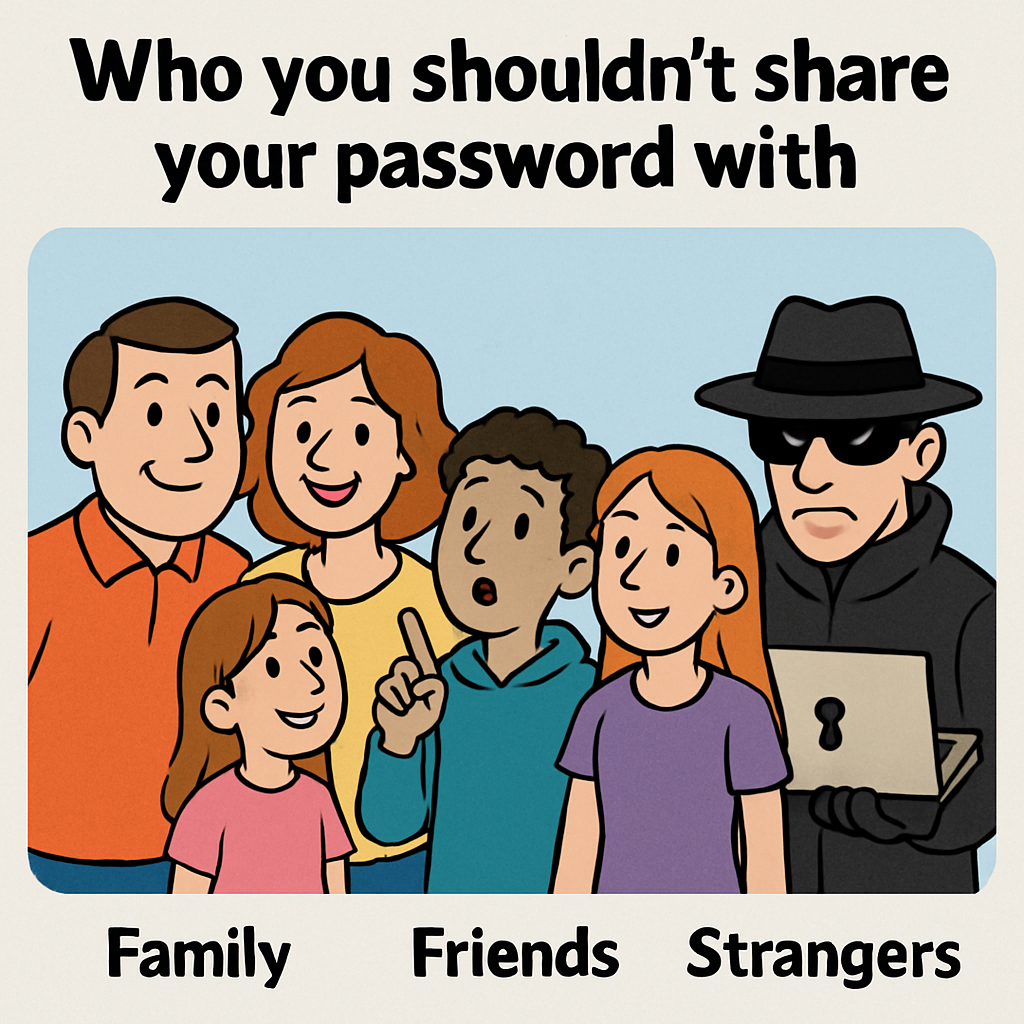
    Password sharing warning illustration Who Should You Never Share Your Password With?

    Keeping your password private helps protect your online accounts. Sharing passwords — even with people you think you trust — can create risks and lead to someone misusing your account or your personal information.

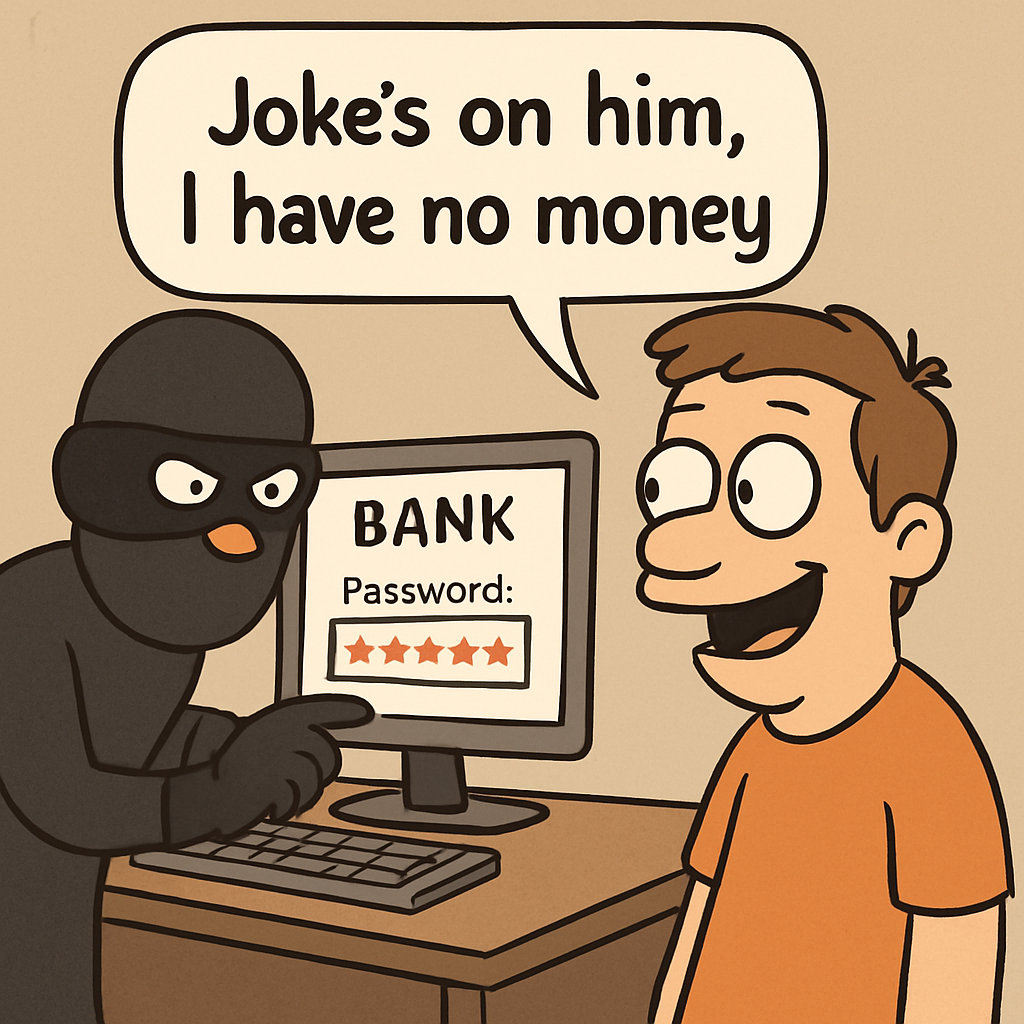
    • Friends or classmates: Even if they promise not to tell anyone, passwords can be shared again, guessed, or used “as a joke”. That can quickly lead to your account being misused.
    • Online friends (people you meet in games or on social media): They may not be who they say they are. Sharing your password could give them access to your messages, purchases, or private details.
    • Anyone who asks for your password: This includes people who claim they “need it to help you” or “need it to fix something”. Real websites and apps will never ask you for your password. These requests are often scams.
    Remember: Your password is private. If someone asks for it, that is a warning sign. Keep it to yourself, and tell a trusted adult if you feel pressured.

    5 - What if someone asks for your password?

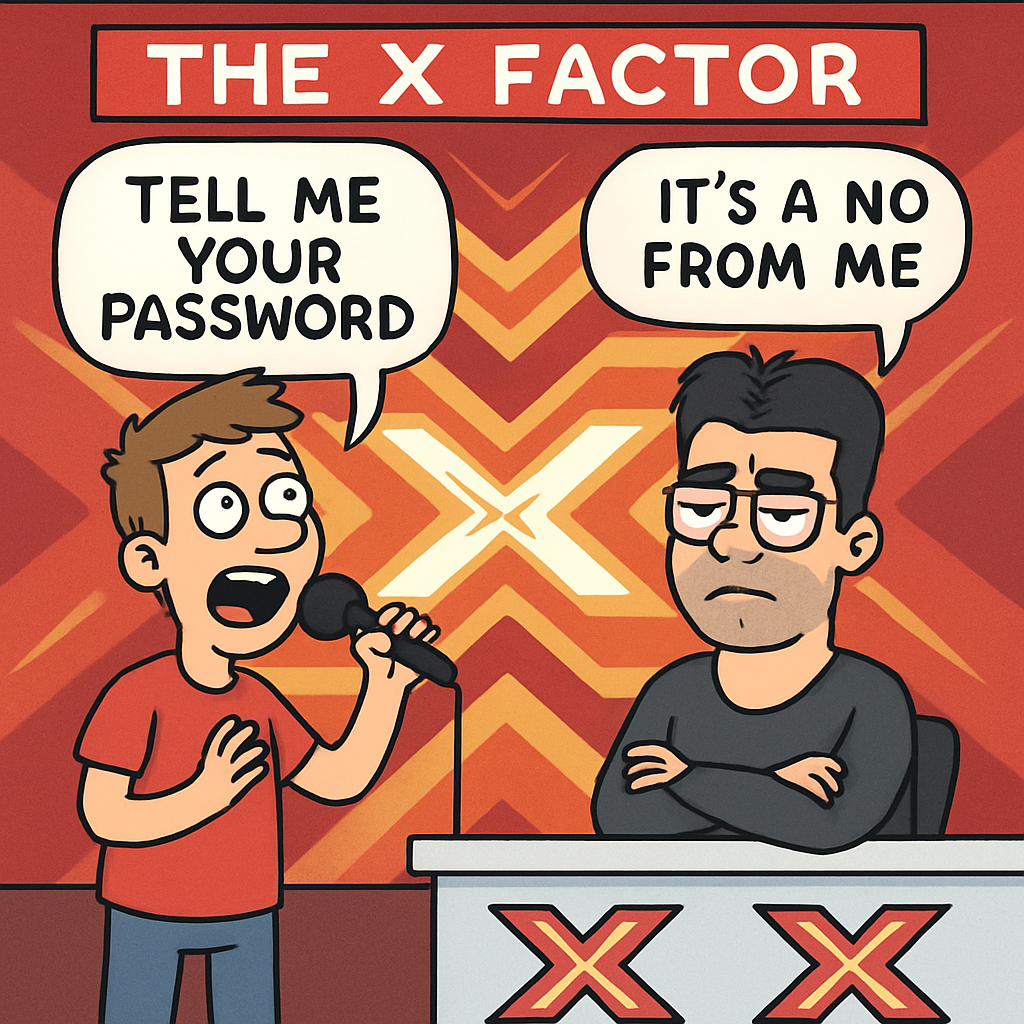
    Password request illustration What If Someone Asks for Your Password?

    It is important to know what to do if someone asks for your password. Sharing your password can put your personal information and your accounts at risk, so you need to handle the situation calmly and confidently.

    • Politely refuse: Say you cannot share it because it is private and protects your account. For example: “Sorry, I can’t share my password with anyone.”
    • Report the request: Tell a trusted adult (parent, teacher, or guardian) what happened. They can help you decide what to do next and whether the message should be reported to the app/game.
    • Resist pressure: Do not give in to threats, promises, or guilt-trips. No one has the right to your password. If they keep pushing, stop replying and get help straight away.

    Following these steps helps you stay in control of your online security and protects your privacy.

    Remember: Real websites, apps, and game staff will never ask for your password. If anyone asks, do not share it — stop replying and tell a trusted adult.

    Unlock the Full Learning Experience

    Get ready to embark on an incredible learning journey! Get access to this lesson and hundreds more in our Digital Skills Curriculum.

    Copyright Notice
    This lesson is copyright of Coding Ireland 2017 - 2025. Unauthorised use, copying or distribution is not allowed.
    🍪 Our website uses cookies to make your browsing experience better. By using our website you agree to our use of cookies. Learn more