1 - Introduction ~6 mins
Today you will
- lay out a formal letter
- write a one-page letter about your Something Real project
- save {{code:03_letter}} and a PDF copy in {{code:03_documents}}
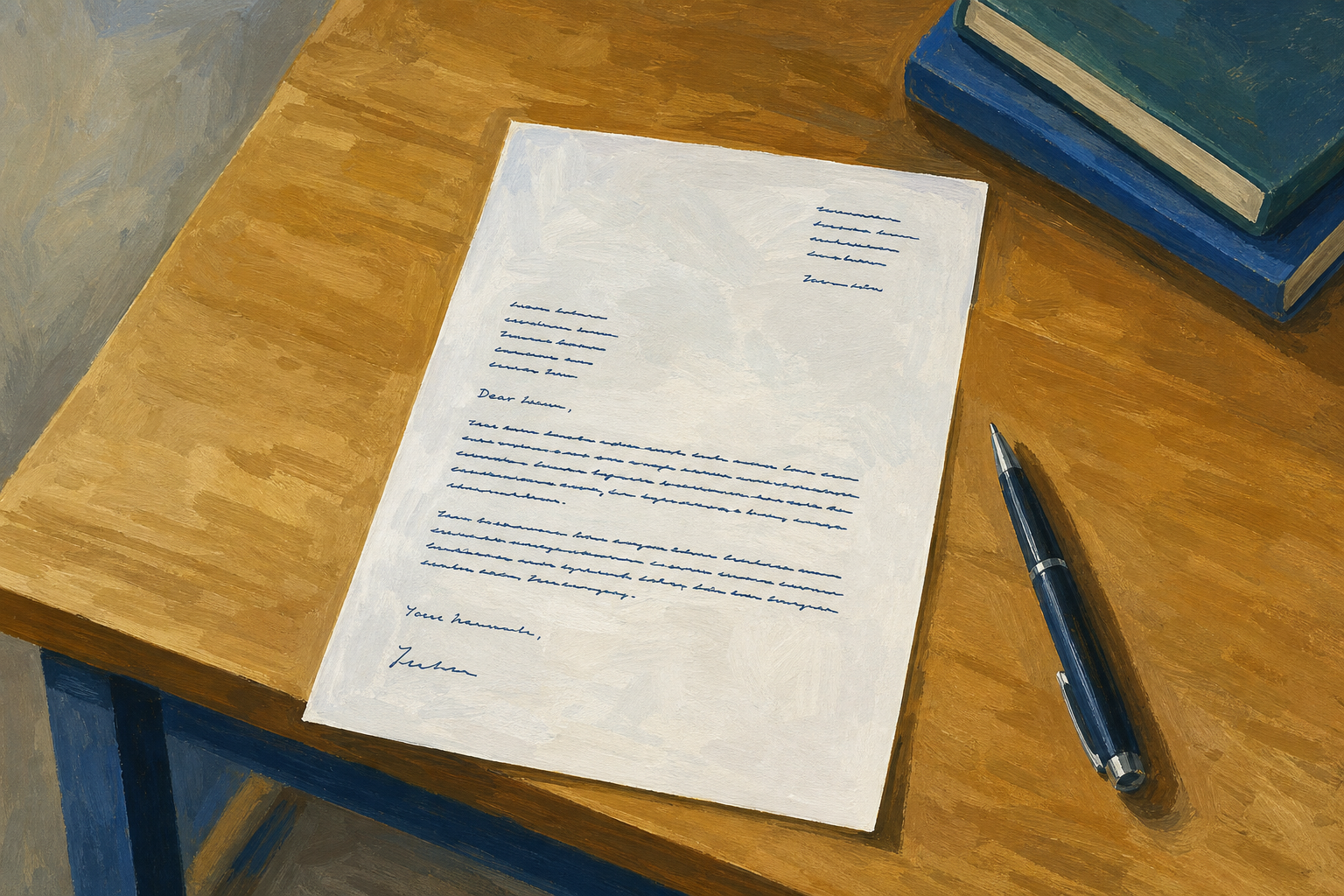 This letter is your second document for Key Assignment 1.
Warm-up
Think of one person outside this class who might read about your project. That is who you will write to today. If nobody comes to mind, pick your LCA teacher or a Work Experience supervisor.
2 - Key Concepts ~6 mins
Parts of a formal letter
- The sender address is your address. It goes at the top, with the date under it.
- The recipient is the person you are writing to, with their role and address.
- The salutation is the greeting, like "Dear Ms Byrne,".
- The sign-off is the ending. Use "Yours sincerely," when you know their name, and "Yours faithfully," after "Dear Sir or Madam,".
Say why you are writing in your first sentence, and keep it to one page.
Example: Jordan's letter
12 Oak Drive
Kilkenny
R95 AB12
15 March 2026
Ms Siobhán Byrne
Treasurer
St Mary’s GAA Club
Clubhouse Road
Kilkenny
Dear Ms Byrne,
I am writing to propose a small fundraising stall at the under-16 blitz on 12 April. I am an LCA student and I am developing a community fundraising project as part of my ICT coursework and Practical Achievement work.
The stall would sell homemade bakes and simple club stickers. I have costed materials at about €45 and, based on similar stalls at recent blitzes, I expect to raise between €120 and €180 for club funds.
I would be grateful if the committee would consider this proposal. I can meet at a time that suits you and can send a one-page plan with costs if that would help.
Yours sincerely,
Jordan Murphy
LCA Year 1
3 - Build a Formal Letter from the Sample ~18 mins
First you will copy Jordan's letter to practise the layout. Follow the steps in the box below. Use today's date, not the date in the sample.
12 Oak Drive
Kilkenny
R95 AB12
Ms Siobhán Byrne
Treasurer
St Mary’s GAA Club
Clubhouse Road
Kilkenny
Dear Ms Byrne,
I am writing to propose a small fundraising stall at the under-16 blitz on 12 April. I am an LCA student developing a community fundraising project as part of my ICT coursework.
Yours sincerely,
Jordan Murphy
LCA Year 1
4 - Quick Fixes Before You Write ~2 mins
Quick fixes
Next you will write your real letter, {{code:03_letter}}.
- If you can't find {{code:03_documents}}, open your Project Portfolio first. If the folder is missing, make it now.
- If your letter sounds like a text message, take out slang and emoji and use full sentences. Read it aloud. If you wouldn't say it to a supervisor, rewrite it.
5 - Independent Practice ~20 mins
Independent Practice
- In {{code:03_documents}}, make a new document called {{code:03_letter}}.
- At the top, type three notes: who you are writing to, what you are asking, and one real detail like a date or cost.
- Add the letter parts in order, from your address down to the sign-off.
- Turn your notes into two or three short paragraphs, then delete the notes.
- Save a PDF called {{code:03_letter.pdf}} in the same folder, then show your teacher both files.
- {{code:03_letter}} and {{code:03_letter.pdf}} are both in {{code:03_documents}}.
- My letter fits on one page and says why I am writing in the first sentence.
- It has at least one real detail, like a date, place or cost.
- My "Dear" and "Yours" match.
Sentence starters
- I am writing to ask whether ...
- I am an LCA student working on ...
- The event is on ...
- I have costed ... at about ...
- I would be grateful if you would ...
- I can meet at a time that suits you.
Unlock the full learning experience
You're previewing this lesson. Get full access to this lesson and hundreds more — each one ready to teach, with interactive activities, printable resources and pupil progress tracking built in.
This lesson is copyright of Coding Ireland 2017 - 2025. Unauthorised use, copying or distribution is not allowed.