Microbit JavaScript
Intermediate
60 mins
Teacher/Student led
+295 XP

What you need:
Chromebook/Laptop/PC

JavaScript Variables

In this lesson, you'll learn the basics of JavaScript variables as containers for data. Follow step-by-step instructions to create and manipulate variables, including numbers and strings, and complete exercises to program buttons and gestures on a Microbit.
Teacher Class Feed

Load previous activity

    1 - JavaScript Variables

    Variables are containers for storing data values and objects. For example in a game you might have a 'score' variable. At the start of the game the 'score' variable would be 0 and then each time your get a point in the game it would be added onto the 'score' variable.

    Using programming blocks, the code would look like this:

    Description Code
    Create and set up the score variable.
    let score = 0
    Add 1 to the score.
    input.onButtonPressed(Button.A, function () {
        score += 1
    })
    Show the score.
    basic.forever(function () {
        basic.showNumber(score)
    })

    Using JavaScript, the code would look like this:

    Description Code
    Create and set up the score variable.
    let score = 0
    Add 1 to the score.
    input.onButtonPressed(Button.A, function () {
        score = score + 1
    })
    Show the score.
    basic.forever(function () {
        basic.showNumber(score)
    })

    2 - Adding number variables

    In this example apples, oranges and fruit, are variables.

    let apples = 4
    let oranges = 6
    let fruit = apples + oranges

    In programming, just like in algebra, we use variables (like apples) to hold values.

    In programming, just like in algebra, we use variables in expressions (fruit = apples + oranges).

    What value will fruit be equal to?

    see the answer

    fruit will be equal to 10 (as 4 + 6 = 10).

    3 - Adding string variables

    In JavaScript we can also "add" or join strings together, this is called concatenating them.

    let firstName = "LeBron"
    let lastName = "Smith"
    let fullName = firstName + " " + lastName // join or concatenate them with a space in the middle

    In this example the fullName variable will be equal to LeBron Smith.

    4 - JavaScript Identifiers

    All JavaScript variables must be identified with unique names. These unique names are called identifiers. Identifiers can be short names (like x and y) or more descriptive names (age, firstName, country).

    The general rules for constructing names for variables (unique identifiers) are:

    • Variable names can contain letters, digits, underscores, and dollar signs.
    • Variable names must begin with a letter.
    • Variable names can also begin with $ and _.
    • Variable names are case sensitive (x and X are different variables).

    The following are examples of variables named correctly:

    let x = 10
    let X = 20
    let _age = 15
    let dateOfBirth = "8/5/2005"
    let country_name = "Mexico"
    let $height = "5 foot 7 inches"

    The following are examples of variables named incorrectly.

    let city = "London"
    let city = "Dublin"             // can't use the same name
    let age% = 15                   // can't use symbols
    let date Of Birth = "8/5/2005"  // can't have spaces

    5 - Exercise

    Now that we've learnt about JavaScript variables, let's create and use some in JavaScript code.

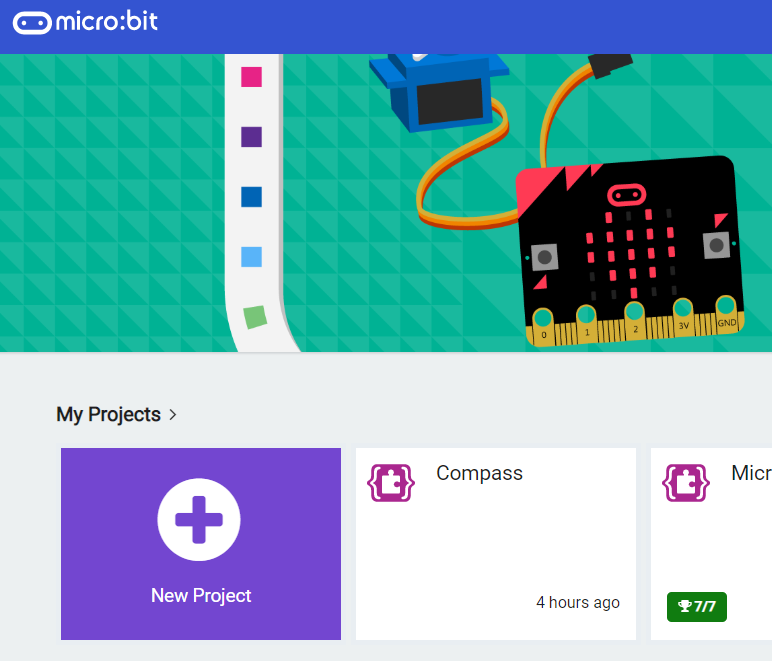
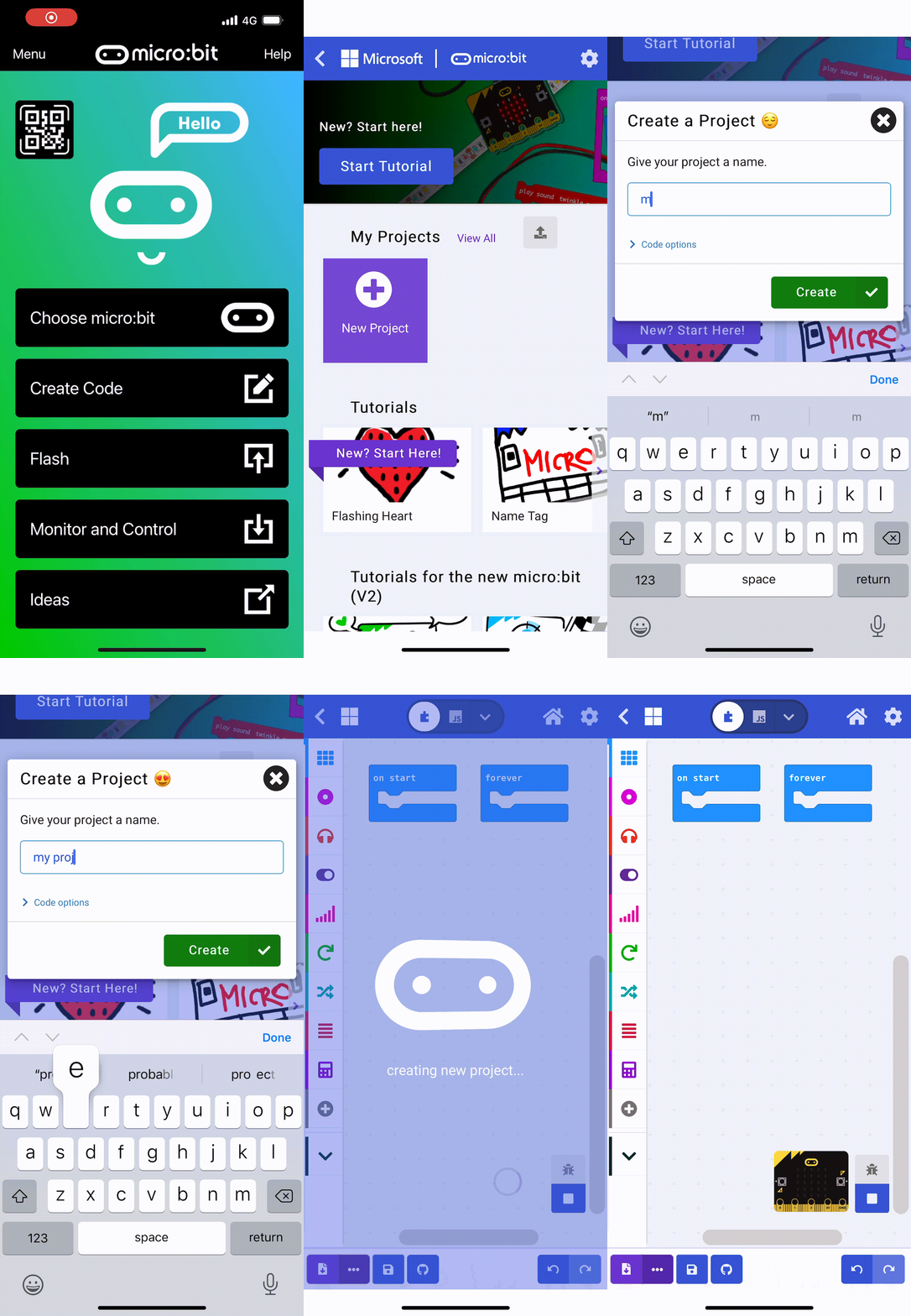
    Go to the https://makecode.microbit.org website, create a new project and switch to JavaScript instead of Blocks.

    Create the following 3 variables and store your own name and age in them.

    1. firstName
    2. lastName
    3. age

    see the code

    let firstName = "Evie"  // put in your first name
    let lastName = "Molloy" // put in your last name
    let age = 12            // put in your age
    123learn · Online learning platform

    Unlock the full learning experience

    You're previewing this lesson. Get full access to this lesson and hundreds more — each one ready to teach, with interactive activities, printable resources and pupil progress tracking built in.

    Hundreds of curriculum-aligned lessons
    Interactive activities in every lesson
    Printable resources & progress tracking
    Copyright Notice
    This lesson is copyright of Coding Ireland 2017 - 2025. Unauthorised use, copying or distribution is not allowed.
    🍪 Our website uses cookies to make your browsing experience better. By using our website you agree to our use of cookies. Learn more