Makecode Arcade
Beginner
50 mins
Teacher/Student led
+160 XP

Enemies, Lives and Debugging, Part 2

Students continue building the Space Shooter game in MakeCode Arcade, adding rockets and collision detection so the spaceship can shoot asteroids and lose lives, then predict, run and debug their code.

Teacher Class Feed

Load previous activity

    1 - Start: What We're Building ~5 mins

    Last time you started your Space Shooter and got your spaceship moving. Quick recap: how did you stop the spaceship going off the screen?

    Today you'll keep building at your device — adding asteroids, firing rockets, scoring points and losing lives. Open the project you saved earlier and we'll predict, build, run and fix as we go.

    2 - Predict Before You Run ~10 mins

    Before anyone runs anything, look at what we're about to add and commit to a prediction: when a rocket hits an asteroid, what do you think will happen on screen? And when an asteroid hits your spaceship?

    Say your prediction to your partner before you press run — we'll come back to it later.

    3 - Introduction ~3 mins

    Welcome to the Space Shooter game creation lesson! In this exciting course, you will learn how to create your very own space-themed game using MakeCode Arcade. You will control a spaceship that needs to dodge and shoot asteroids. Ready to start your space adventure? Let's dive in!


    4 - Create a New Arcade Project ~3 mins

    Go to the arcade.makecode.com website and create a new project.

    5 - Create Your Spaceship Sprite ~3 mins

    In this game you will control a spaceship that has to dodge and shoot asteroids that come flying at it.

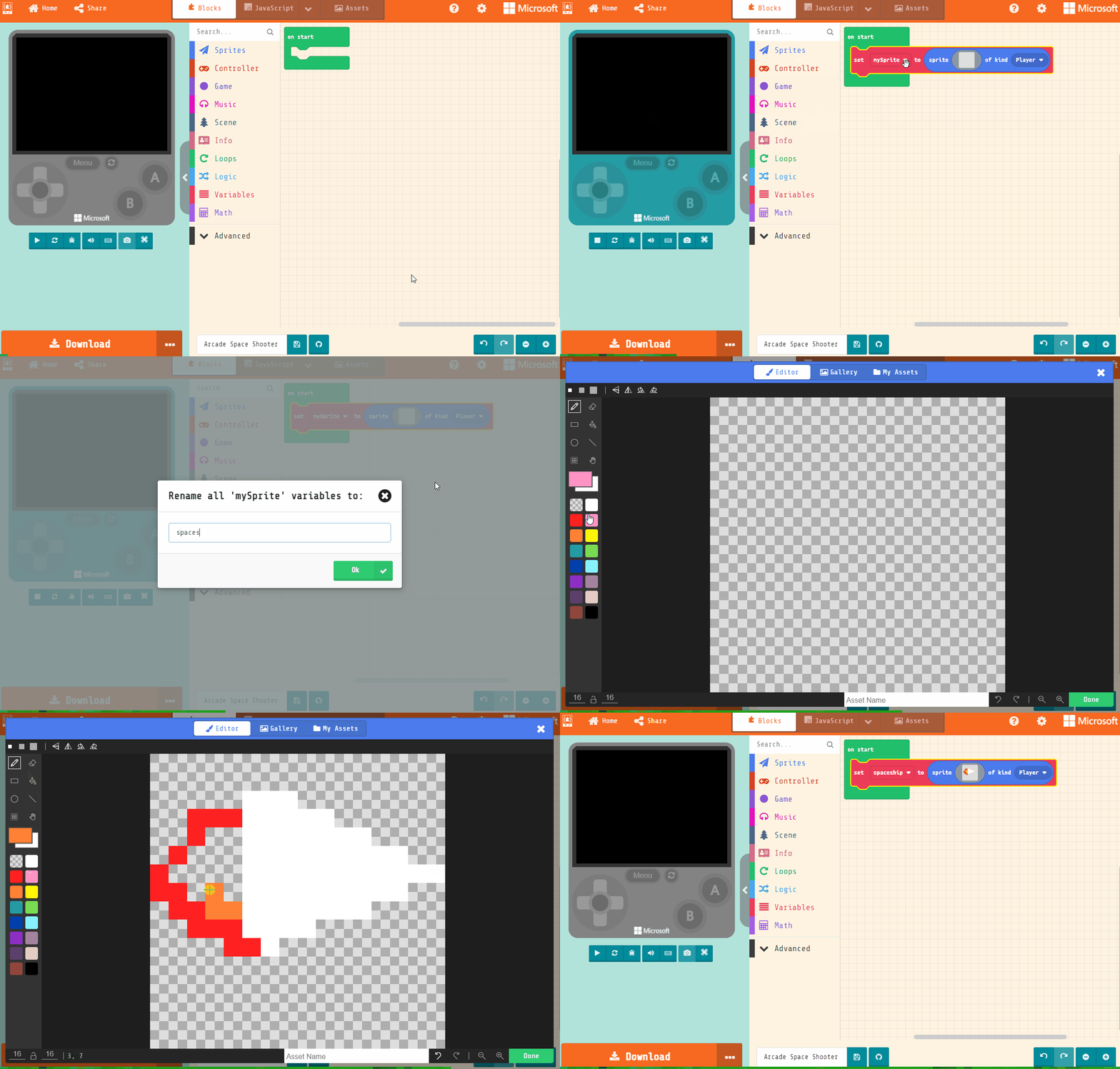
    Add the following code to create the spaceship sprite and use the sprite editor to design your spaceship. It should point towards the right as that's where the asteroids will be coming from.

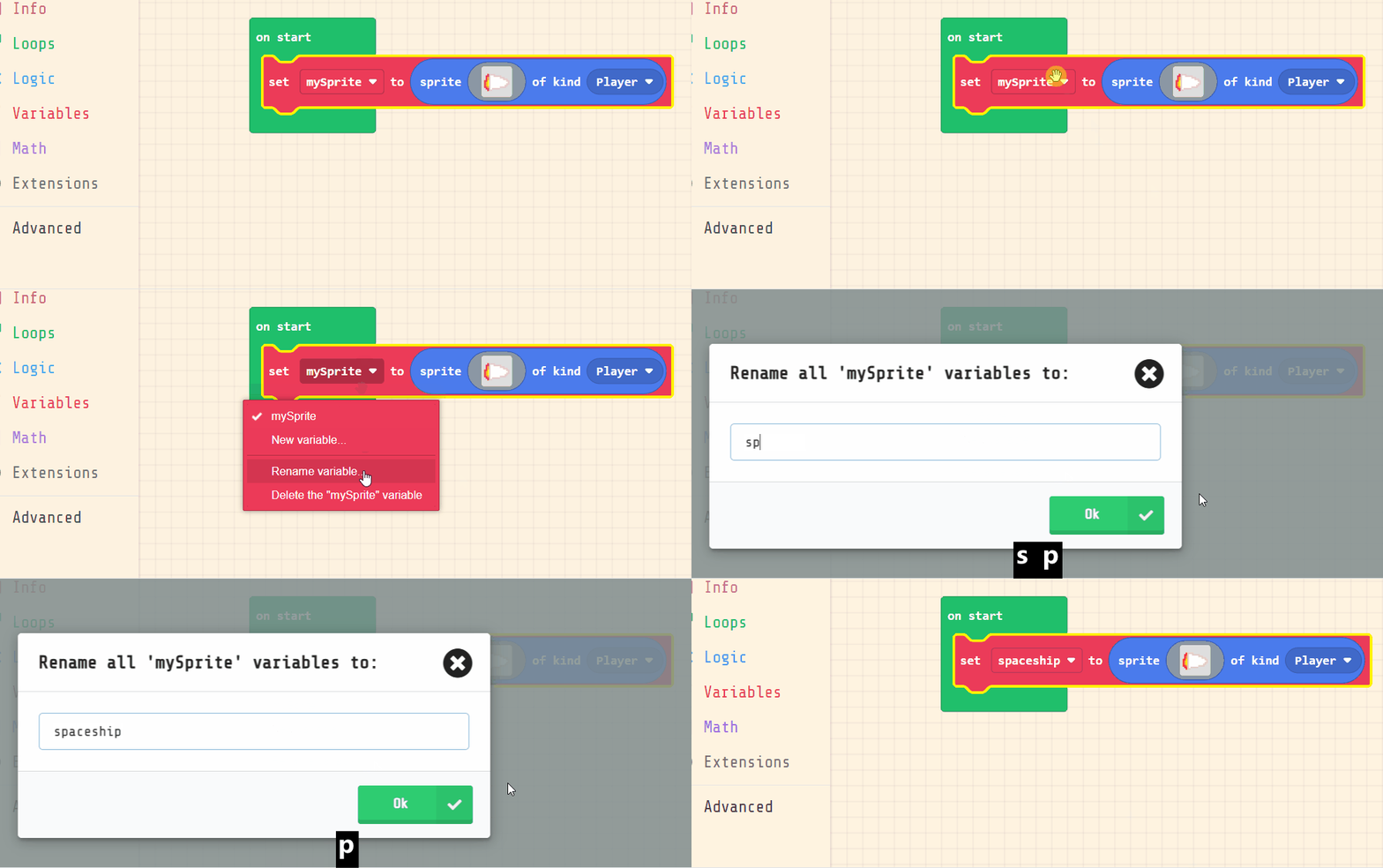
    Rename your sprite to spaceship.

    let spaceship = sprites.create(img`
        . . . . . . . . . . . . . . . . 
        . . . . . . . . . . . . . . . . 
        . . . . . d d d . . . . . . . . 
        . . 2 2 2 1 1 1 d d . . . . . . 
        . . 2 4 4 1 1 1 1 1 d d . . . . 
        . 2 4 4 5 1 1 1 1 1 1 1 d d . . 
        2 4 4 5 5 1 1 1 1 1 1 1 1 1 d d 
        2 2 4 4 5 1 1 1 1 1 1 1 d d . . 
        . 2 2 4 4 1 1 1 1 d d d . . . . 
        . . 2 2 2 d d d d . . . . . . . 
        . . . . 2 d d . . . . . . . . . 
        . . . . . . . . . . . . . . . . 
        . . . . . . . . . . . . . . . . 
        . . . . . . . . . . . . . . . . 
        . . . . . . . . . . . . . . . . 
        . . . . . . . . . . . . . . . . 
        `, SpriteKind.Player)


    123learn · Online learning platform

    Unlock the full learning experience

    You're previewing this lesson. Get full access to this lesson and hundreds more — each one ready to teach, with interactive activities, printable resources and pupil progress tracking built in.

    Hundreds of curriculum-aligned lessons
    Interactive activities in every lesson
    Printable resources & progress tracking
    Copyright Notice
    This lesson is copyright of Coding Ireland 2017 - 2025. Unauthorised use, copying or distribution is not allowed.
    🍪 Our website uses cookies to make your browsing experience better. By using our website you agree to our use of cookies. Learn more