Teacher Training
Beginner
20 mins
Teacher/Student led
+110 XP
What you need:
Chromebook/Laptop/PC

Classroom Equipment

In this lesson, you will learn about the necessary equipment required for teaching coding lessons in a classroom environment and how to manage and care for these resources.

Teacher Class Feed

Load previous activity

    1 - Understanding the Equipment

    Teaching coding requires specific equipment and software that should be readily available in the classroom or at home.

    As a teacher, you need to be familiar with these tools and be able to troubleshoot if necessary. This includes understanding the basic hardware such as computers, projectors, and interactive whiteboards.


    2 - Teacher & Student Equipment

    In this step, we will understand the different types of equipment required for both teachers and students in a coding classroom.

    Teacher Equipment

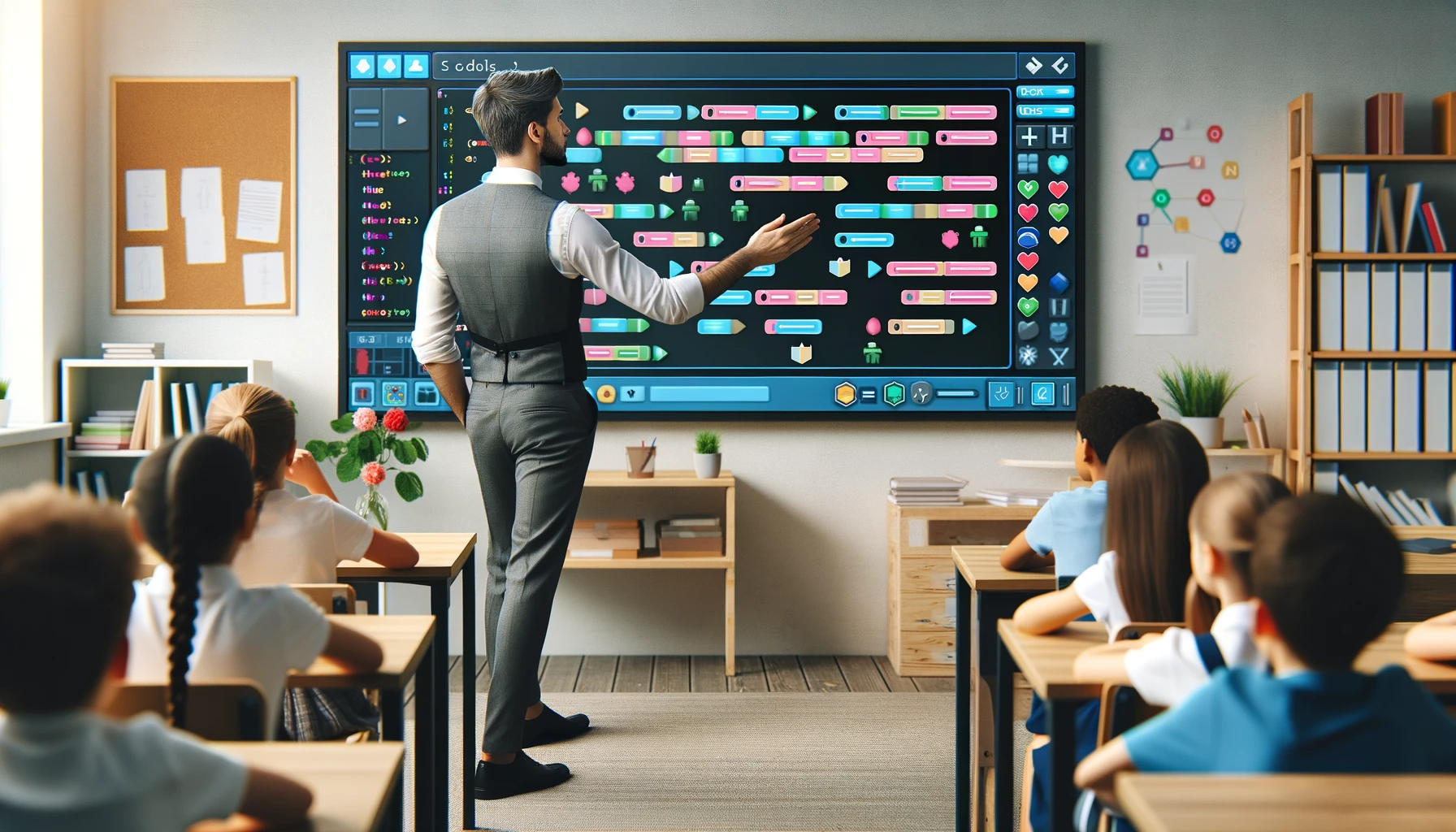
    1. As a teacher, you will need a large screen display. This could be an interactive display, a projector or a large monitor. This is to ensure that all students can see the content you are presenting.
    2. You will also need a computer or laptop with a web browser installed. This will be your primary tool for creating and presenting content.
    3. Lastly, a printer might be necessary for printing out worksheets or other physical materials for the students.

    Student Equipment

    1. Each student will need a computer, laptop, or chromebook with a web browser installed. This will be their primary tool for learning and practicing coding. For younger students (under the age of 8), tablets or iPads may be more suitable as they are more user-friendly and easier to handle.

    It's important to note that the specific requirements might vary depending on the coding platform or language being taught. Always check the requirements of the software you are using.

    Coding Ireland recommends that if possible, students use laptops/chromebooks or PCs for coding lessons as they are easier to use, have a physical keyboard and often require less setup than a tablet/iPad.


    3 - Internet Connectivity

    Internet connectivity is a crucial aspect of teaching coding lessons. Both the teacher's and the students' computers need to be connected to the internet. This will allow access to necessary websites and online resources. 


    4 - Preparing the Equipment

    Before the class begins, ensure all computers and other necessary equipment are ready for use. This includes checking that all computers are fully charged, powered on, and connected to the internet. Also, ensure that any required software or applications are installed and functioning properly.

    This preparation will allow you to maximize the amount of time spent on teaching and learning, rather than dealing with technical issues during the class.

    Additionally, it's a good practice to have a backup plan in case of any unexpected technical issues. This could include having spare equipment or alternative activities that do not require computers.

    The more students can do in terms of starting and preparing the equipment the better. Although there might be a learning curve for the first few lessons, once students get used to starting the computer and opening up the necessary website, the amount of preparation time will reduce.

    5 - Sharing the Equipment

    In a classroom setting, it's common to have more students than computers. To ensure everyone gets a chance to learn and practice, you can implement strategies such as pair programming or group work.

    Pair programming involves two or more students working together on one computer. They can take turns coding and reviewing each other's work, promoting teamwork and peer learning.

    Group work involves splitting the class into smaller groups, each taking turns using the available computers.

    This not only maximizes the use of resources but also encourages collaboration and discussion among students. Remember, the goal is to make sure every student gets the opportunity to learn and apply their coding skills.


    Unlock the Full Learning Experience

    Get ready to embark on an incredible learning journey! Get access to this lesson and hundreds more on our learning platform.

    Copyright Notice
    This lesson is copyright of Coding Ireland 2017 - 2025. Unauthorised use, copying or distribution is not allowed.
    🍪 Our website uses cookies to make your browsing experience better. By using our website you agree to our use of cookies. Learn more