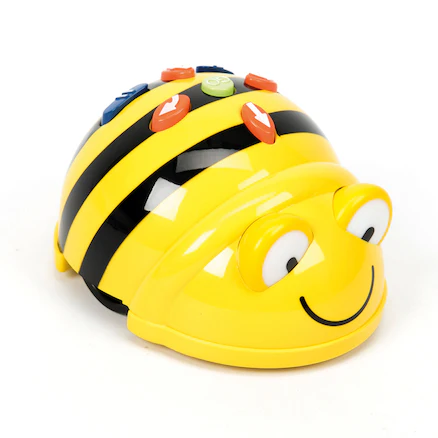
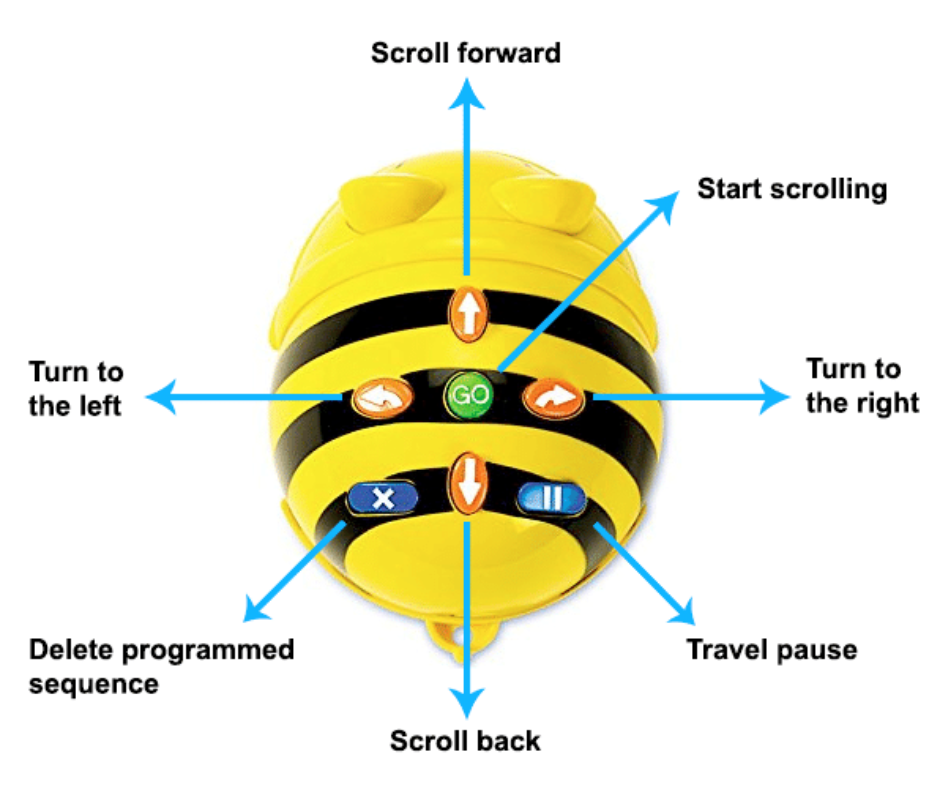
Next play the following direction games with your students, using your IWB/projector or large screen. This engaging activity will help students start to understand how the Bee-Bots work and how we can give them different instructions.
How to Play
Introduce the game:
"Now, we're going to play a direction game. In this game, we'll take turns to give the ladybird instructions to get them to the target."
Demonstrate the game:
Start playing:
Now try playing the game again with your students but this time with colours.
Begin by gathering your students in a circle. Show them a Bee-Bot and explain its parts. Focus particularly on the forward and backward buttons, emphasising how each button corresponds to a specific movement.
Explain that the Bee-Bot will be moving to different numbers on this line, and they will learn how to give instructions to make the Bee-Bot move correctly.
Place the Bee-Bot at the starting number, such as 0, on the number line. Demonstrate how to make the Bee-Bot move forward by pressing the forward button twice and pressing the 'Go' button, moving the Bee-Bot to the number 2.
Then, demonstrate how to make the Bee-Bot move backward by pressing the backward button once, moving the Bee-Bot to the previous number.
Invite a few students to come forward and try giving the Bee-Bot commands. Start with simple instructions, such as moving forward two steps or backward one step.
Make sure they clear the code before giving new commands.
You're previewing this lesson. Get full access to this lesson and hundreds more — each one ready to teach, with interactive activities, printable resources and pupil progress tracking built in.