Scratch
Beginner
40 mins
Teacher/Student led
+75 XP
What you need:
Chromebook/Laptop/PC or iPad/Tablet

Animal Sounds

In this lesson we will learn how to use the sound blocks to play different sounds in our project. When you click on each animal it will play a different sound!
Teacher Notes Lesson Files

Teacher Class Feed

Load previous activity

    1 - Create a new Scratch project

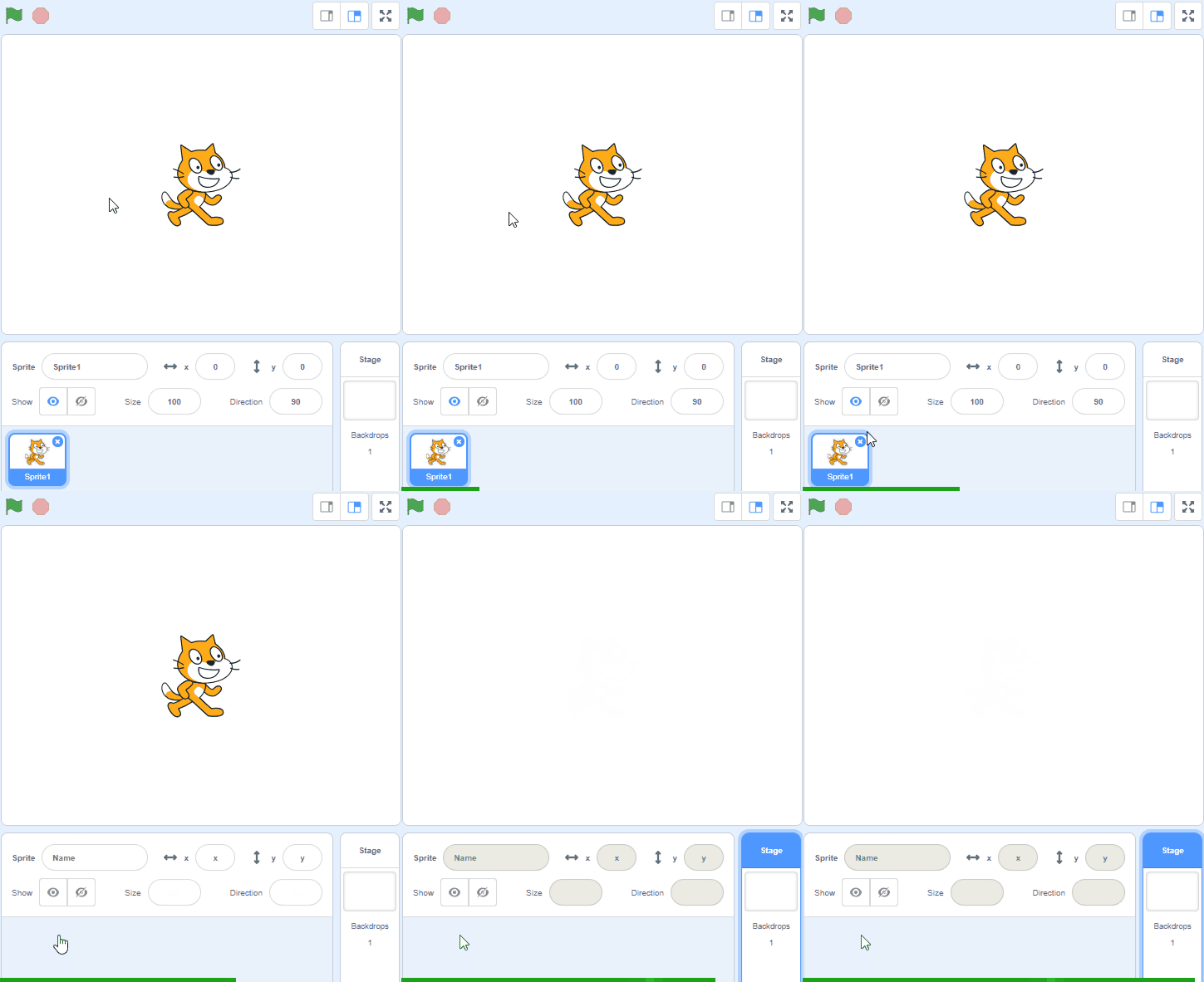
    Open the Scratch website using the link below and create a new Scratch project (do not delete the cat sprite as we'll be using it in our project).

    https://scratch.mit.edu

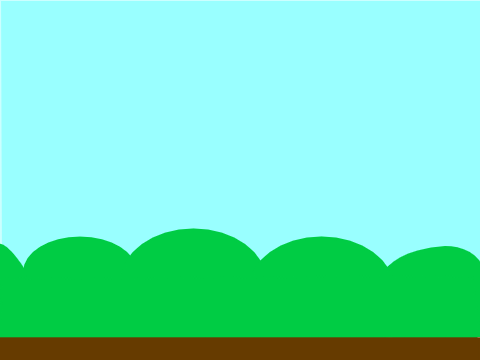
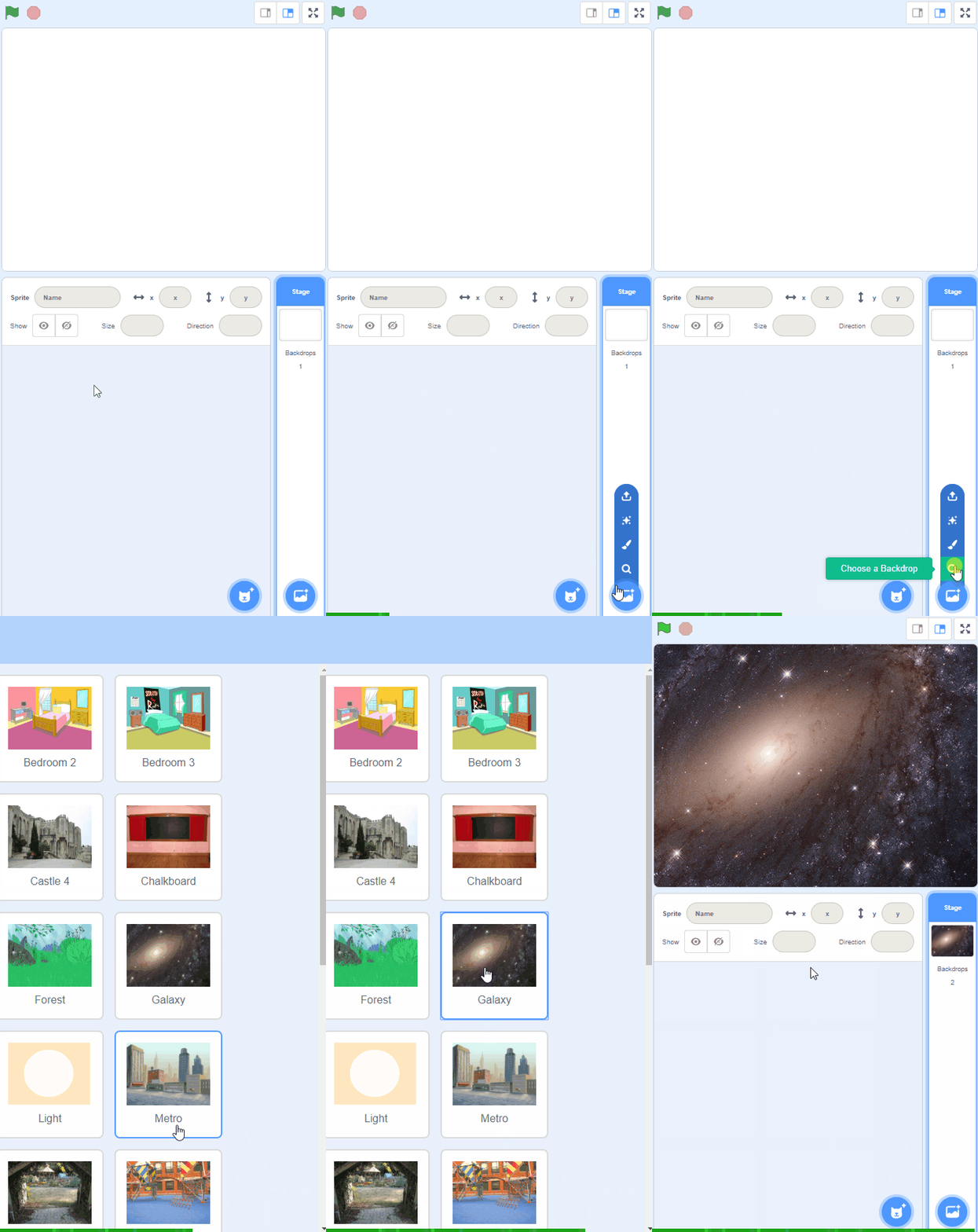
    2 - Add the Blue Sky backdrop

    Add the Blue Sky backdrop from the backdrop library.


    3 - Add a sound to the cat

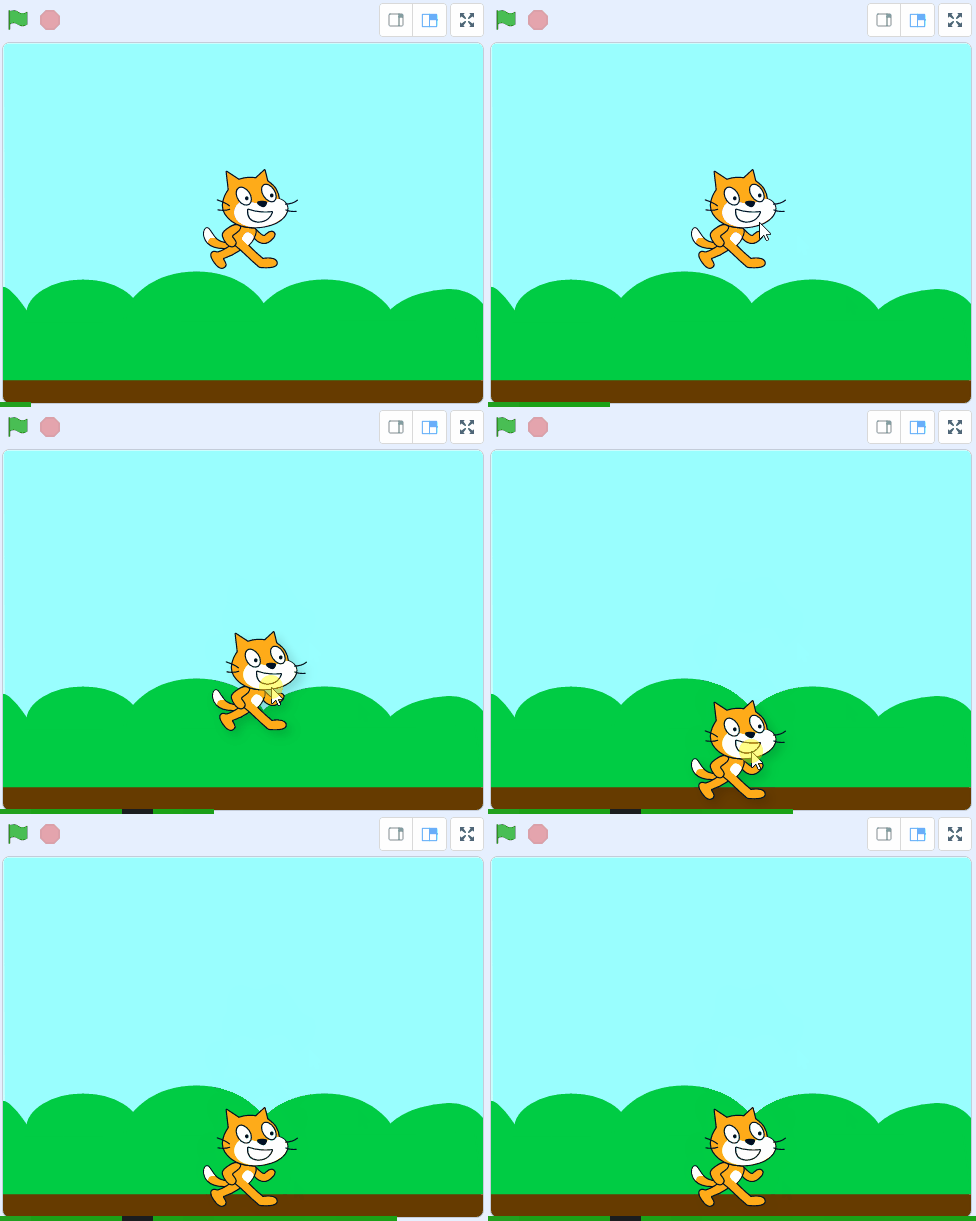
    Now that we've added a backdrop, drag the cat down onto the ground.

    Next we'll give the cat some instructions so that when you click on the cat, it will make a meow sound. Add the following code to the cat:

    when this sprite clicked start sound [meow v]

    Click on the cat and test that the sound works!

    The start sound [meow] block will automatically have the 'meow' sound selected. Some sprites, such as the cat, come with their own sounds.

    4 - Add a dog sprite and give it a sound

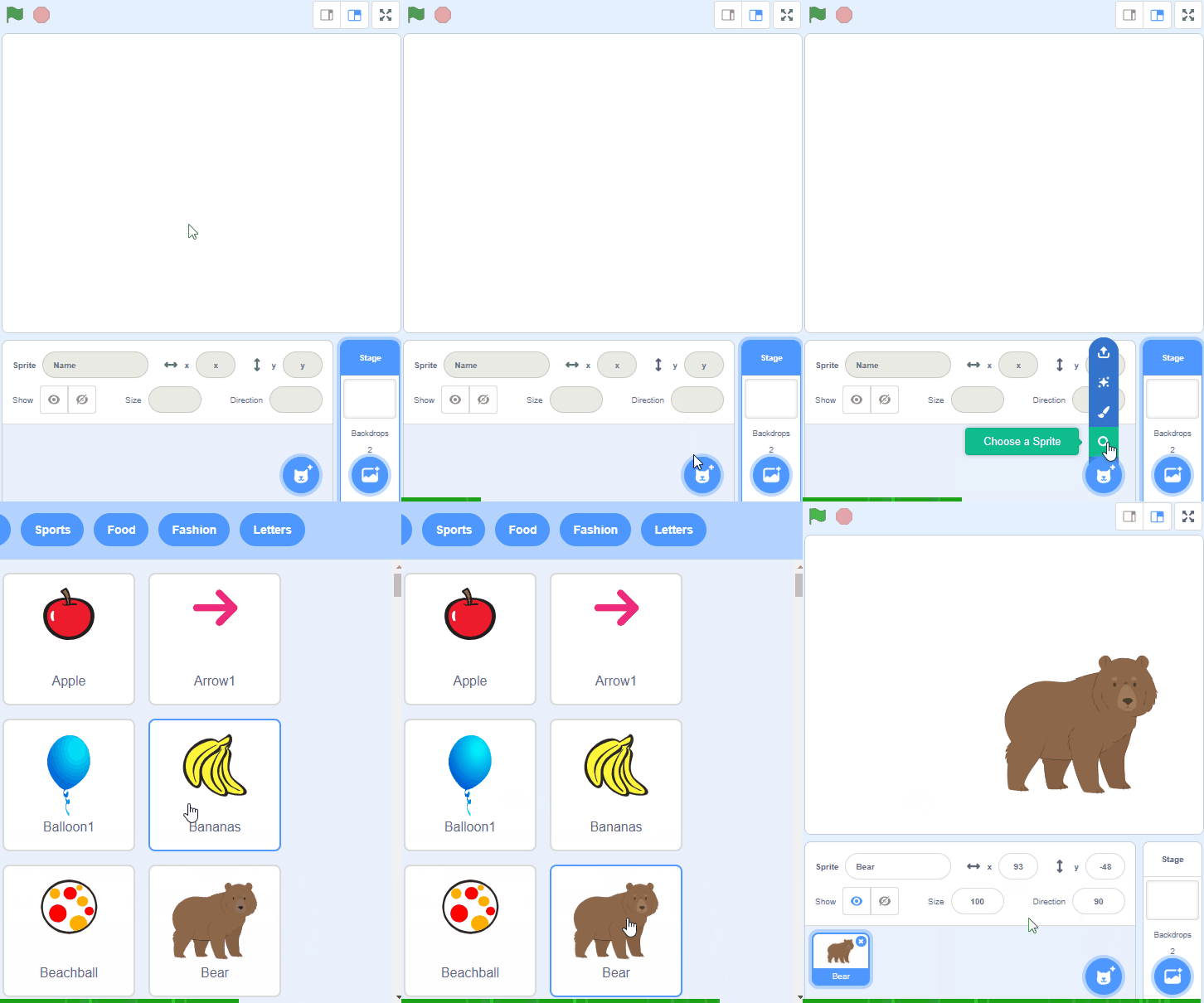
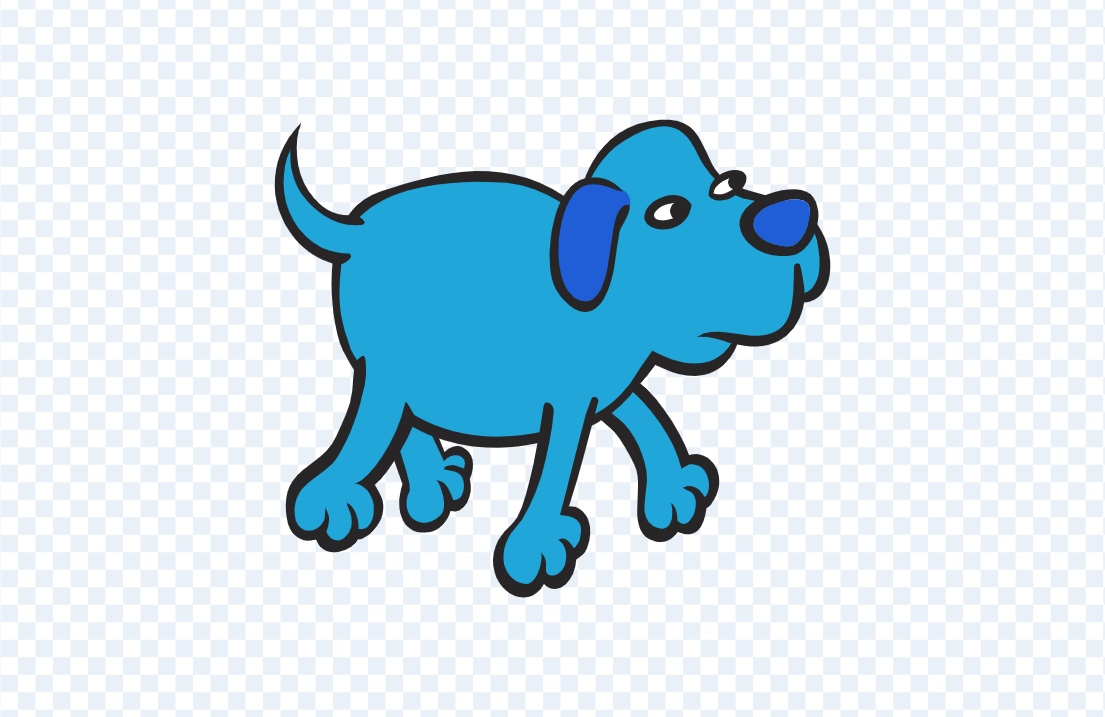
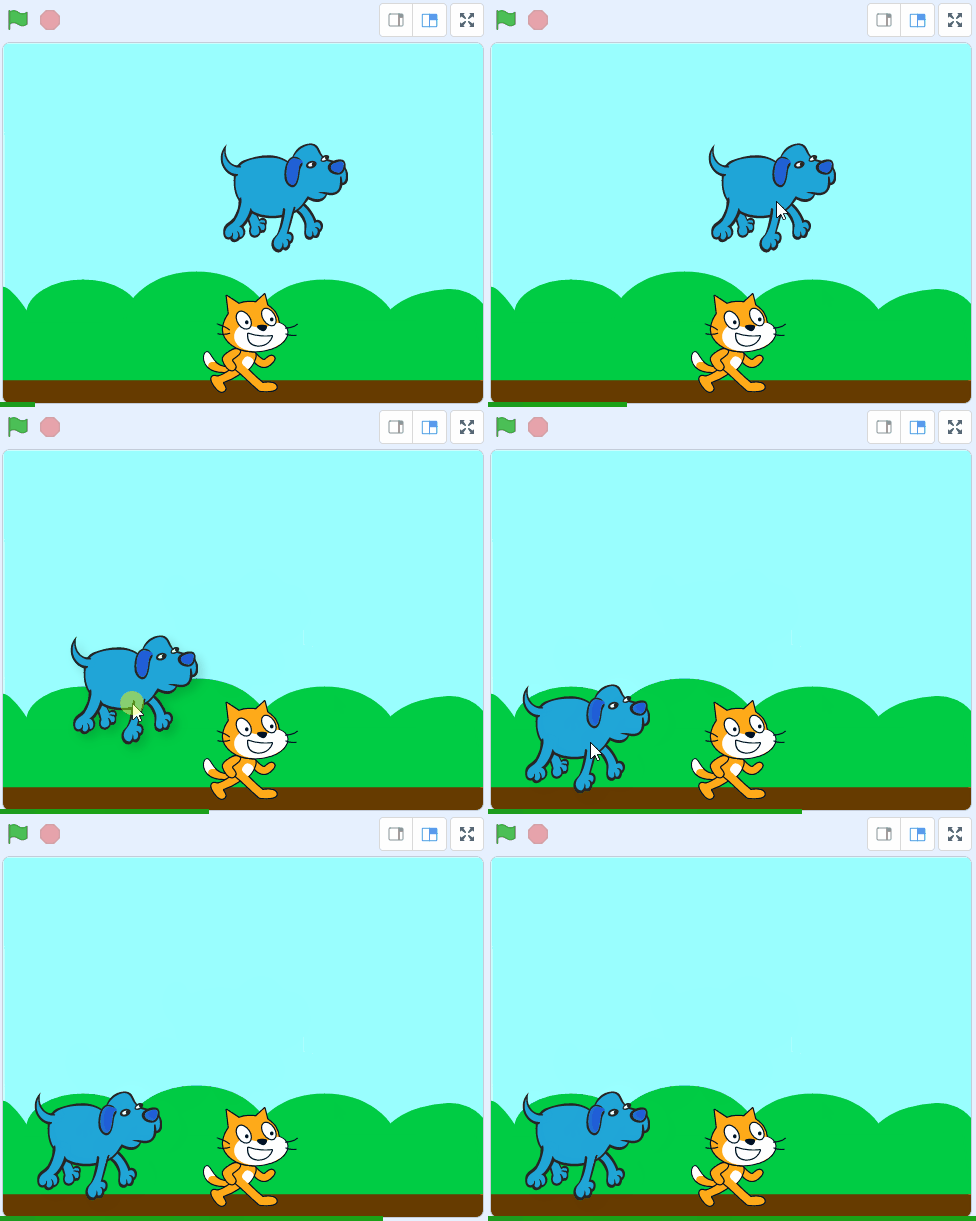
    Next we're going to add the Dog 2 sprite from the sprite library and then give him some code to make a sound when you click him.

    Drag the dog to the bottom left and then give him some instructions so that when you click on the dog, it will make a woof sound. Add the following code to the dog sprite.

    when this sprite clicked start sound [dog1 v]

    Click on the dog and test that the sound works!


    5 - Add a parrot sprite and give it a sound

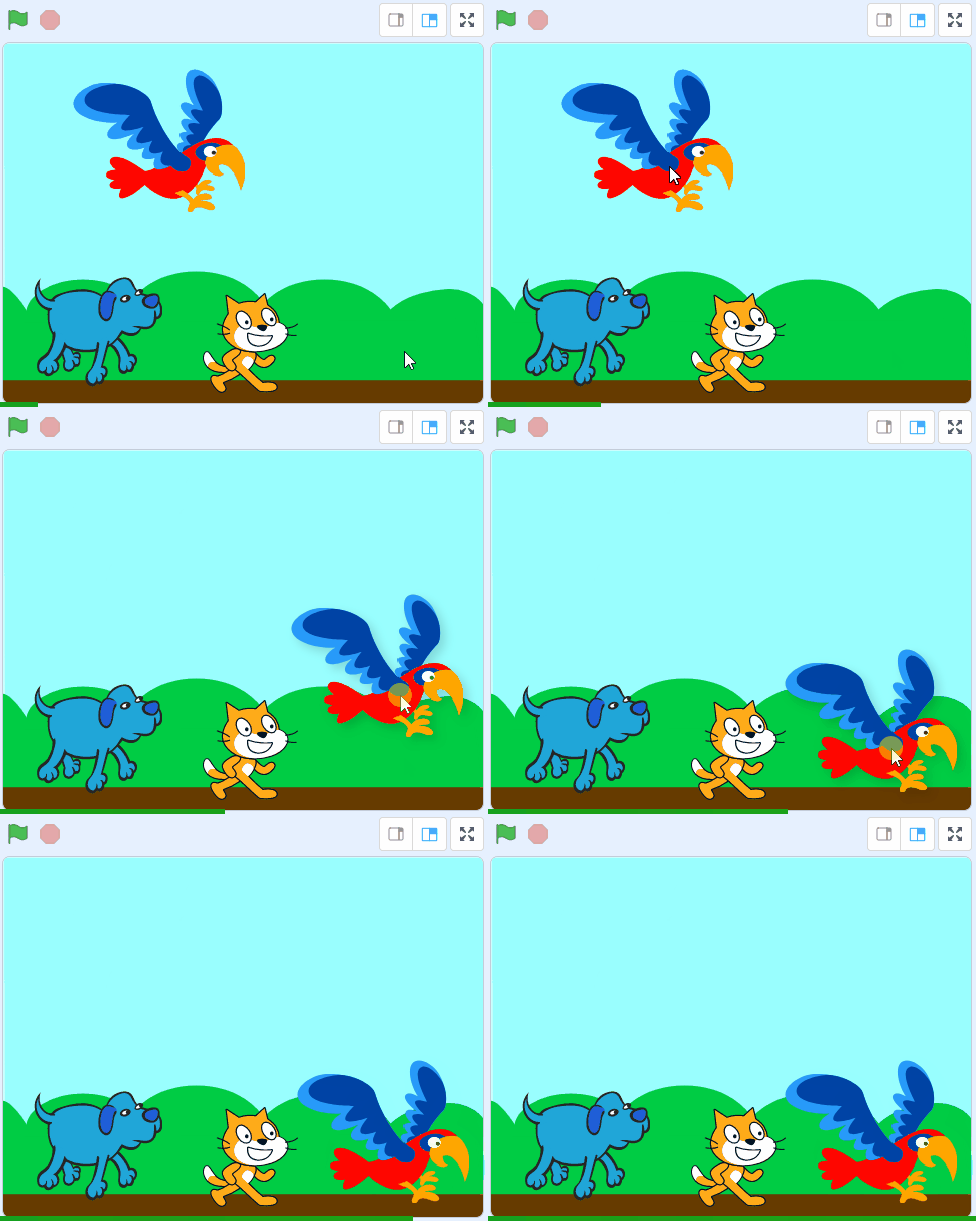
    Next we're going to add a parrot from the sprite library and then give her some code to make a sound when you click her.

    Drag the parrot to the bottom right and then give her some instructions so that when you click on the parrot, it will make a bird chirping sound. Add the following code to the parrot:

    when this sprite clicked start sound [bird v]

    Click on the parrot and test that the sound works!


    Unlock the Full Learning Experience

    Get ready to embark on an incredible learning journey! Get access to this lesson and hundreds more in our Digital Skills Curriculum.

    Copyright Notice
    This lesson is copyright of Coding Ireland 2017 - 2025. Unauthorised use, copying or distribution is not allowed.

    Scratch is developed by the Lifelong Kindergarten Group at the MIT Media Lab. It is available for free at https://scratch.mit.edu
    🍪 Our website uses cookies to make your browsing experience better. By using our website you agree to our use of cookies. Learn more