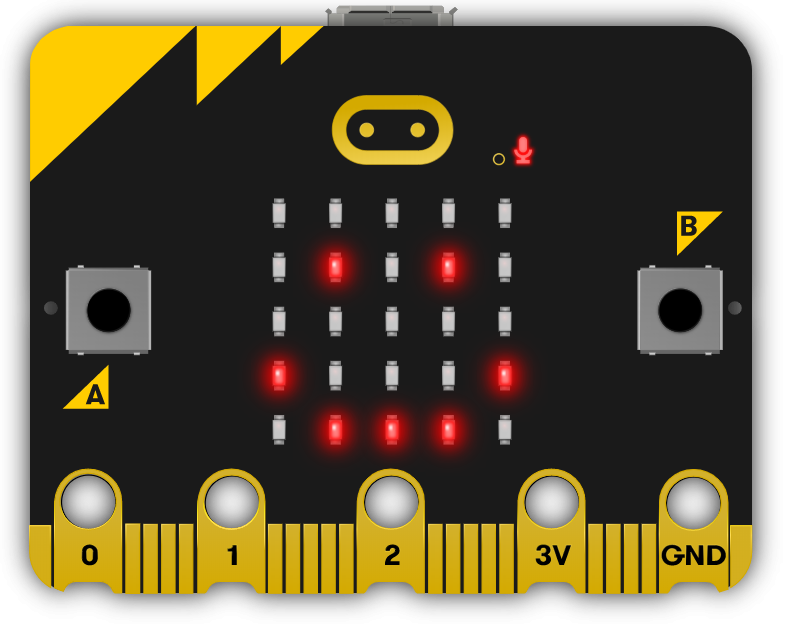
This module introduces students to the world of microbits, pocket-sized programmable computers. Teachers should prepare to guide students through creating projects, writing code, and programming their microbits to perform various tasks. The module encourages critical thinking and creativity, with lessons ranging from creating a 'Bop It' game to a Seismic and Meteorological Station. Teachers should ensure students understand the coding concepts and provide assistance as needed.
Read more


Explore the Course

Click any lesson to preview it

This module introduces students to the world of programmable microcomputers through practical, engaging lessons. Learners will explore coding fundamentals, sensor applications, and game development using the MakeCode platform and Scratch. Hands-on projects foster creativity, problem-solving, and real-world tech connections, catering to varying skill levels with tailored support.

Exploring Microbits Quiz Beginner
Microbit Sensor Graphs Quiz Challenge Beginner
Exactly 11 Quiz Challenge Intermediate
Microbit Bop It Game Quiz Challenge Intermediate
Microbit Voting System Quiz Challenge Intermediate
Microbit Paddle Ball Quiz Challenge Intermediate
Microbit Zombies Quiz Challenge Advanced
Microbit Lab Advanced

This module introduces students to the world of programmable microcomputers through practical, engaging lessons. Learners will explore coding fundamentals, sensor applications, and game development using the MakeCode platform and Scratch. Hands-on projects foster creativity, problem-solving, and real-world tech connections, catering to varying skill levels with tailored support.

Exploring Microbits Quiz Beginner
Microbit Sensor Graphs Quiz Challenge Beginner
Exactly 11 Quiz Challenge Intermediate
Microbit Bop It Game Quiz Challenge Intermediate
Microbit Voting System Quiz Challenge Intermediate
Microbit Paddle Ball Quiz Challenge Intermediate
Microbit Zombies Quiz Challenge Advanced
Microbit Lab Advanced

Curriculum Mapping

See exactly how this course maps to official curriculum specifications

Curriculum Area
Outcomes
Nature of STEM
S1.4.1
Living things
S2.4.1 S2.4.2 S2.4.3
Materials
S3.4.1 S3.4.2 S3.4.3
Energy and forces
S4.4.1 S4.4.2 S4.4.3
Technology
S5.4.1 S5.4.2 S5.4.3
Engineering
S6.4.1

What Students Will Learn

Learning Goals

  1. Master the basics of microbits, including creating projects, writing and deleting code, and programming microbits to perform various tasks.
  2. Understand and utilise the different sensors in microbits, and interpret their responses to various inputs.
  3. Develop the ability to create interactive games using microbits, incorporating elements such as time constraints and randomised actions.
  4. Design and implement a microbit voting system, demonstrating an understanding of security considerations in system design.
  5. Apply knowledge of microbits to control external applications, such as a Scratch Paddle Ball game.
  6. Create a multi-device IoT network using microbits, programming each device to perform specific functions and communicate wirelessly with others.
  7. Develop a multiplayer game using microbits, demonstrating an understanding of proximity-based interactions and health value mechanics.

Learning Outcomes

  1. Programme a microbit to display messages, react to button presses, show icons, play melodies, and respond to movement.
  2. Investigate and utilise the different sensors of a microbit to respond to various inputs.
  3. Develop a microbit game that requires precise timing and understanding of the device's capabilities.
  4. Create a multi-player game using microbit, incorporating random image display and corresponding actions.
  5. Design and implement a microbit voting system, including casting votes, tallying, and resetting the system.
  6. Control a Scratch Paddle Ball game using a microbit by tilting it to the left and right.
  7. Construct a multi-device IoT network using microbits to monitor and display temperature, light levels, and seismic activity.
  8. Develop a multiplayer game that simulates a zombie virus spreading among microbits, requiring multiple people and devices.

What You'll Need

Student Devices

Students will need one of these devices. Students can share in groups of 2-3 if necessary.

Chromebook/Laptop/PC
Required Equipment

Equipment used in some of the lessons in this course. Items can be shared among students.

Microbit
Microbit

Ready to bring this course to your school?

Get in touch to discuss pricing and ordering for your school.

Ready to get started?
Pricing & Ordering Contact Us
🍪 Our website uses cookies to make your browsing experience better. By using our website you agree to our use of cookies. Learn more